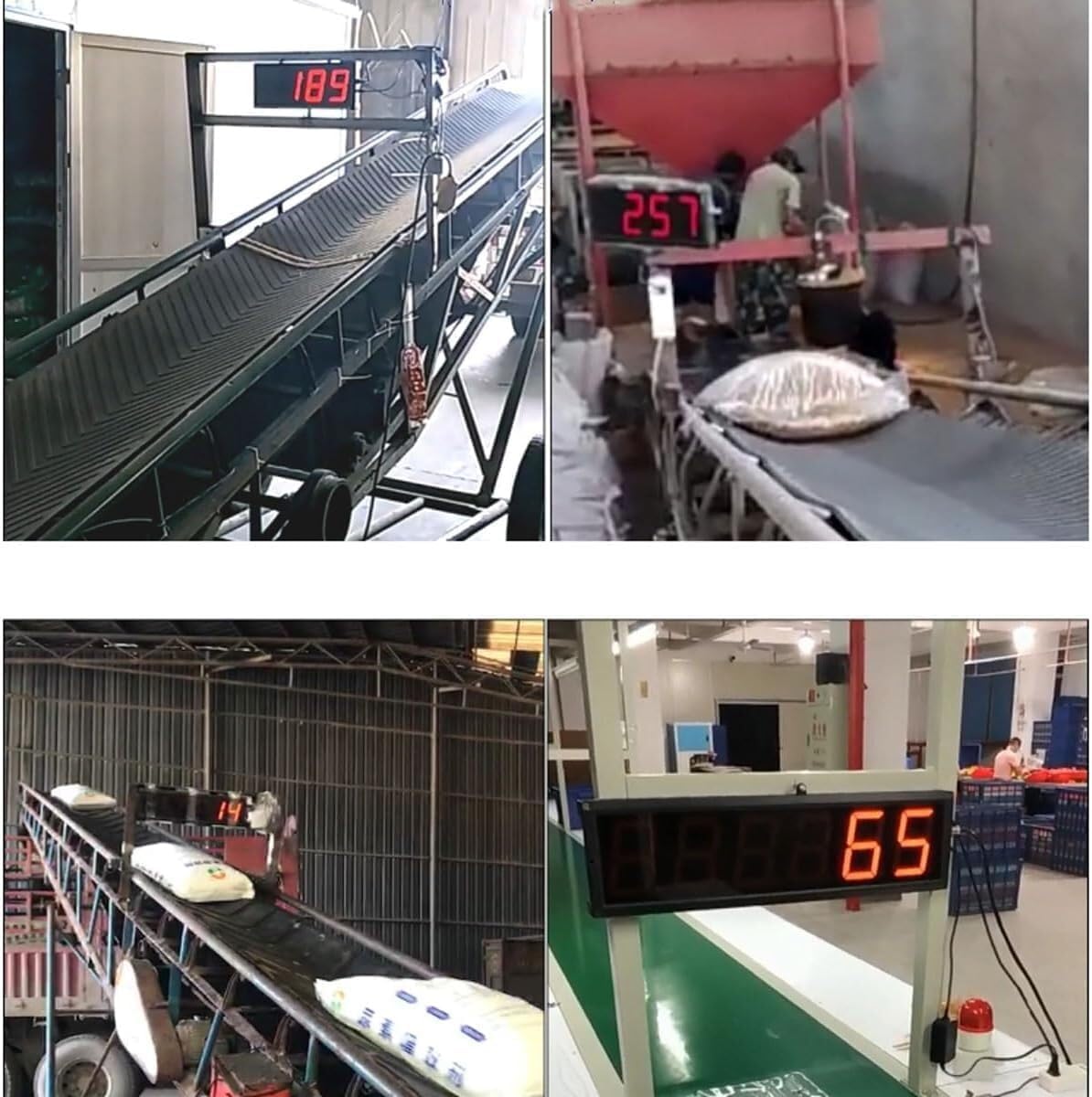

Home / Digital Counter Led Production Line Counting Screen, Foot Pedal Red Display 0-9999 4 Digits, for Factories, Assembly Lines, Airports, and Stations, Breeding Farm, Conveyor Belt
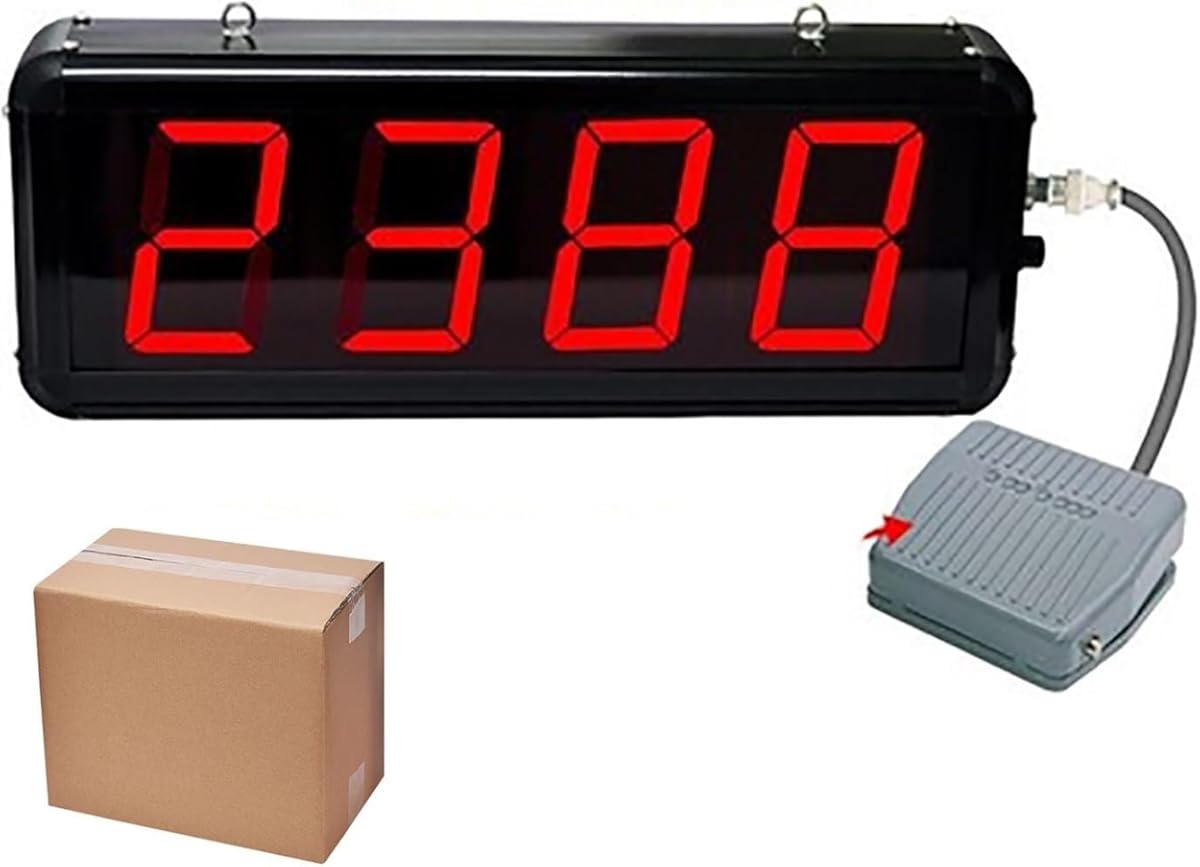
  • Digital Counter Led Production Line Counting Screen, Foot Pedal Red Display 0-9999 4 Digits, for Factories, Assembly Lines, Airports, and Stations, Breeding Farm, Conveyor Belt
  • Digital Counter Led Production Line Counting Screen, Foot Pedal Red Display 0-9999 4 Digits, for Factories, Assembly Lines, Airports, and Stations, Breeding Farm, Conveyor Belt
  • Digital Counter Led Production Line Counting Screen, Foot Pedal Red Display 0-9999 4 Digits, for Factories, Assembly Lines, Airports, and Stations, Breeding Farm, Conveyor Belt
  • Digital Counter Led Production Line Counting Screen, Foot Pedal Red Display 0-9999 4 Digits, for Factories, Assembly Lines, Airports, and Stations, Breeding Farm, Conveyor Belt
  • Digital Counter Led Production Line Counting Screen, Foot Pedal Red Display 0-9999 4 Digits, for Factories, Assembly Lines, Airports, and Stations, Breeding Farm, Conveyor Belt
  • Digital Counter Led Production Line Counting Screen, Foot Pedal Red Display 0-9999 4 Digits, for Factories, Assembly Lines, Airports, and Stations, Breeding Farm, Conveyor Belt
  • Digital Counter Led Production Line Counting Screen, Foot Pedal Red Display 0-9999 4 Digits, for Factories, Assembly Lines, Airports, and Stations, Breeding Farm, Conveyor Belt
  • Digital Counter Led Production Line Counting Screen, Foot Pedal Red Display 0-9999 4 Digits, for Factories, Assembly Lines, Airports, and Stations, Breeding Farm, Conveyor Belt

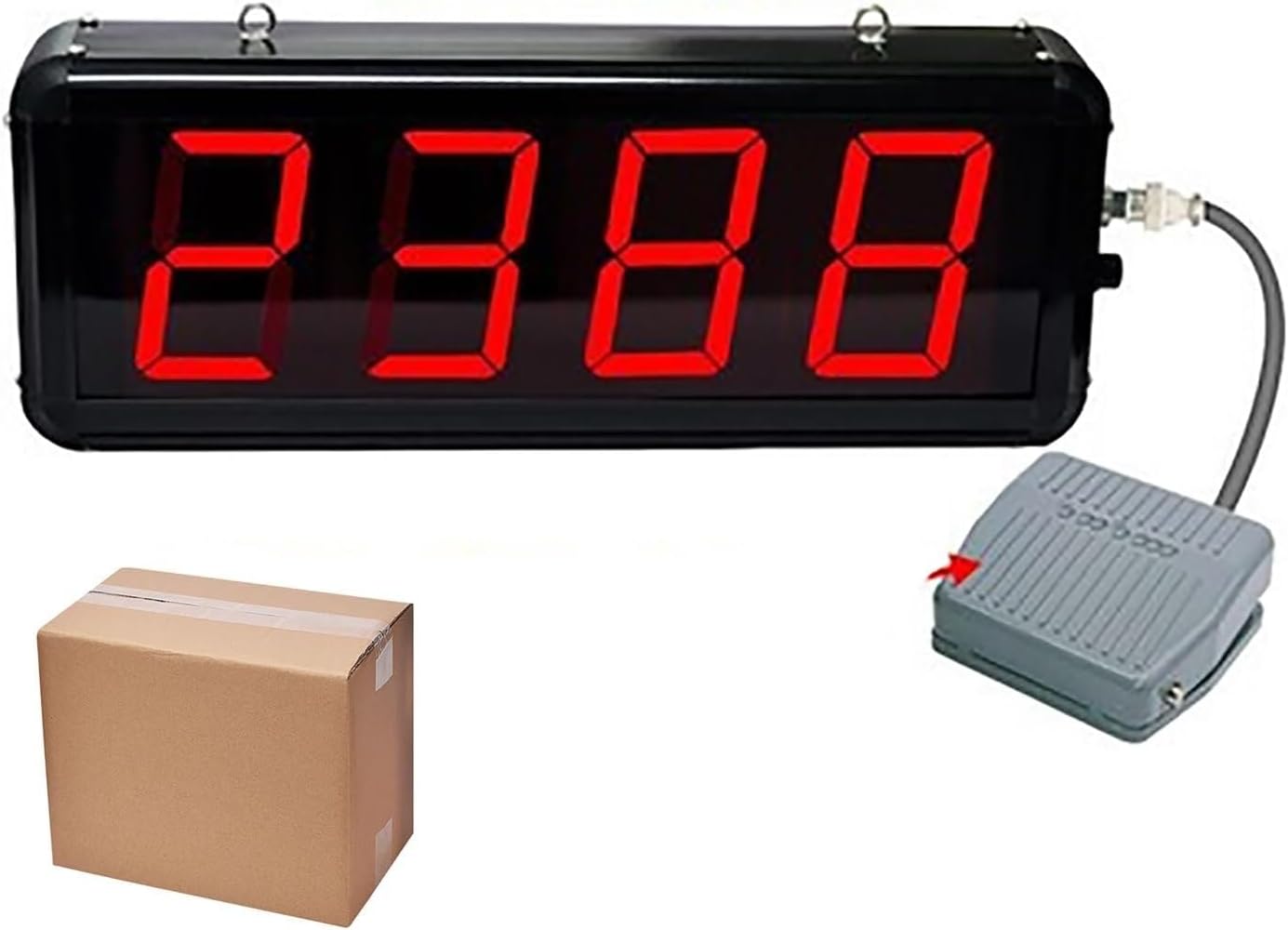
Digital Counter Led Production Line Counting Screen, Foot Pedal Red Display 0-9999 4 Digits, for Factories, Assembly Lines, Airports, and Stations, Breeding Farm, Conveyor Belt
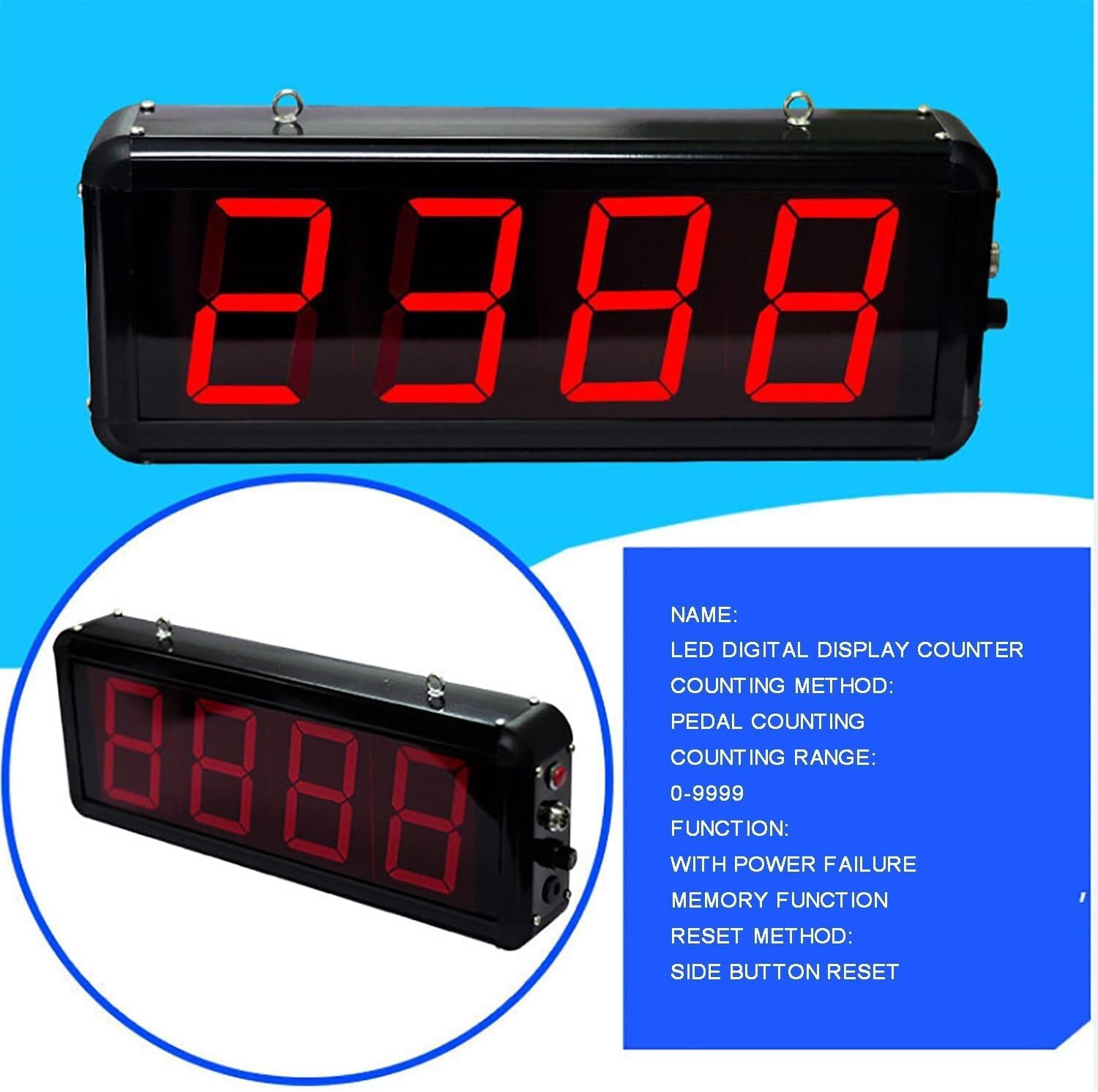
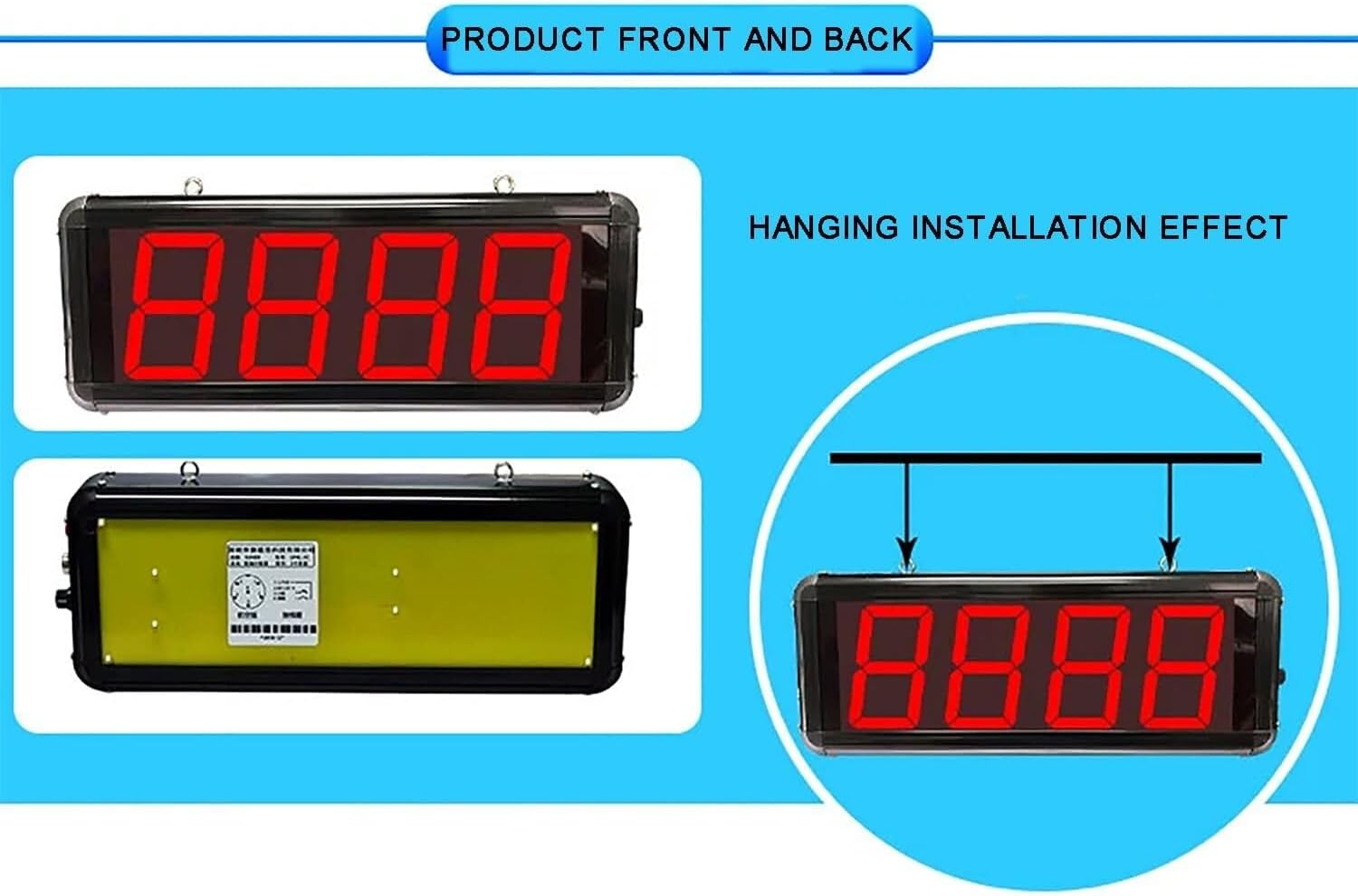
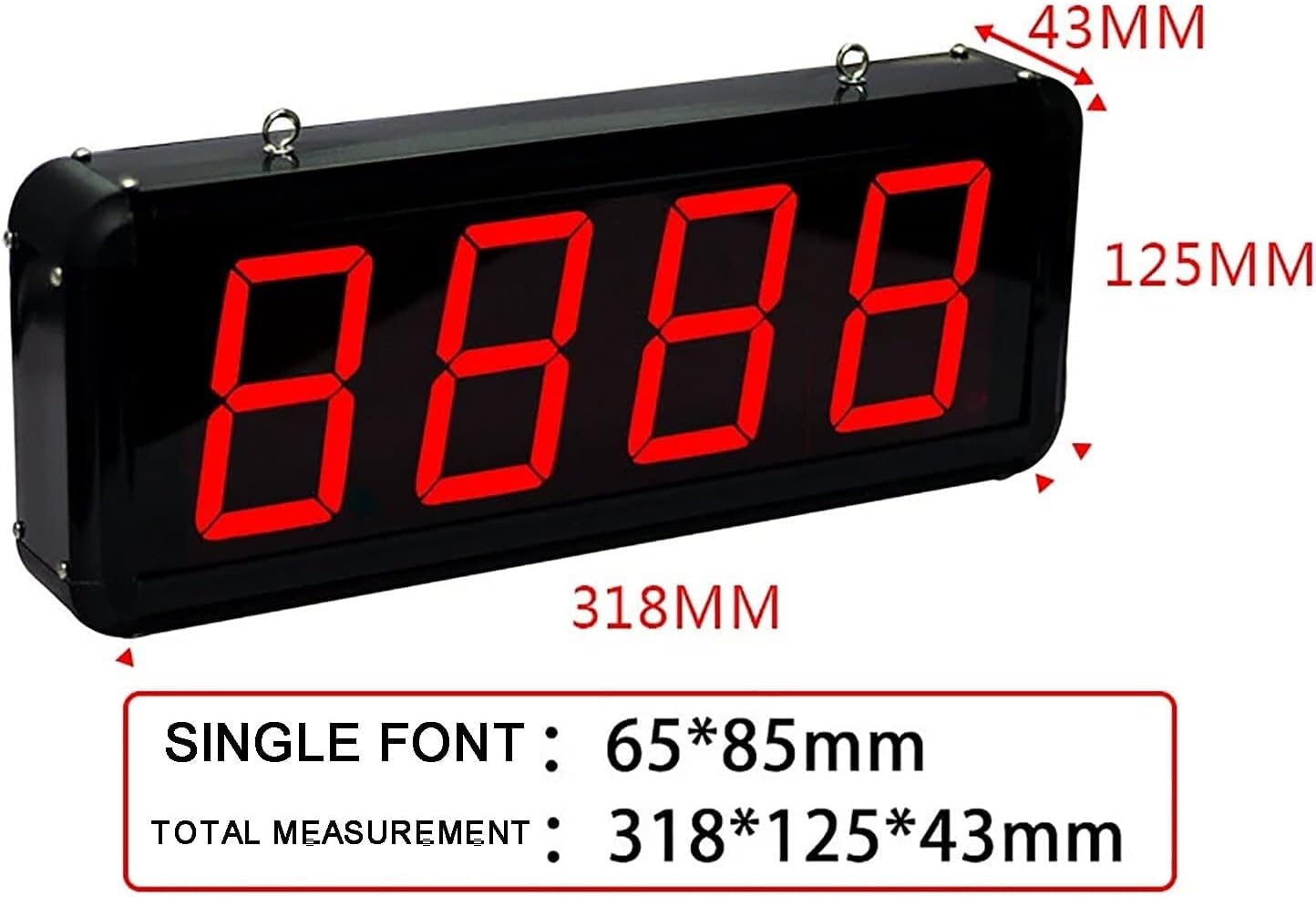
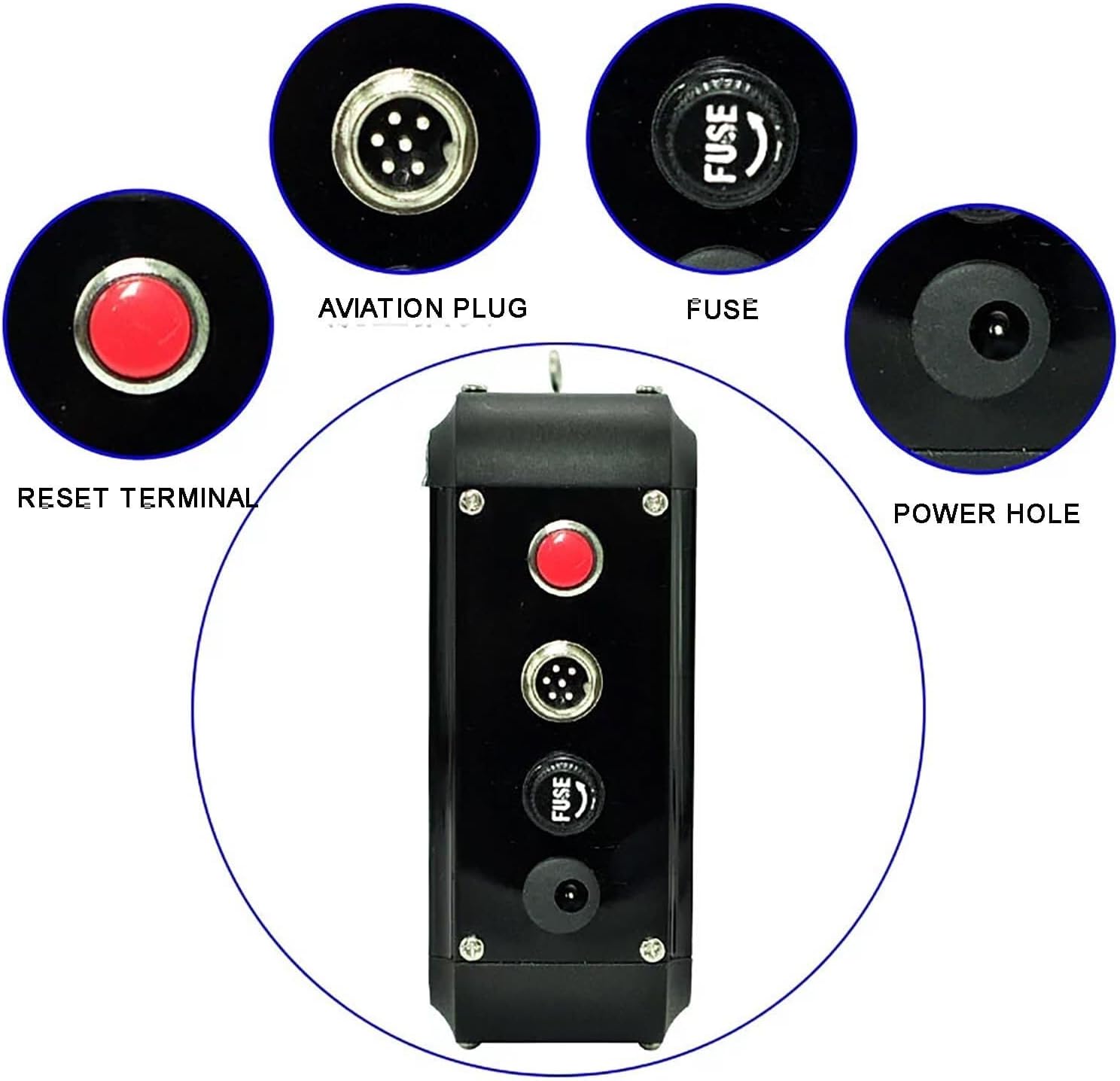
After the power-off is restored, the value before the power-off can be displayed, and the counter counts accurately. There is a reset button on the side of the machine. Single press the red button once to reset to zero. Press and hold the red button for 3 seconds to enter the parameter adjustment
Quantity
ADD TO CART
BUY IT NOW
  • Detail

    After the power-off is restored, the value before the power-off can be displayed, and the counter counts accurately. There is a reset button on the side of the machine. Single press the red button once to reset to zero. Press and hold the red button for 3 seconds to enter the parameter adjustment

  • Customer Reviews
    No comments