

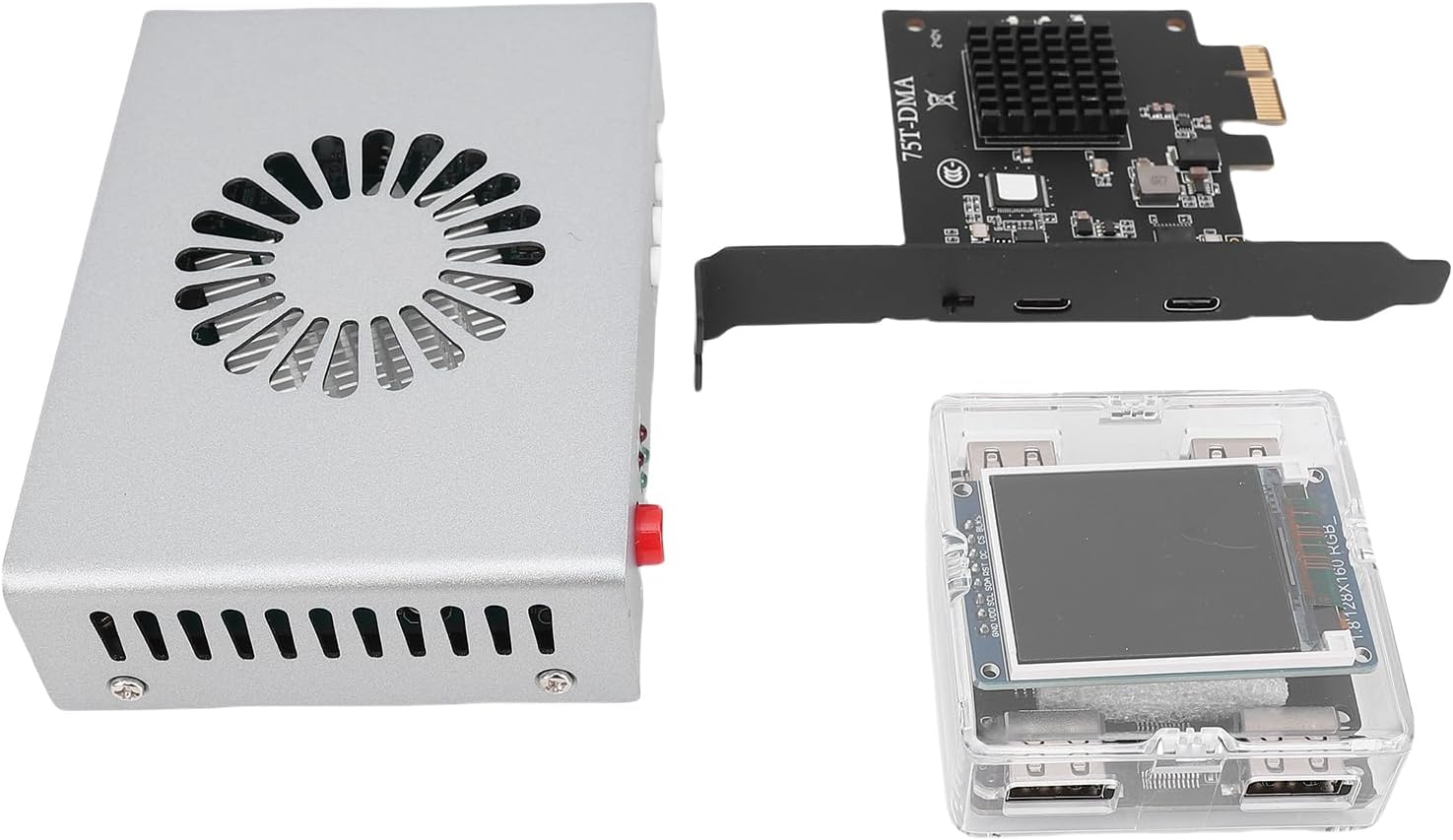
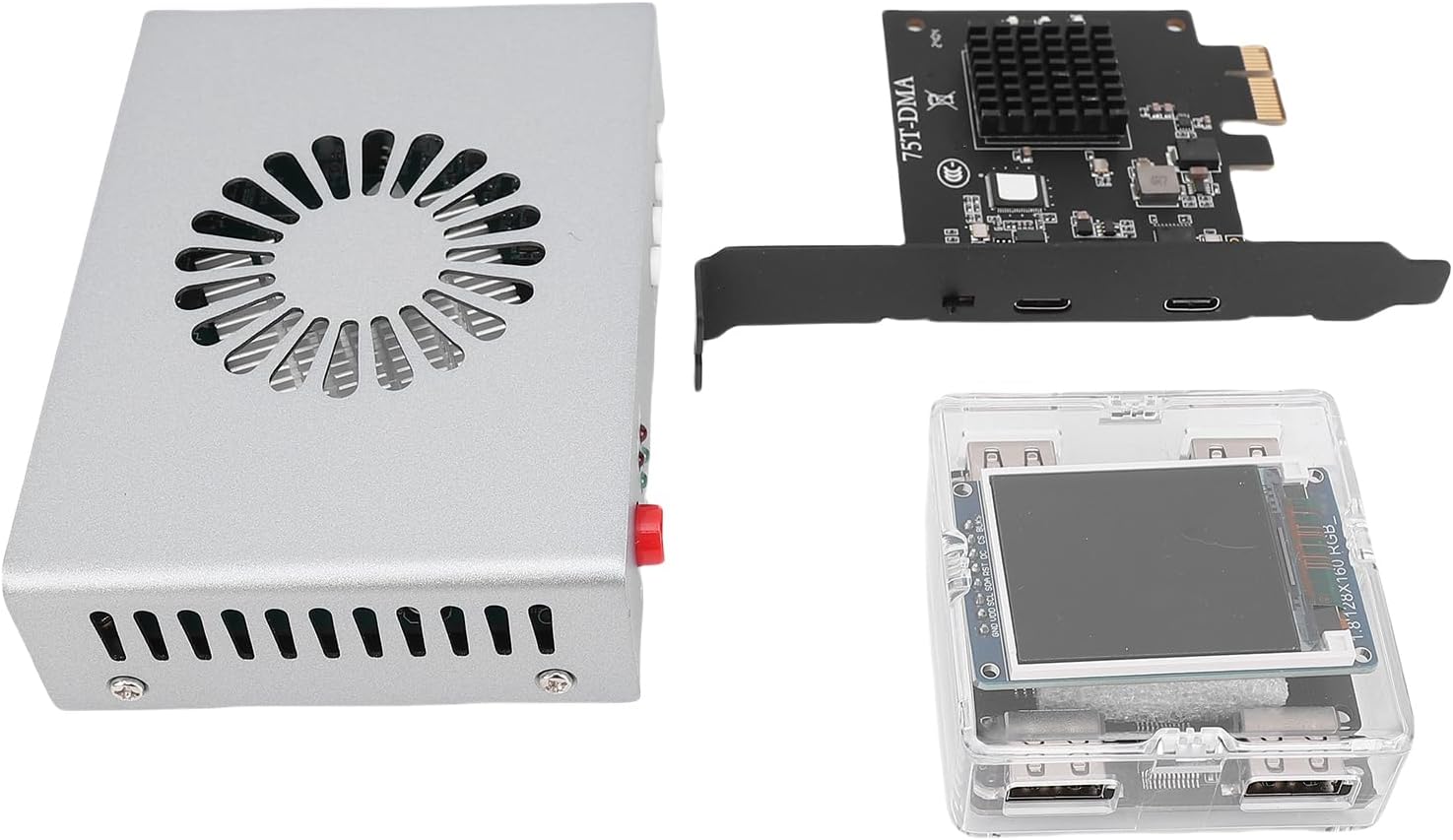
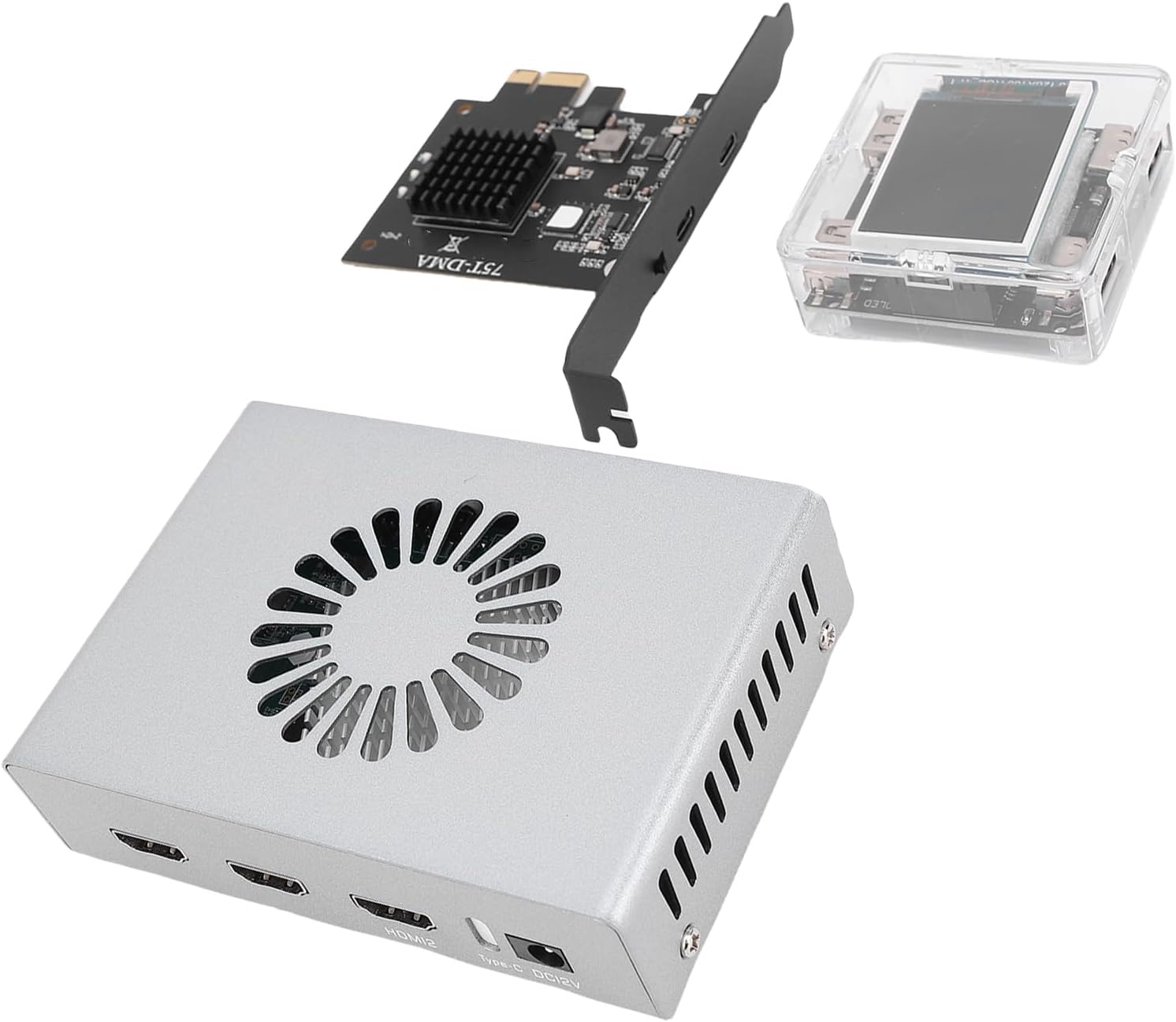
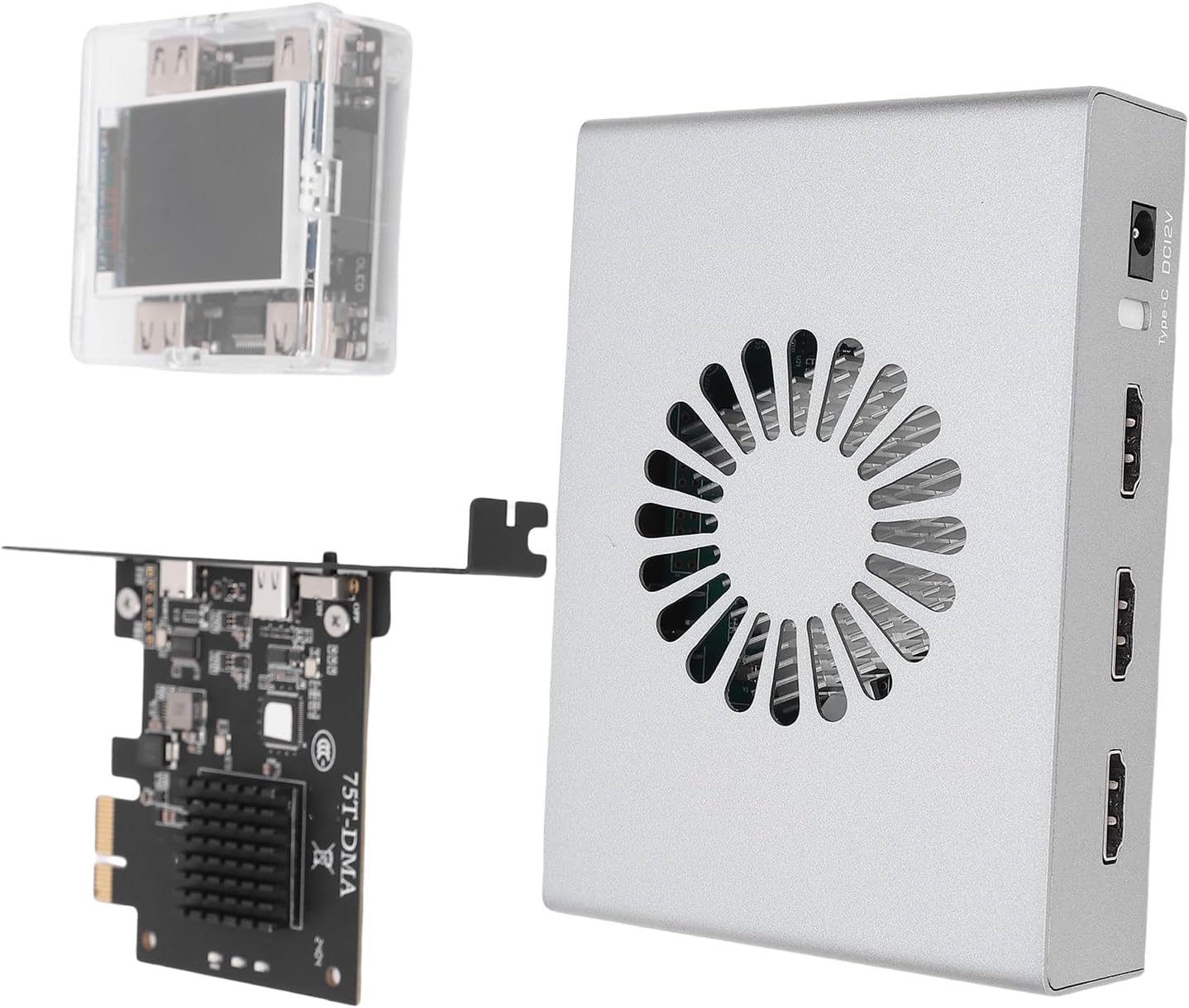
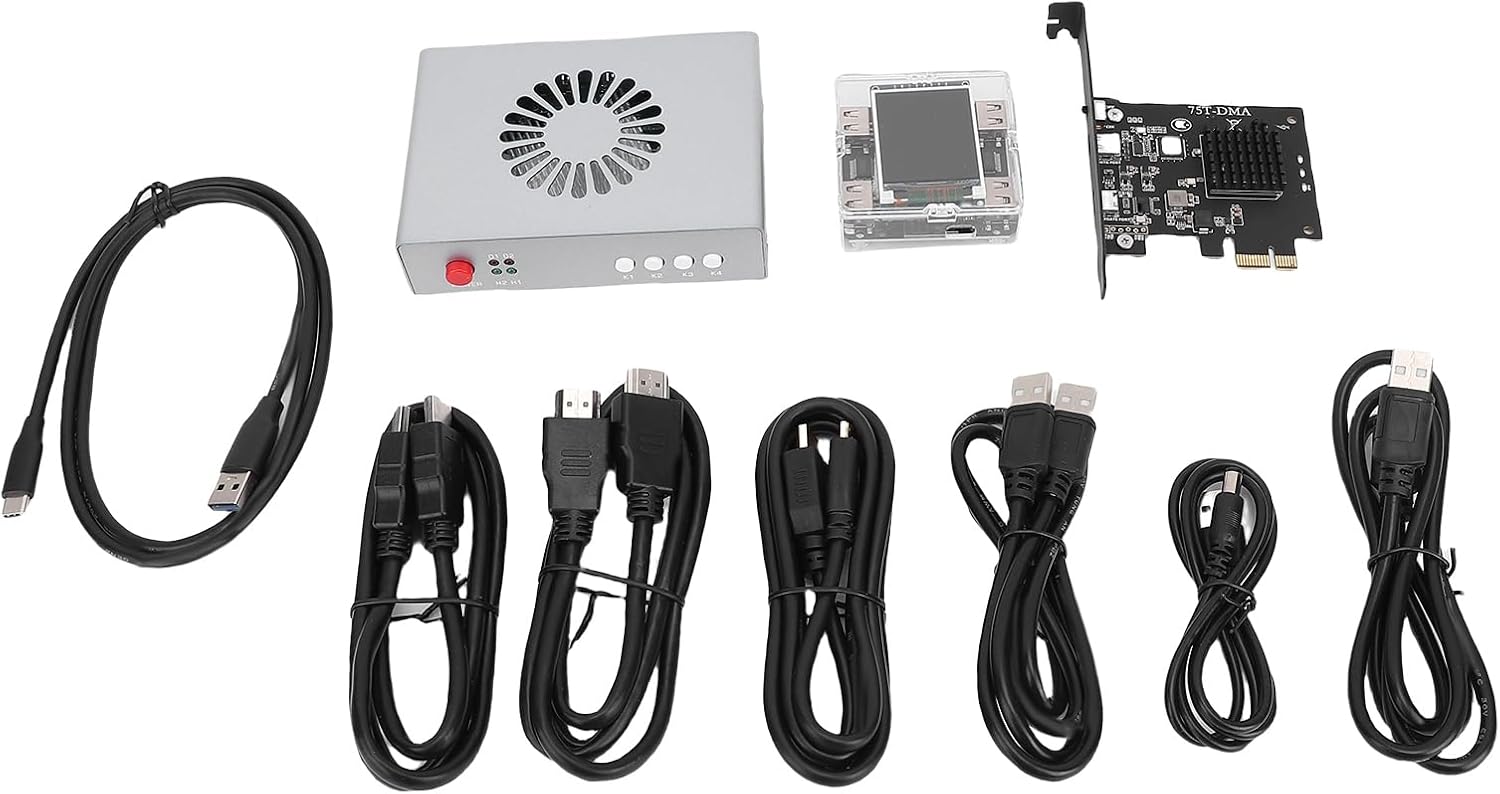
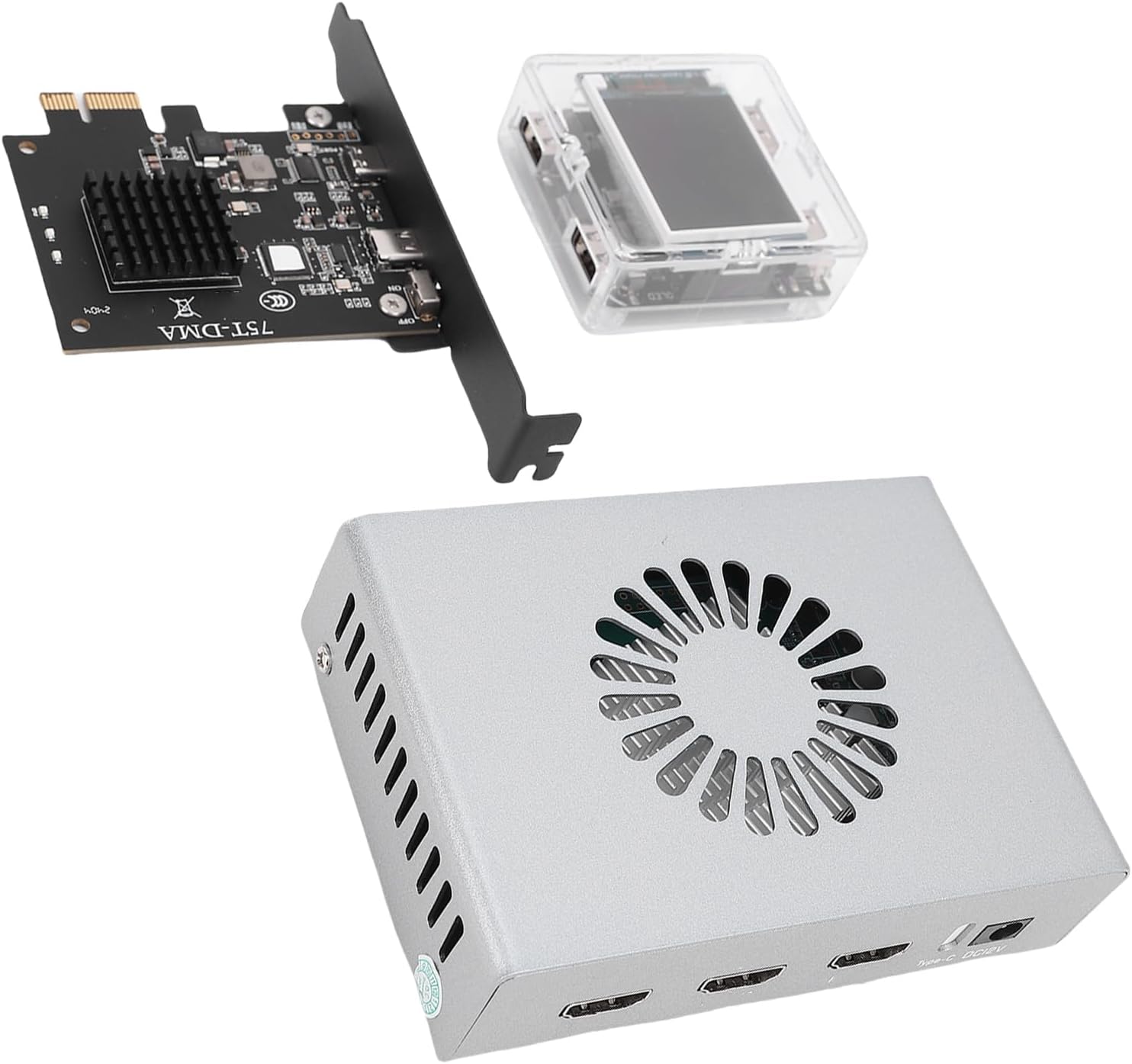
DMA Fuser Complete Kit 3840x2160 60Hz Keyboard Controller Overlayer Synthesizer, Aluminum Alloy Interface for Gaming Console, Dual Machine Access Support
[High Resolution] This 60hz dma fuser enables seamless switching for a single screen display at up to 3840x2160
-
Detail
[Memory Transfer] Dma copies memory data through scanning, facilitated by a controller to transfer data between address spaces, making it ideal for computer embedded systems algorithms.
[High Resolution] This 60hz dma fuser enables seamless switching for a single screen display at up to 3840x2160 60hz, with high definition picture quality and lossless , supported by an internal fan for temperature control.
[Versatile Application] Dma technology allows different-speed devices to communicate efficiently, serving various sectors including securities trading, finance, traffic safety control, and video conferencing.
[Simple Operation] Suitable for two online computers, the dma access device can be inserted into the pcie interface for immediate access to memory operating data on another computer, requiring no additional software.
[Enhanced Efficiency] The dma fuser optimizes data transmit and processing with two signal sources fused on one display, providing , adjustable images for scenarios like image processing and video codec.
Spec:
Item Type: DMA Fuser
Material: Aluminum alloy
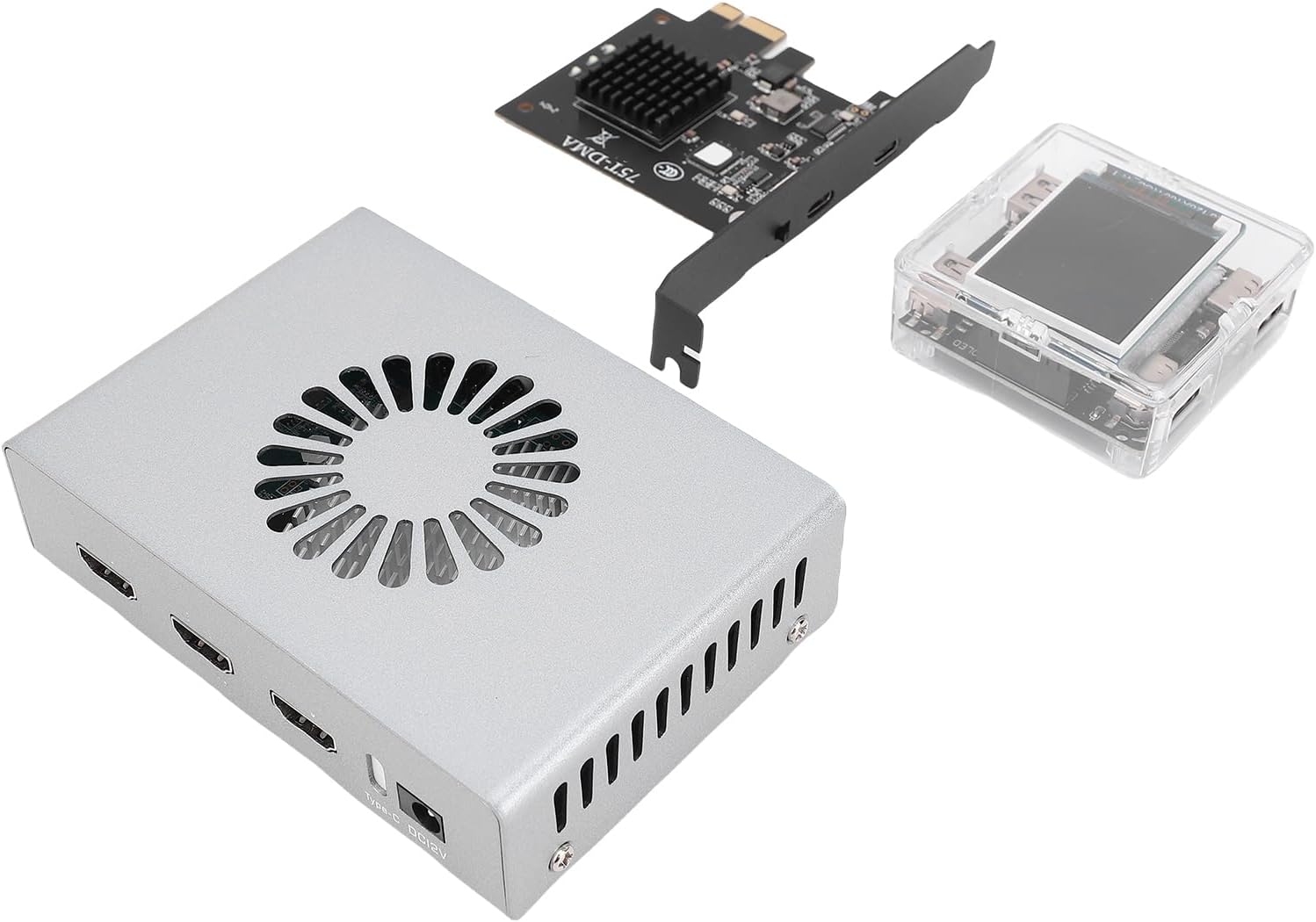
Interface:
High Definition Multimedia Interface Output: Connect to the main display (the main screen for playing games)
High Definition Multimedia Interface 1 Console: Connect the graphics card of the console (the computer used for playing games)
High Definition Multimedia Interface 2 Secondary Machine: Connect the secondary machine graphics card
Power Cord: Default 2A
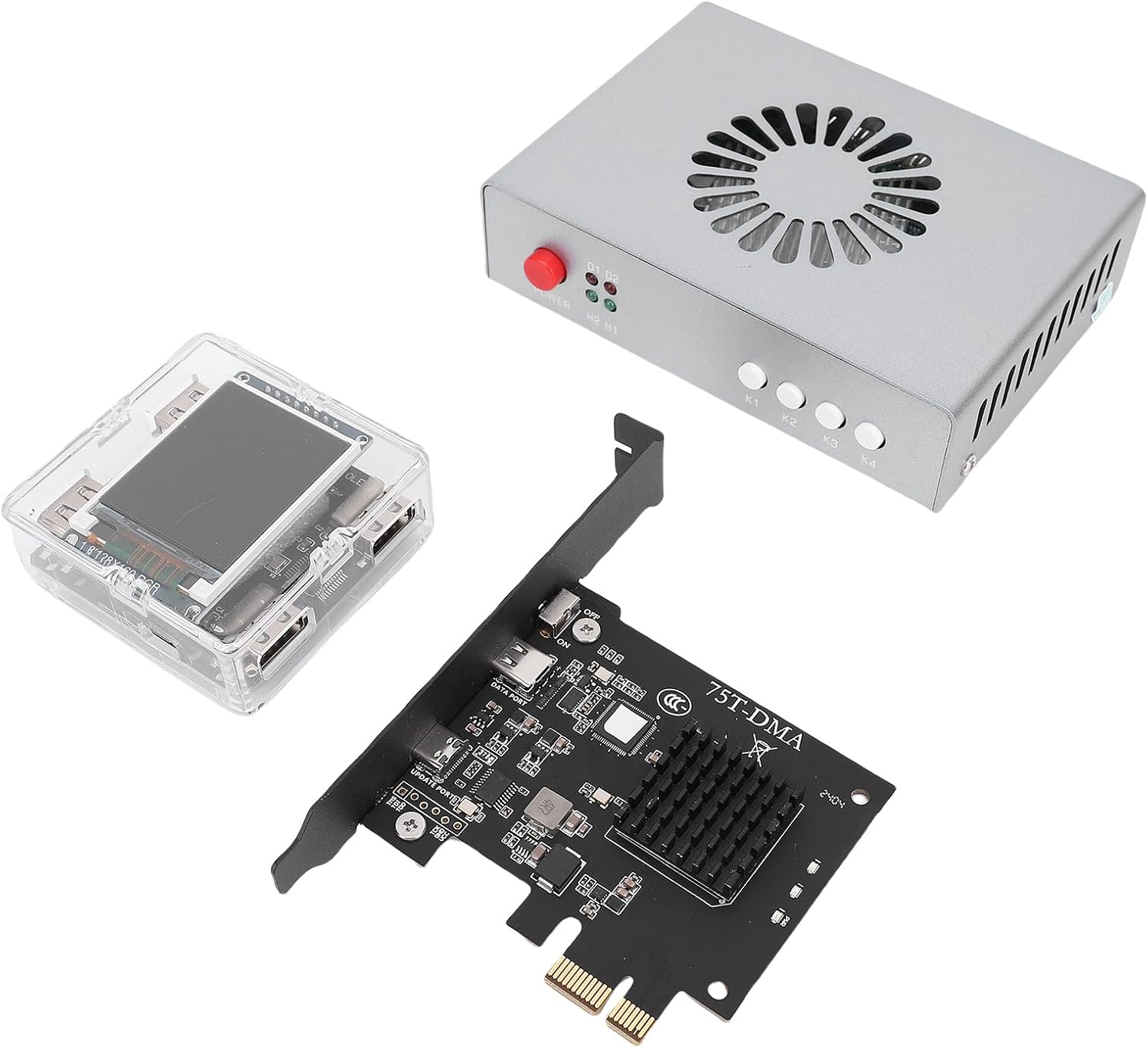
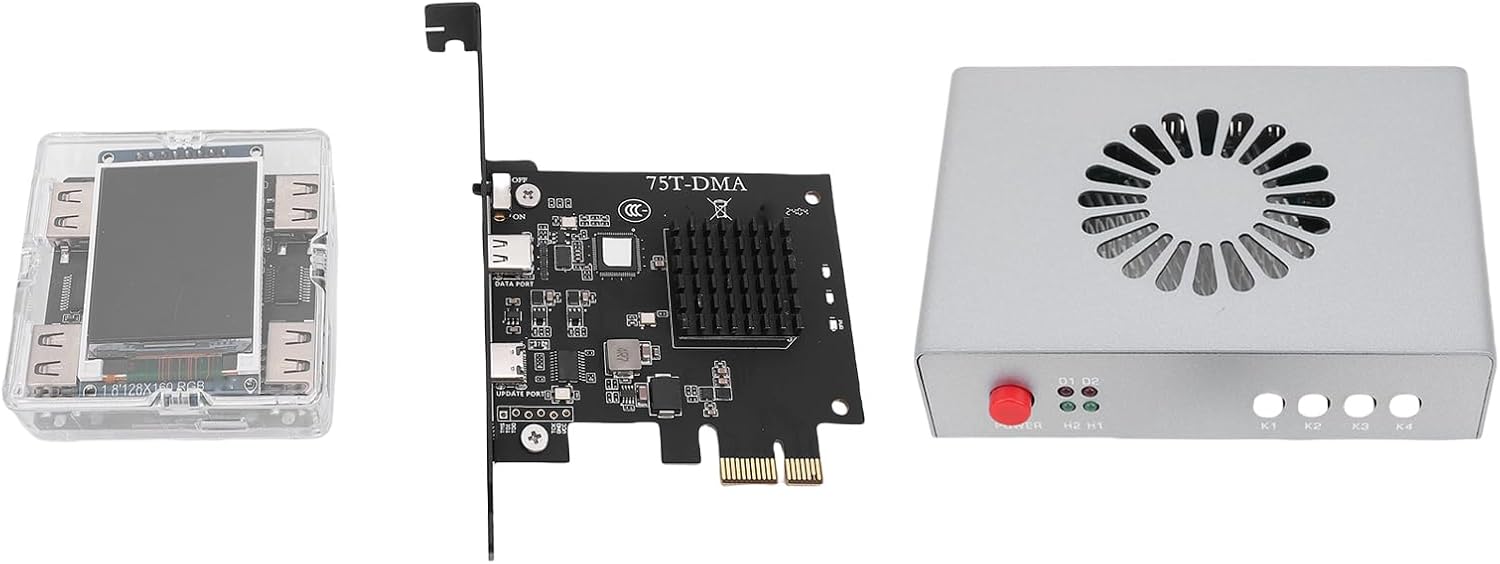
Indicator Light:
D1 Light: Power indicator light (remains on when powered on)
D2 Indicator Light: Fuse on or off indicator light
H1 Light: High Definition Multimedia Interface 1 host input indicator light
H2 Light: High Definition Multimedia Interface 2 auxiliary input signal indicator light
Key Function:
Power Key: Power on off
K1 Key: Only displays the auxiliary computer screen
K2 Key: Only displays the host screen
K3 Key: Activate -
Customer ReviewsNo comments