

Home
/
2x2 USB-C Audio Interface for PC/Mac Recording, 24-bit/192kHz, Dual TS/XLR Inputs, +48V Phantom Power, Studio/Podcast/Streaming (Matte Black)
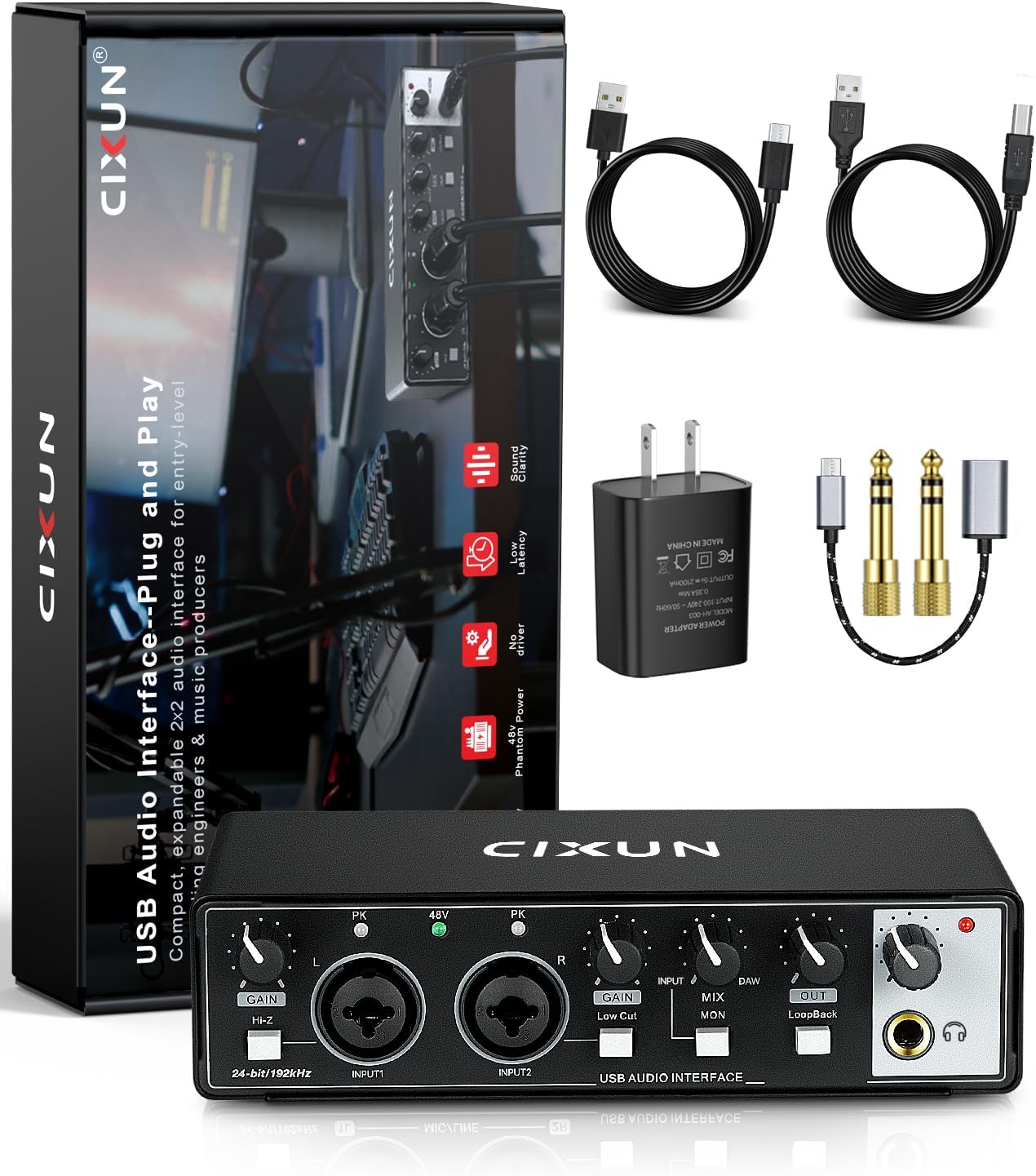
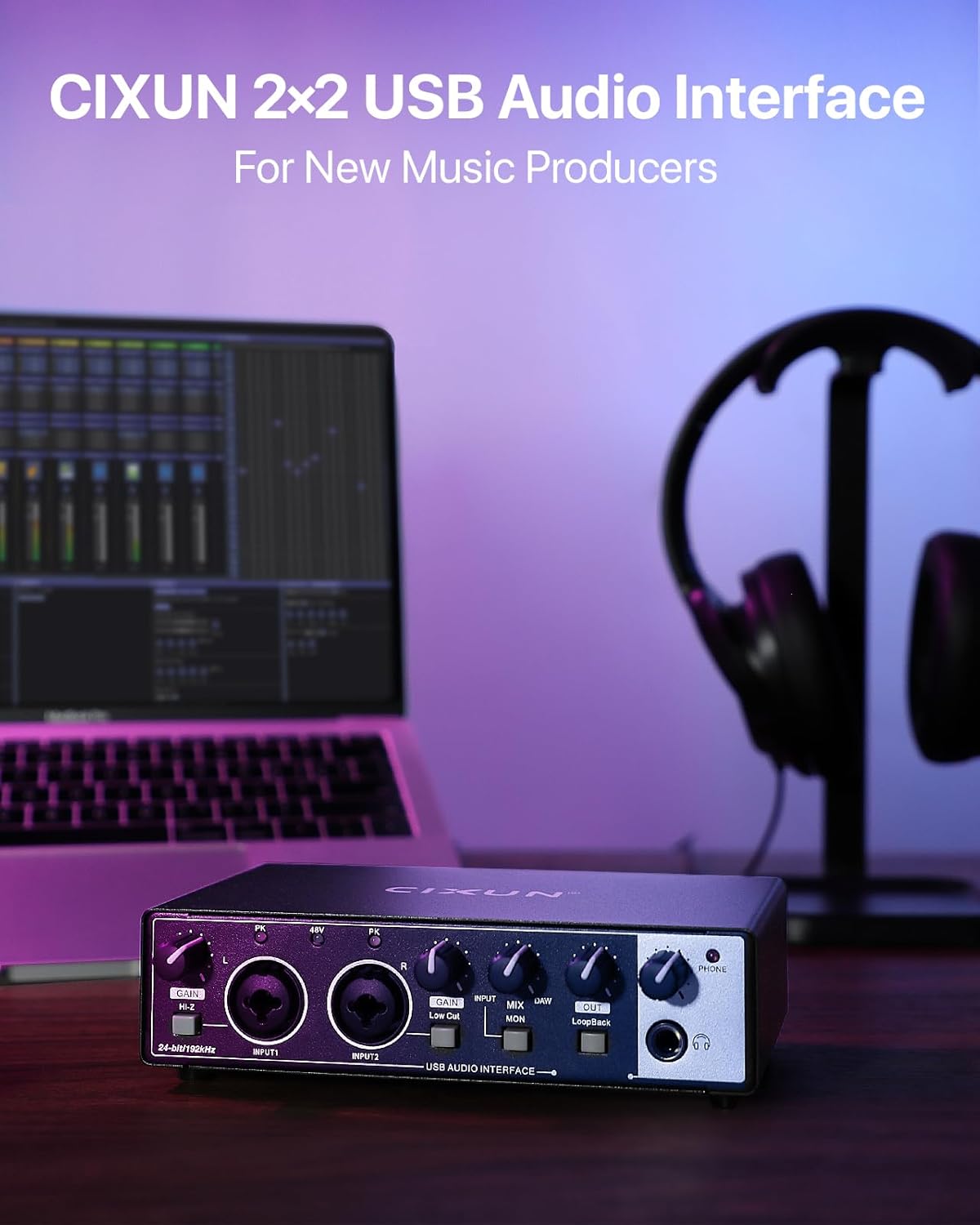
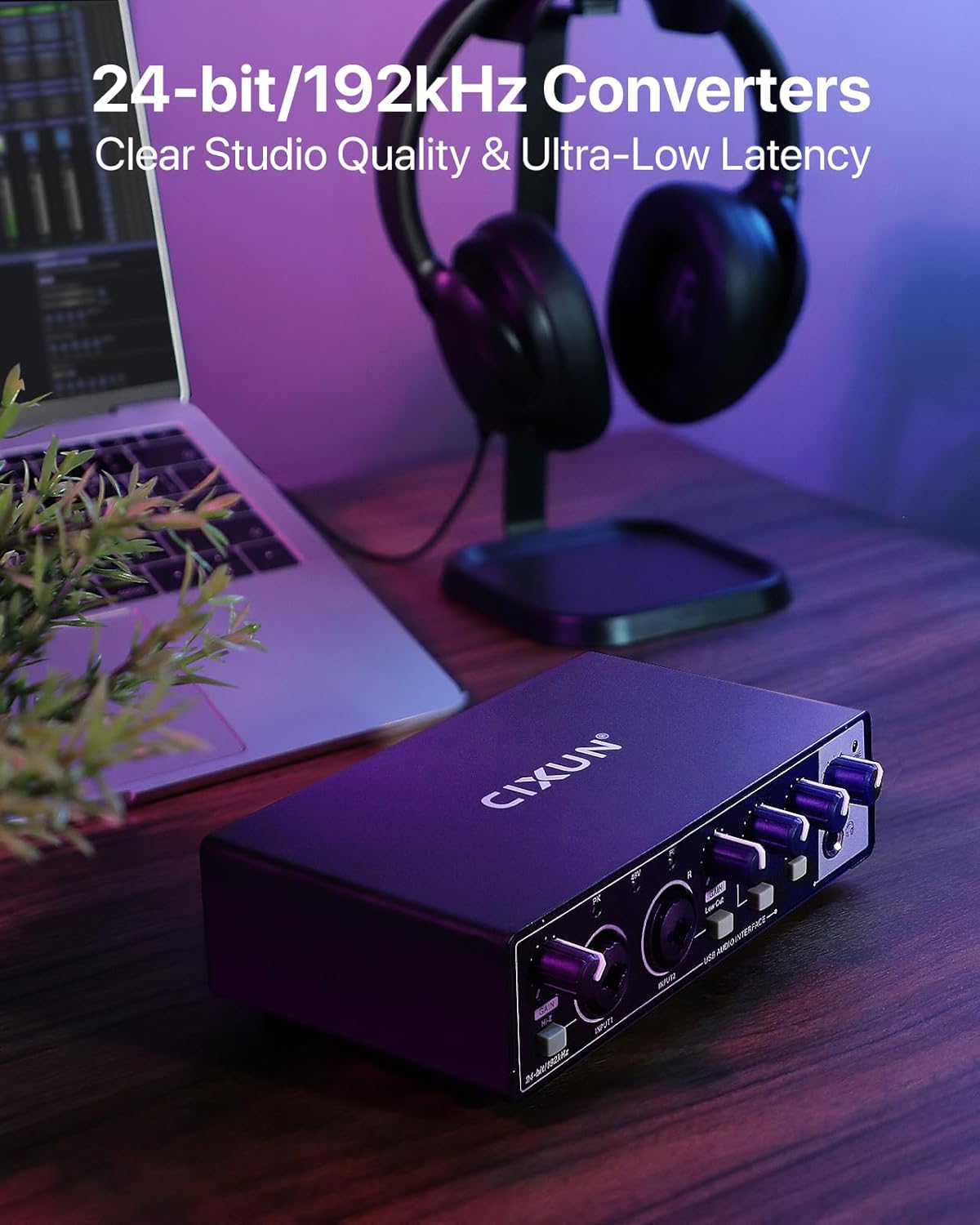
2x2 USB-C Audio Interface for PC/Mac Recording, 24-bit/192kHz, Dual TS/XLR Inputs, +48V Phantom Power, Studio/Podcast/Streaming (Matte Black)
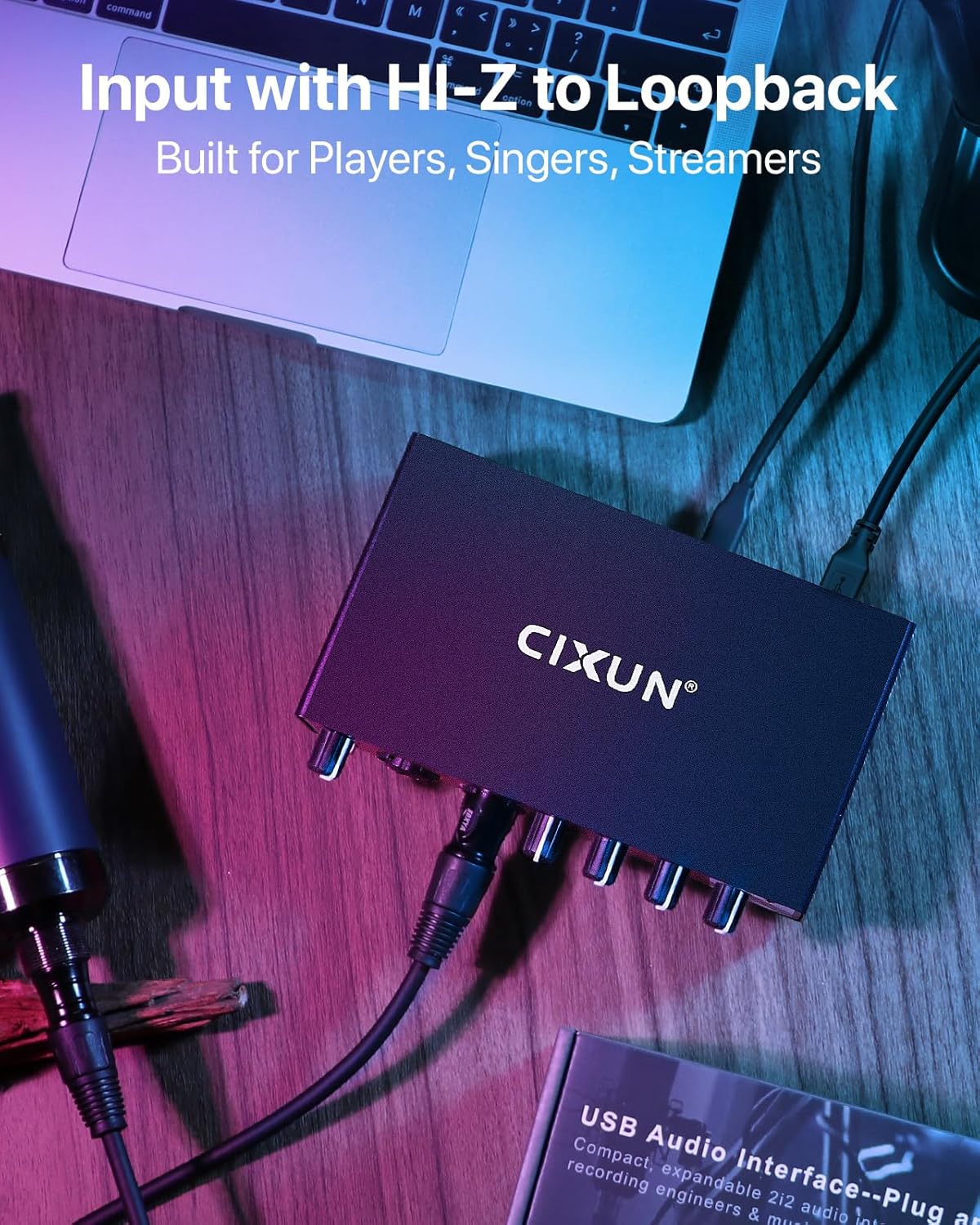
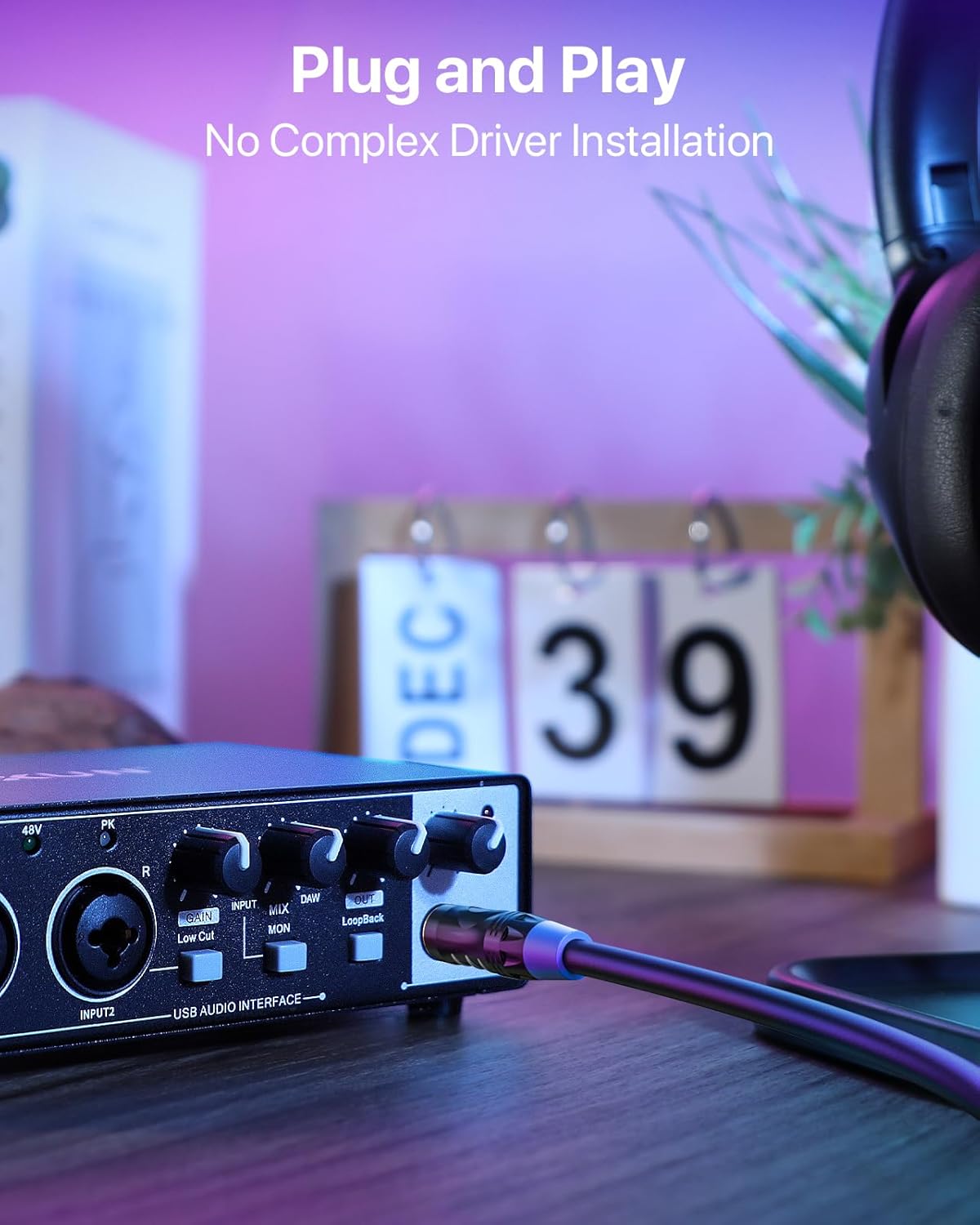
Plug-and-Play USB Audio Interface for PC and Mac No drivers, no complicated software—just plug in via USB and start creating. This versatile audio interface for recording is housed in a classic matte metal shell, offering durability and a retro vibe that stands up to daily use. Perfect for beginners
Quantity
-
Detail
- For the best start, we recommend: 1. Watch the tutorial video. 2. Read the manual. 3. Then try it yourself.
- Stuck? Our support team is always happy to help!
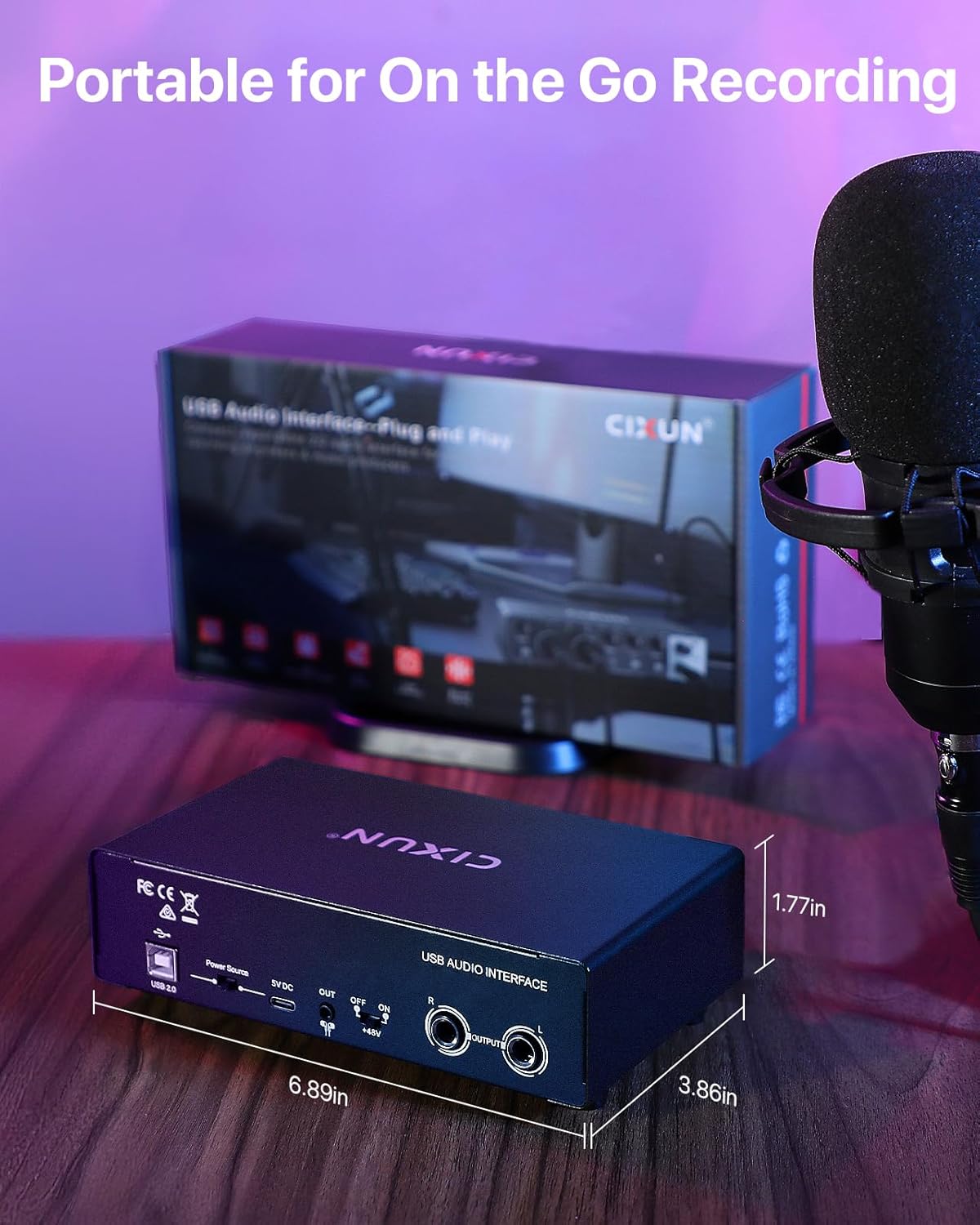
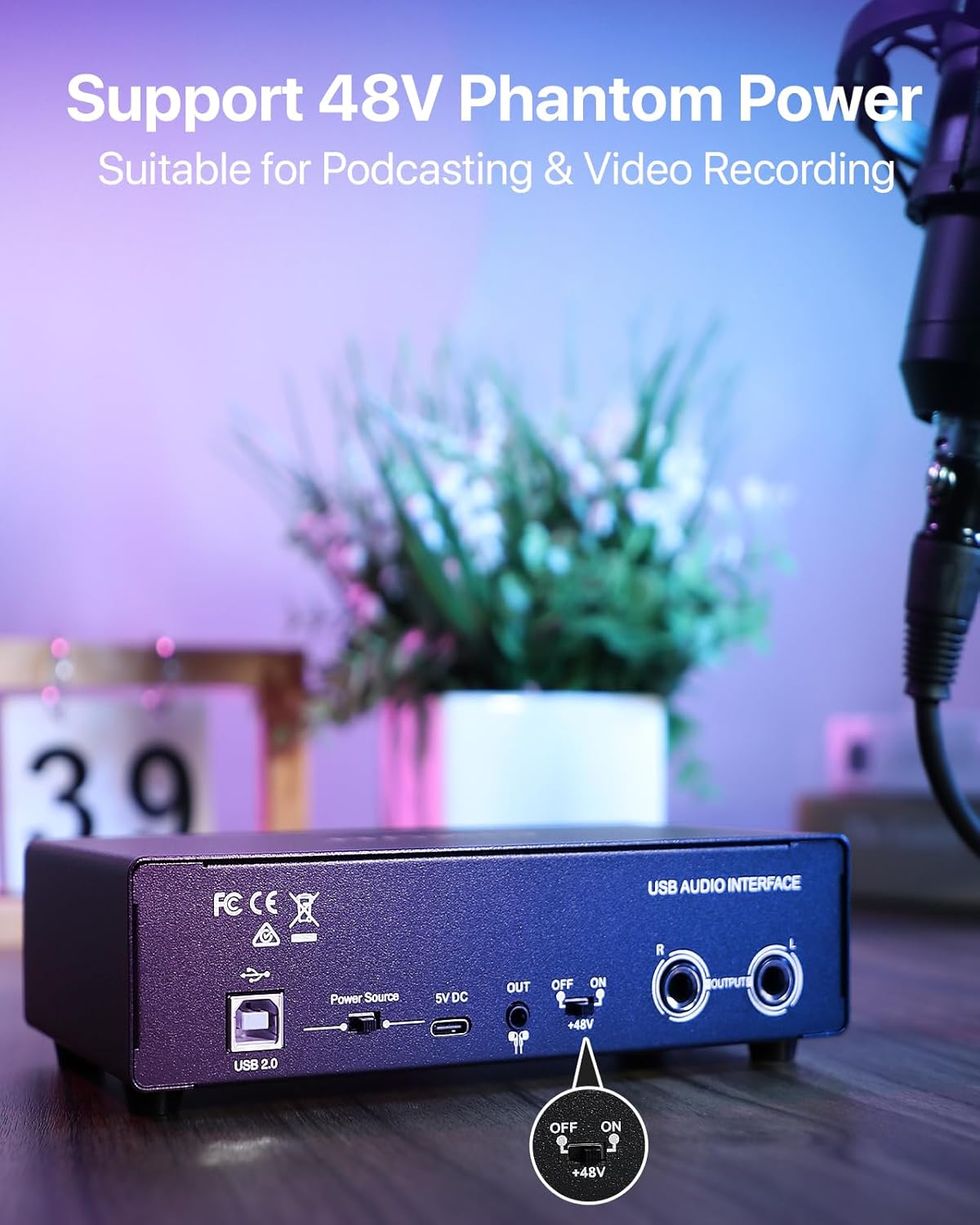
The video showcases the product in use.The video guides you through product setup.The video compares multiple products.The video shows the product being unpacked. Merchant VideoThis port is for data transfer only and cannot power the interface. Use the provided USB 2.0 cable to connect it to your computer.
To turn on the unit, connect the provided Type-C cable from the interface to a 5V USB power adapter plugged into a wall outlet. Then, slide the power switch to the right.
cixun audio interface
How to Get Started on Your Musical Journey?
cixun audio interface
USB-B Port: For Audio Data Transfer Only
External Power Connection Required
-
Customer ReviewsNo comments