

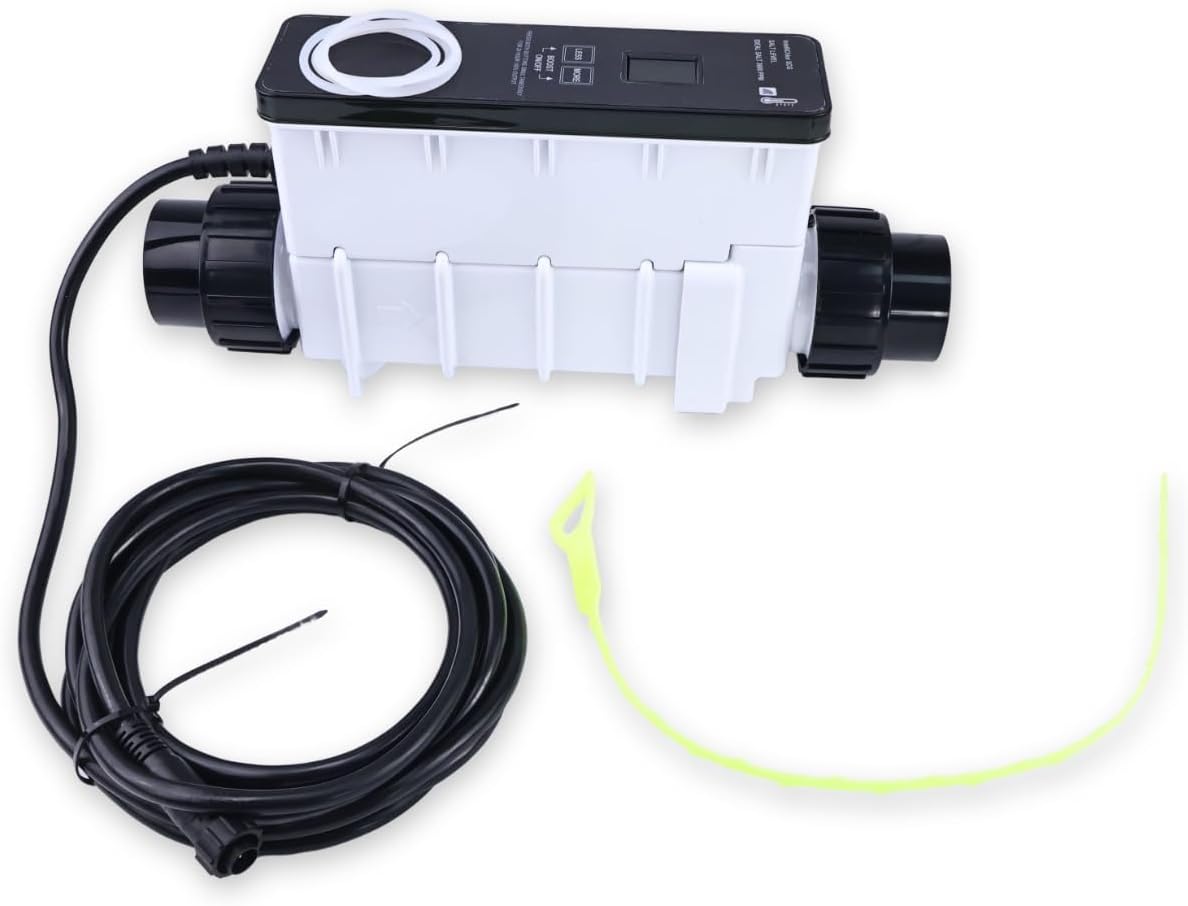
HOLDWELL IC40 Salt Chlorine Generator EC-520555 520555 Compatible with Pentair IntelliChlor Up to 40000 Gallons
Part Number: EC-520555 520555
Fit for Pentair IntelliChlor Up to 40000 Gallons
Salt chlorine generators use common table salt to safely, efficiently and automatically generate all the chlorine needed for your swimming pool, keeping the water clean. Pr
-
Detail
Part Number: EC-520555 520555
Application: Fit for Pentair IntelliChlor Up to 40000 Gallons
How this product works:
Table salt (sodium chloride) is added to the pool water. As the dissolved salt flows through the generator unit, it is electrolyzed and converted into pure chlorine, which is then distributed throughout the pool, disinfecting the water and keeping it fresh, clear and safe.
Installation Reminder:
It is recommended to install the product in a cool and well-ventilated area. Or install a protective cover to avoid direct sunlight. Because the normal operating temperature of the screen is between -4F to 158F (-20°C to 70C), the display may become abnormal after overheating! !
Troubleshooting
"no flow"
Solution:
1. Determine whether the water flow direction is reversed.
2. Remove it from the pipe, power on the product normally, and choose not to enable WiFi.
3. Manually press the water flow switch and observe the status.
4. If "salt check" is displayed, it indicates that the water pump flow rate is too low.
5. If "no flow" is still displayed, it indicates that the water flow switch sensor is faulty.
"WiFi Connection Failed"
Solution:
1. Press and hold the less key for more than 5 seconds to reset the WiFi.
2. Reconfigure the network according to the configuration steps.
3. Make sure to send the correct WiFi name and password.
4. Ensure that the product has not been blacklisted.
5. If the connection still fails, it may be that the wifi signal strength at the location where the product is located is too low.
"Display Problems"
Solution:
1. If it shows normally during installation but turns white, flickers or snows after a period of useIf the display is normal during installation but abnormal phenomena such as white screen, flickering or snowflake screen occur after a period of use, as the normal operating temperature of the screen is between -4 ° F and 158 ° F (-20 ° C to 70 ° C), and the display becomes abnormal after overheating, after the entire machine is powered off, place the product in a cool and well-ventilated area. Once the temperature cools down, power on and it can be used normally. It is recommended that install the product in a cool and well-ventilated area.Or install a shield to avoid direct sunlight.
"It shows SCG Is Off and the buttons and APP adjustments are invalid"
Solution:
If the power supply voltage is too low, the product cannot work normally. Users need to check the power voltage supply. It can work normally after the voltage is restored. -
Customer ReviewsNo comments