

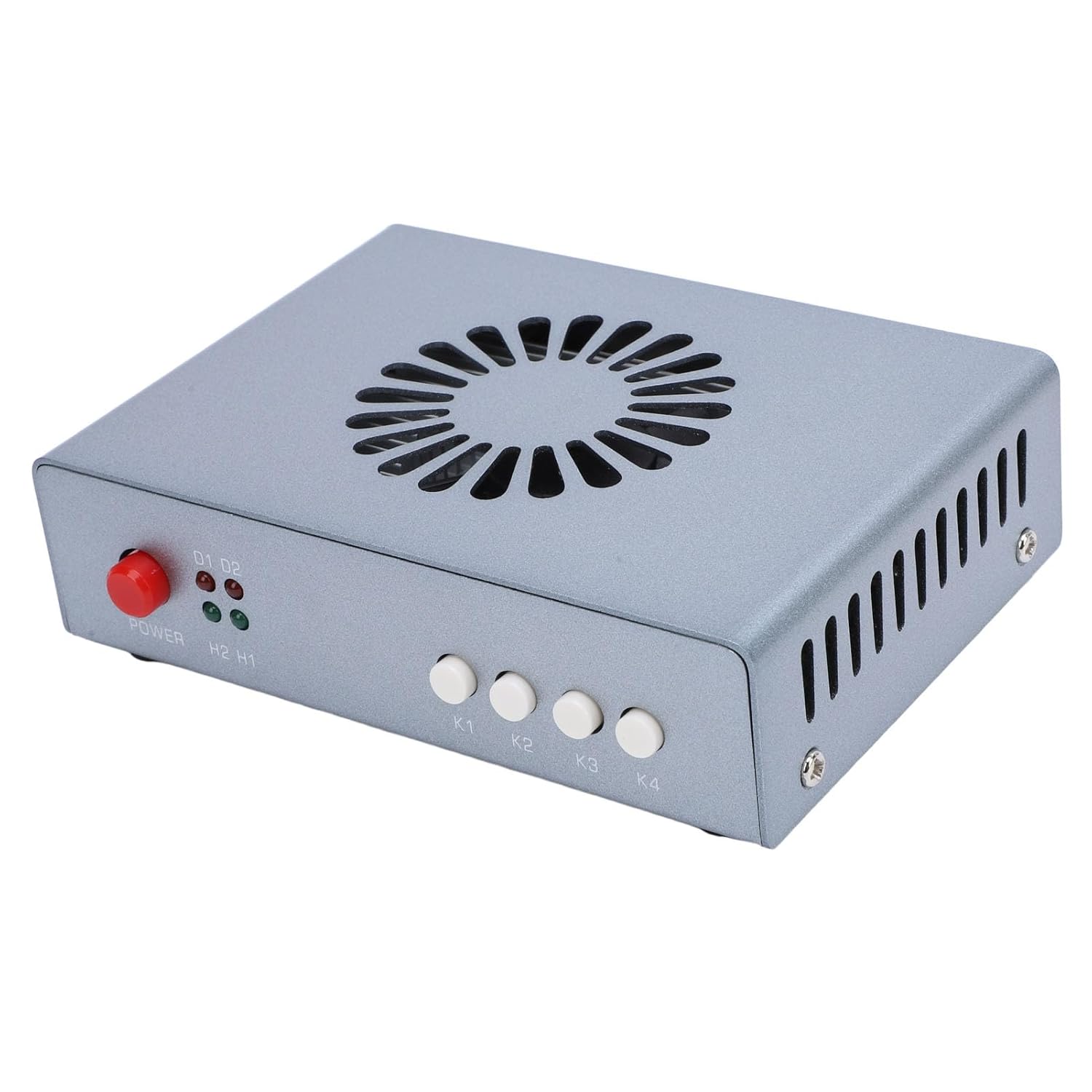
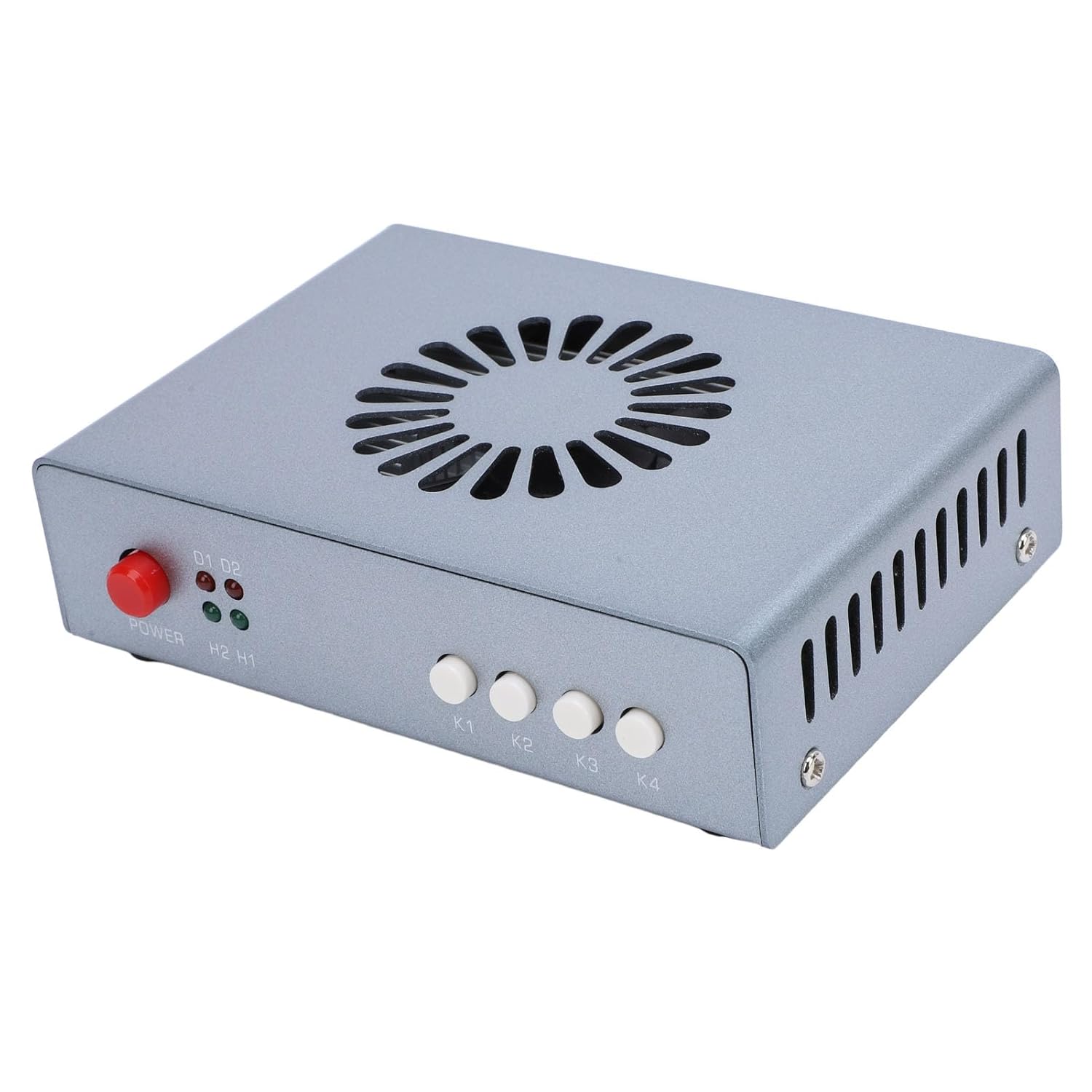
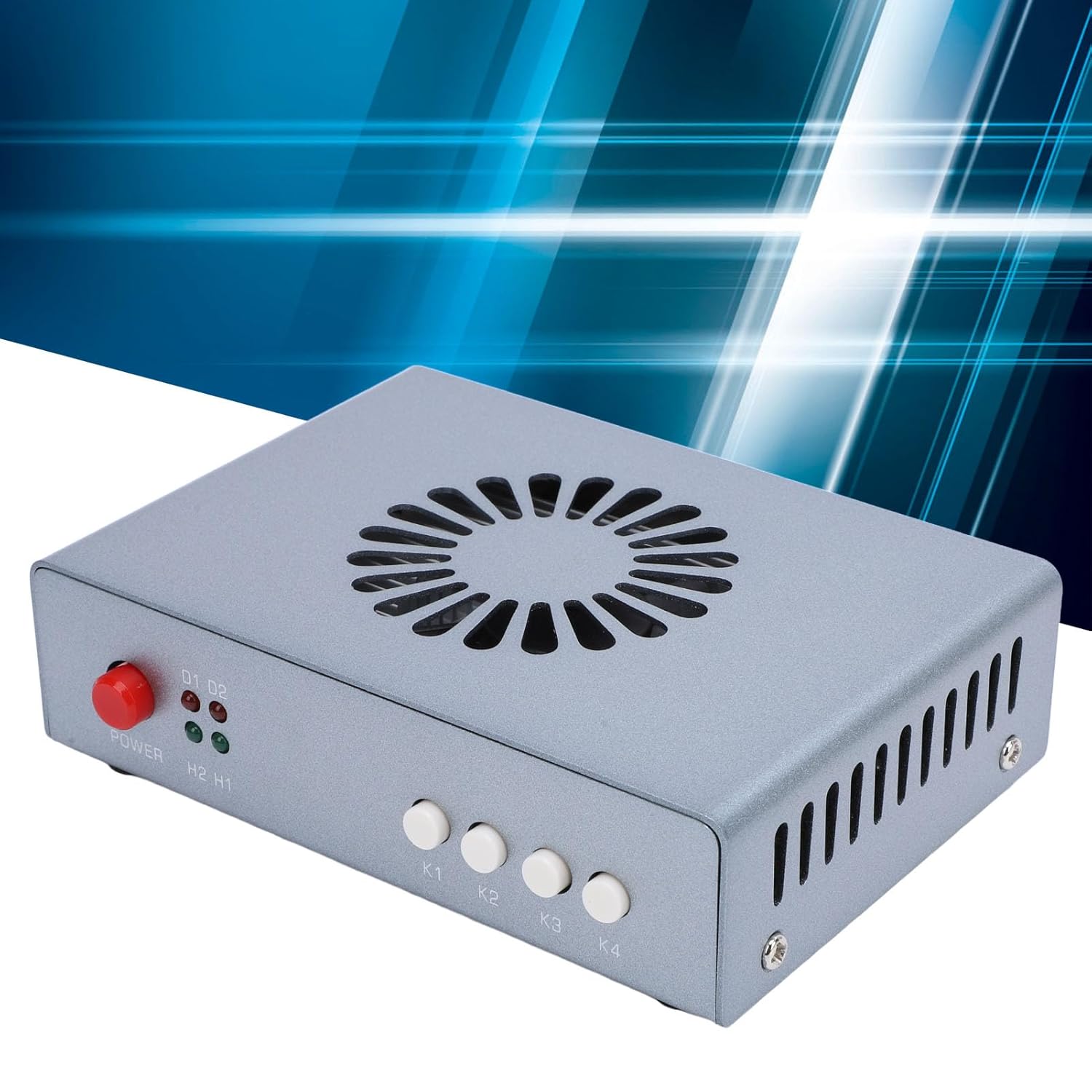

DMA Fuser,HD Multimedia Interface Overlayer Synthesizer, with Dual Signal Fuser 4K 60Hz Display, Lossless, DC12V Power Supply (US Plug)
-
Detail
Spec:
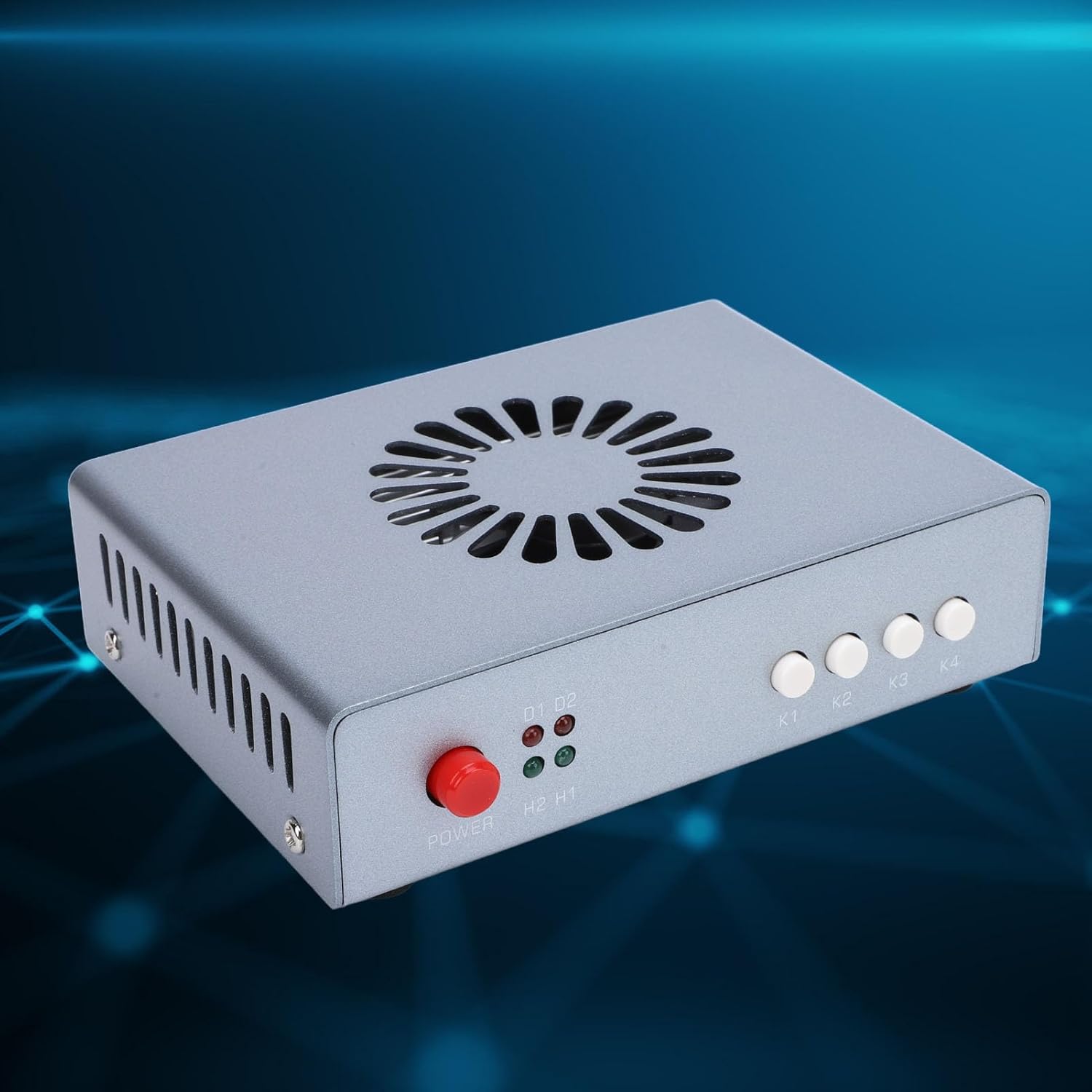
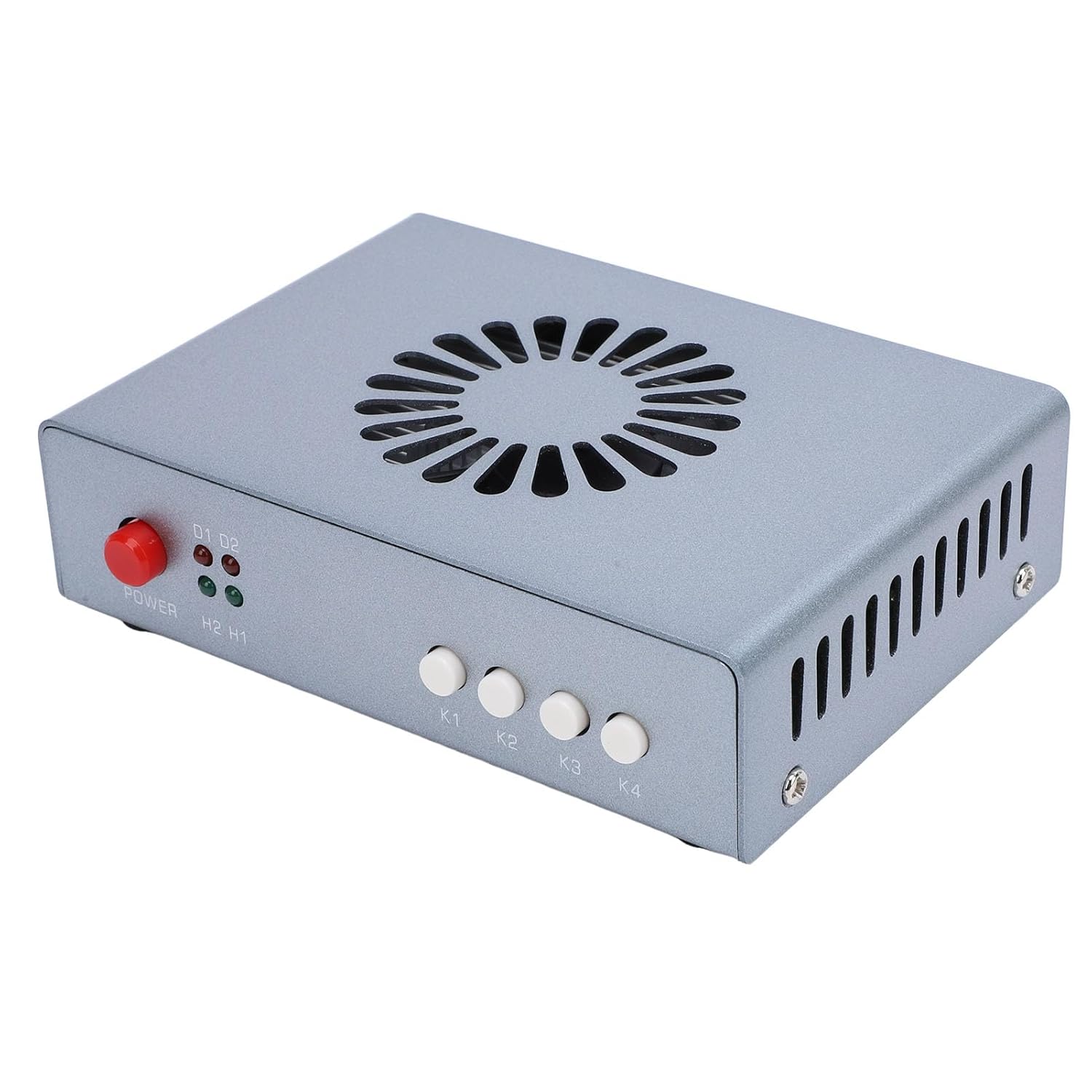
Item Type: HD Multimedia Interface Synthesizer
Material: Aluminum alloy
Interfaces:
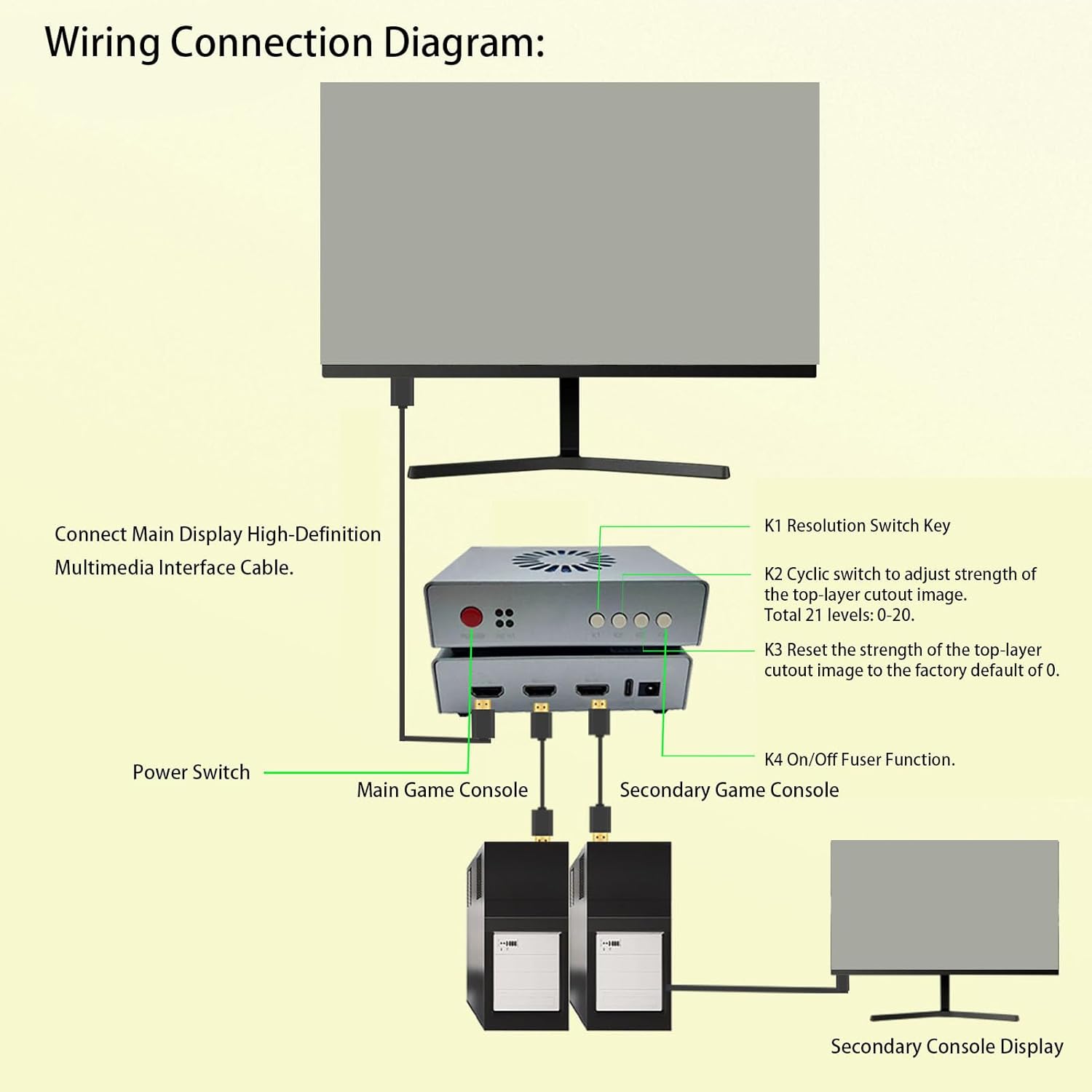
High Definition Multimedia Interface Output: Connects to the main display (the main screen for gaming)
High Definition Multimedia Interface Main Unit: Connects to the main computer's graphics card (the computer for gaming)
High Definition Multimedia Interface 2 Secondary Unit: Connects to the secondary machine's graphics card
Type C: For program upgrades and EDID injection
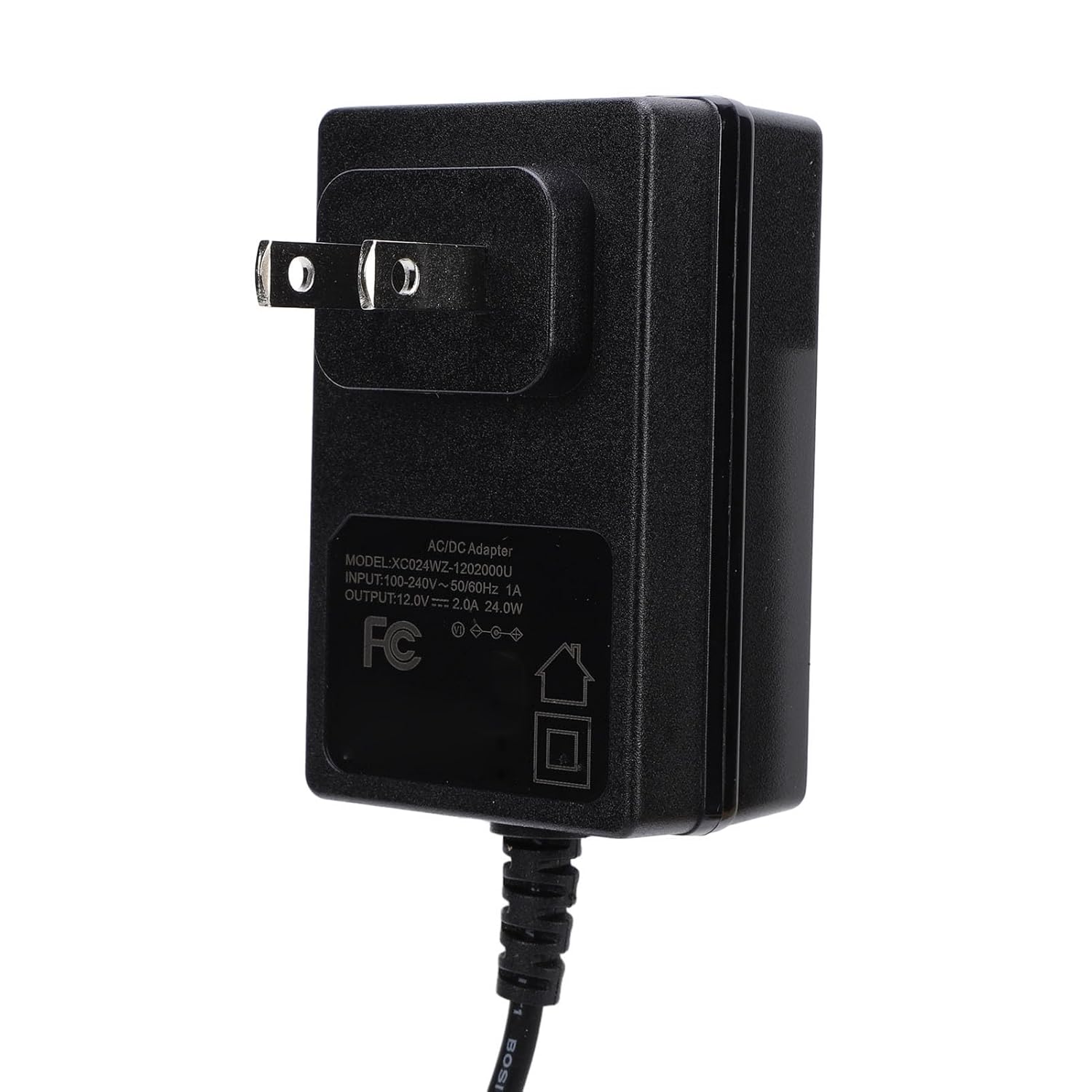
DC12V: Power supply cable input (default 12V2A)
Indicator Lights:
D1: Power light (steady light indicates normal functionality)
: Fuser function on off indicator (steady light indicates fuser function is on, no light means it's off)
H2: High definition multimedia interface 2 secondary input signal light (steady light indicates normal functionality)
H1: High definition multimedia interface 1 main input signal light (steady light indicates normal functionality)
Functions:
Power: Power
K1: Short press cycles through resolution options: 1920x1080, 2560x1440, 3840x2160, 2560x1080, 3440x1440, with a factory default of 1920x1080
Long press for three seconds (hold until display): The top left corner of the screen displays the current resolution and refresh rate, with the main unit info on top and the secondary unit info on bottom
K2: Short press cycles through upper layer keying strengths, with 21 stages from 0-20. The factory default is at 0 (keying occurs at 0 as well)
K3: Short press restores upper layer keying strength to factory default of 0
K4: Short press turns the fuser function on off.
How to Use:
Please refer to the user manual for detailed instructions on how to use.
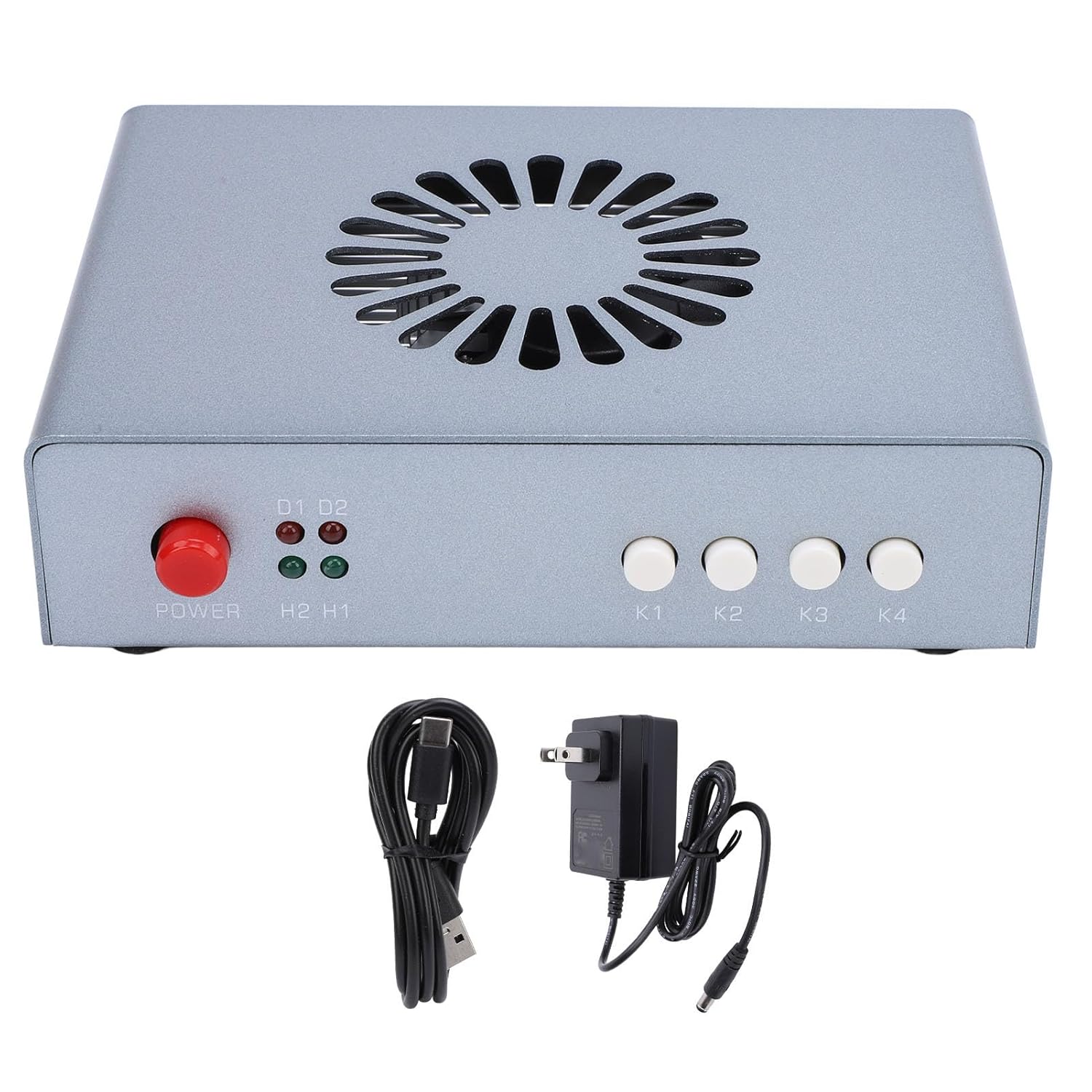
packing list:
1 x HD Multimedia Interface Synthesizer
1 x Supply Cord
1 x USB Cable
1 x User Manual -
Customer ReviewsNo comments