

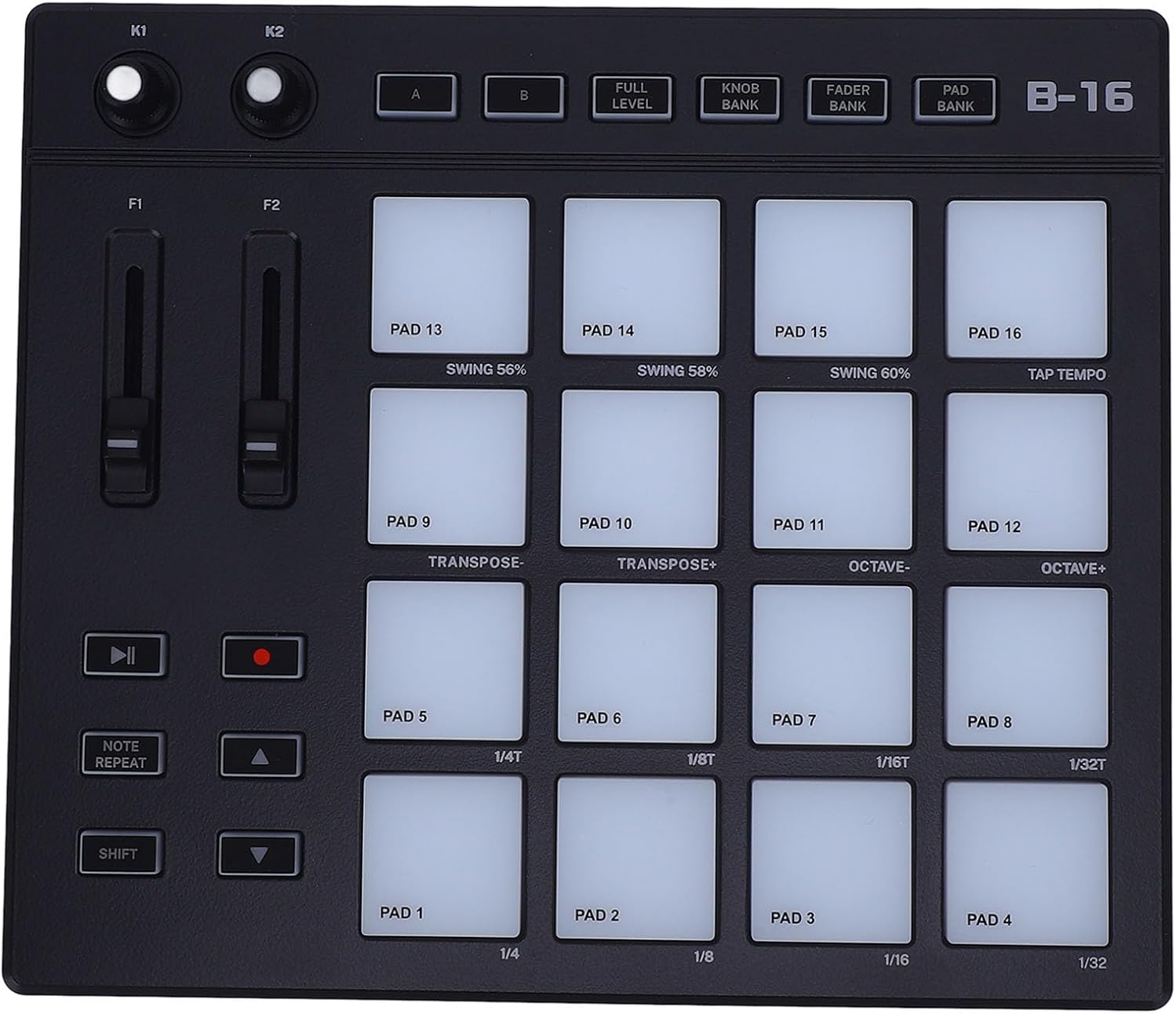
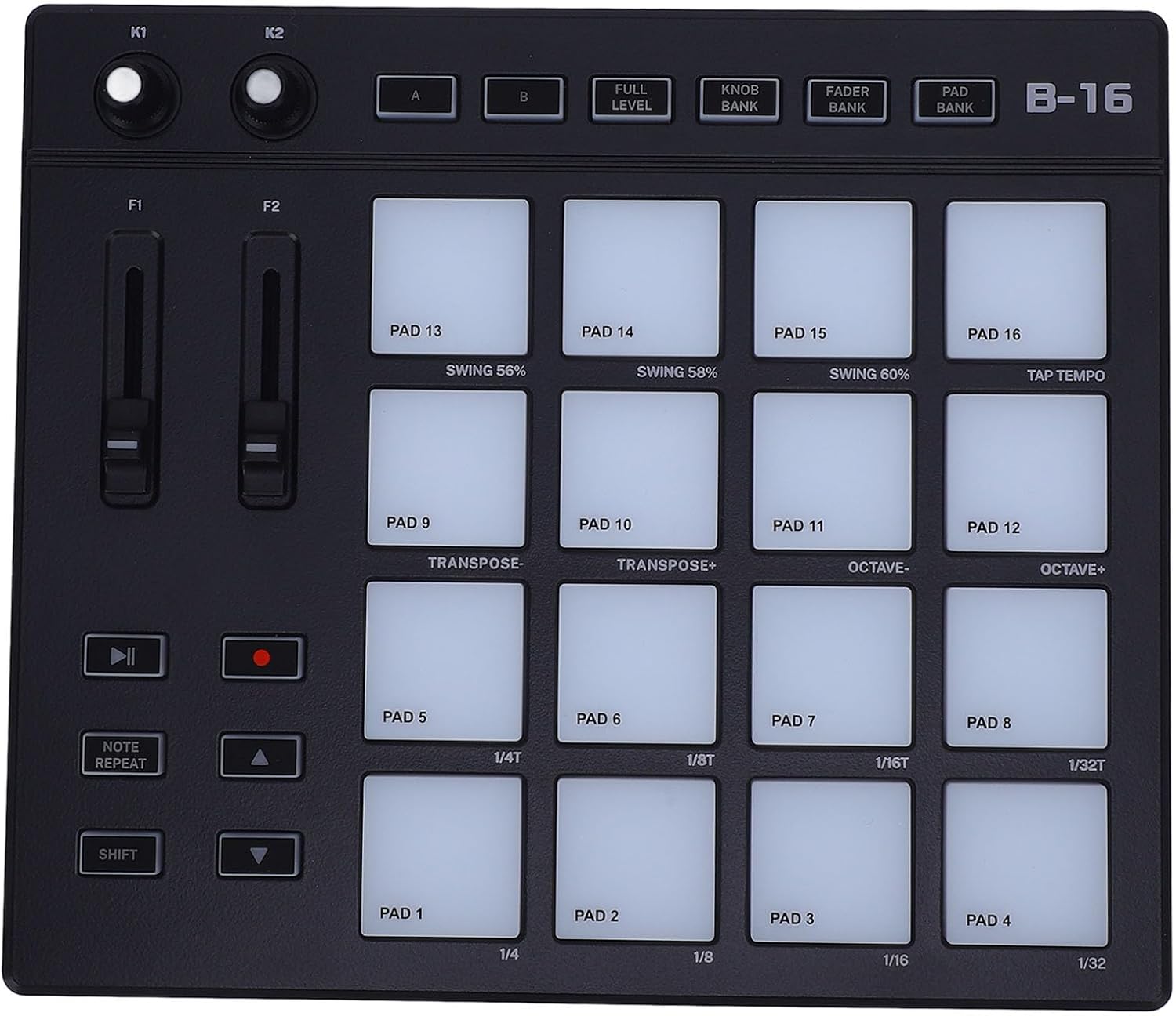
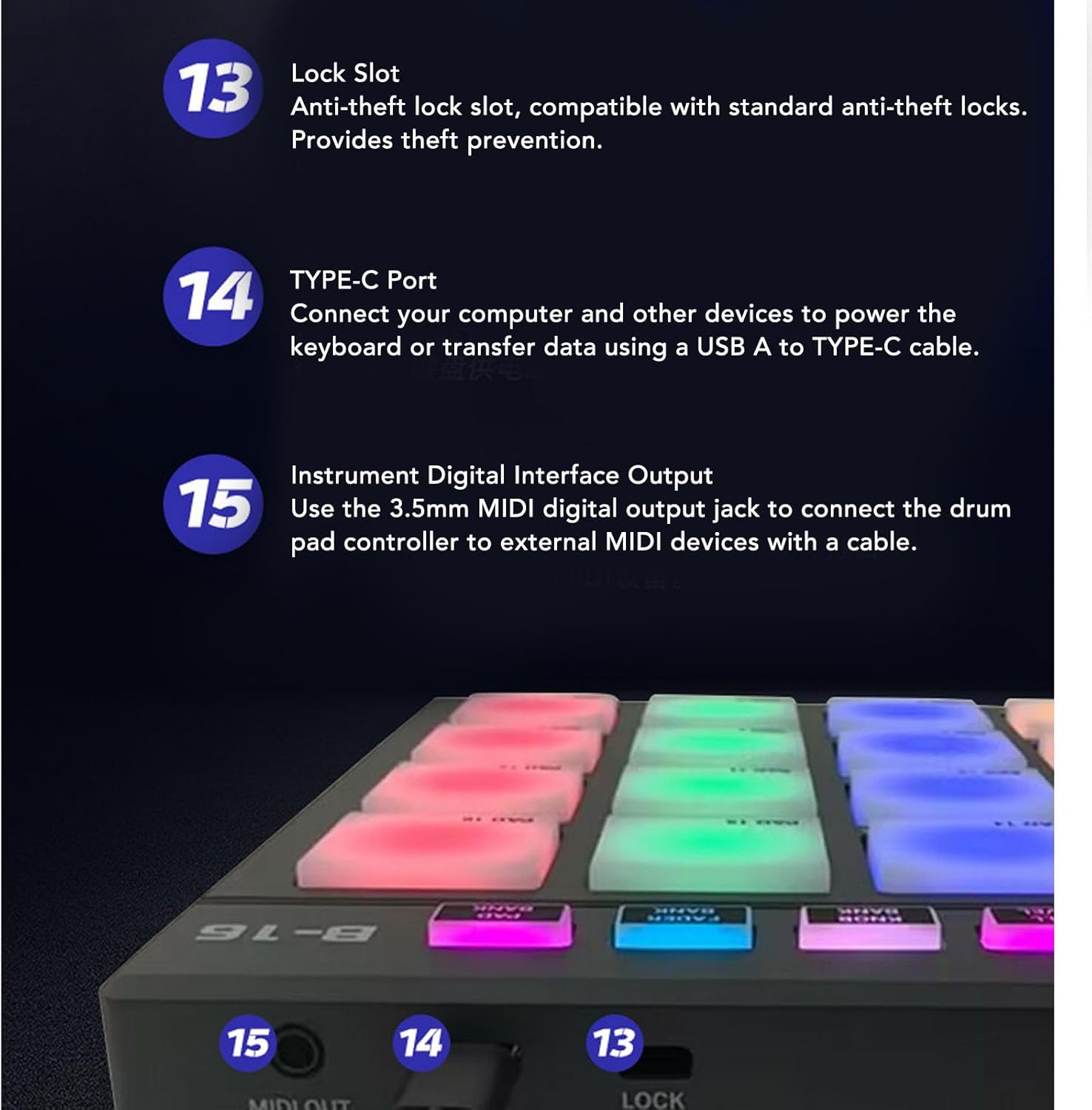
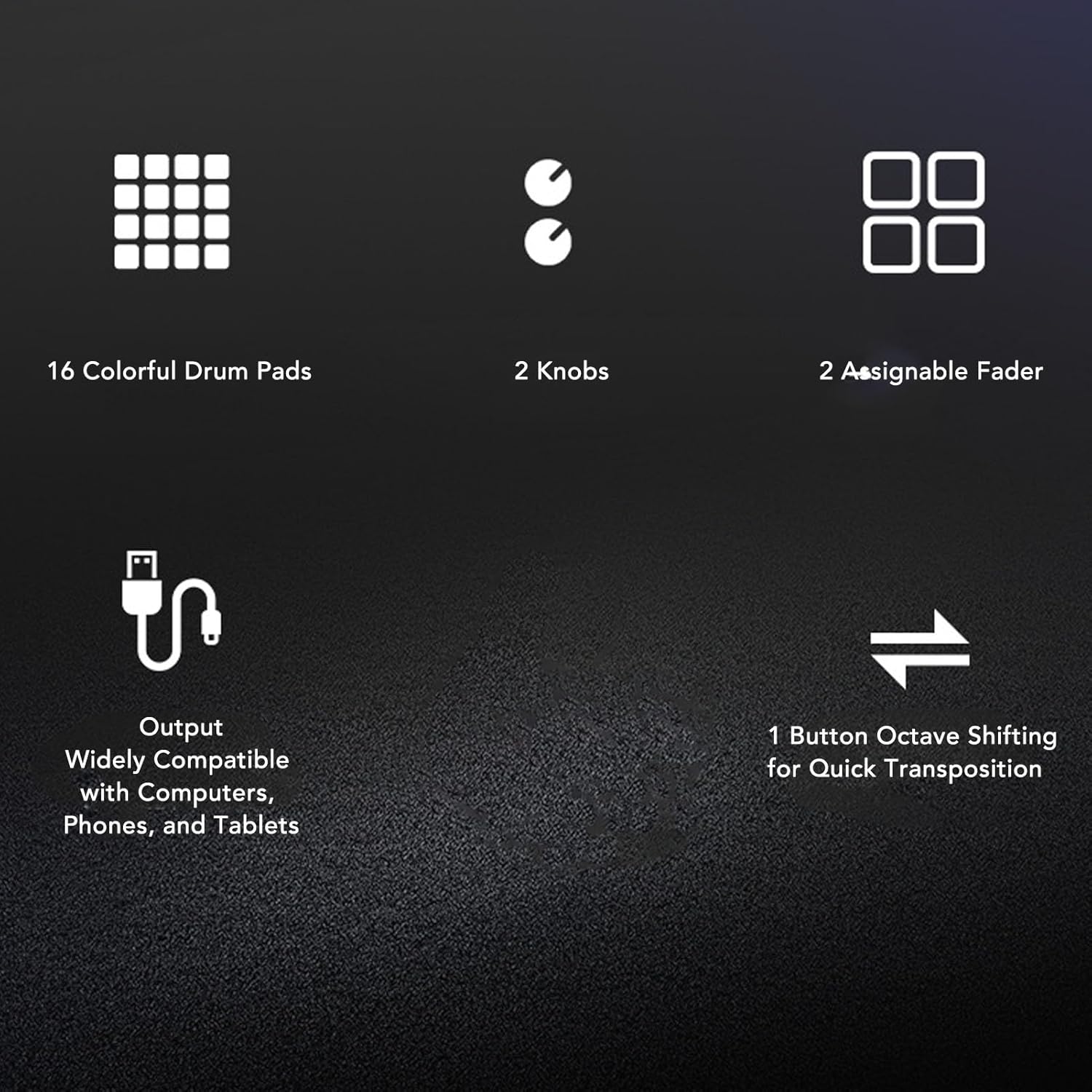
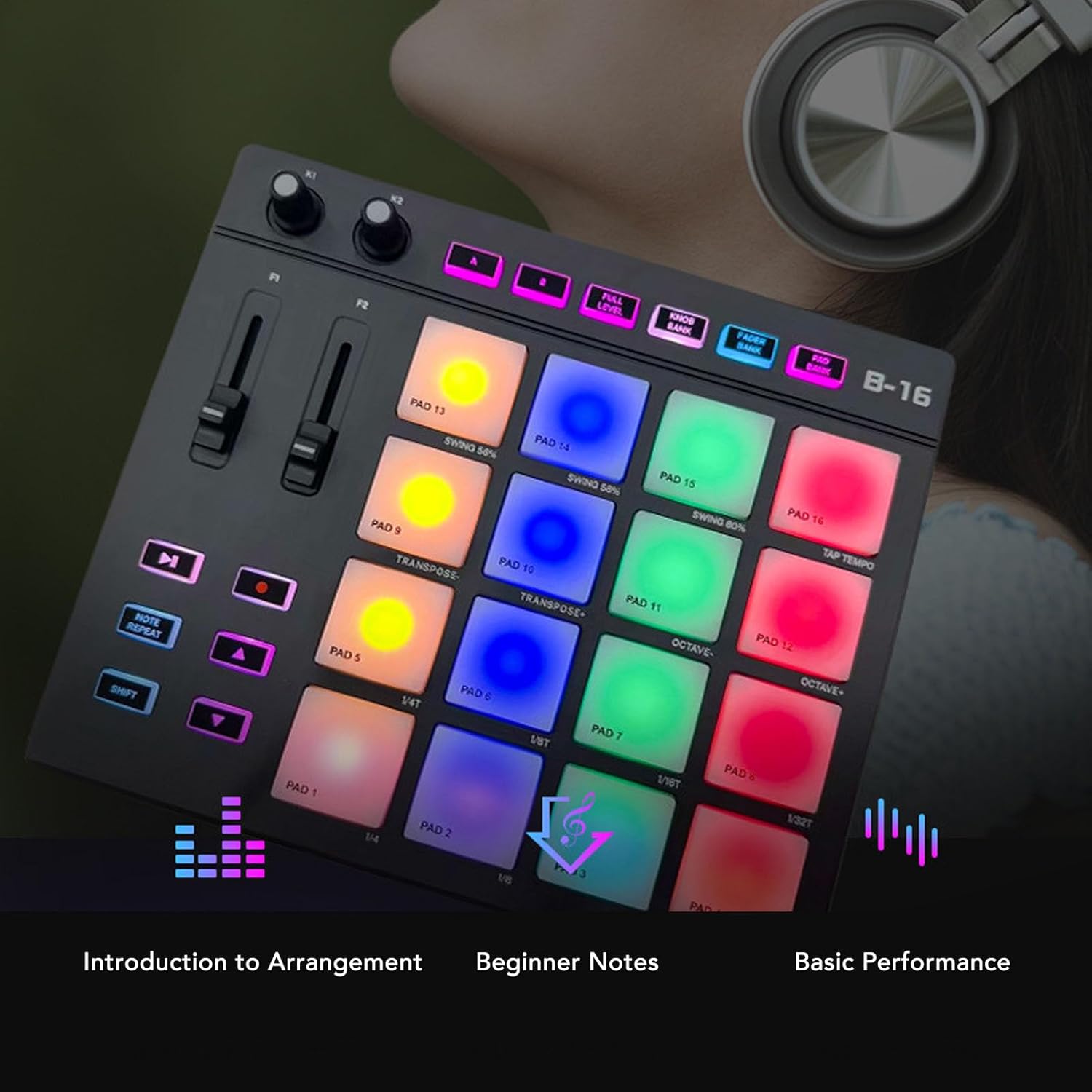
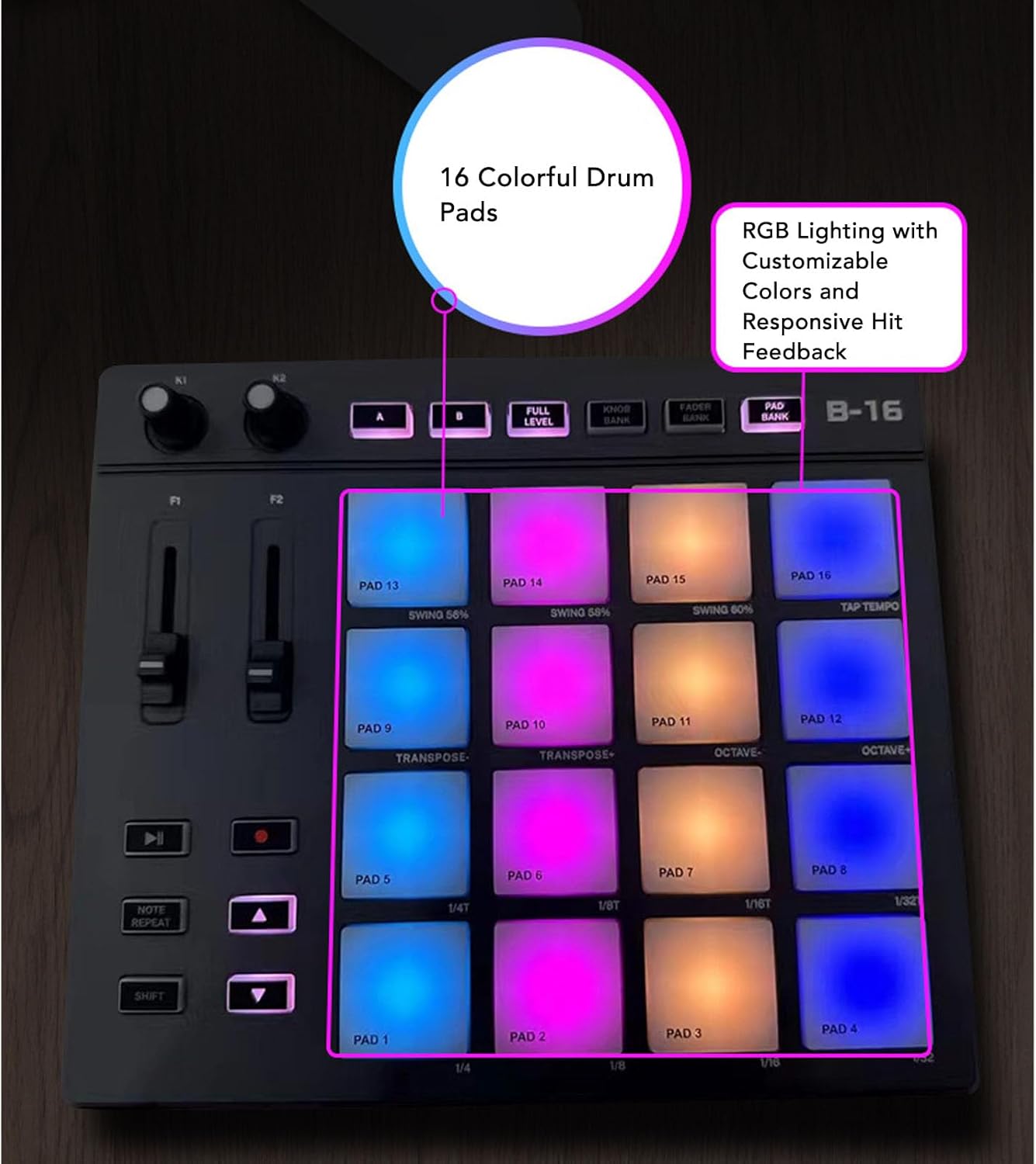
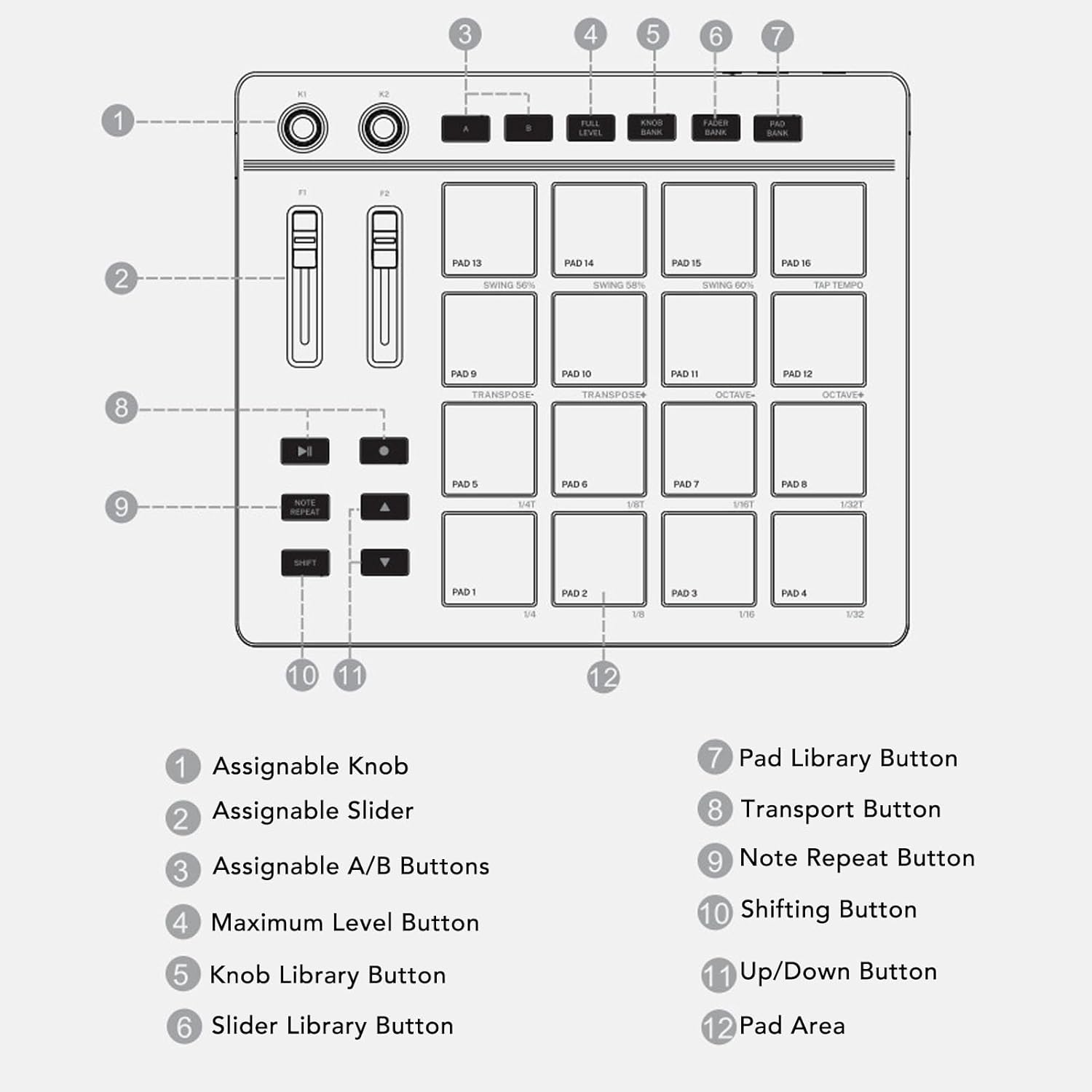
MIDI Pad Beat Maker Machine, Drum Machine with 16 Backlit Drum Pads, 2 Assignable Fader and 2 Adjustable Knobs, Portable RGB Drum Pad for Music Production
Versatile Controls: MIDI controller pad features 2 assignab
-
Detail
Spec:
Item Type: MIDI Controller Pad
Material: ABS, Silicone
How to Use:
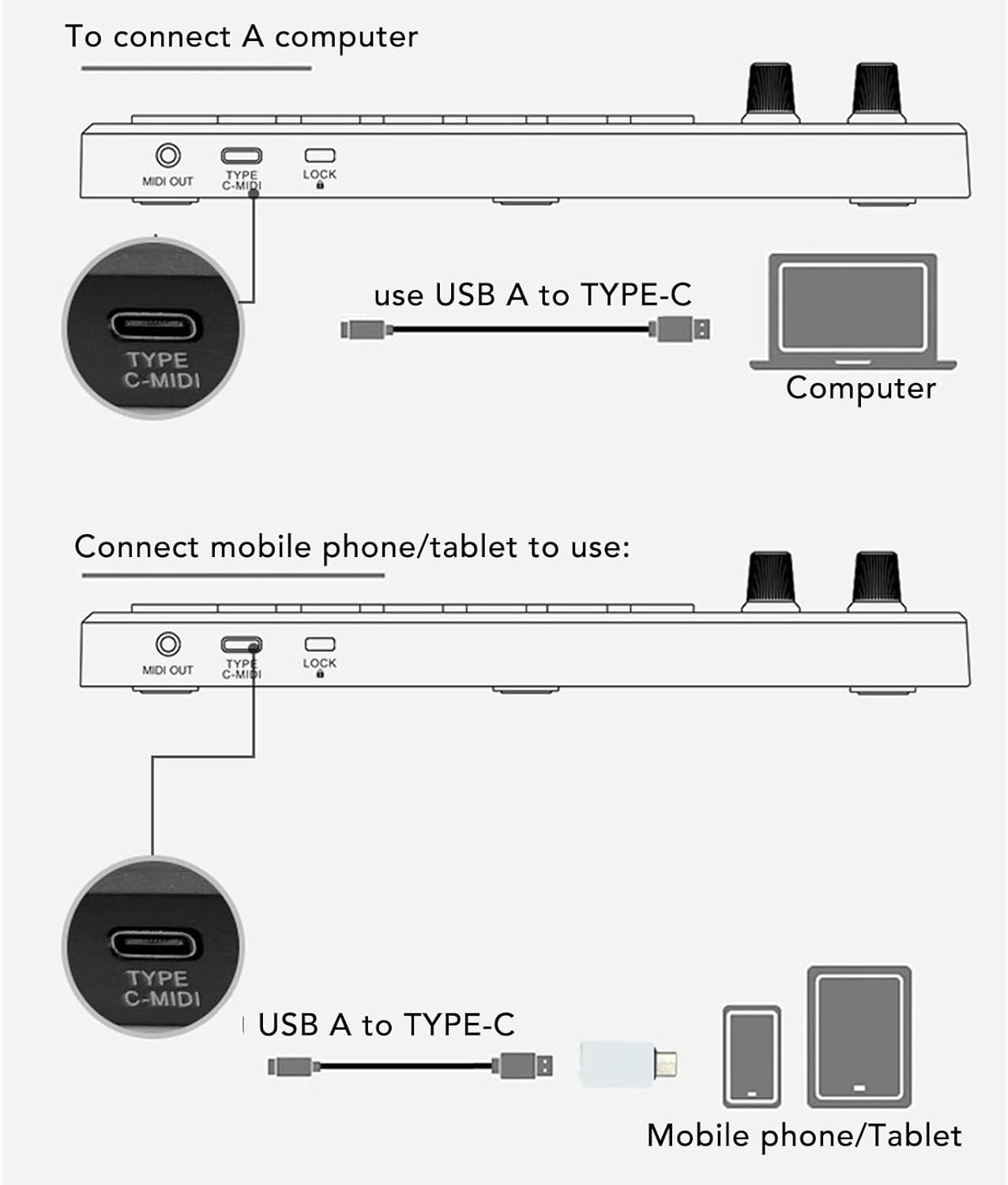
1. Connect the device: Use a USB cable to connect the controller to your computer. - Ensure that the controller's power is turned on.
2. Install the driver:
Recommended sound workstation software:
The drum pad controller will be displayed as an input and output device in the instrument digital interface settings of the sound workstation software. Before starting your composition, you need to set the drum pad controller as an input device in the instrument digital interface settings of the sound workstation. Once this setting is complete, your software can receive note and controller data from the drum pad controller.
List of recommended sound workstation software:
For FL Studio, for , for Reason, for Audition, for Logic, for Sonar, for , for Reaper, for Waveform, for Cubase or for
3. Choose software: Open your music production software. Set up MIDI input and output in the software, selecting your controller as the input device. Configure the controller
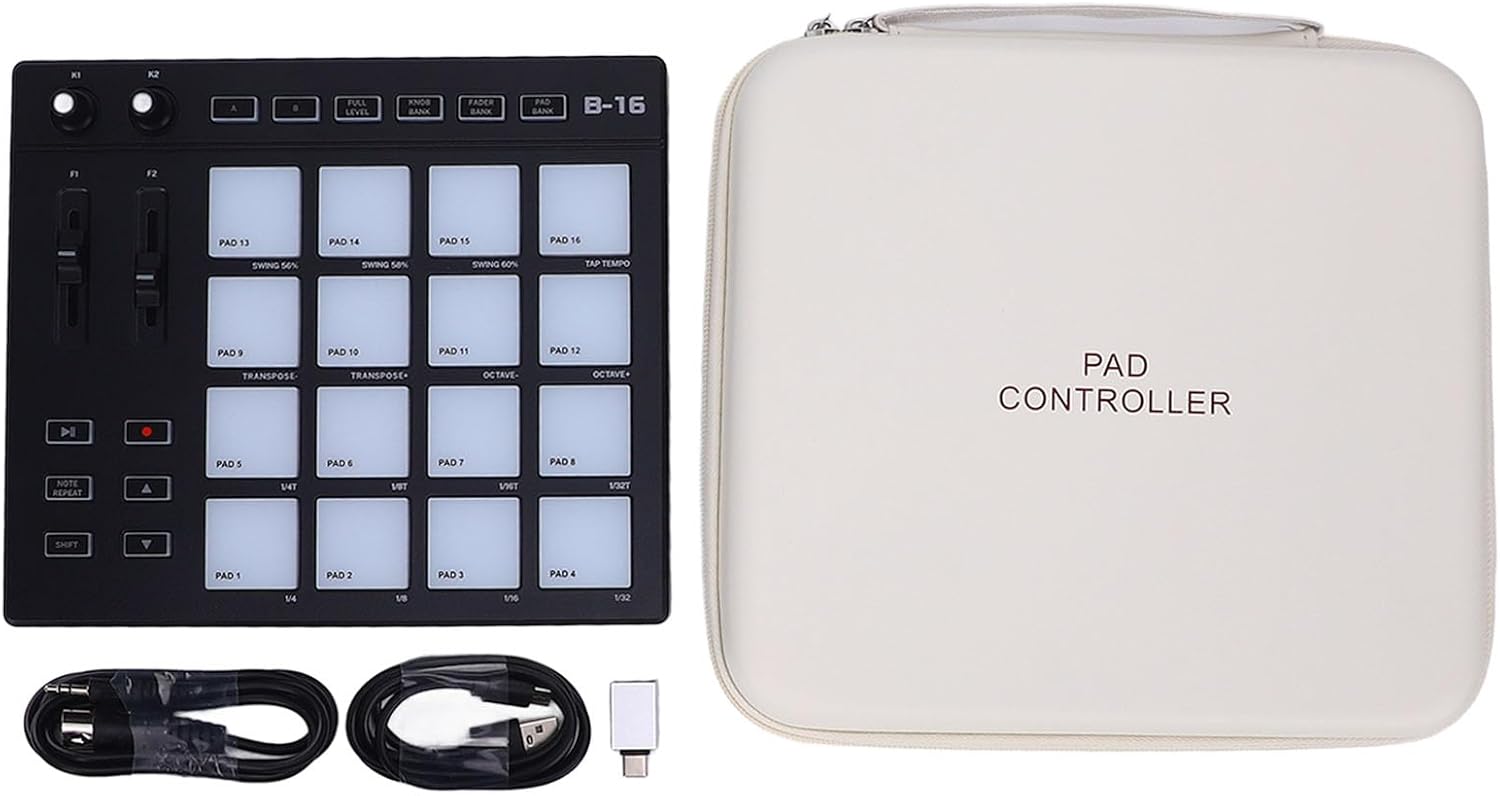
packing list:
1 x MIDI Controller
2 x Cables
1 x Converter
1 x Storage Bag -
Customer ReviewsNo comments