

Home / Professional MIDI Pad Controller, Beat Maker Machine with 16 Drum Pads & 2 Assignable Fader Knobs, RGB Portable Pad Drum Machine, for Beginner Music Production
  • Professional MIDI Pad Controller, Beat Maker Machine with 16 Drum Pads & 2 Assignable Fader Knobs, RGB Portable Pad Drum Machine, for Beginner Music Production
  • Professional MIDI Pad Controller, Beat Maker Machine with 16 Drum Pads & 2 Assignable Fader Knobs, RGB Portable Pad Drum Machine, for Beginner Music Production
  • Professional MIDI Pad Controller, Beat Maker Machine with 16 Drum Pads & 2 Assignable Fader Knobs, RGB Portable Pad Drum Machine, for Beginner Music Production
  • Professional MIDI Pad Controller, Beat Maker Machine with 16 Drum Pads & 2 Assignable Fader Knobs, RGB Portable Pad Drum Machine, for Beginner Music Production
  • Professional MIDI Pad Controller, Beat Maker Machine with 16 Drum Pads & 2 Assignable Fader Knobs, RGB Portable Pad Drum Machine, for Beginner Music Production
  • Professional MIDI Pad Controller, Beat Maker Machine with 16 Drum Pads & 2 Assignable Fader Knobs, RGB Portable Pad Drum Machine, for Beginner Music Production
  • Professional MIDI Pad Controller, Beat Maker Machine with 16 Drum Pads & 2 Assignable Fader Knobs, RGB Portable Pad Drum Machine, for Beginner Music Production
  • Professional MIDI Pad Controller, Beat Maker Machine with 16 Drum Pads & 2 Assignable Fader Knobs, RGB Portable Pad Drum Machine, for Beginner Music Production
  • Professional MIDI Pad Controller, Beat Maker Machine with 16 Drum Pads & 2 Assignable Fader Knobs, RGB Portable Pad Drum Machine, for Beginner Music Production

Professional MIDI Pad Controller, Beat Maker Machine with 16 Drum Pads & 2 Assignable Fader Knobs, RGB Portable Pad Drum Machine, for Beginner Music Production

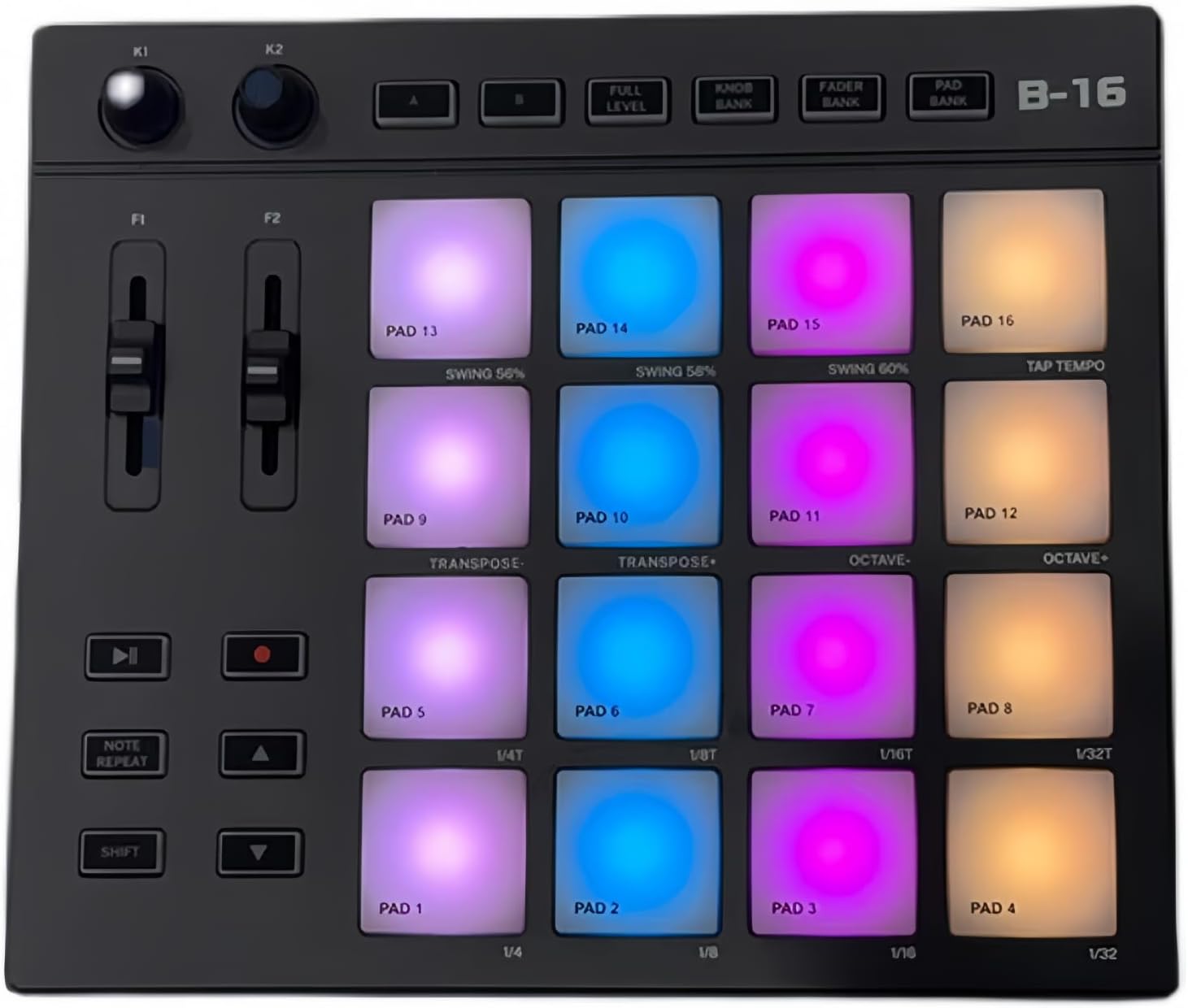
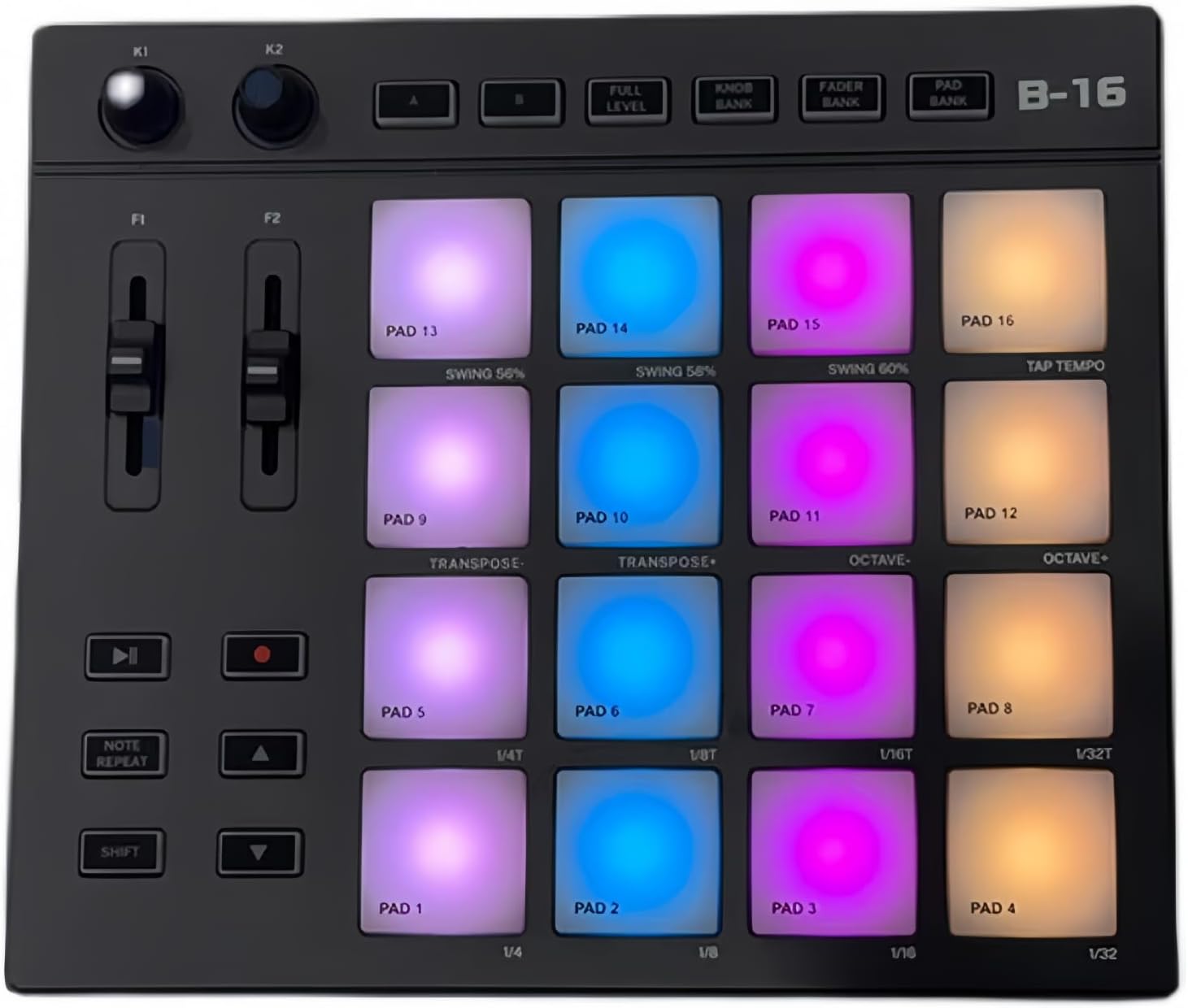
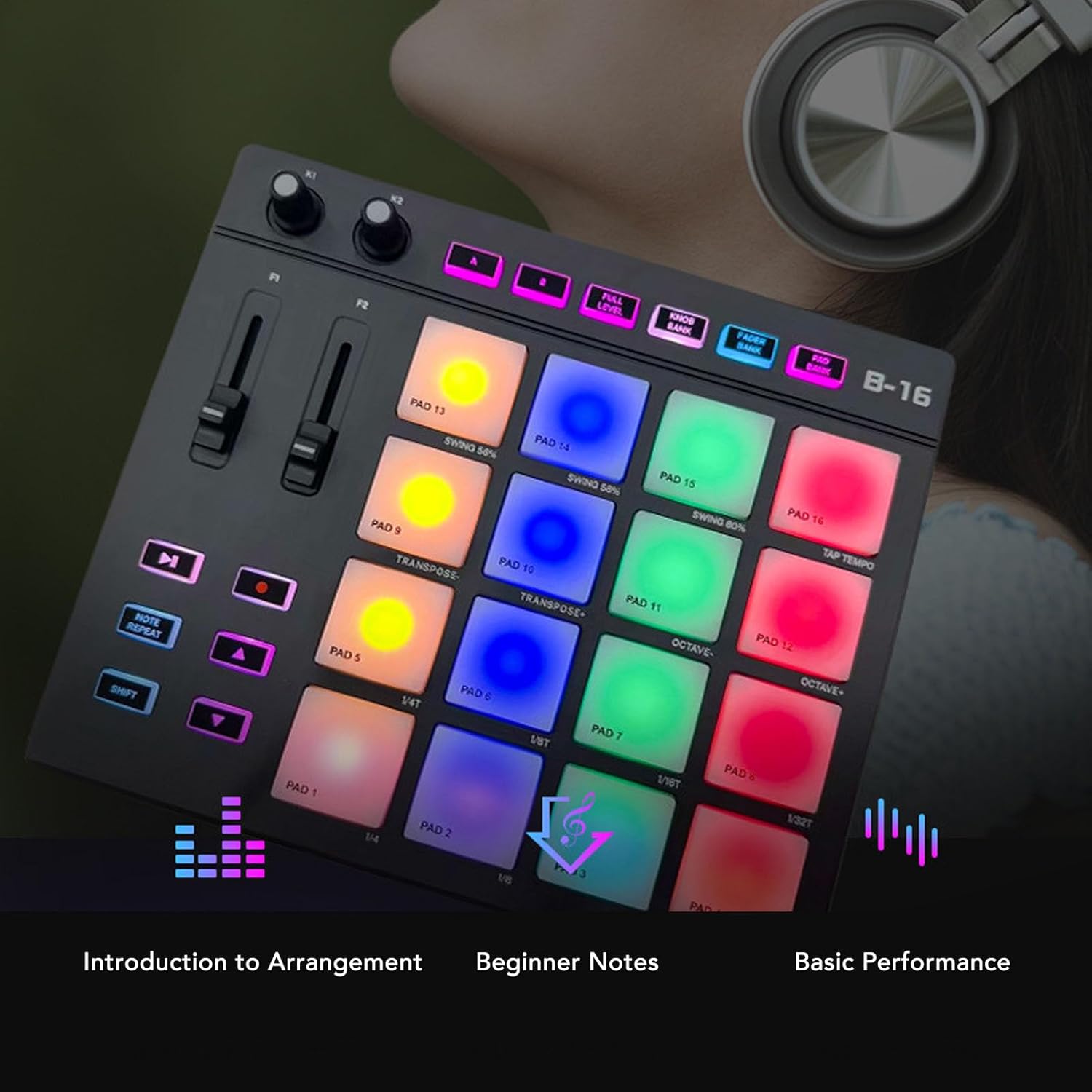
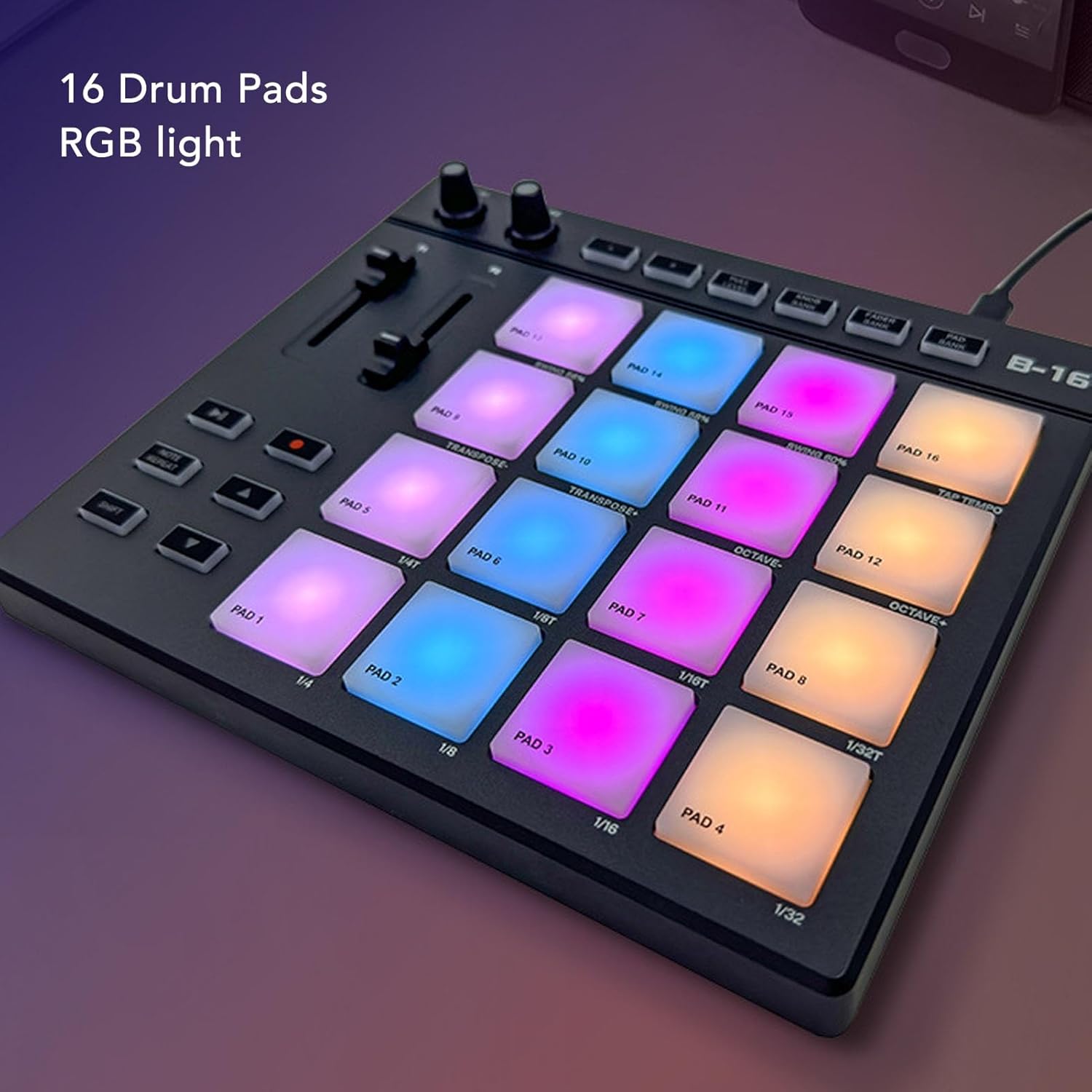
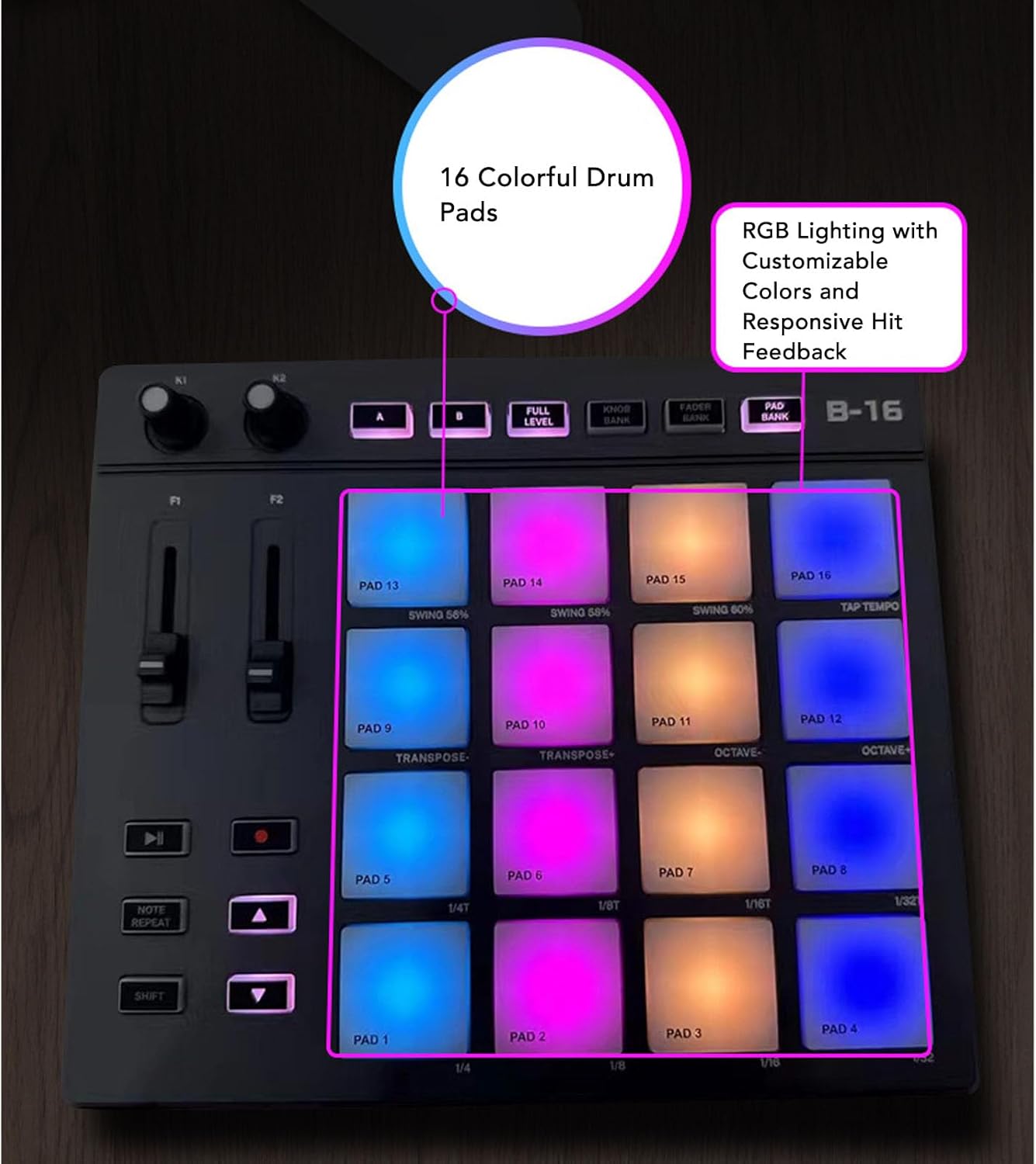
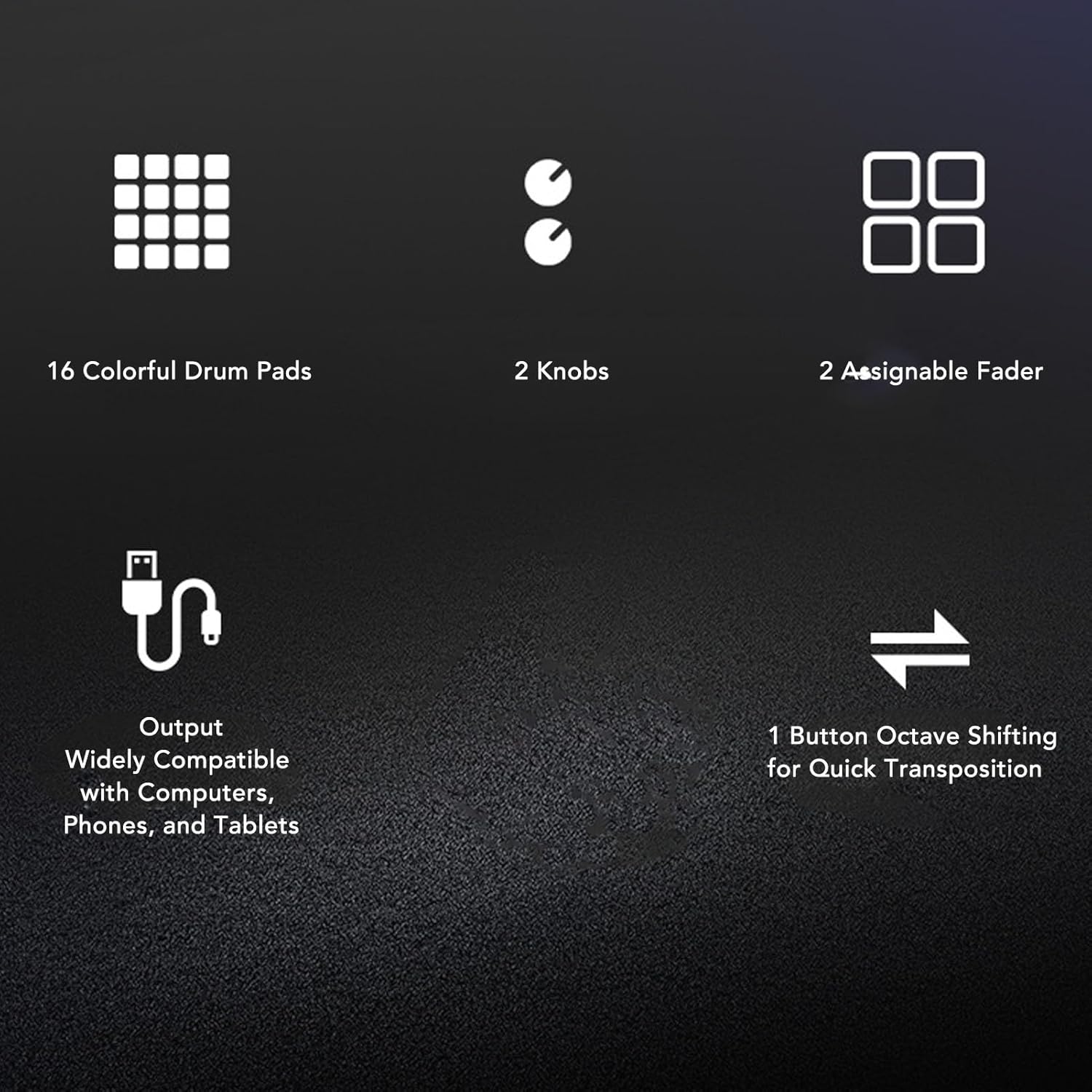
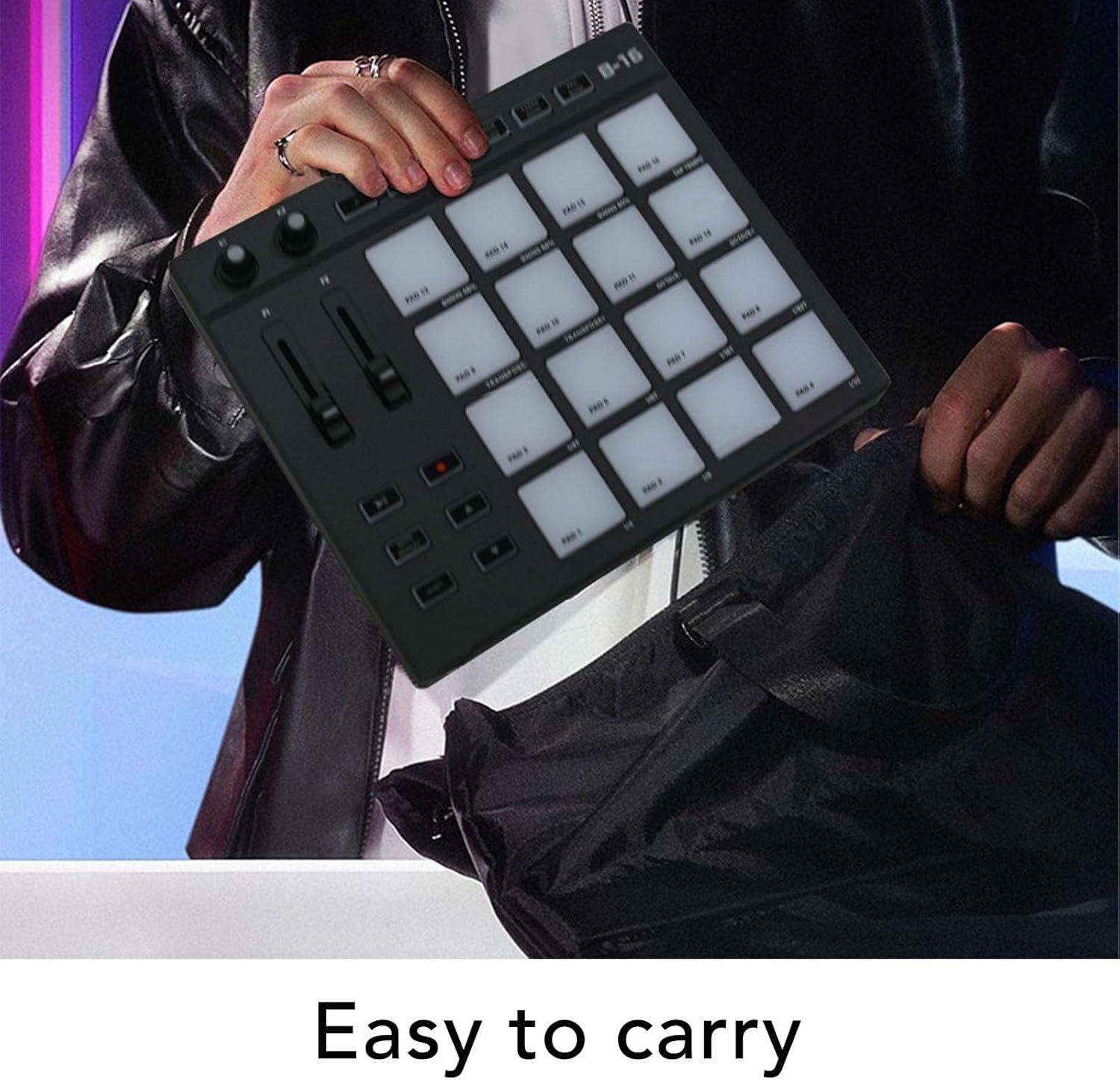
Portable Design: MIDI drum pad controller boasts a lightweight design for on the go music production. With 16 vibrant, color illuminated drum pads, you can produce music anytime and anywhere. Record up to 48 custom sounds for creativity.
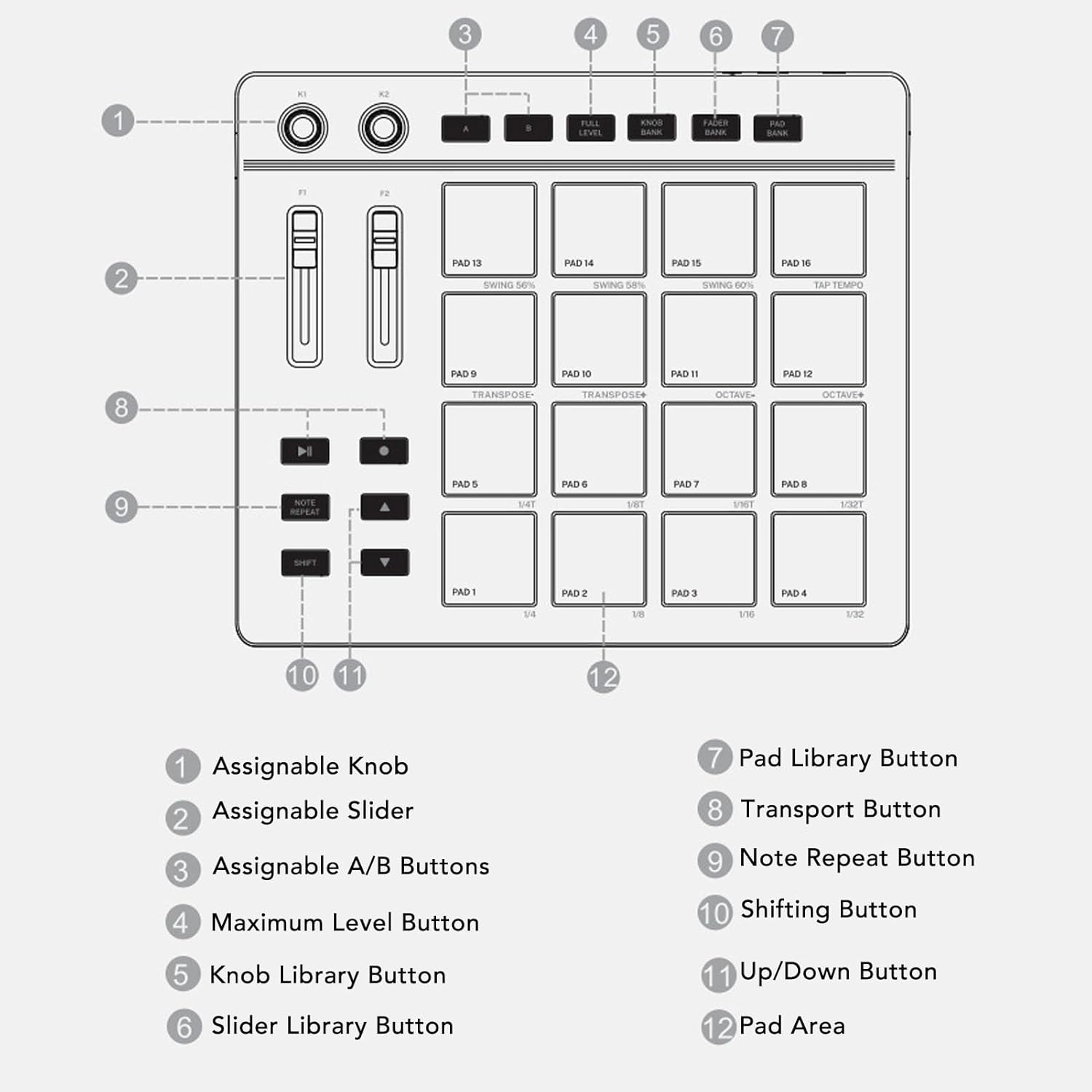
Versatile Controls: MIDI controller pad features 2 assignab
Quantity
ADD TO CART
BUY IT NOW
  • Detail

    Spec:

    Item Type: MIDI Controller Pad

    Material: ABS, Silicone

    How to Use:

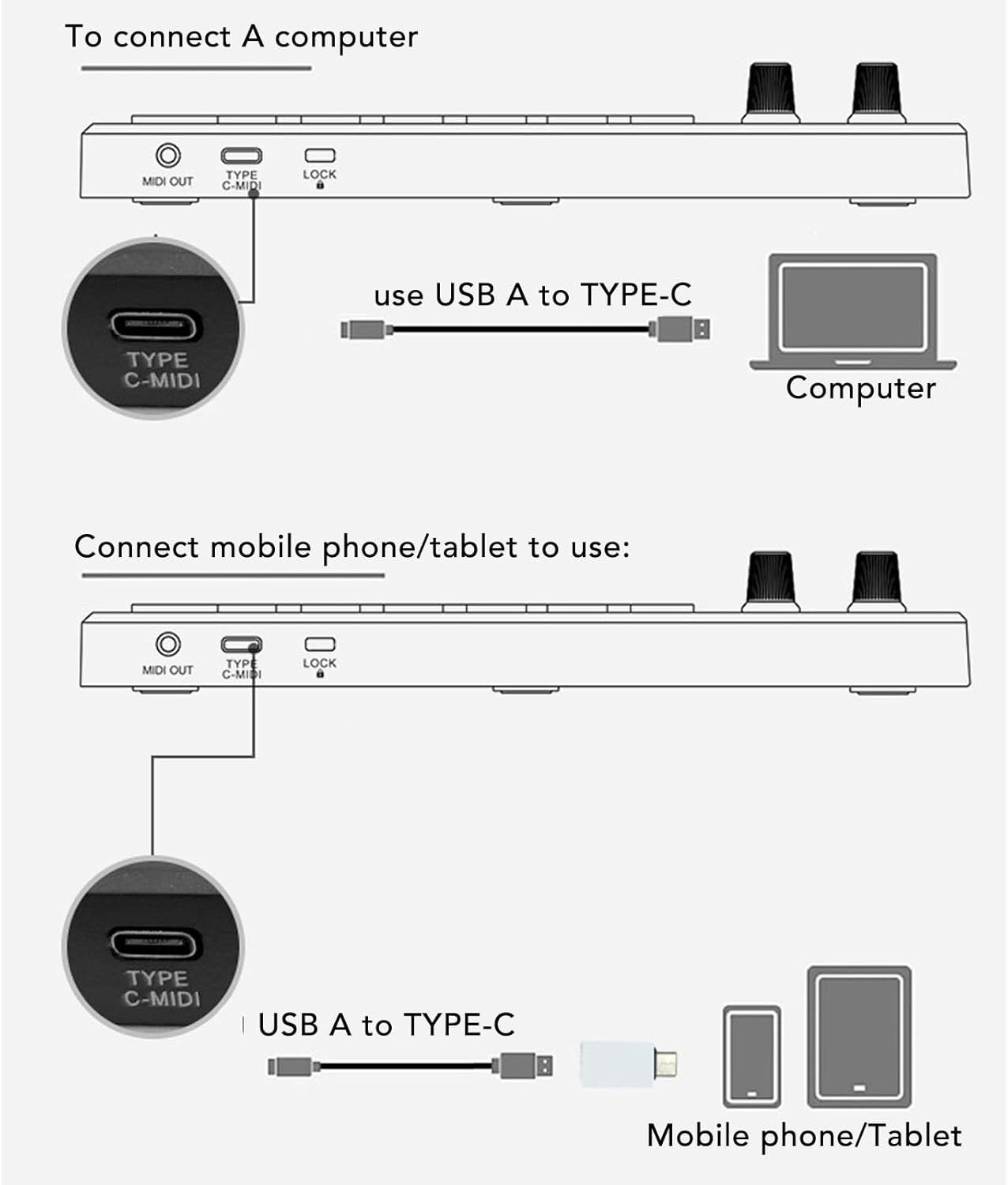
    1. Connect the device: Use a USB cable to connect the controller to your computer. - Ensure that the controller's power is turned on.

    2. Install the driver:


    Recommended sound workstation software:The drum pad controller will be displayed as an input and output device in the instrument digital interface settings of the sound workstation software. Before starting your composition, you need to set the drum pad controller as an input device in the instrument digital interface settings of the sound workstation. Once this setting is complete, your software can receive note and controller data from the drum pad controller.List of recommended sound workstation software:For FL Studio, for BandLab, for Reason, for Audition, for Logic, for Sonar, for Studio One, for Reaper, for Waveform, for Cubase or for Nuendo

    packing list:


    • 1 x MIDI Controller
    • 2 x Cables
    • 1 x Converter
    • 1 x Storage Bag

    Since its inception in 2018, the Bewinner brand has been loved by the people of the US for its commitment to providing customers with quality products at affordable prices. We will continue to work hard to develop more quality products to make life convenient for people in the US.

    Store History

  • Customer Reviews
    No comments