

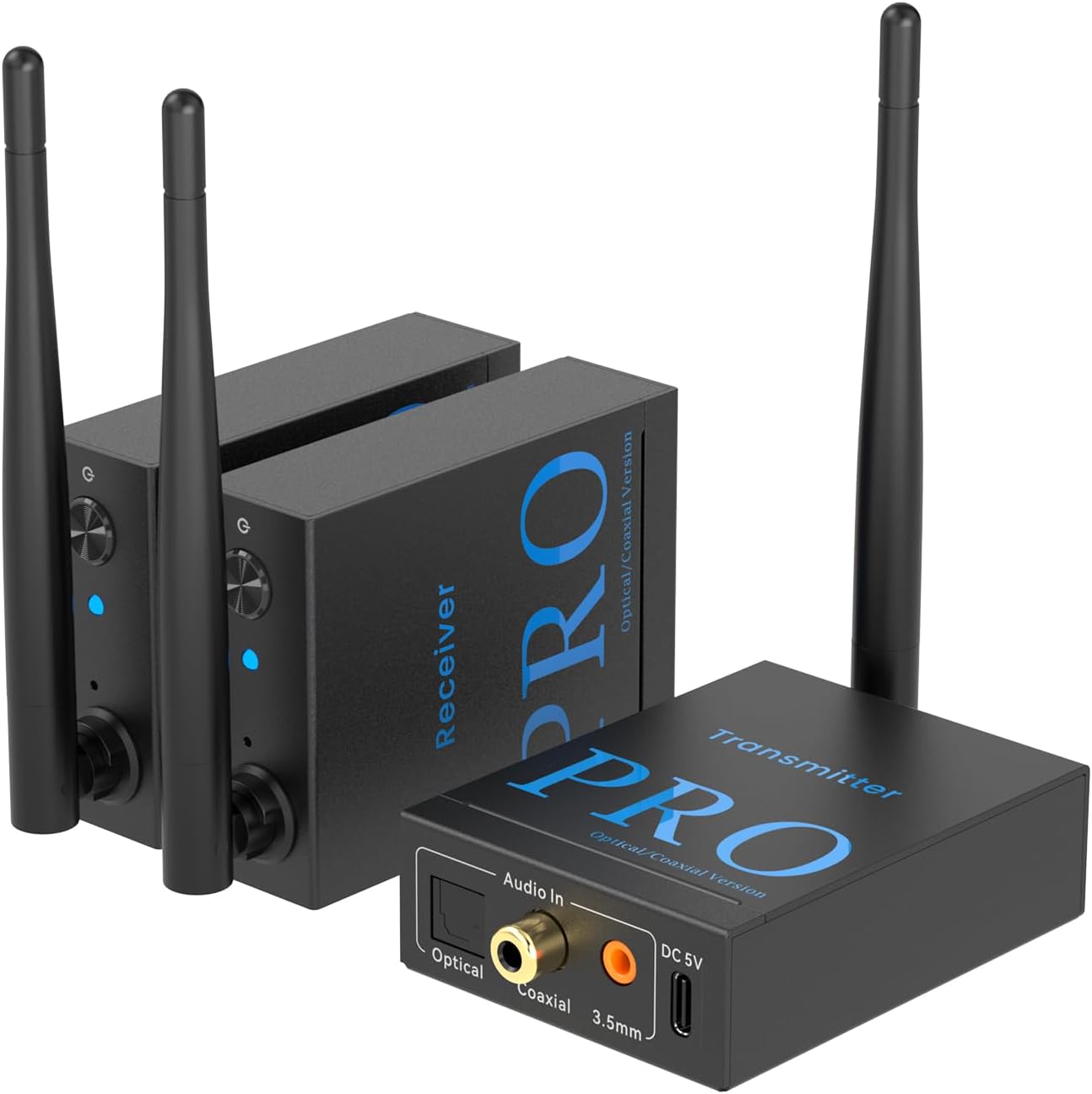
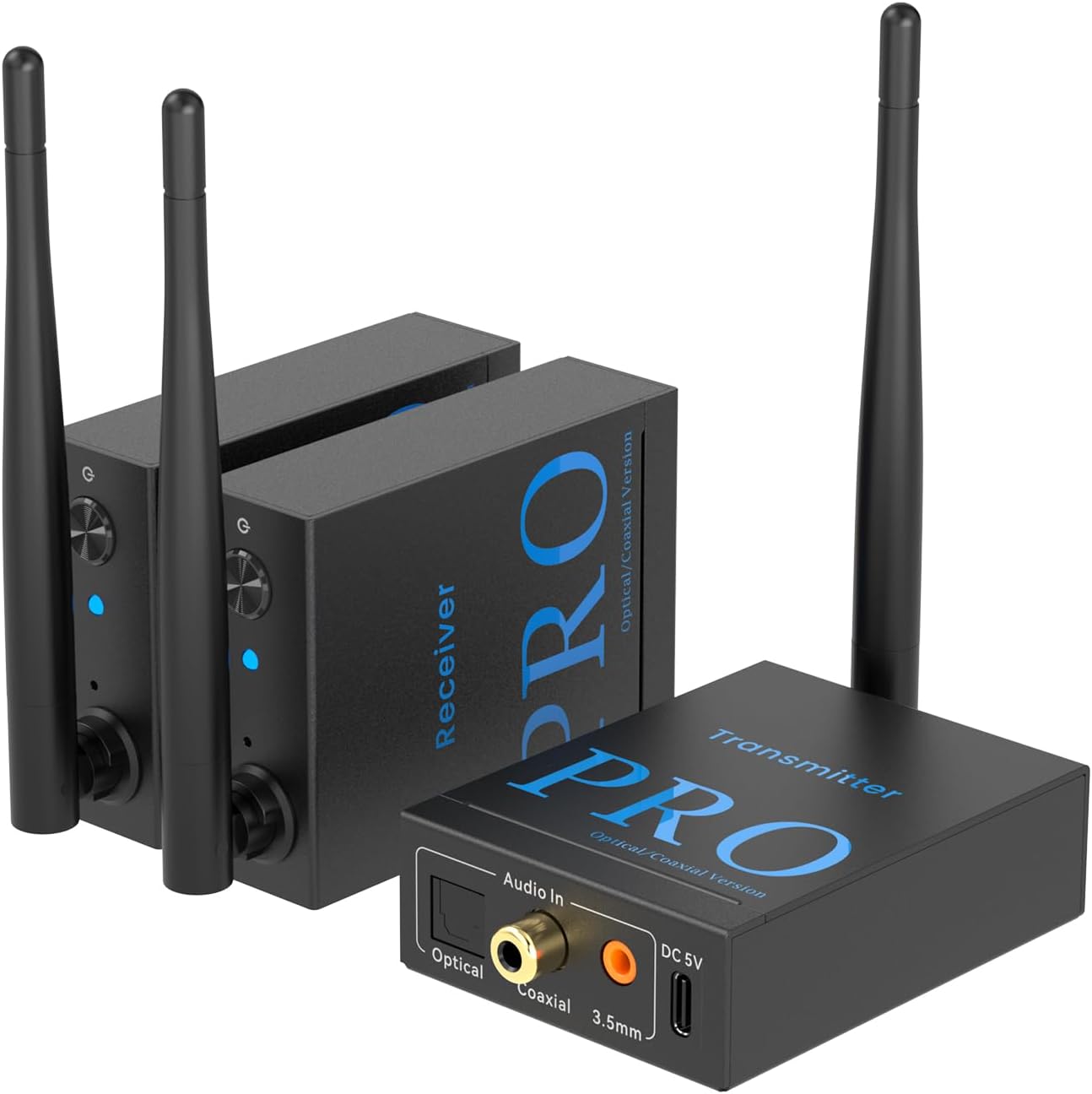
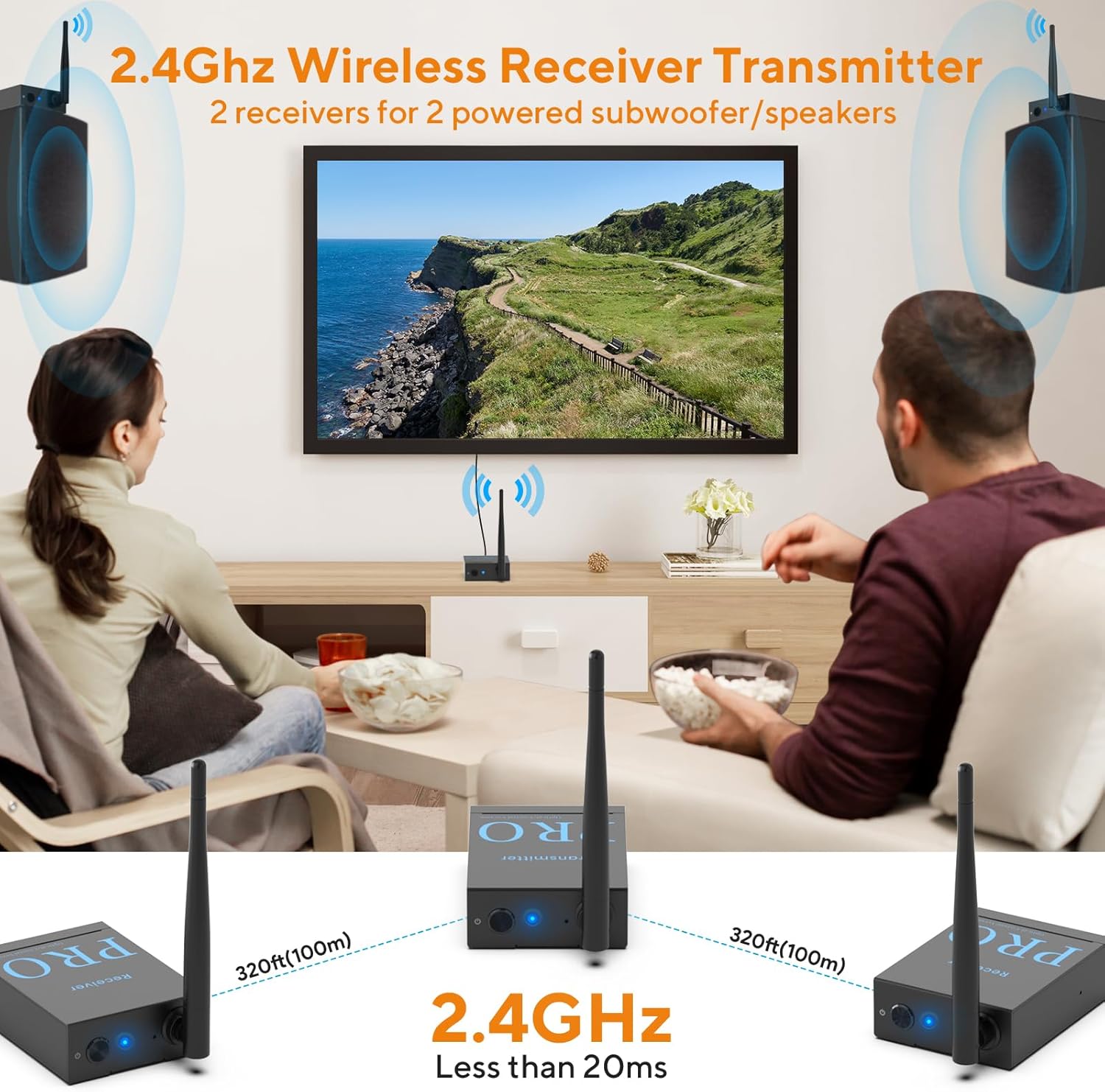
1Mii 3-in-1 2.4Ghz Wireless Audio Transmitter Receiver for 2 Subwoofer/Active Speaker/Power Amplifier, 20ms Low Latency, 320ft Range, Optical/Coaxial/3.5mm(RCA) Audio Input/Outpu
-
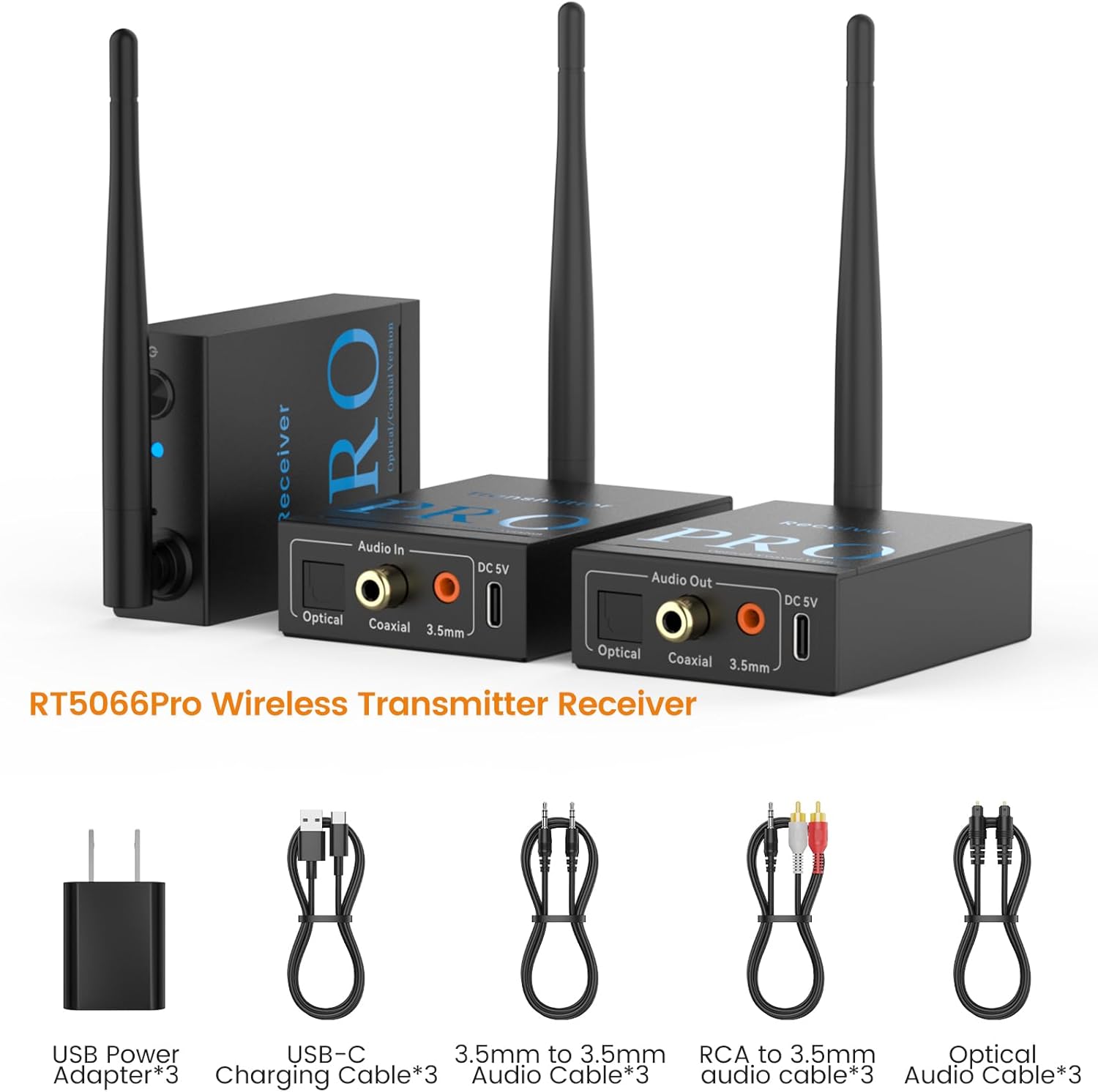
Detail1Say Goodbye to Cables2Long Wireless Distance3Multiple Port Selection4TV Settings5Product Packaging
How to use RT5066Pro correctly? Or does the device not work after connecting?
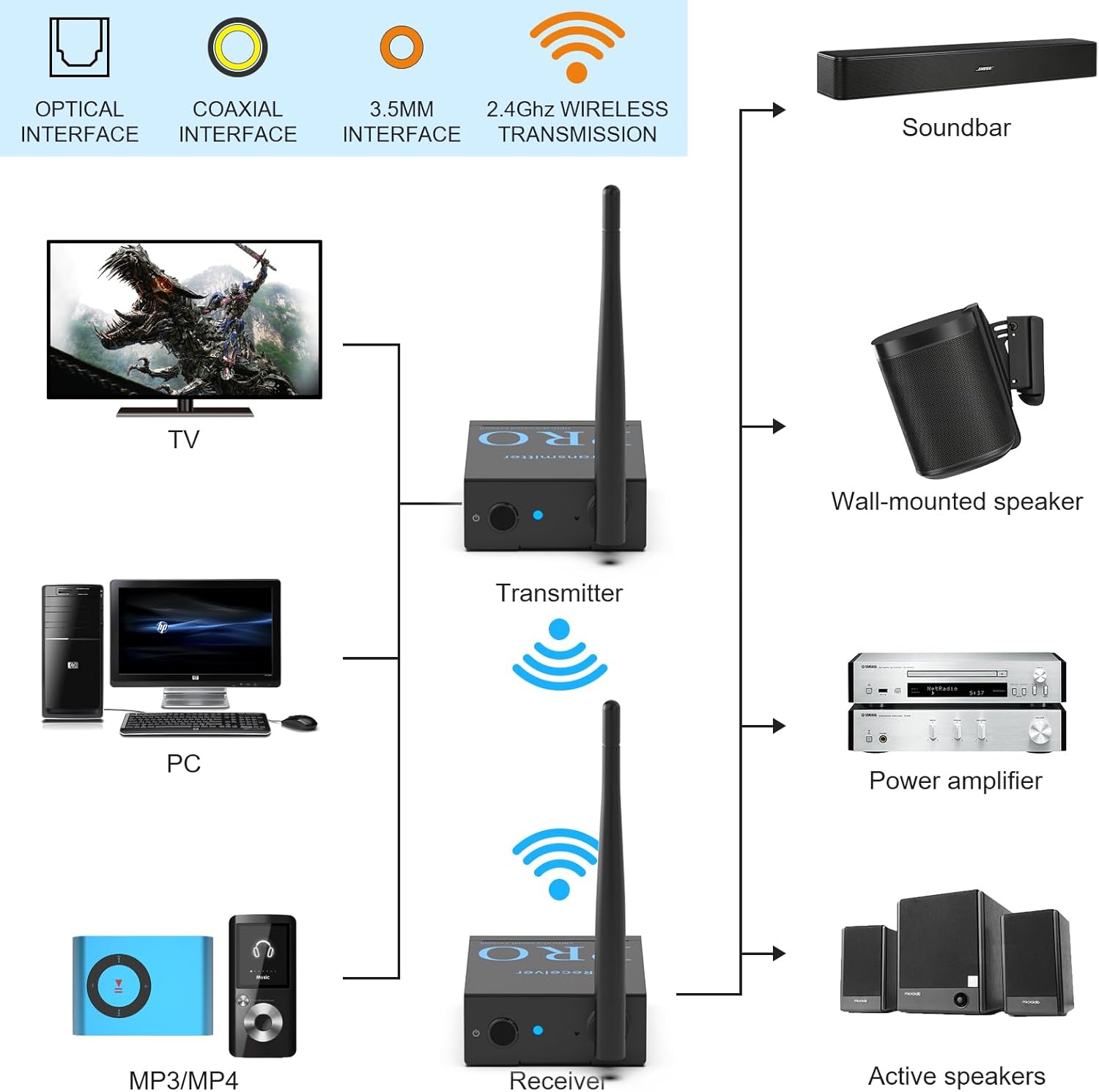
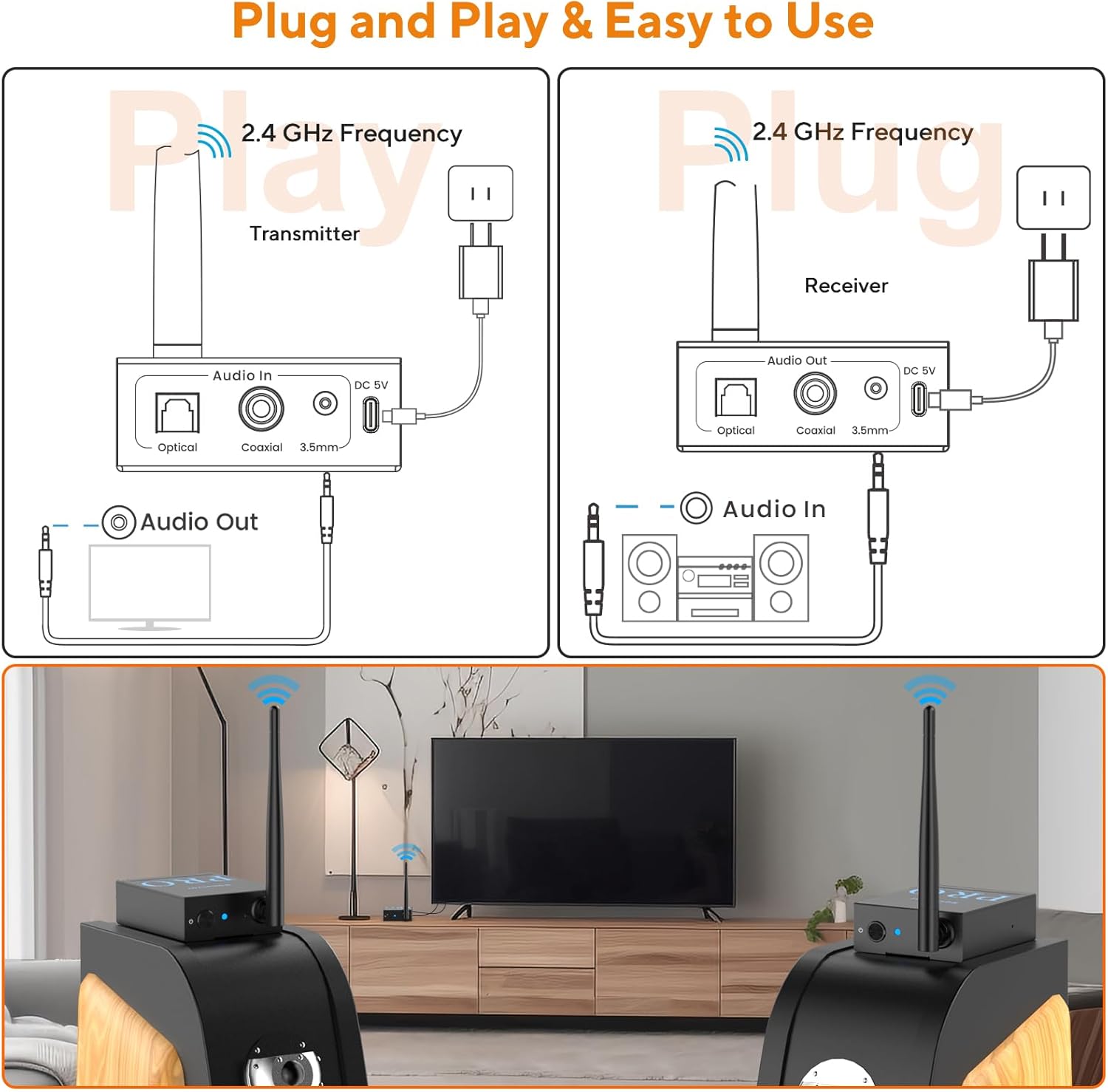
1. First of all, before use, please connect your audio output device (TV, PC, etc.) to your speaker or subwoofer through an audio cable to confirm that your devices can be used normally.
2. Then, connect the RT5066Pro receiver to your speaker or subwoofer. If it is an optical jack, please use an optical cable. If it is a coaxial jack, please use a coaxial cable (not included). If it is a 3.5mm jack, please use a 3.5mm audio cable. If it is an RCA jack, please use an RCA to 3.5mm audio cable.
Note: If an RT5066Pro receiver is connected to 2 speakers or subwoofers at the same time. Please use optical and coaxial jacks. Because the optical and coaxial jacks are digital signal outputs, and the 3.5mm jack is analog signal output, they cannot output at the same time. Either only choose 3.5mm output, or you can choose one or both optical and coaxial outputs; if you use 3.5mm and optical (coaxial) at the same time, your speakers or subwoofer will have no sound.
3. Next, connect RT5066Pro transmitter to your audio output device (TV, PC, etc.) and select different audio cables according to different audio ports (same as in the previous step).
4. Finally, connect RT5066Pro receiver and transmitter to power and they will automatically enter the pairing state. (Flashing red and blue light turns to solid blue light)Pairing successful.
Note: If the RT5066Pro receiver and transmitter cannot be paired successfully, you need to find the small hole next to the indicator light, press it for about 2 seconds, release it when the receiver and transmitter slowly flash blue lights at the same time, when the blue light of the devices are always on, it is successfully paired.
Can RT5066Pro be used with any type of subwoofer/speaker?
NO. without an amplifier, Receiver can only be connected to an active subwoofer/speaker ( with Optical/Coaxial/3.5mm input). The max output voltage is 1.2V. If the passive subwoofer/speakers are directly connected, the sound will be very small.
Why the wireless distance can not reach to 320ft?
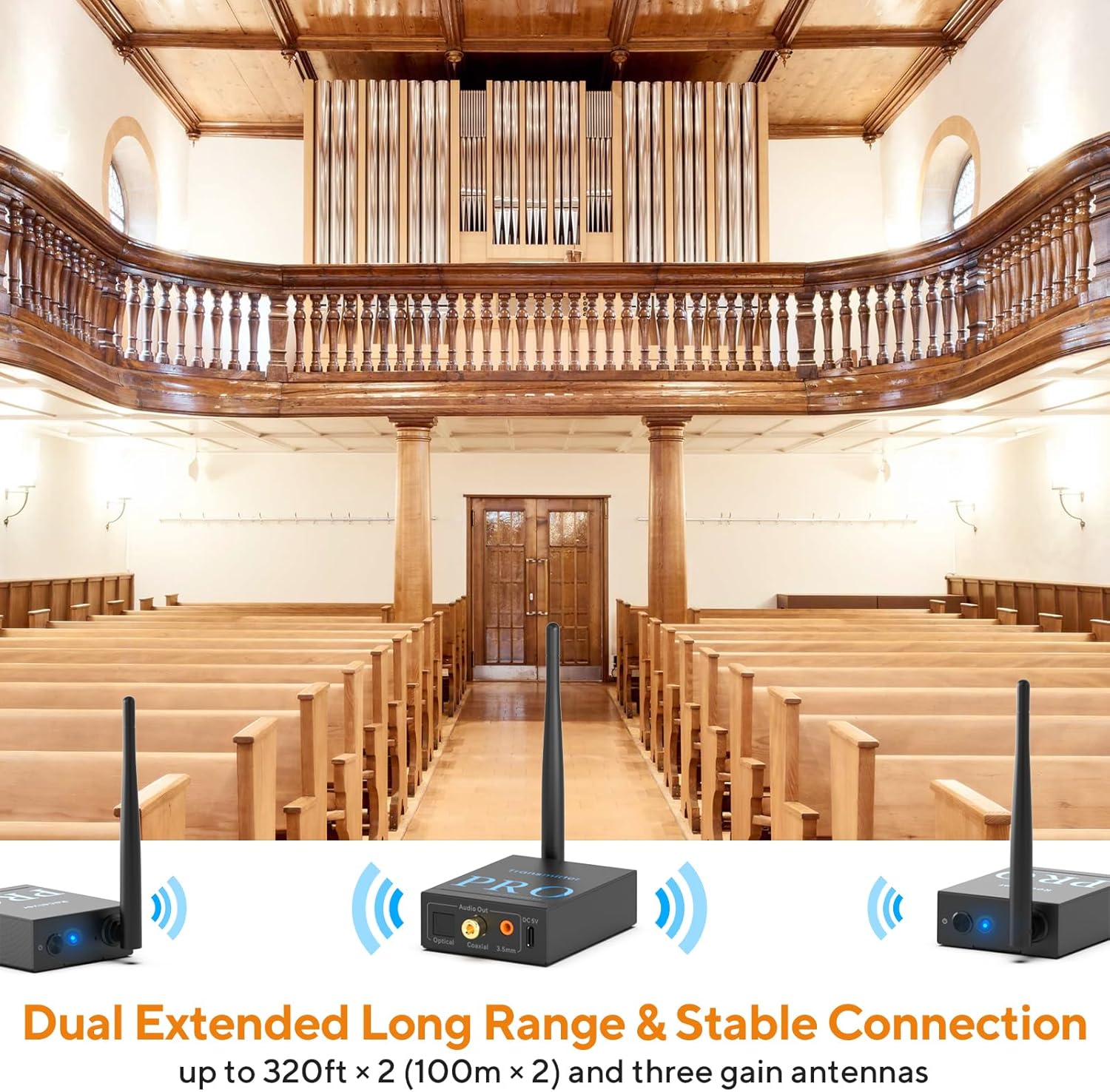
The distance will be effected by obstacle, in the presence of obstacles, the wireless distance is 100-165 feet. Wifi router can effect the distance.Please stay away from it.
Why is the sound so low when I connect a passive speakers/subwoofer?
The maximum audio output of RT5066Pro is 1.2V, please use it with a power amplifier, or choose active speakers and subwoofers.
What should I do if the receiver and the transmitter cannot connect?
Please reset the transmitter and receiver: Press and hold the small hole of the transmitter (receiver) with a needle or small object for 2s until the indicator flashes blue slowly. Wait until the indicator turns blue-pairing is successful.
Why can't the 3.5mm, optical and coaxial ports on the receiver output at the same time?
3.5mm interface is an analog signal, and optical and coaxial are digital signals. 3.5mm can only be used alone, and optical and coaxial can be used at the same time.
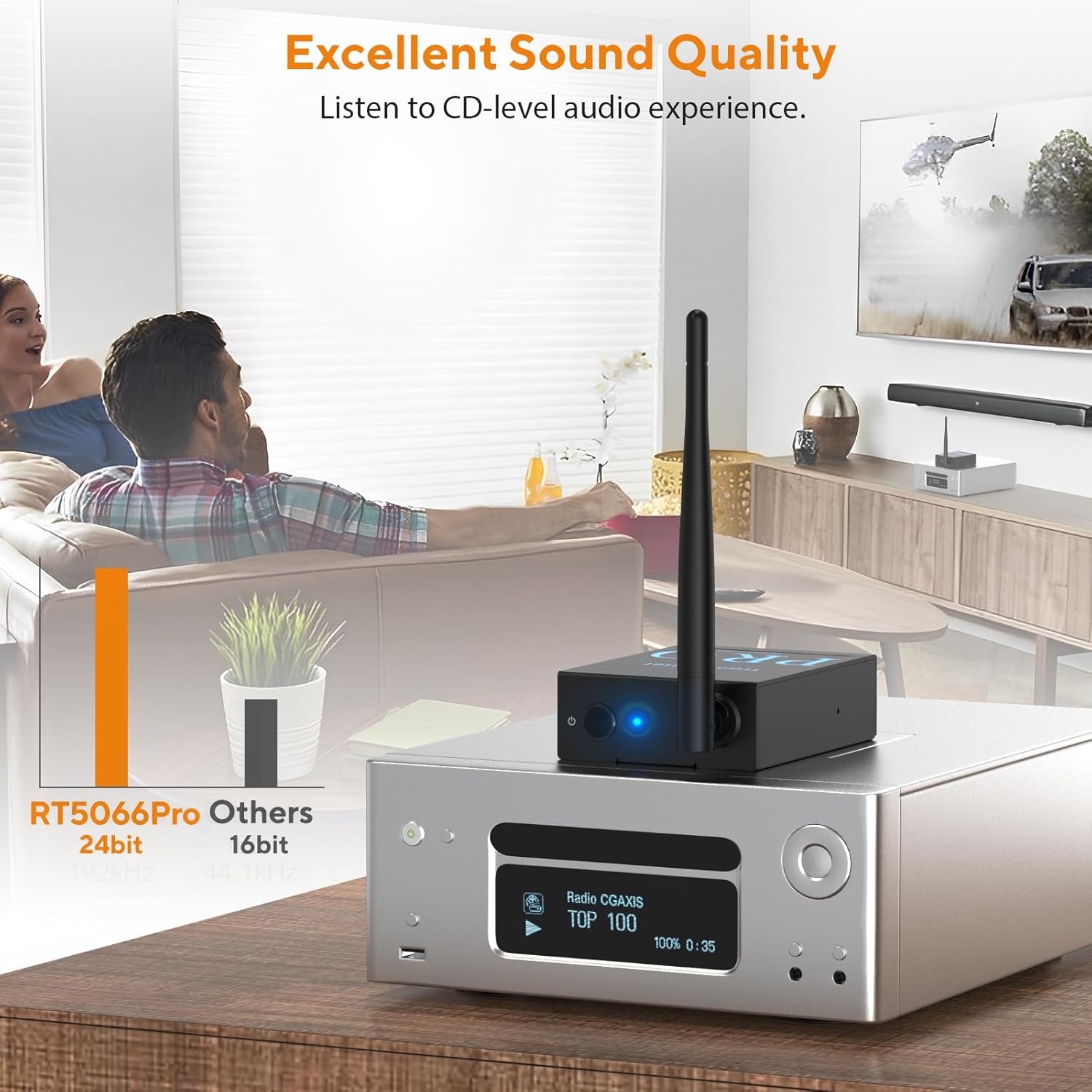
CD-Level Sound Quality
Optical/Coaxial/3.5mm/RCA Audio Input and Output.
Can RT5066Pro be used with any type of subwoofer/speaker?
Why the wireless distance can not reach to 320ft?
Why is the sound so low when I connect a passive speakers/subwoofer?
What should I do if the receiver and the transmitter cannot connect?
Why can't the 3.5mm, optical and coaxial ports on the receiver output at the same time?
-
Customer ReviewsNo comments