

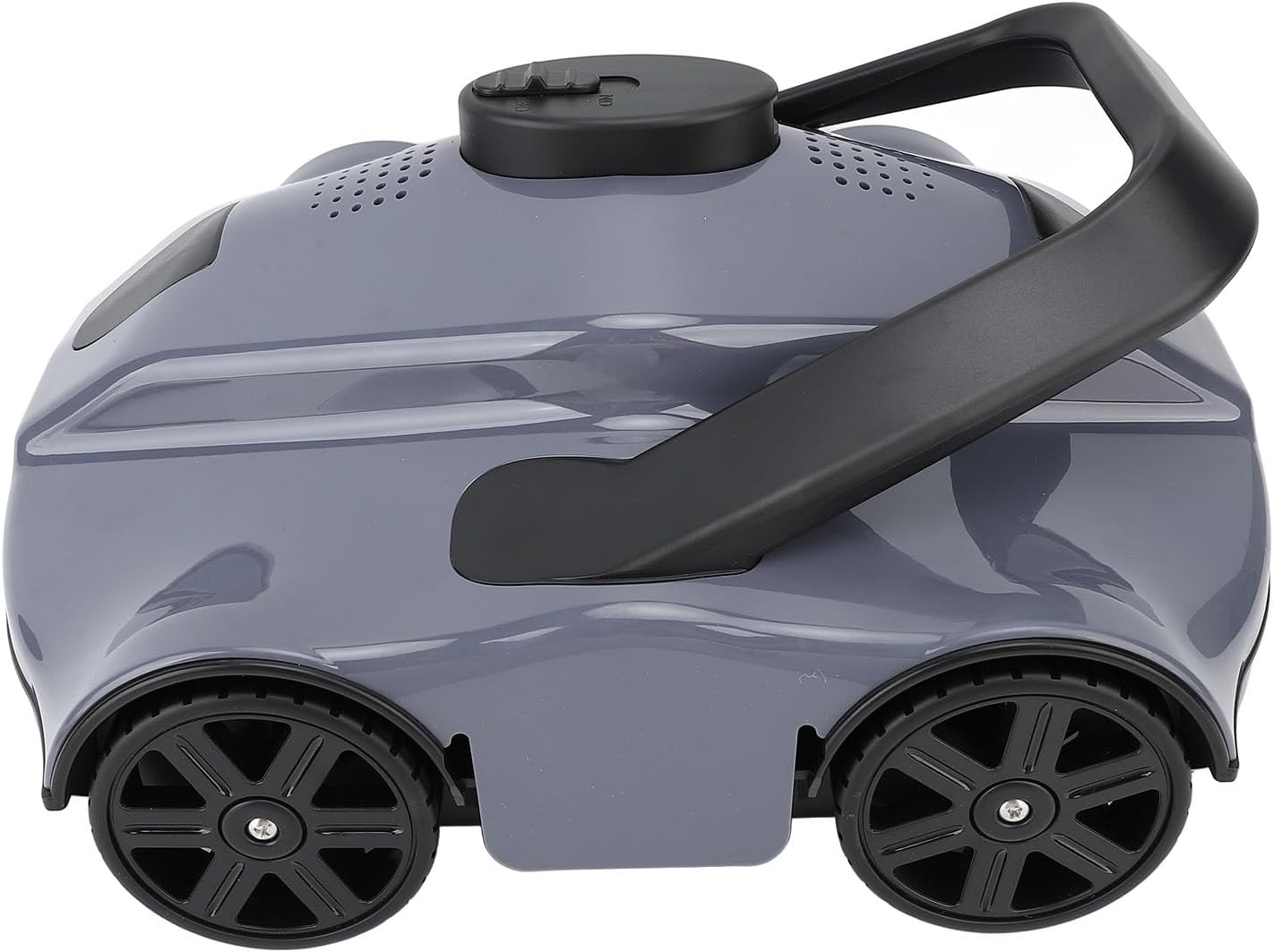
Yosoo Automatic Pool Vacuum, Robotic Swimming Pool Cleaner for Flat Bottom Pool with Advanced Intelligent Technology Large Capacity Battery (US Plug)
[Thorough Cleaning] Automatic pool vacuum effectively removes underwater dirt and debris, leaving your pool water crystal clear.
[Full
-
Detail
Spec:
Item Type: Automatic Pool Vacuum
Material: ABS
Size: Approx. 34 x 28.5 x 16.5cm / 13.4 x 11.2 x 6.5in
Gross Weight: Approx. 3600g / 7.9lb
Power: 28W
Working Time: Approx. 130 Minutes When Fully Charged
Battery Capacity: Lithium Ion Battery 5200mAh (Built in Battery Shipped)
Charging Time: 3h
Maximum Cleaning Area: 100㎡
Maximum Filtration Capacity: 150CFT/H
Moving Speed: Approx. 17m/min
IP Rating: IPX8
Pool Temperature: 8°C-37°C
Charging Environment Temperature: 0°C-37°C
Maximum Water Depth: Approx. 3 Meters (8.8 Feet)
Package List:
1 x Automatic Pool Vacuum
1 x Adapter
1 x Return Hook
1 x User Manual
How To Use:
1. the cleaner with the matching battery charger.
Before charging, make sure the switch is in the off position to ensure the cleaner is off.
Ensure the charging port is dry before charging.
During charging, the charger indicator light will be red.
When the battery is fully charged, the charger indicator light will turn green.
2. Start the cleaning process.
Ensure the upper shell and bottom compartment of the cleaner are closed.
Switch the cleaner to the ON position and turn it on.
After turning on the cleaner, it will emit a slight beep, indicating that the cleaner is working properly.
A rapid beeping sound after turning on the cleaner indicates low battery power and the need to close it and .
Continued beeping after turning on the cleaner indicates an incorrect working state.
3. Place the cleaner in the water, wait for the air inside the cleaner to be expelled, then release the handle to slowly sink the machine to the bottom of the pool.
At this point, the cleaner stops beeping.
When entering or lifting out of the swimming pool, ensure the bottom of the cleaner is facing the pool bottom to avoid scratching. -
Customer ReviewsNo comments