

Home / KOKKO MIDI Controller Keyboard, Mini 25 Key With 8 Backlit Drum Pads, 8 Knobs and Pitch Bend Wheel, Modulation Wheel for Music Production, Cubase LE Software Included
  • KOKKO MIDI Controller Keyboard, Mini 25 Key With 8 Backlit Drum Pads, 8 Knobs and Pitch Bend Wheel, Modulation Wheel for Music Production, Cubase LE Software Included
  • KOKKO MIDI Controller Keyboard, Mini 25 Key With 8 Backlit Drum Pads, 8 Knobs and Pitch Bend Wheel, Modulation Wheel for Music Production, Cubase LE Software Included
  • KOKKO MIDI Controller Keyboard, Mini 25 Key With 8 Backlit Drum Pads, 8 Knobs and Pitch Bend Wheel, Modulation Wheel for Music Production, Cubase LE Software Included
  • KOKKO MIDI Controller Keyboard, Mini 25 Key With 8 Backlit Drum Pads, 8 Knobs and Pitch Bend Wheel, Modulation Wheel for Music Production, Cubase LE Software Included
  • KOKKO MIDI Controller Keyboard, Mini 25 Key With 8 Backlit Drum Pads, 8 Knobs and Pitch Bend Wheel, Modulation Wheel for Music Production, Cubase LE Software Included
  • KOKKO MIDI Controller Keyboard, Mini 25 Key With 8 Backlit Drum Pads, 8 Knobs and Pitch Bend Wheel, Modulation Wheel for Music Production, Cubase LE Software Included
  • KOKKO MIDI Controller Keyboard, Mini 25 Key With 8 Backlit Drum Pads, 8 Knobs and Pitch Bend Wheel, Modulation Wheel for Music Production, Cubase LE Software Included
  • KOKKO MIDI Controller Keyboard, Mini 25 Key With 8 Backlit Drum Pads, 8 Knobs and Pitch Bend Wheel, Modulation Wheel for Music Production, Cubase LE Software Included
  • KOKKO MIDI Controller Keyboard, Mini 25 Key With 8 Backlit Drum Pads, 8 Knobs and Pitch Bend Wheel, Modulation Wheel for Music Production, Cubase LE Software Included

KOKKO MIDI Controller Keyboard, Mini 25 Key With 8 Backlit Drum Pads, 8 Knobs and Pitch Bend Wheel, Modulation Wheel for Music Production, Cubase LE Software Included

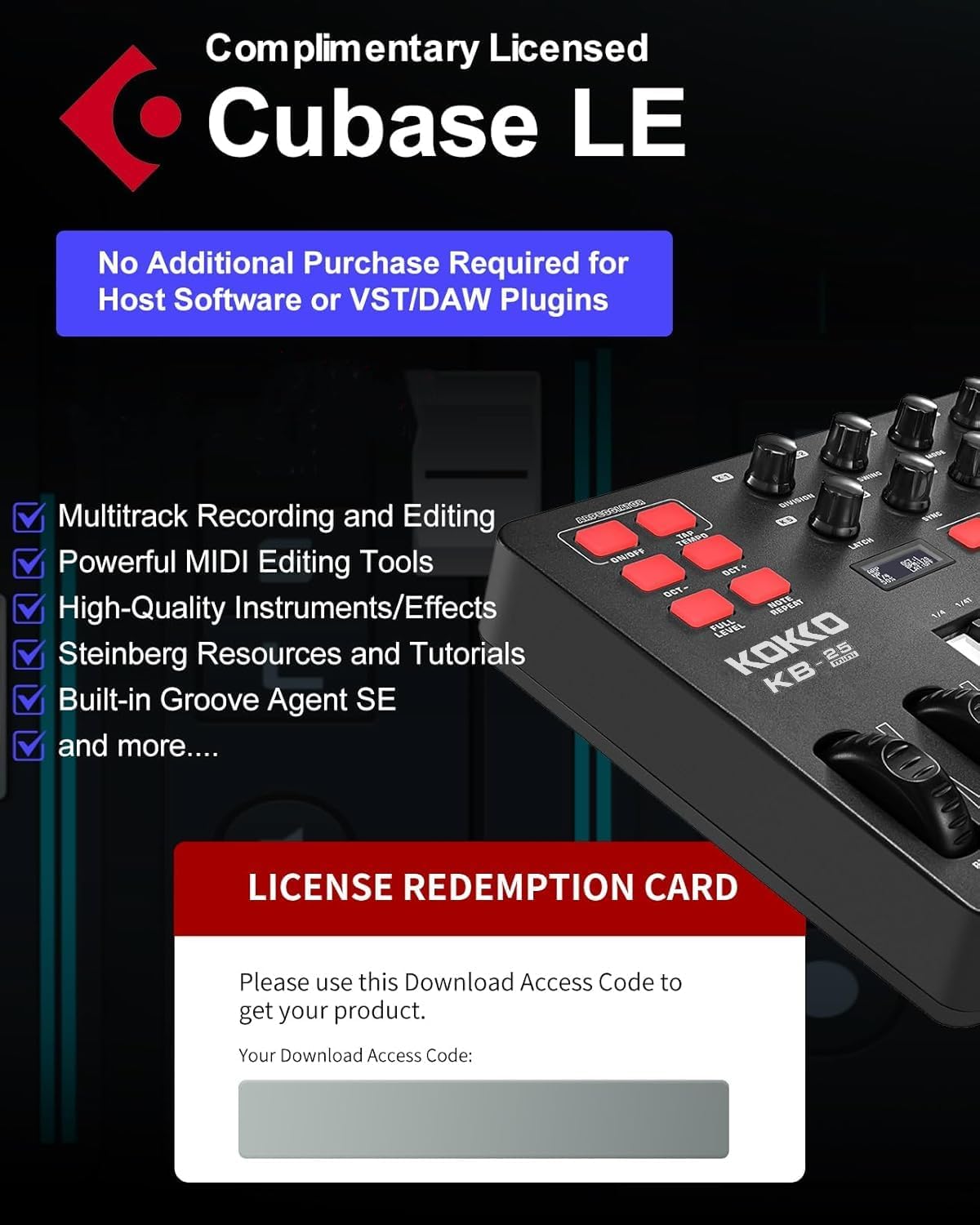
【Free Premium Cubase LE Software Included】-Get started right away with a complimentary Cubase LE license (valued at $99) – no extra software needed. This powerful tool unlocks multi-track recording, audio/MIDI editing, VST plugin support, and access to a rich audio library. Simply register, and you’
Quantity
ADD TO CART
BUY IT NOW
  • Detail

    Ideal for electronic music artists, this controller provides quick and accurate adjustments to virtual instrument parameters, allowing for enhanced control and customization in your productions.

    Embrace creative exploration and experimentation as you delve into complex arpeggios, adding depth and complexity to your music with ease.

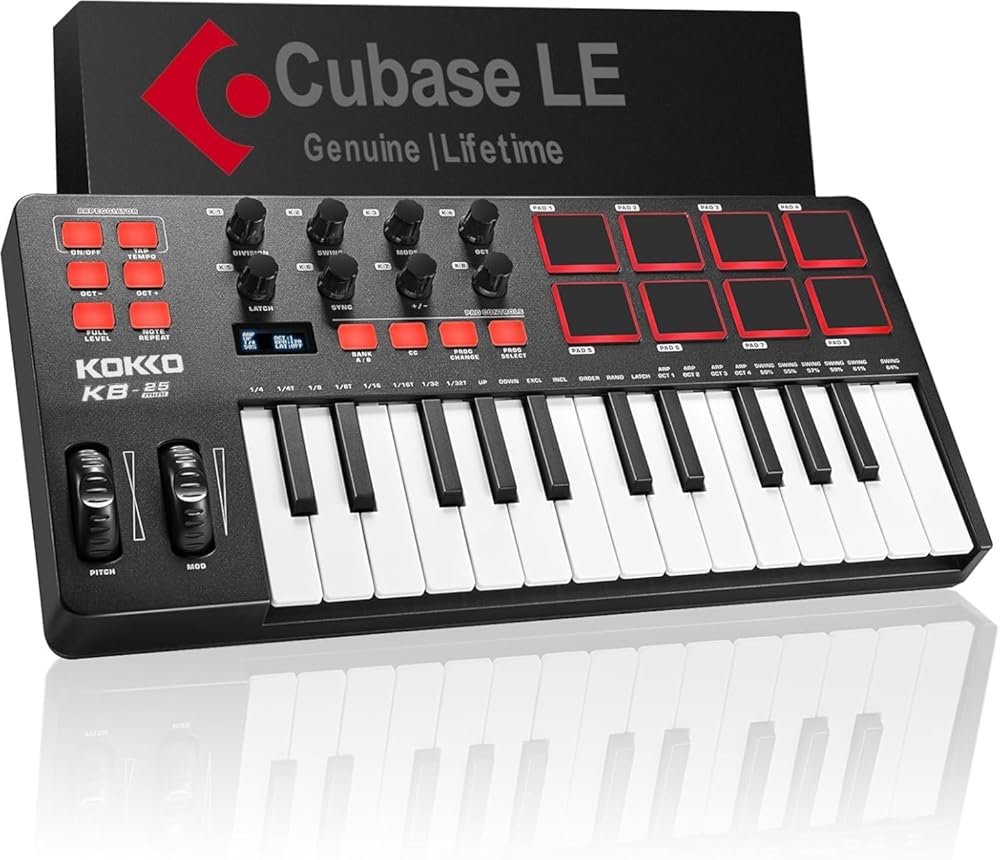
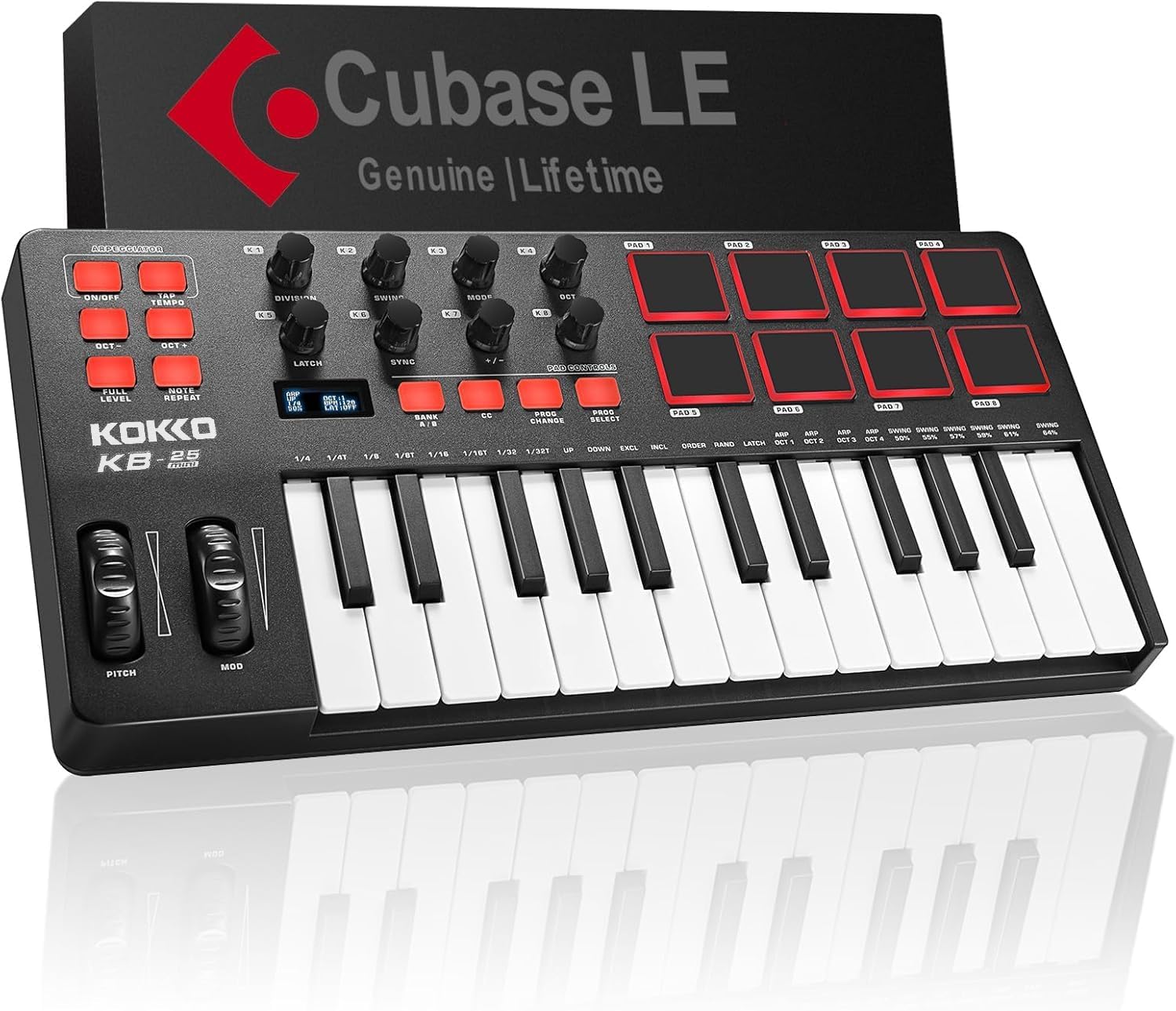
    Enhance your music production experience with the AZOR KOKKO KB-25 Mini MIDI Keyboard Controller.This compact controller is perfect for electronic music creators, allowing for seamless integration with your DAW software.Take advantage of the MINI mixer

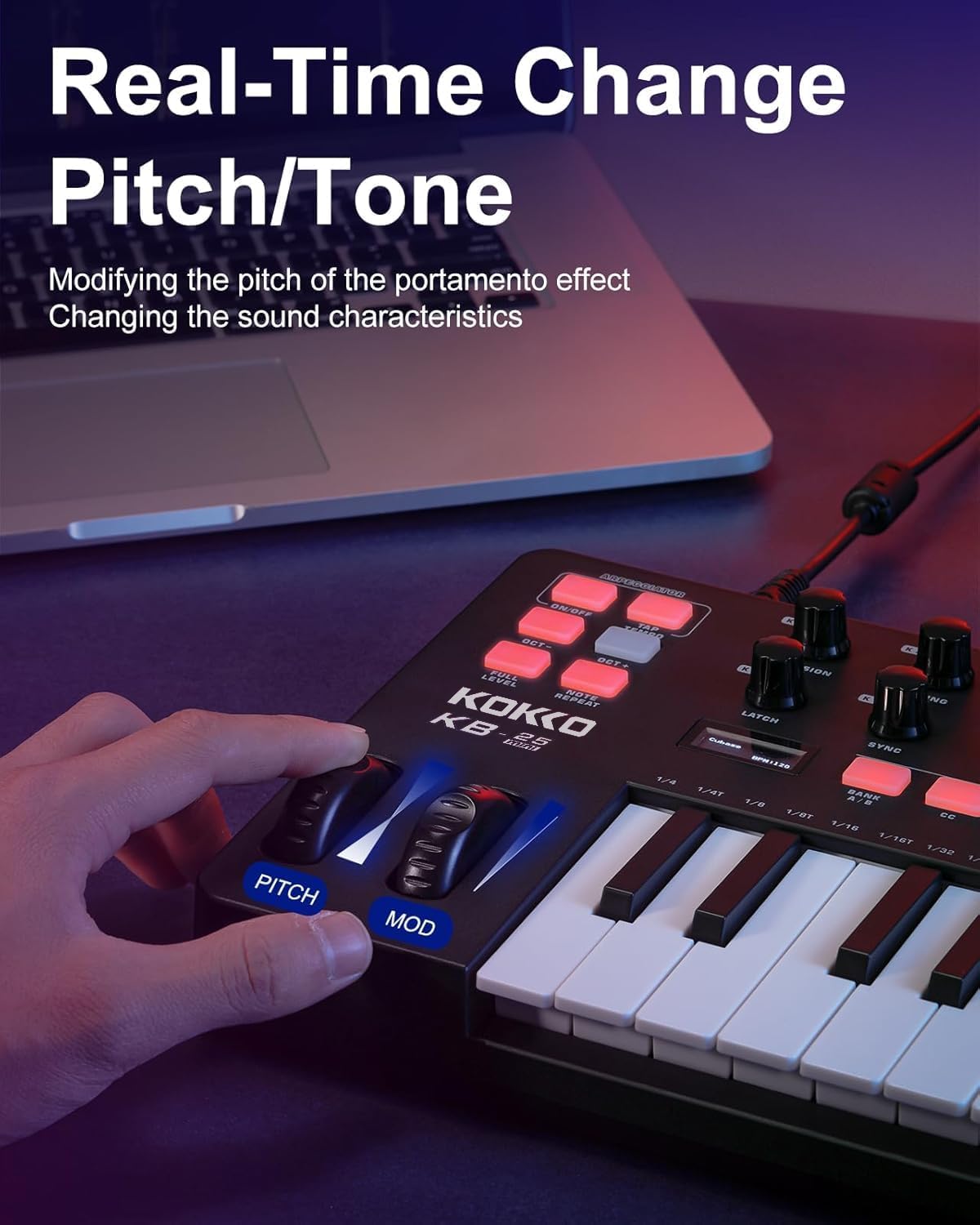
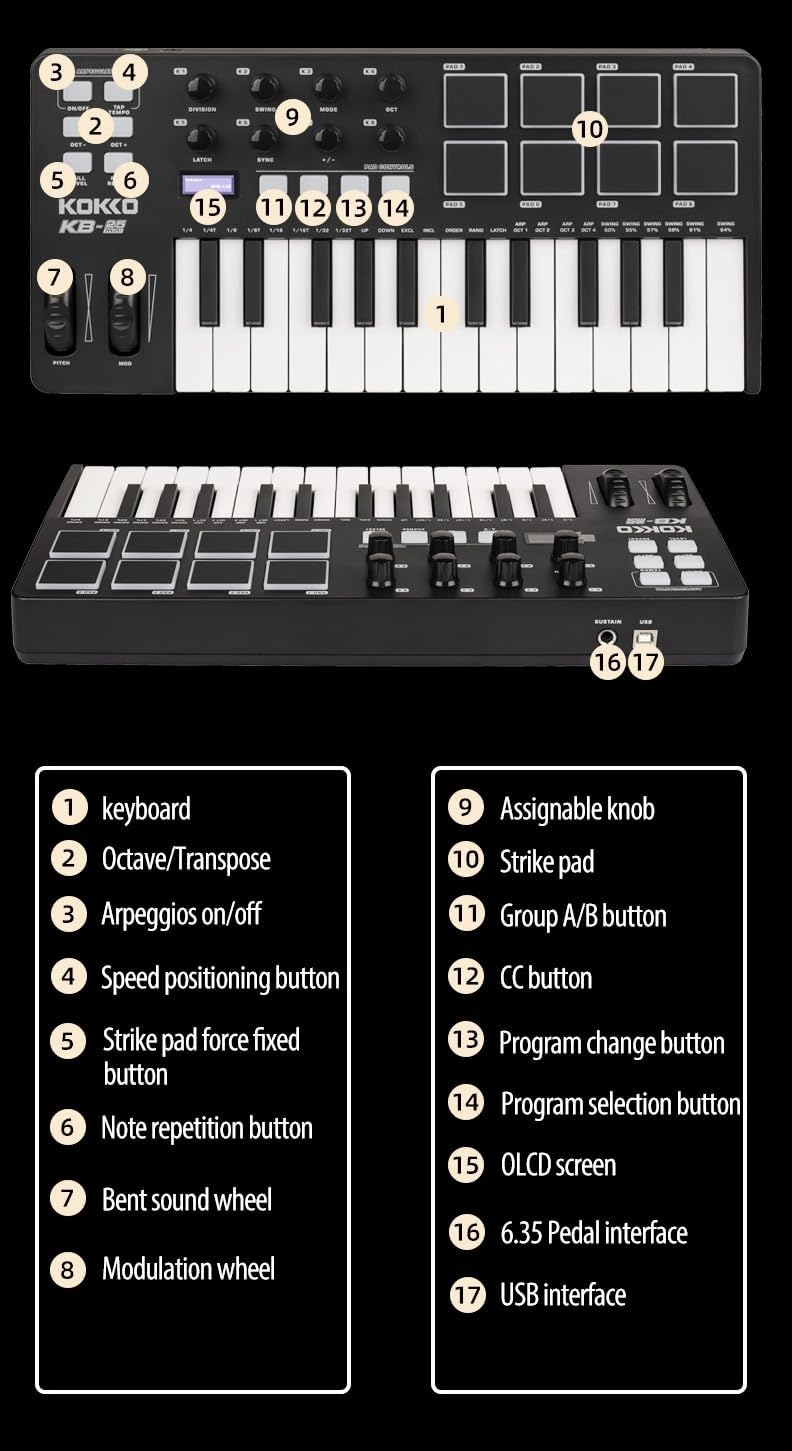
    1.Pitch Bend Wheel

    Roll the wheel upward or downward to raise or lower the pitch ofthe instrument.

    2.Button Area

    OCTAVE Buttons/Arpeggiator ON/OFF Button/TAP TEMPO Button/FULL LEVEL Button/NOTE REPEAT Button

    3.Modulation Wheel

    Roll the wheel upward or downward to send continuous MlDl CC#01(Modulation by default) messages.

    4.Display Screen

    The display screen shows current operations

    5.Knobs:Each of the knobs can be assigned to send a MlDl CC message.You can assign the knobs to control parameters in your DAW.

    6.4 x multi-function buttons

    BANK A/B Button/CC Button/PROG CHANGE Button/PROG SELECT Button

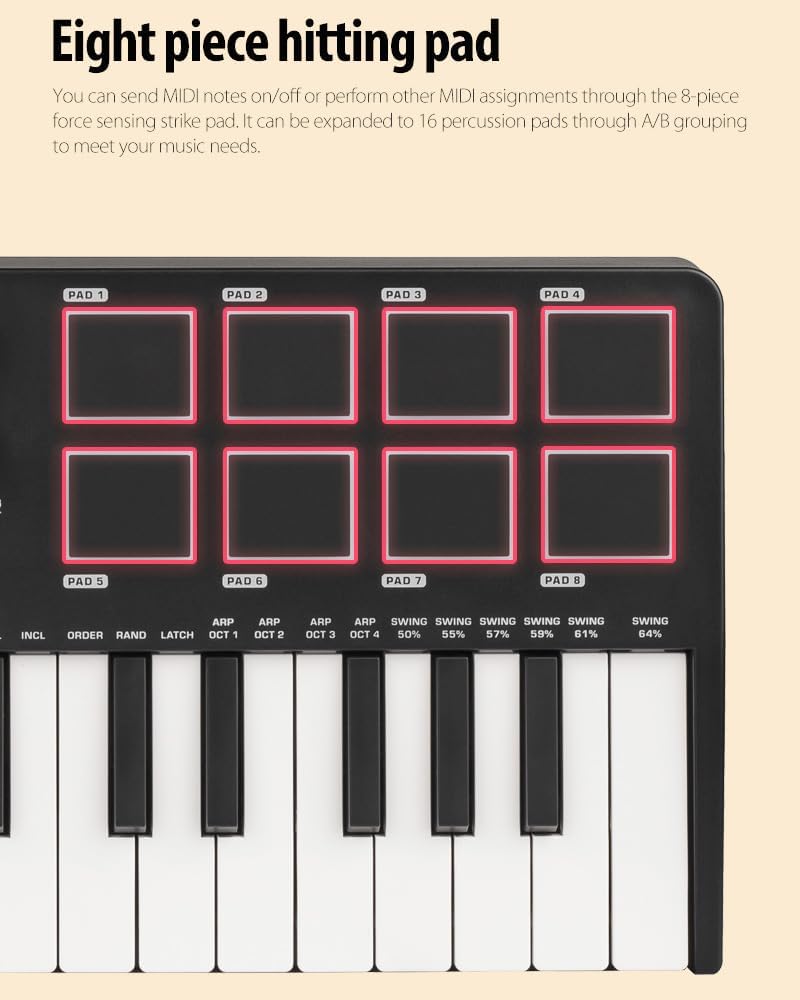
    7.Pads

    The velocity-sensitive pads can be assigned to trigger drums,software sounds, etc. You can also assign the pads to controlparameters in your DAV.

    8.Keyboard

    The keys are velocity-sensitive. Using the OCTAVE Buttons, thekeyboard can control a range of 10 octaves. You can also press andhold the Arpeggiator ON/OFF Button, and press a key to access itssecondary function.(Please refer to Appendix 1 for more details.)

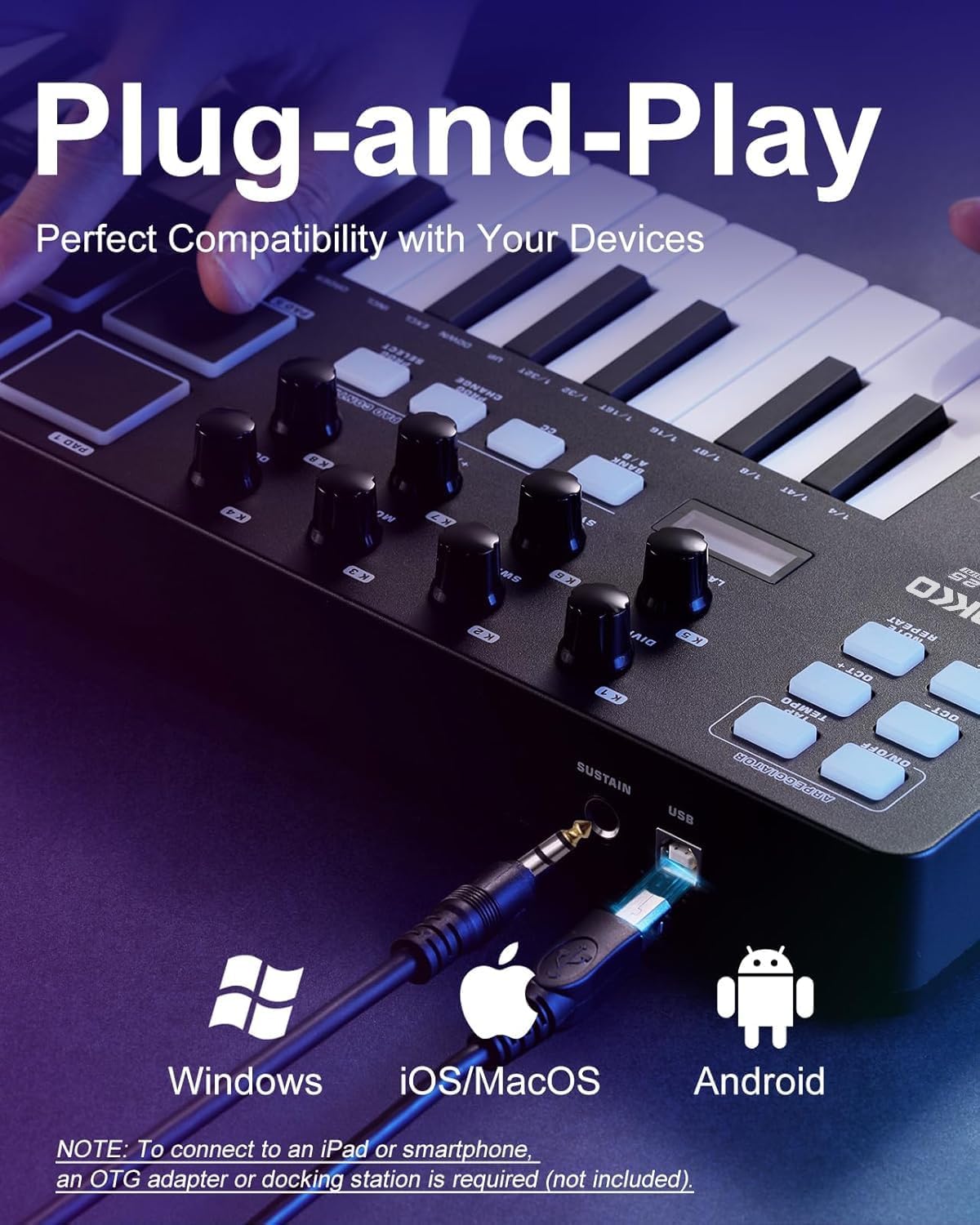
    9.SUSTAIN Input

    Connect a sustain pedal.

    10.USB Port

    When connected to a computer, the USB transmits MlDl data andprovides power to the keyboard.

  • Customer Reviews
    No comments