

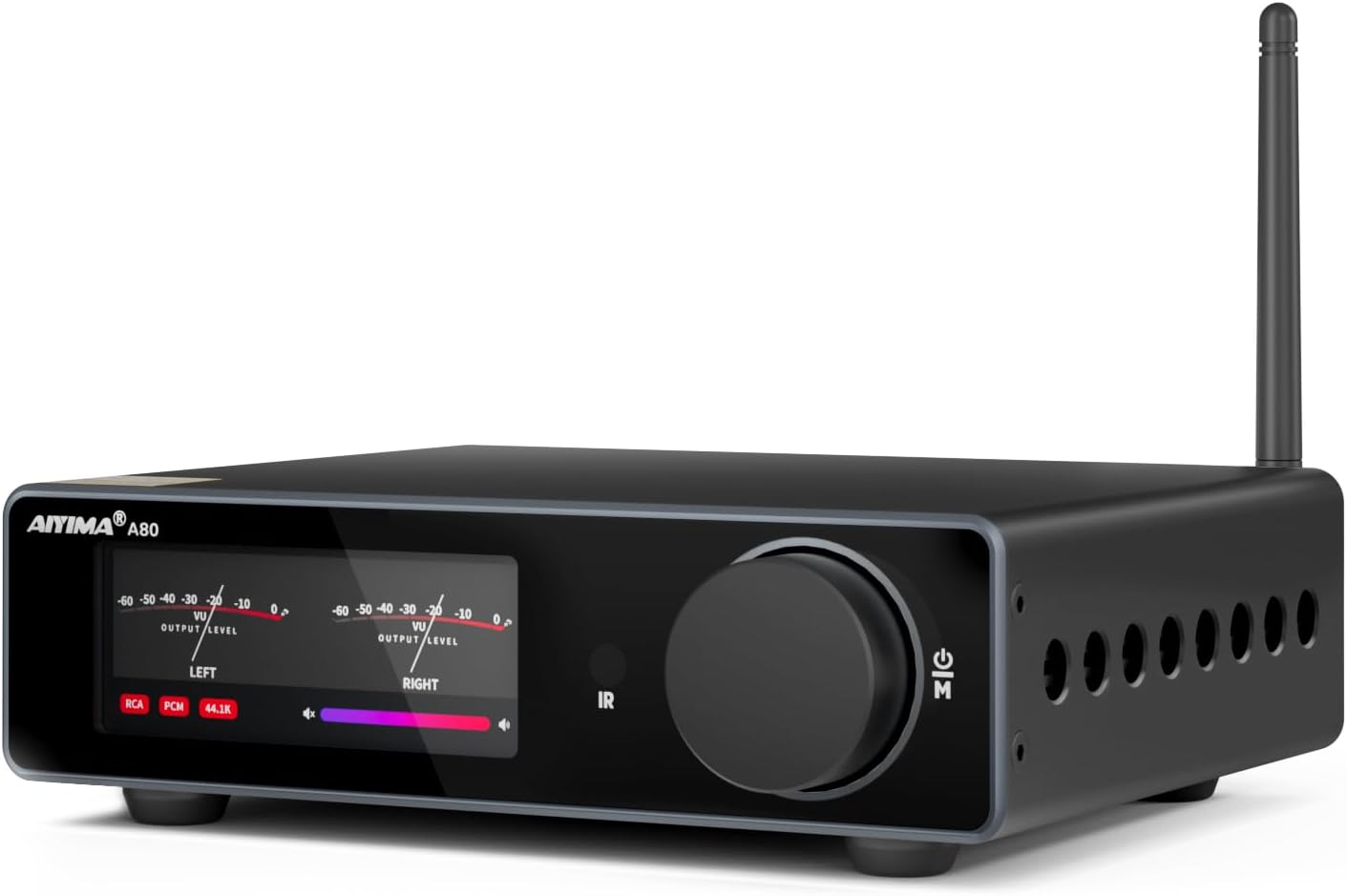
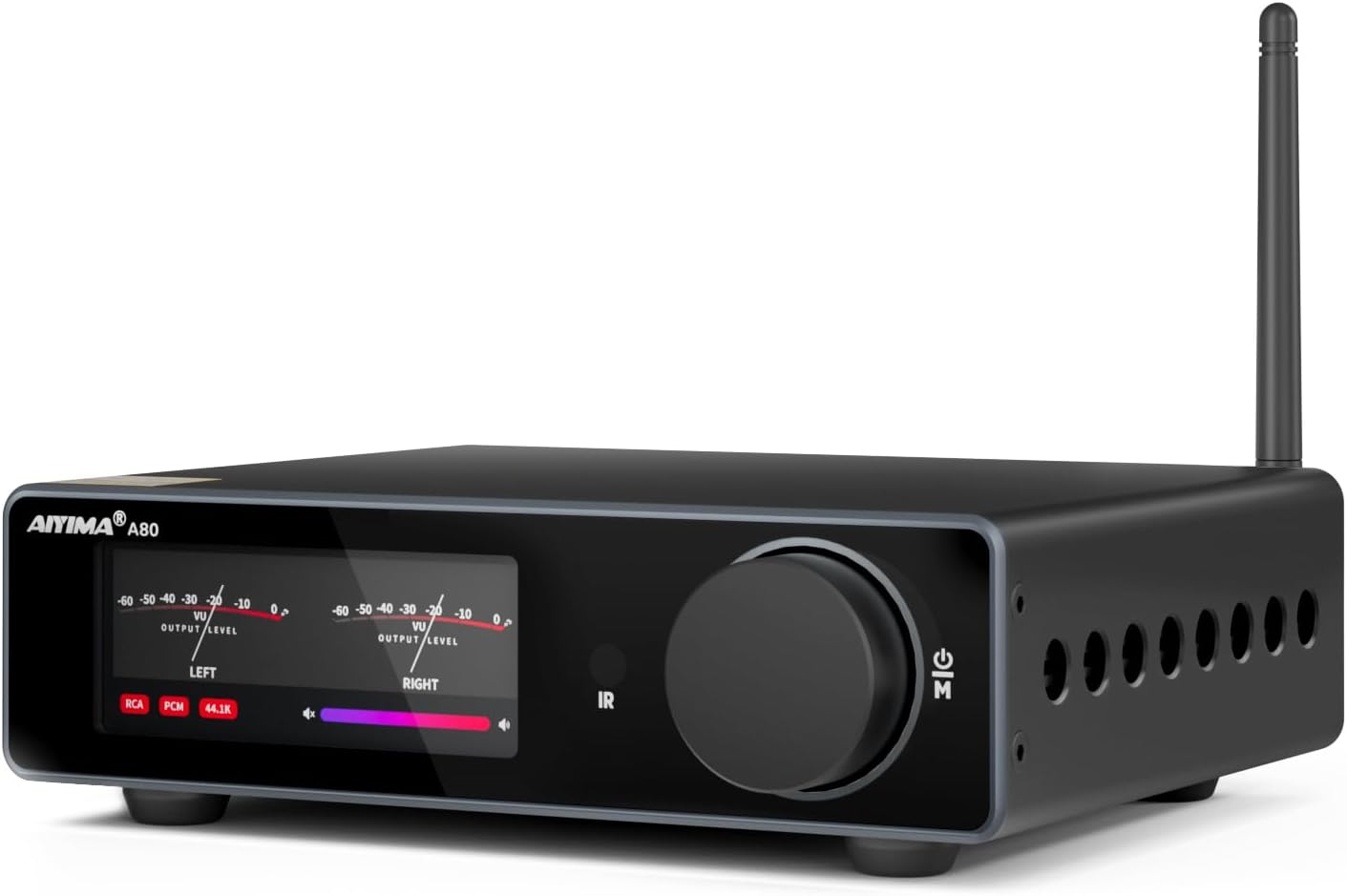
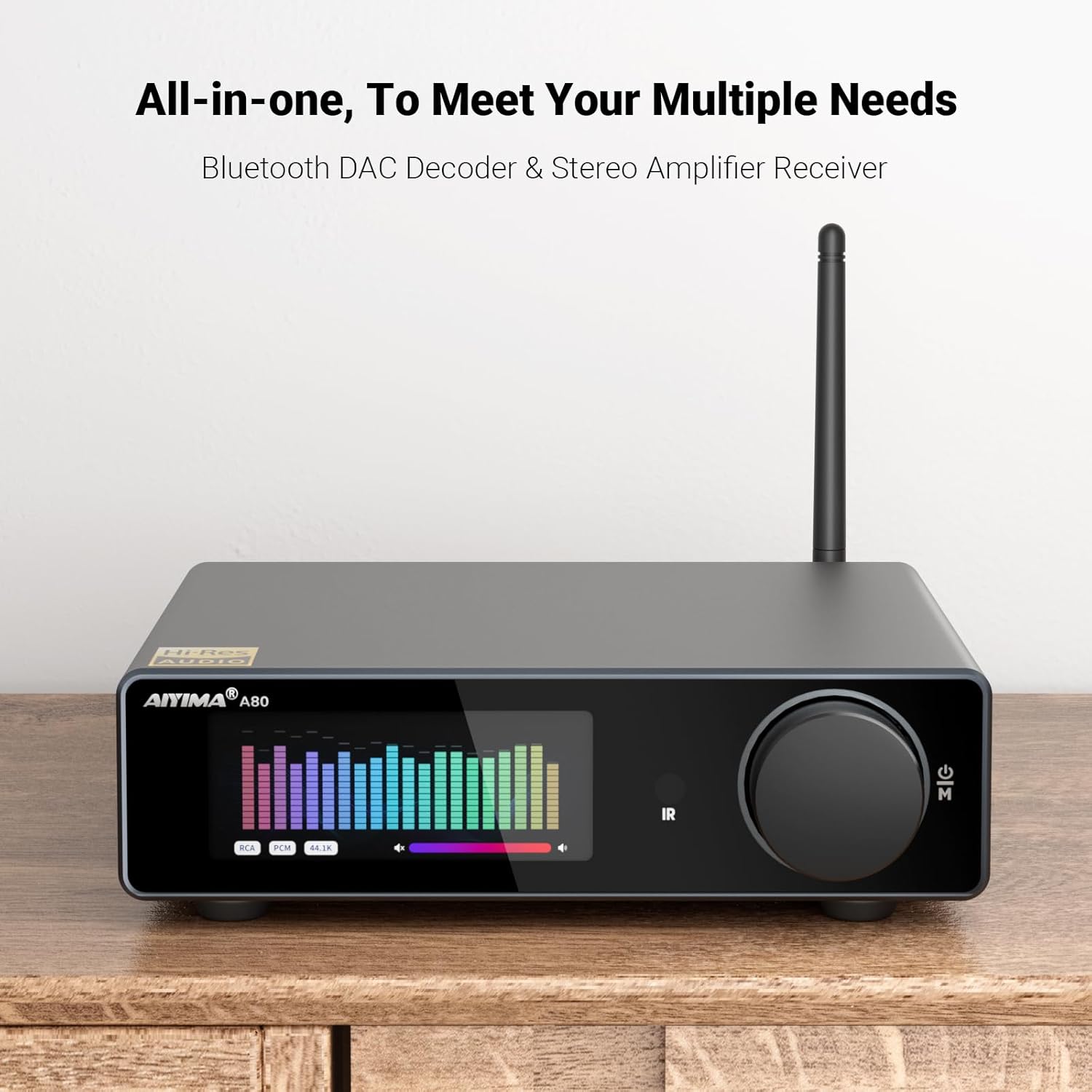
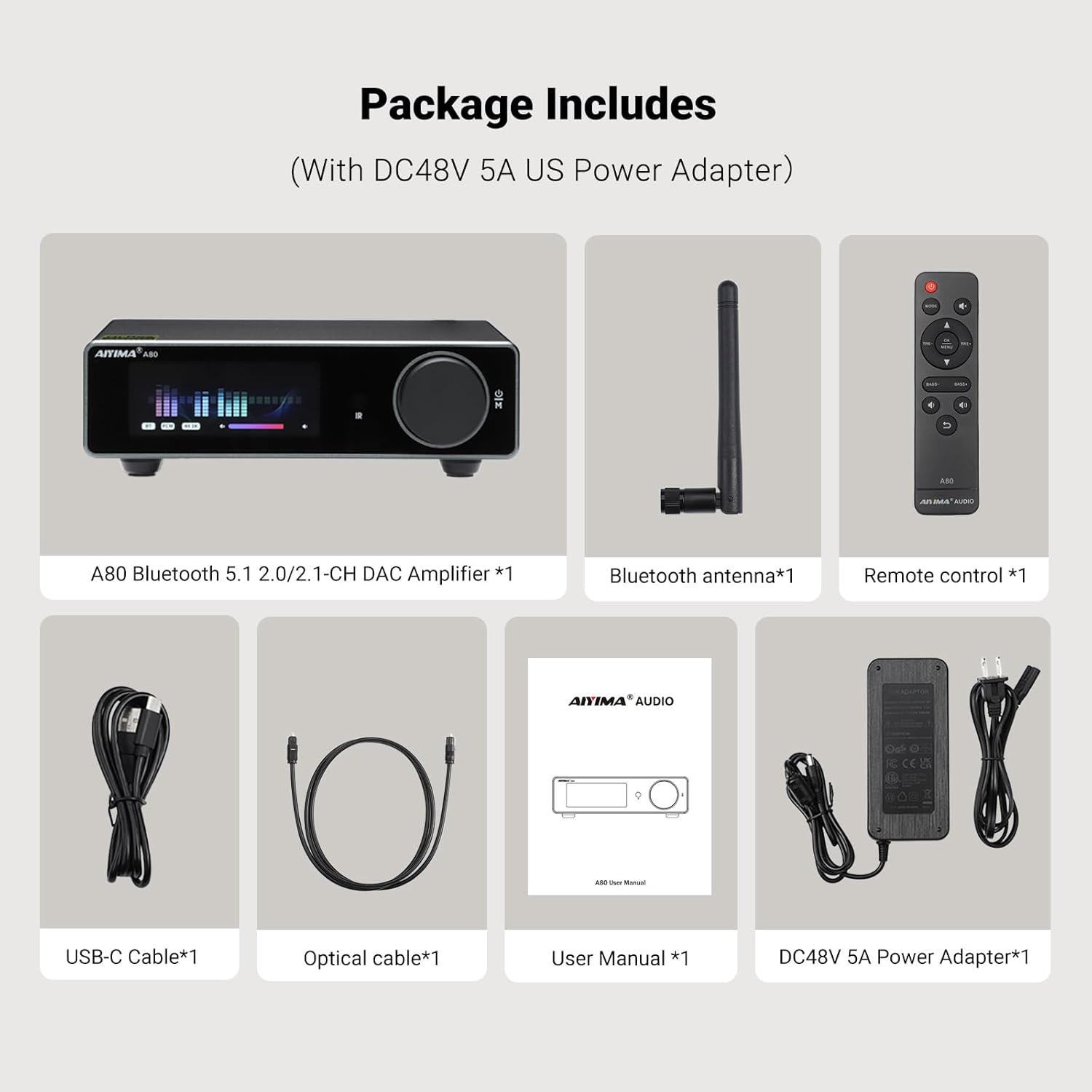
AIYIMA A80 Bluetooth Amplifier DAC Stereo HiFi Home Audio Receiver with PFFB,2.0 Channel Hi-Res Class D Power Amp with PC-USB COA Opt Inputs,Digital VU Meter | SUB Pre-Out | TRS Balanced Input |Tone
【All-in-One DAC Amplifier】Using ES9038Q2M high-performance dec
-
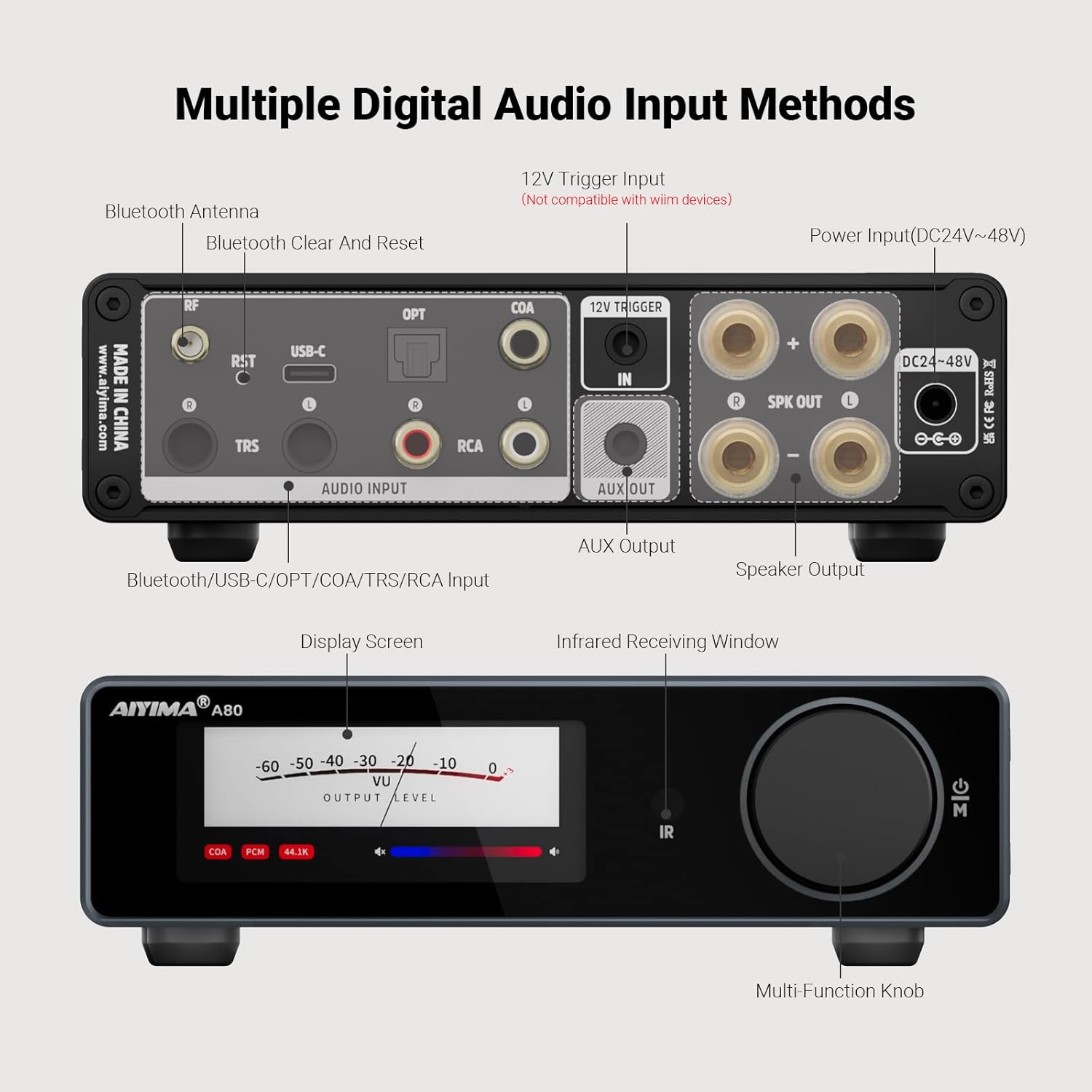
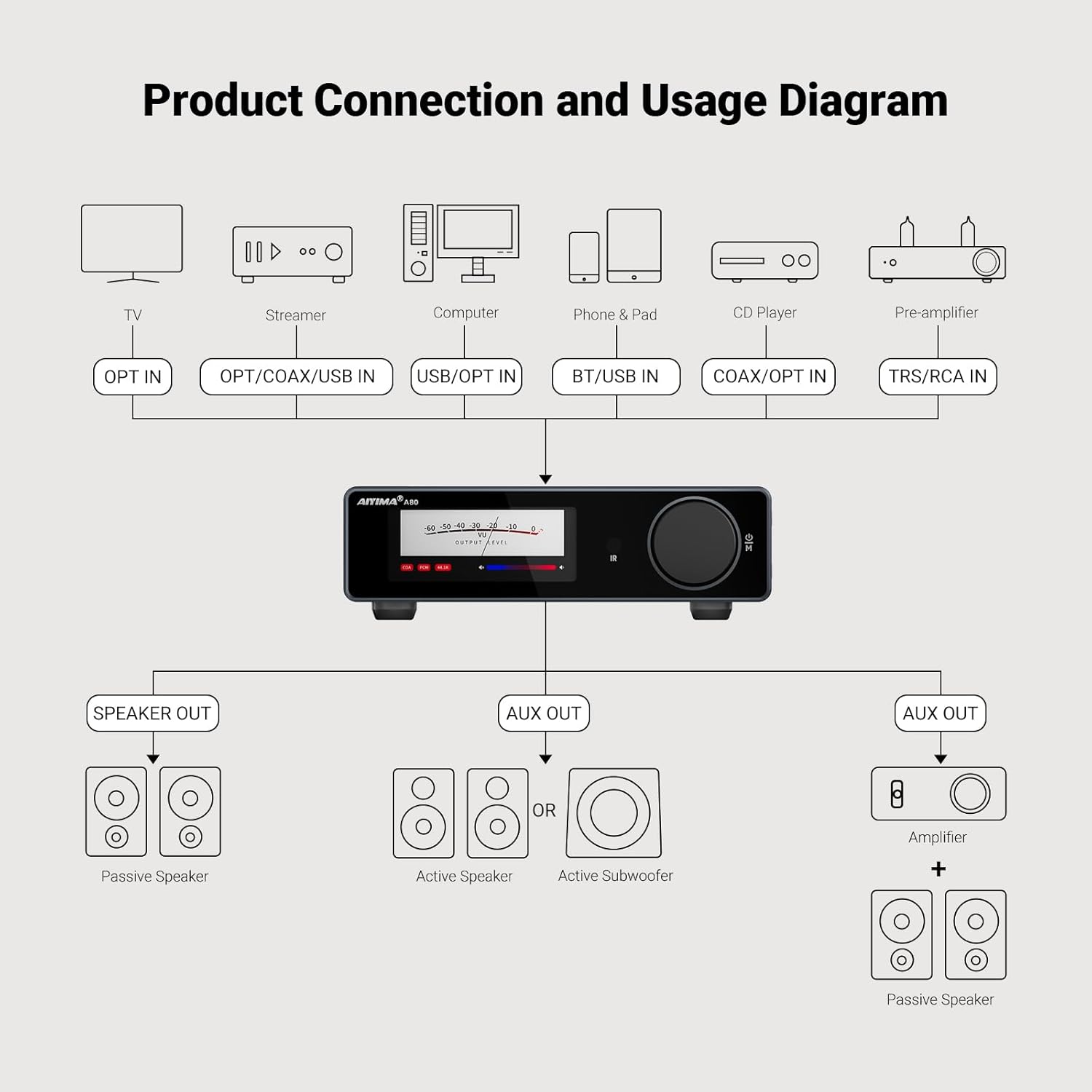
Detail1Digital VU Meter2Bluetooth Desktop Amp3DAC Decoder Amp &DC48V 5A4Treble & Bass by Remote52.1 CH Amp with Pre-Out1Audiophile-Grade Chipset2Excellent Component3PFFB TECH412V Trigger Input5Automatic Standby Mode1Connection Diagram2Circuit Diagram3THD+SNR parameters4Power Chart ChipsetTPA3255D2+QCC3040+NJW1194+SA9137L+ESS9038Q2M+OPA1656(3 pcs)+NE5532(2 pcs)PC-USB Sampling Rate PCM:384Khz/32bit and DSD256PC-USB Support Windows 10 / 11 / Max OS/MAC/LinuxBluetooth sampling rate 24bit44.1khzOptical/Coaxial sampling rate 24bit192khzBluetooth chip QCC3040 Bluetooth 5.1 Support: AAC,SBC,aptX,aptX-LL,APTX-HDDistortion0.006%TRS/RCA SNR ≥ 109dBHigh and low pitch ±10dbFrequency Response 20Hz-20KHz (±0.5dB)Input sensitivity RCA: 2Vrms ; TRS: 3.6VrmsAUX OUT output sensitivity 2VSpeaker Impedance 4-8ΩMax Output Power 300W*2 (4Ω)Input Mode RCA / TRS / PC-USB / OPT / COA / BT / 12V Trigger InputOutput Mode 3.5mm AUX Pre-out/RCA passive speaker output
What optimizations have been made to the core functions and performance of the Updated AIYIMA A80 Bluetooth Amplifier?
1.Added "Disable Standby Mode";
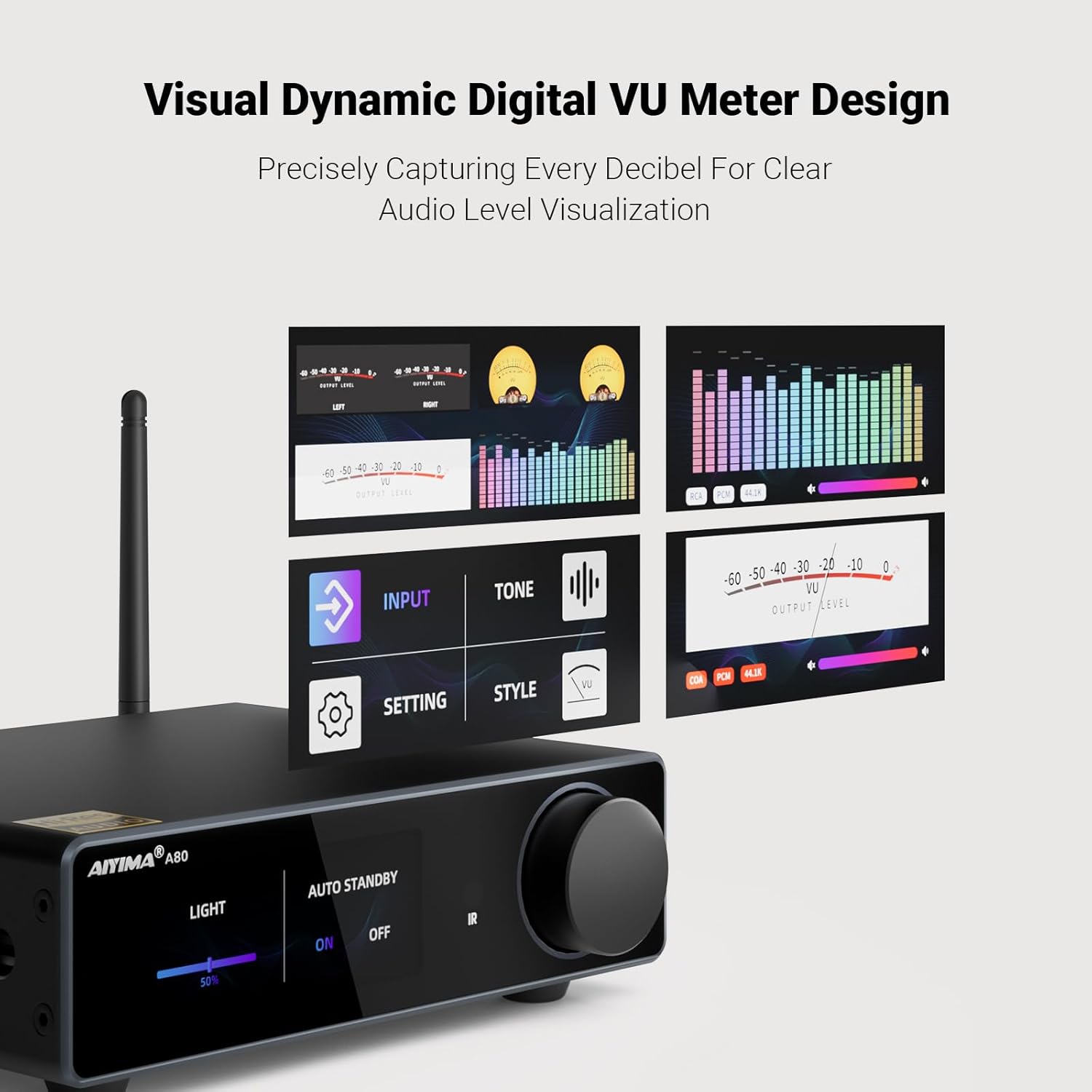
2.Upgraded Dual VU meter interface;Showing bass/treble volume status, making OLED display interfaces richer and more intuitive
3.Added Bluetooth reset hole, press and hold for 2 seconds to reset Bluetooth connection.
Can the AIYIMA A80's operational amplifier (op-amp) be replaced to improve sound quality?
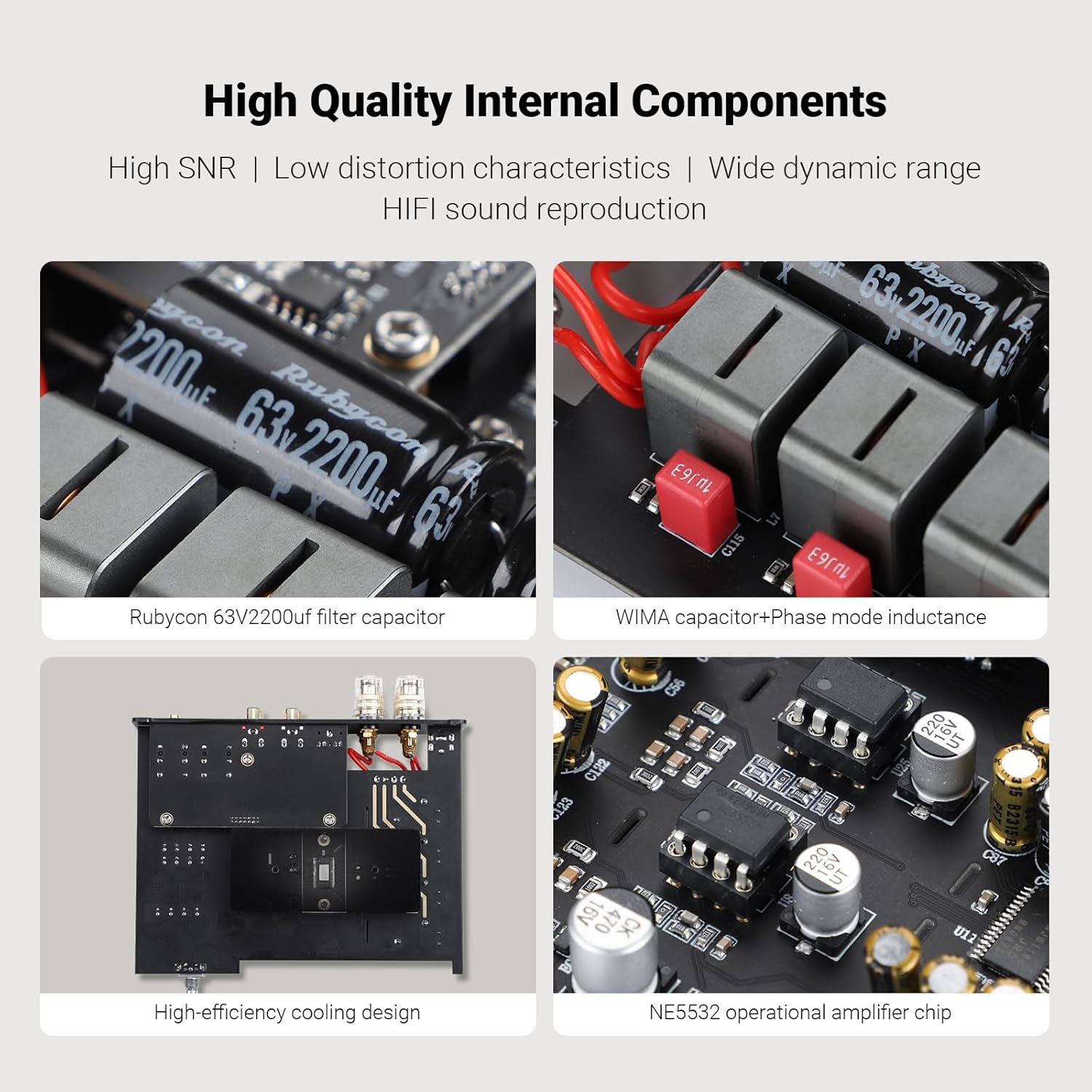
AIYIMA A80 Bluetooth Stereo Amp is compatible with most Dual-channel op-amp chips in DIP8 on the market, such as LME49720, NE5532, MUSES02, SS3602, etc.This allows you to personalize the sound characteristics according to your listening preferences
In RCA/XLR output mode, can the bass and treble adjustment functions be used?
Yes, the AIYIMA A80 Bluetooth Stereo Amplifier comes with a remote control, allowing you to easily adjust and customize your sound quality.
Why can't my computer recognize A80 Bluetooth DAC Amp via USB?
This is usually a connection,mode,or driver issue.Please try a different USB cable or computer port, and ensure the A80 is in USB input mode. If the problem persists, uninstall the A80 driver in Device Manager, reinstall it, and restart your computer
How do I connect my A80 Class D Bluetooth Amp to my smartphone?
1.Bluetooth connectivity: Wireless pairing, plug and play. Supports APTX-HD.
2.USB wired connectivity: Requires an OTG-enabled phone and a USB audio cable.
A80 DAC Decoder & Stereo Bluetooth Amplifier
Electronic VU meter and OLED display
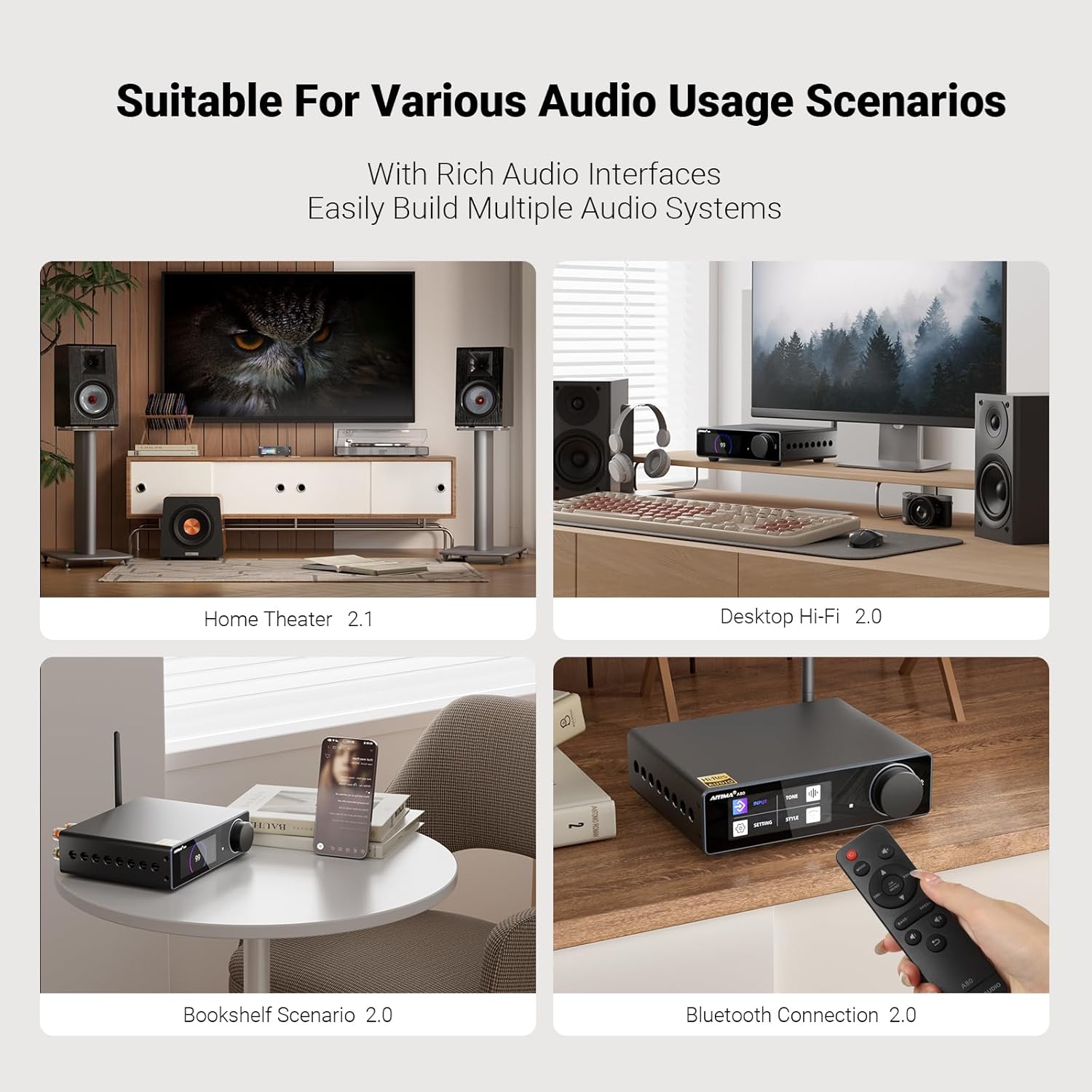
Desktop All-in-One Bluetooth DAC Stereo Amplifier
2.86-inch HD Dynamic VU Meter Display Screen
Bluetooth 5.1 Support AAC,SBC,aptX,aptX-LL,APTX-HD
Digital-to-Analog Audio Converter Amp
Easy Switching & Smart Memory
3.5mm RCA Pre-out & Passive speaker outputs
Hi-Fi sound quality & Ultra-low distortion
Separated Digital & Analog Modules
Class D Bluetooth Amplifier with PFFB
Seamless integration for a smart audio experience
Saving power and extending product lifespan
What optimizations have been made to the core functions and performance of the Updated AIYIMA A80 Bluetooth Amplifier?
Can the AIYIMA A80's operational amplifier (op-amp) be replaced to improve sound quality?
In RCA/XLR output mode, can the bass and treble adjustment functions be used?
Why can't my computer recognize A80 Bluetooth DAC Amp via USB?
How do I connect my A80 Class D Bluetooth Amp to my smartphone?
-
Customer ReviewsNo comments