

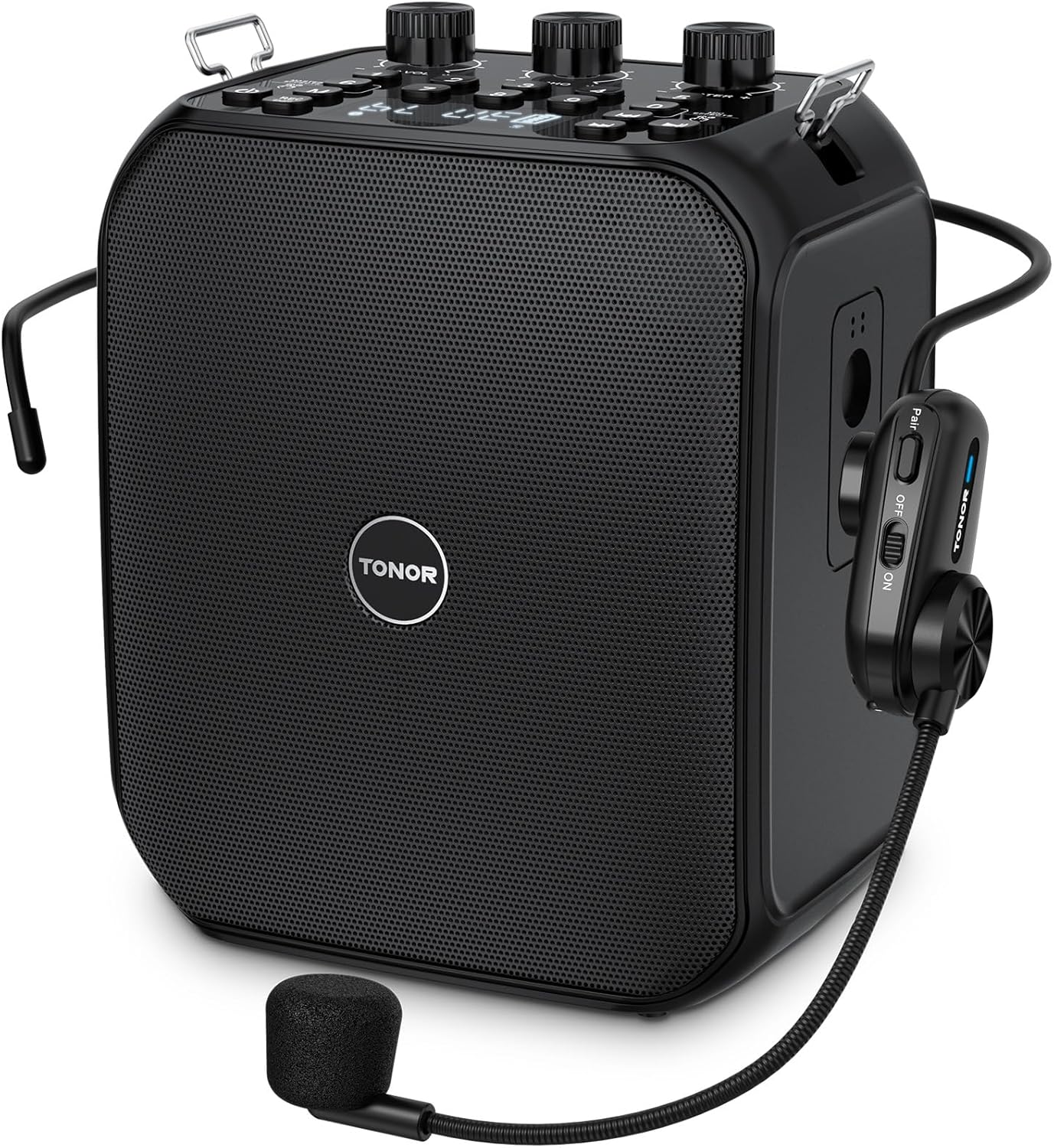
TONOR 6000mAh Rechargeable Voice Amplifier 50W, Bluetooth Personal PA System with Wireless Headset Mic & Waistband, Portable Megaphone Speaker for Classroom, Training, Teaching, Speech, Tour Guide K13
User-Friendly De
-
Detail1Wireless Mic2Battery Life3Button Guide 14Button Guide 2
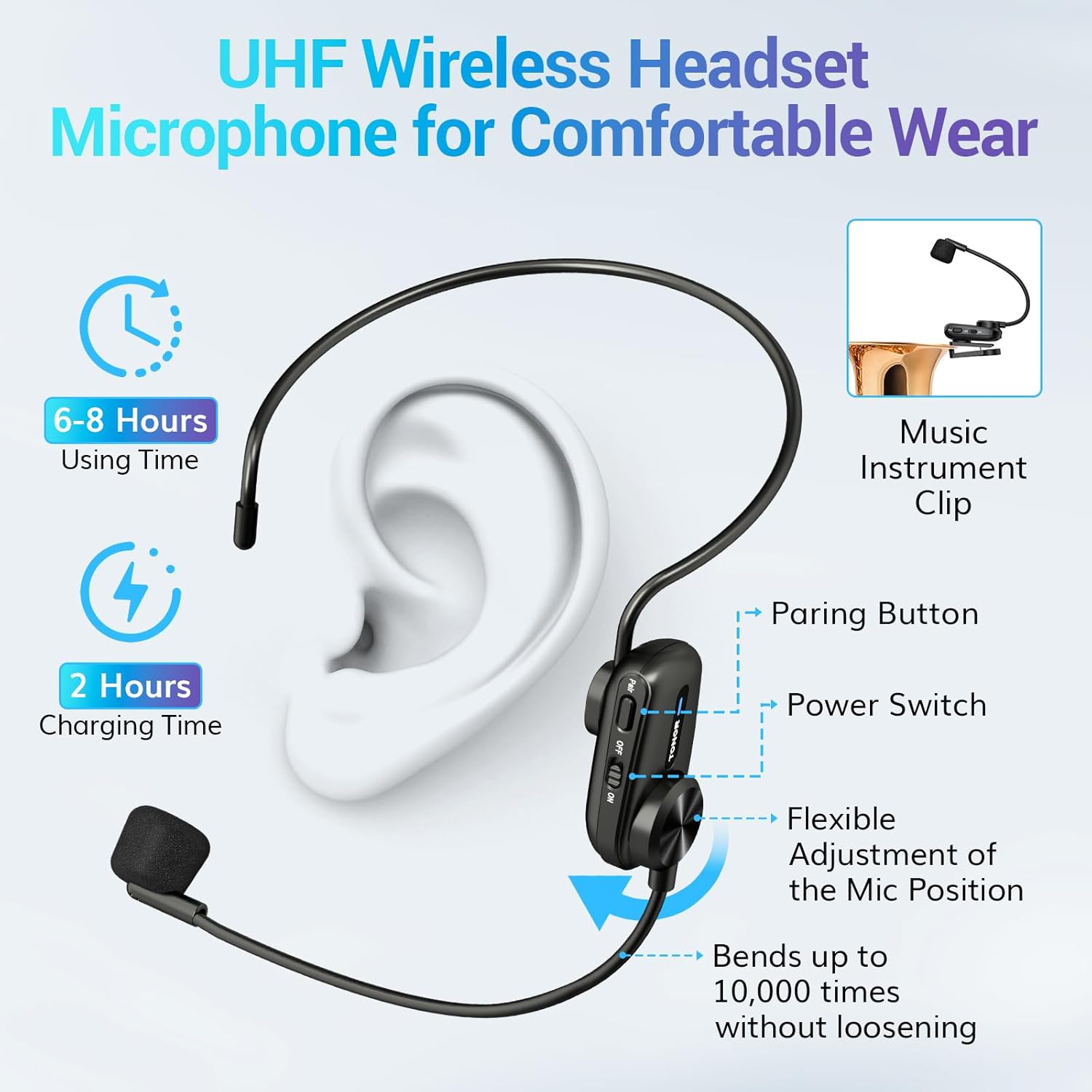
Enable wireless amplification by switching between the amplifier and wireless microphone, or connect a wired microphone to the 3.5mm port. If interference occurs, briefly press the pair button to switch to another channel to resolve the issue.
It features an ECHO function for various sound effects, with separate volume controls for MIC and MASTER, along with an LED display and so on. The simple and intuitive buttons make it easy for you to operate.
1Bluetooth/AUX/TF/USB Mode2Recording ModeCan't connect with your headphones?
The speaker's Bluetooth module can only act as a receiver and can only receive signals from tablets and mobile phones but cannot pair with headphones.
Microphone won't connect to speakers?
The device may have entered sleep mode. Customers only need to double-click the "M" button or restart to restore the connection.
Why is the microphone intermittent?
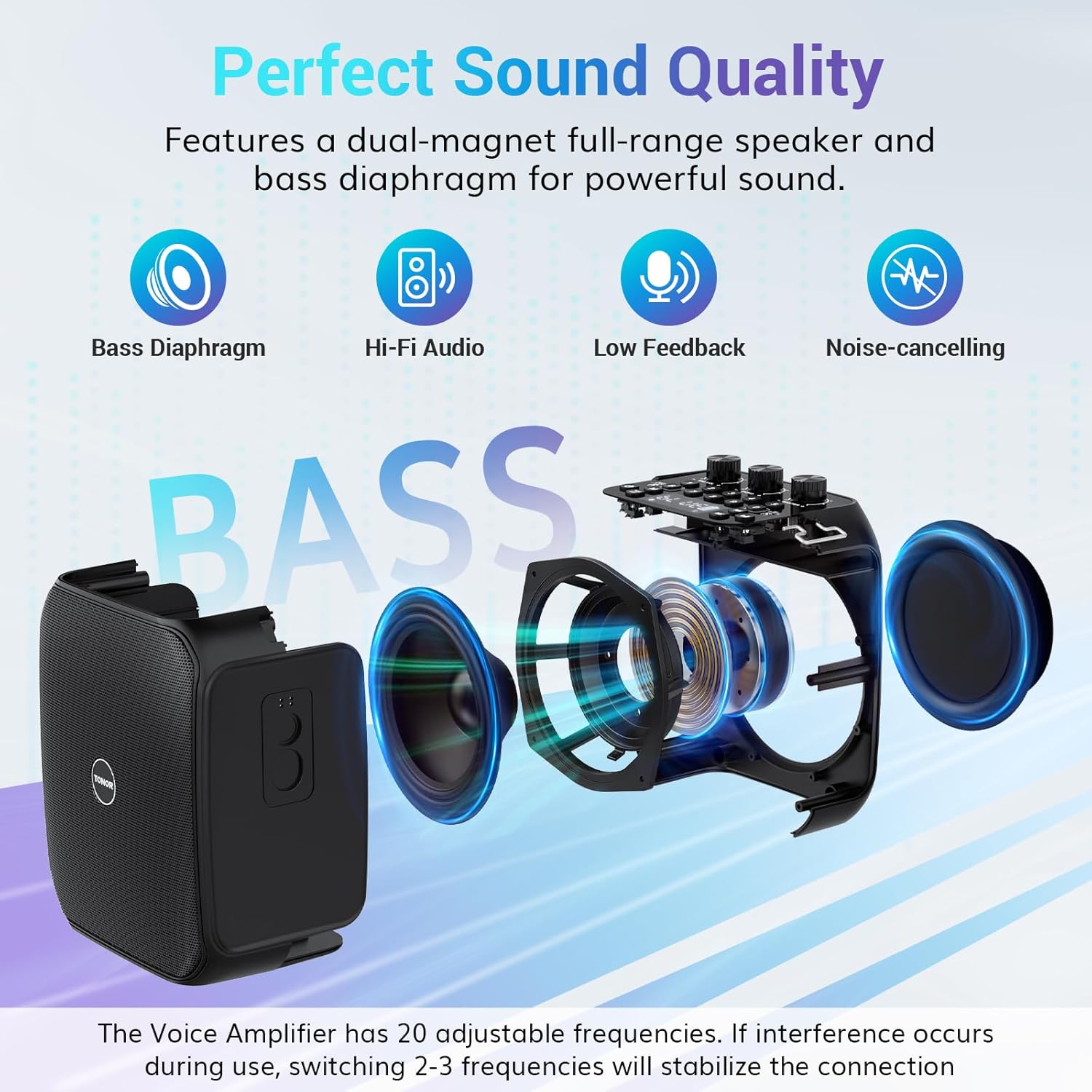
It might be due to interference on the current frequency. Press the Pair button to switch to another frequency. Usually, switching 2-3 frequencies will stabilize it.
Why is there no sound from the microphone at a critical moment?
The microphone might be out of battery or turned off. Please charge it or power it on again to restore functionality.
tonor microphone sets
Clear Sound, Ultimate Freedom
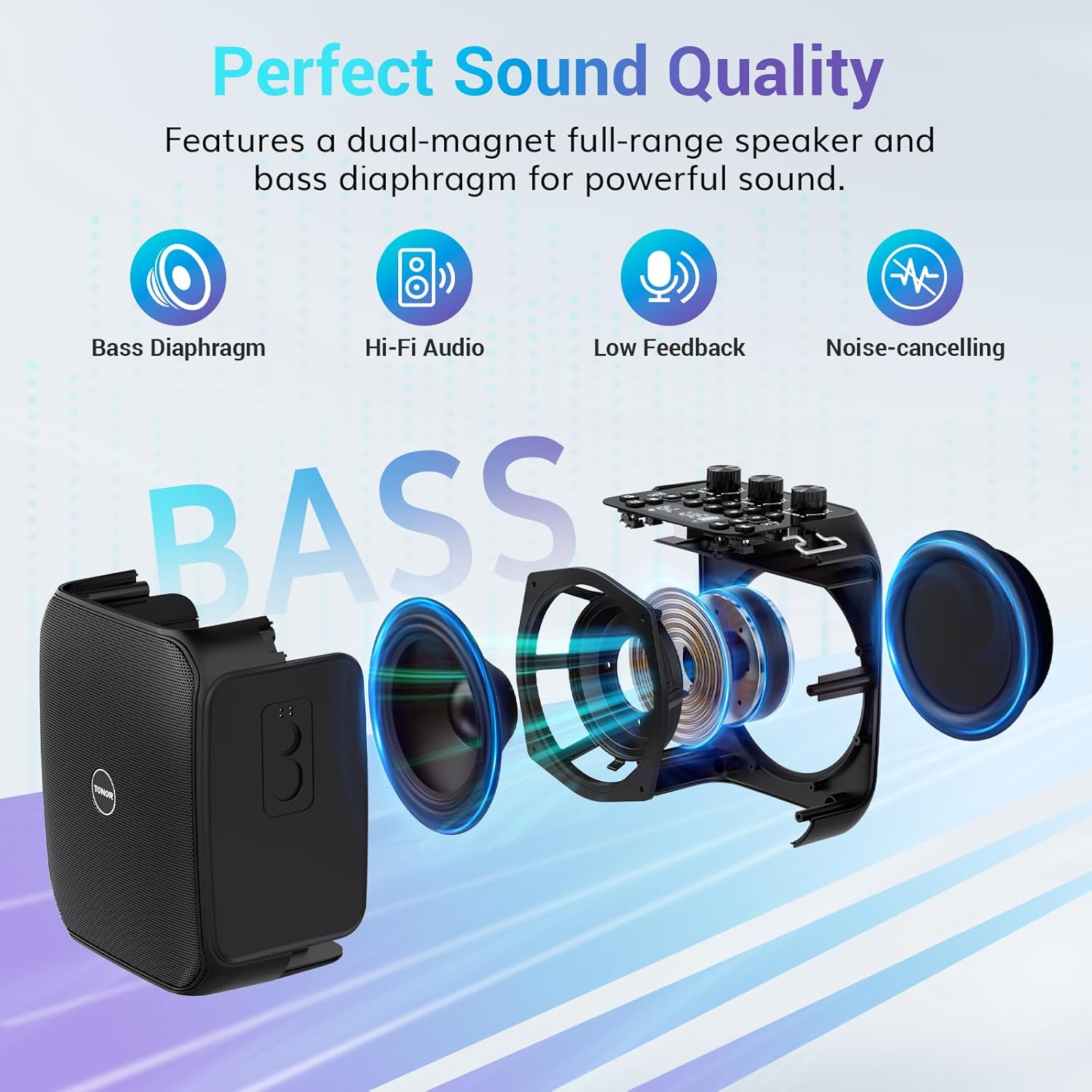
Rich Bass and Clear Voice
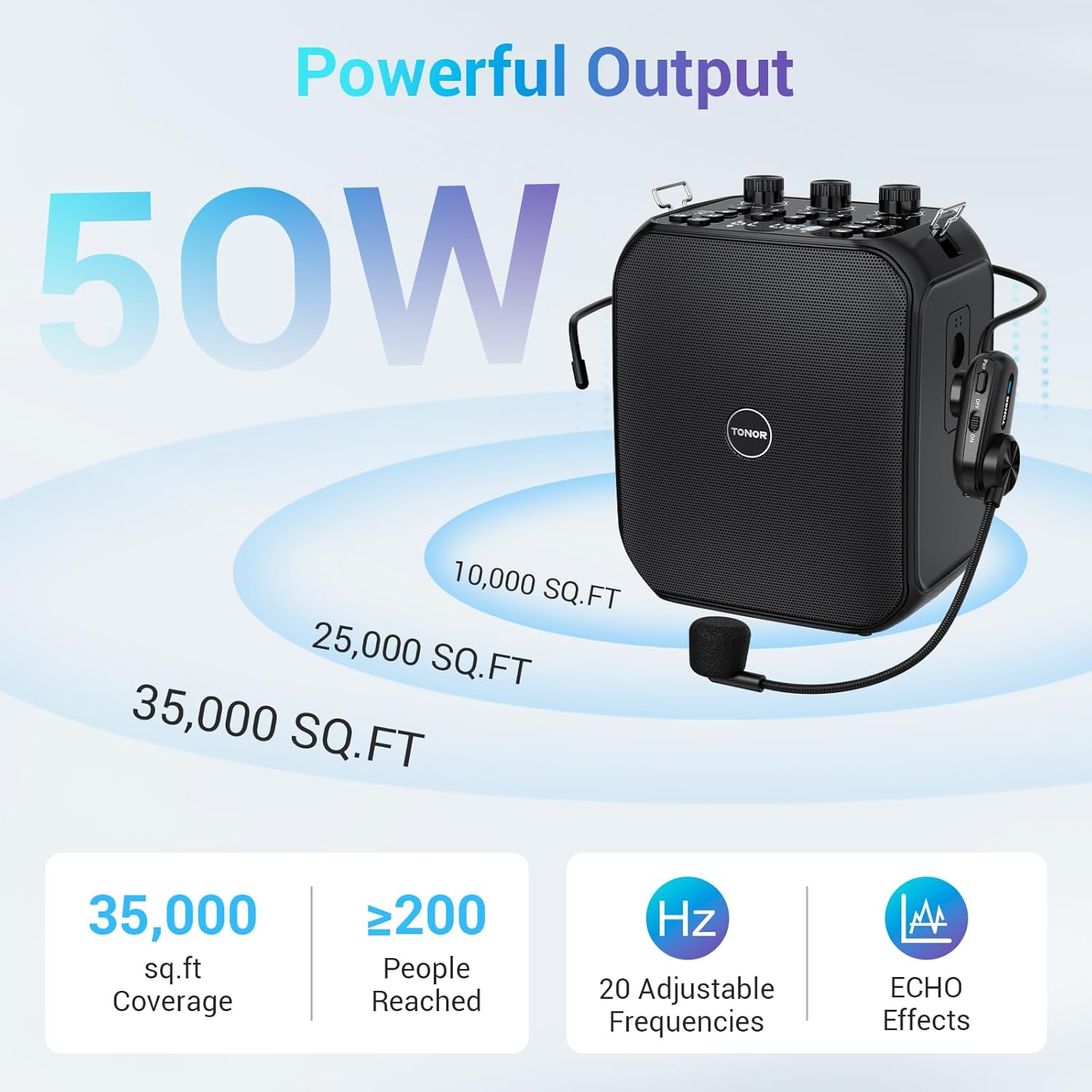
50W Powerful Output
Auto Paring
Easy to Operate
Can't connect with your headphones?
Microphone won't connect to speakers?
Is your device not working? Is it out of battery?
Is your device not working? Is it out of battery?
Can't connect with your headphones?
Microphone won't connect to speakers?
Why is the microphone intermittent?
Why is there no sound from the microphone at a critical moment?
-
Customer ReviewsNo comments