

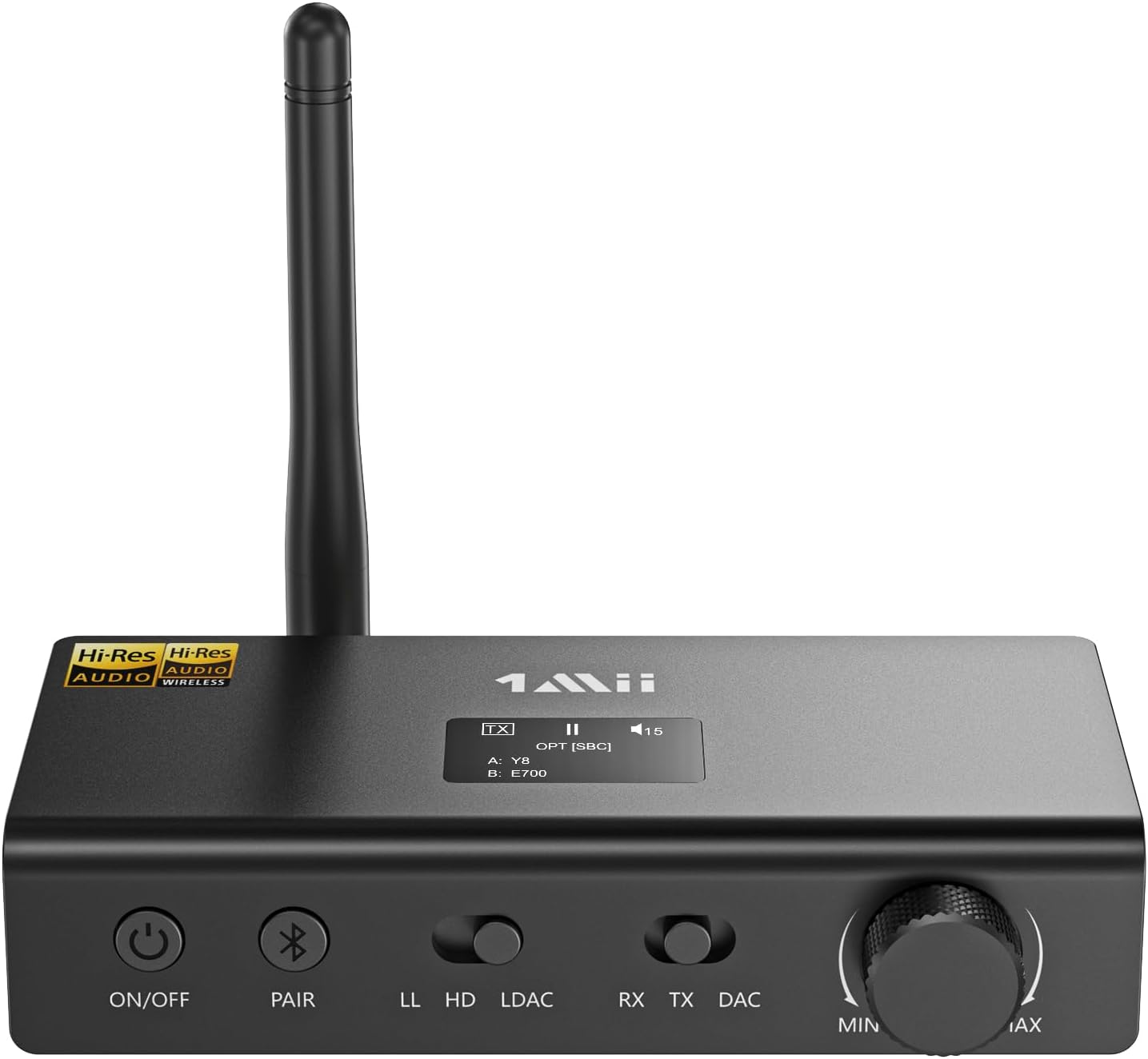
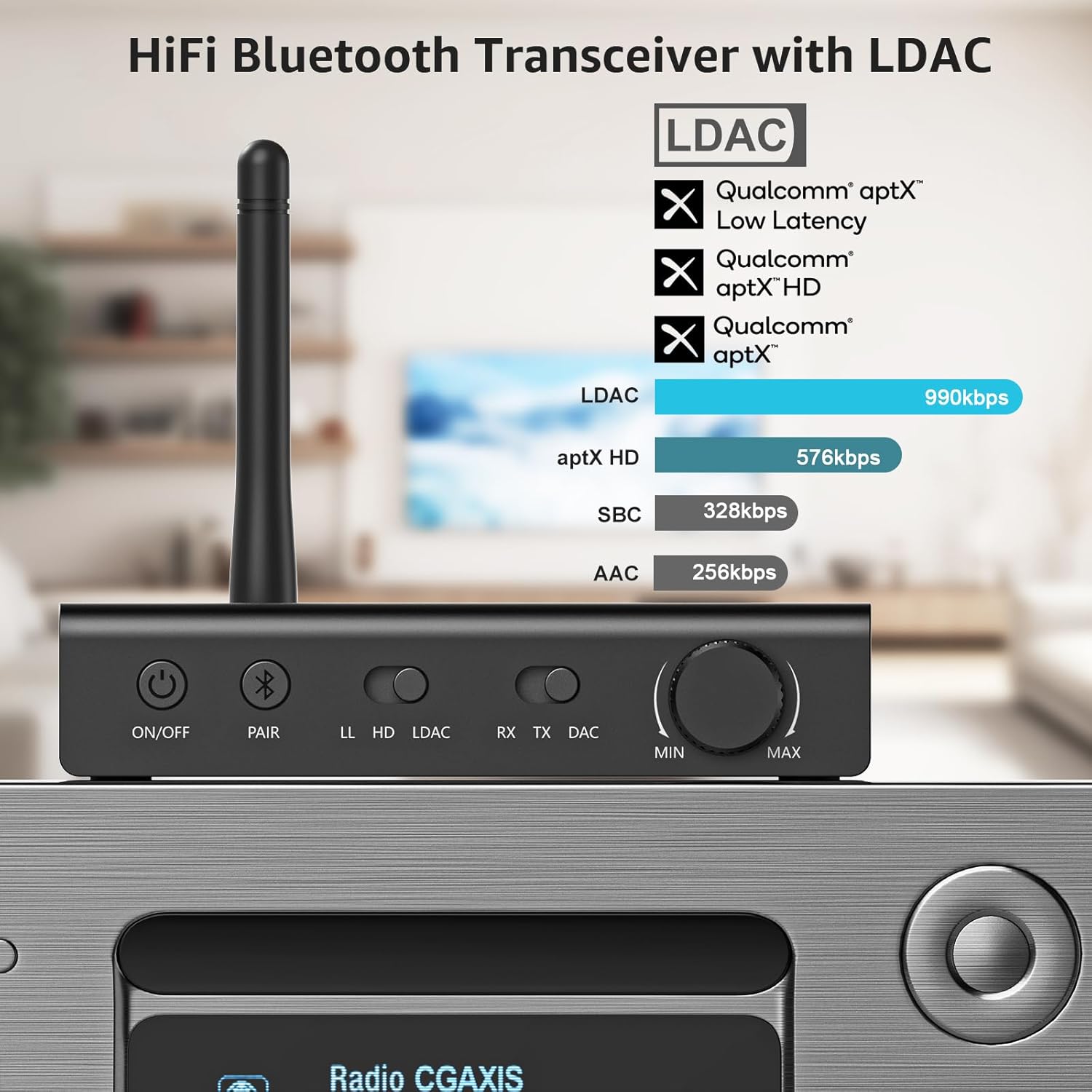
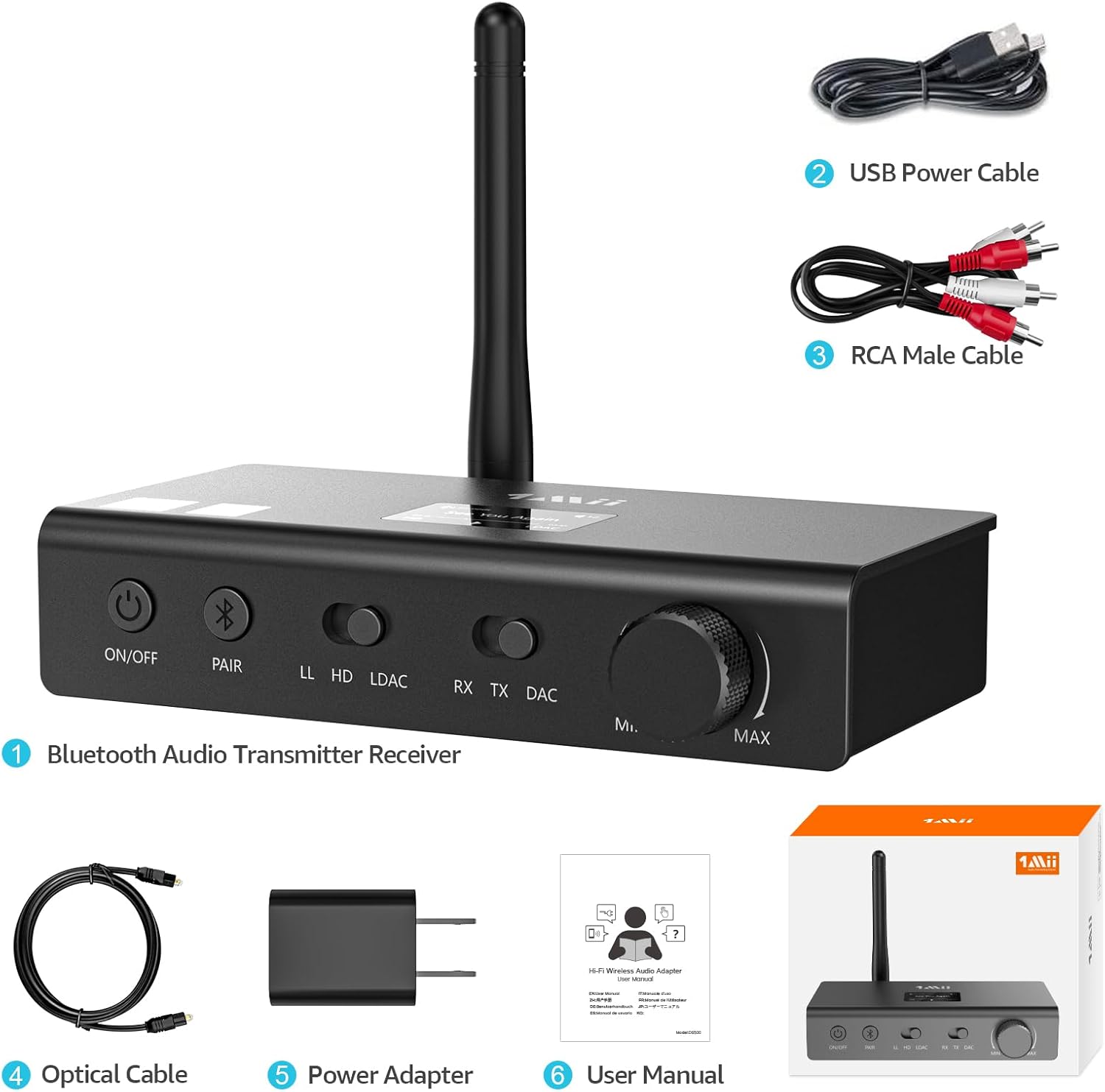
1Mii DS700 HiFi Bluetooth Audio Transmitter Receiver for TV, Long Range Wireless Adapter with Audiophile DAC, LDAC/aptX HD/aptX LL, OLED Display, Optical & Coaxial Input/Output, RCA Output Only
-
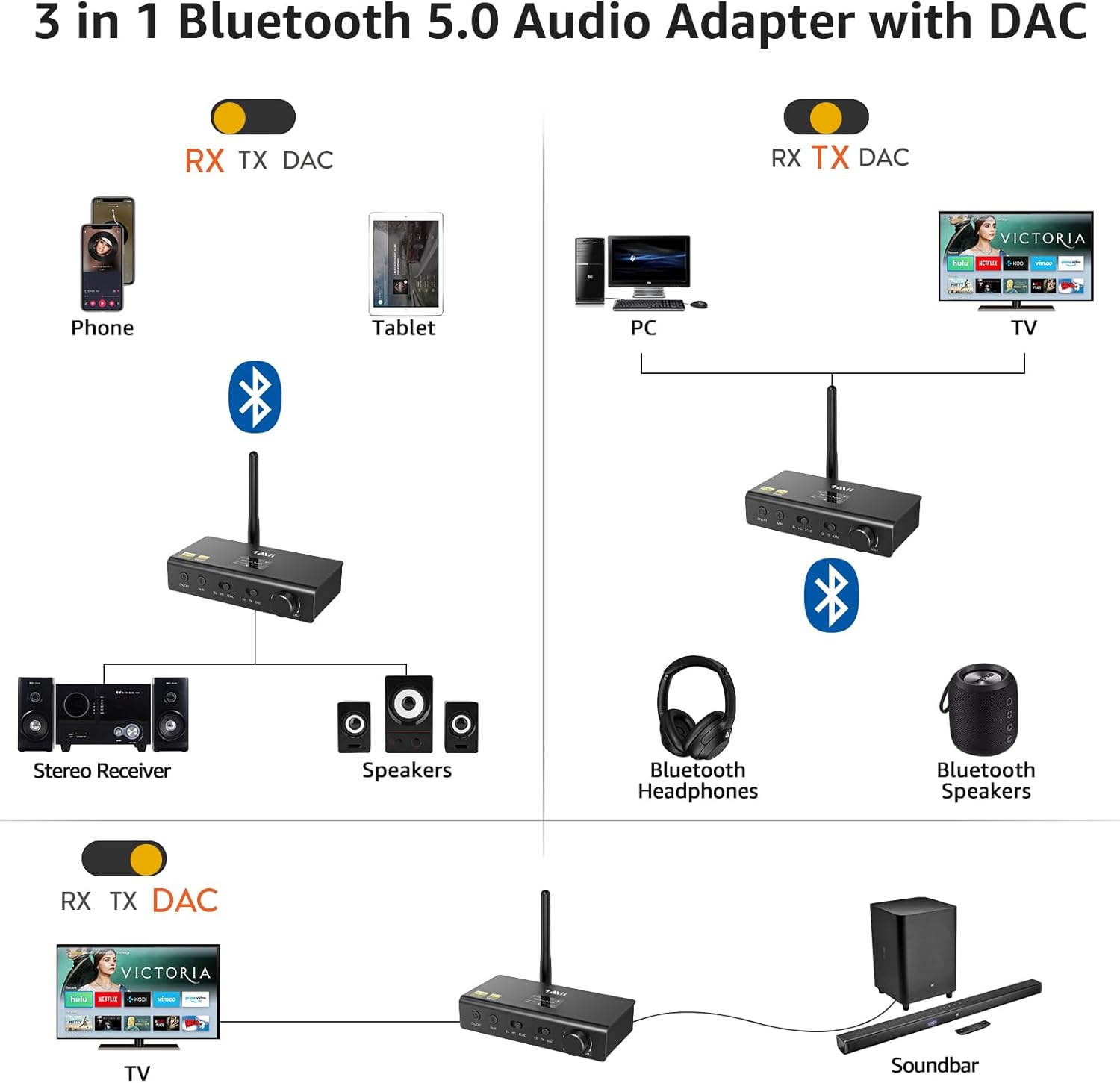
Detail1Connection in TX Mode2Connection in RX Mode3Connection in DAC Mode4TV Setting in TX Mode
What should I do if I can't get 1Mii DS700 to pair with my Bluetooth headphones/speakers?
1) Turn off the Bluetooth of all mobile phones or PCs in the house.
2) Please ensure that the pairing distance is within 1 meter.
3) If you still can't pair, please set both the DS700 and Bluetooth Headphones/speaker to factory default settings.
How to reset 1Mii DS700?
Restore the factory settings, press and hold the Bluetooth button for about 5 seconds, then enter the pairing mode.
When the TV is connected to DS700,can my Bluetooth headphones play sound simultaneously with the TV's built-in speakers?
With many models of TVs, the built-in speakers may not work properly if you choose to use an external audio output device, this is a TV feature and its availability depends on your TV make and model.
Can two devices be supported in LDAC mode?
In TX mode, the LDAC decoding format only supports one device.
What devices are compatible with the 1Mii DS700 in transmit mode and receive mode?
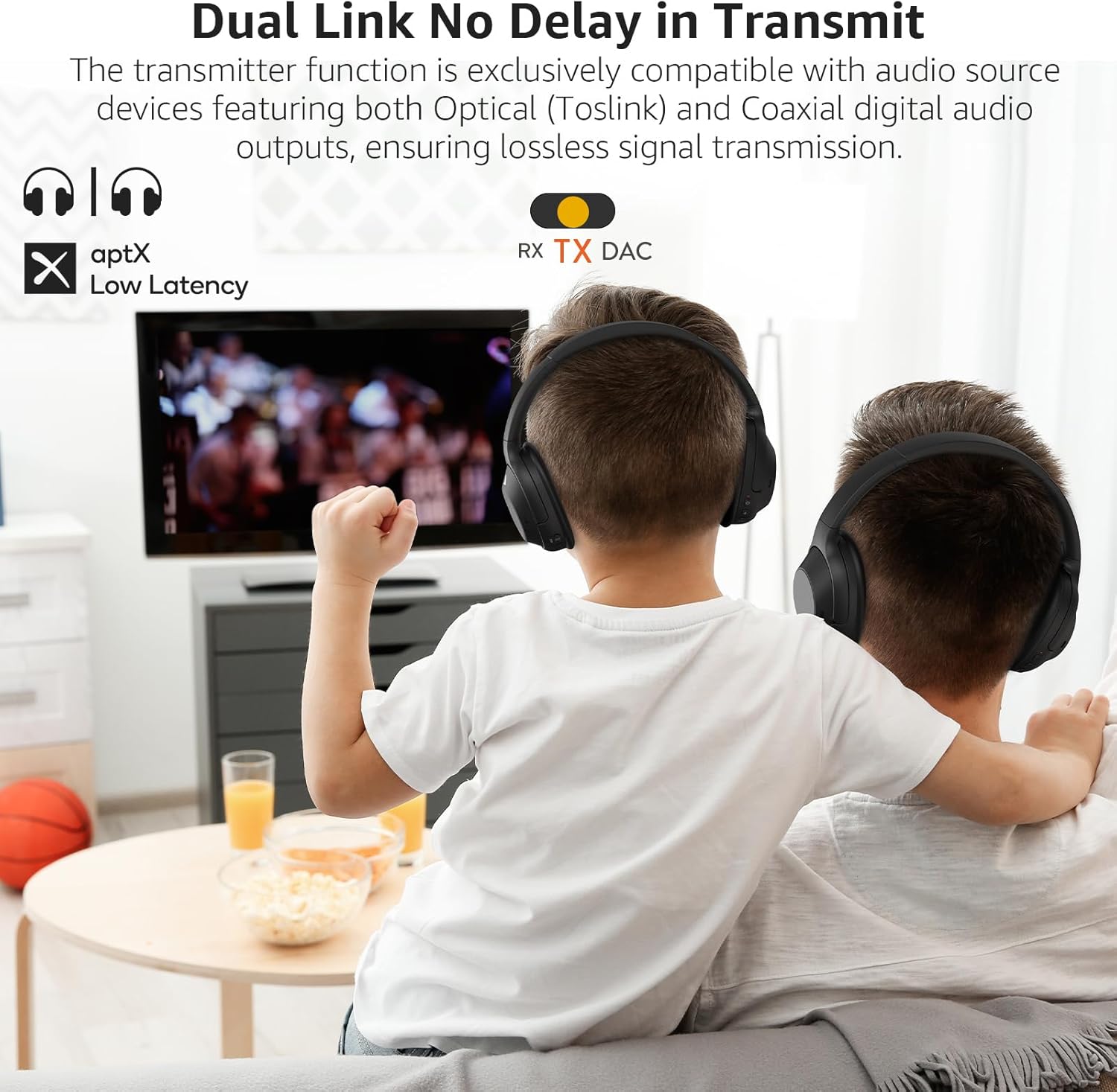
1) TX Mode: Only compatible with audio source featuring optical/coaxial digital audio outputs; Not support connections via RCA/3.5mm analog inputs
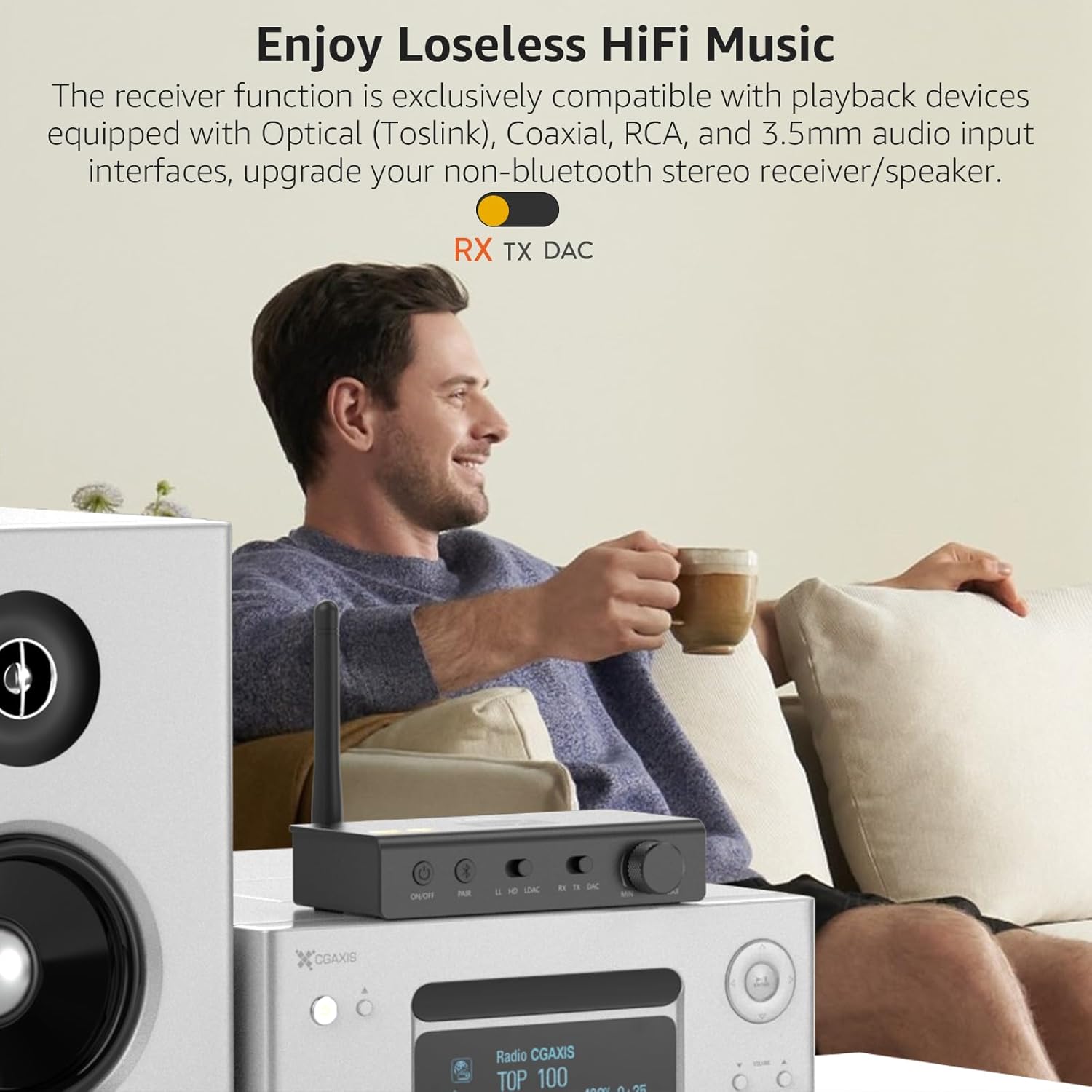
2) RX Mode: Works with audio devices featuring optical,coaxial,RCA,3.5mm audio input interfaces
Compatible w/Optical/Coaxial Output Audio Devices
Supports Optical/Coaxial/RCA Audio Inputs.
What should I do if I can't get 1Mii DS700 to pair with my Bluetooth headphones/speakers?
How to reset 1Mii DS700?
When the TV is connected to DS700,can my Bluetooth headphones play sound simultaneously with the TV's built-in speakers?
Can two devices be supported in LDAC mode?
What devices are compatible with the 1Mii DS700 in transmit mode and receive mode?
-
Customer ReviewsNo comments