

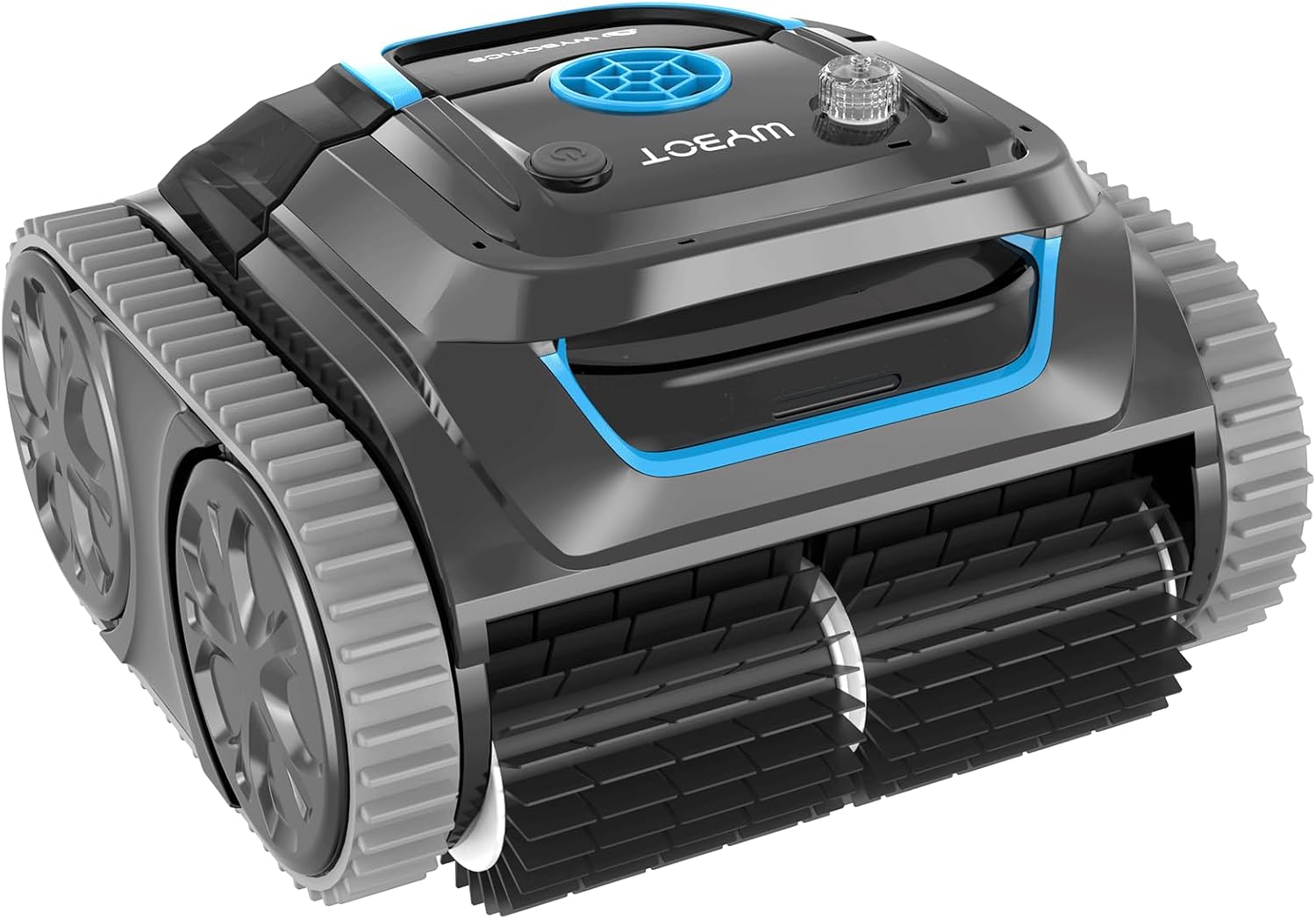
WYBOT S1 Cordless Wall Climbing Robotic Pool Cleaner w/ APP Mode, Smart Mapping Tech, Lasts 180mins, Automatic Pool Vacuum Robot w/ Powerful Suction, Fast Charging Fit for Inground Pools (WY200-DWA)
-
Detail
Designed to scrub and loosen dirt, debris from the pool surfaces, ensuring thorough cleaning.
Be informed of all the working status of the robot. Allowing users to easily understand the current state of the robot.
Provide protection against water damage and corrosion, ensuring the safe and efficient charging of the robot.
Pool cleaner *1; User manual *1; Hook *1; Charger *1; Quick Guide*1; Floating block *2
When the robot is already working underwater, I tried to change the mode with the app, but it doesn't seem to work?
Please note that due to possible signal loss underwater, changing the mode with the app while the robot is already working underwater may not work as expected.
Why is the machine I received wet? Is this a used product?
Rest assured that we test every unit underwater before packaging to ensure it works properly before delivery. Therefore, it is normal for the machine to be slightly damp or have water stains.
After registering, unable to find the device?
1. Check if your phone's Bluetooth is turned on.
2. Check if the app has the correct permissions. Go to Settings->WYBOT->Bluetooth
3. Check if the device is powered on.
4. Try with another phone.
Unable to register and log in to the app?
1. Check your network connection.
2. Check the error message displayed by the app. If it says you have already registered, try logging in directly. If it says the password is incorrect, try resetting your password.
Do I need to update the app version often?
Yes, please update the firmware when prompted as our app is regularly upgraded.
Powerful Scrubbing Brushes
LEDs Indicate Machine Status
Corrosion-resistant Charging
Package List
When the robot is already working underwater, I tried to change the mode with the app, but it doesn't seem to work?
Why is the machine I received wet? Is this a used product?
After registering, unable to find the device?
Unable to register and log in to the app?
Do I need to update the app version often?
-
Customer ReviewsNo comments