

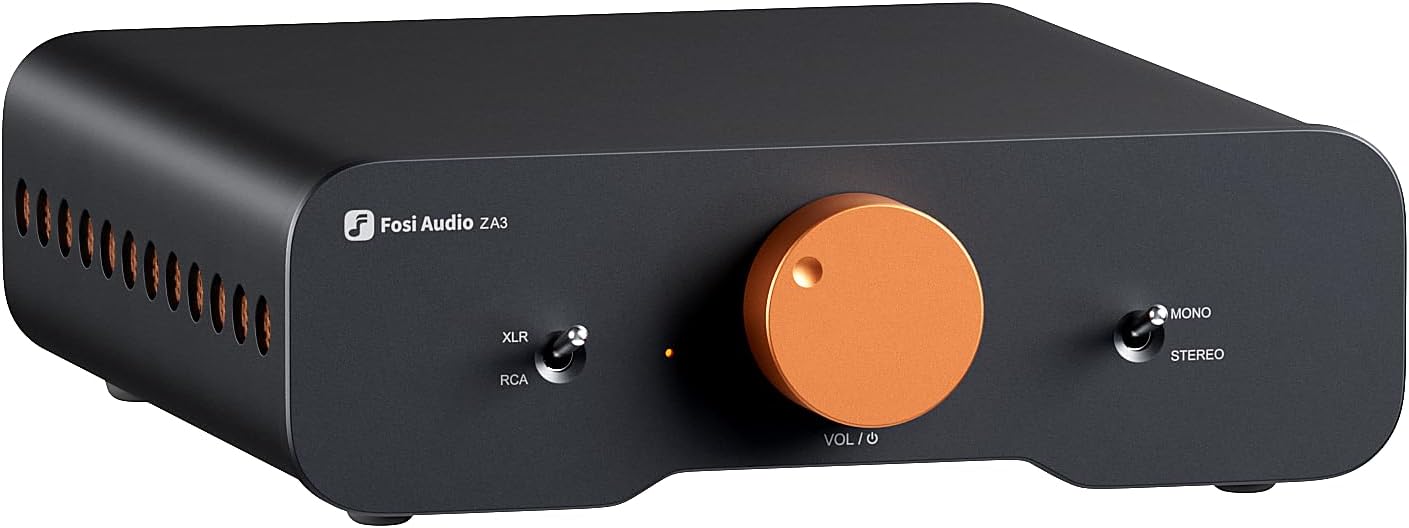
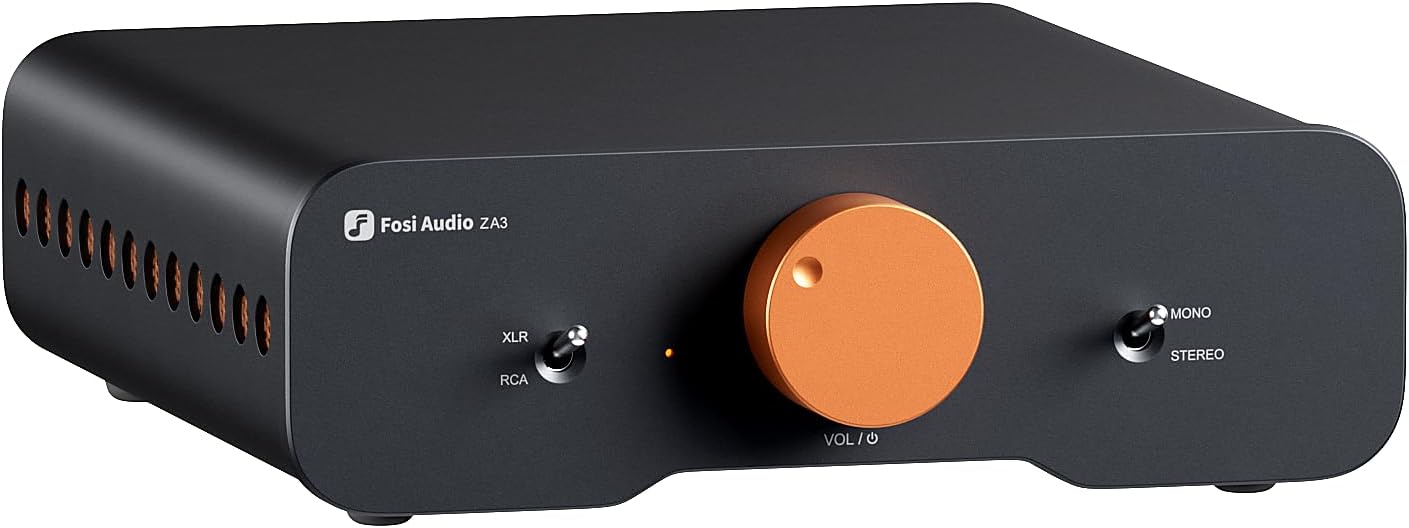



Fosi Audio ZA3 Balanced Stereo Amplifier Home Audio Component Mini 2 Channel Mono Amp TPA3255 for Subwoofer Desktop Home Theater Bookshelf Tower Floorstanding Passive Speakers with 48V Power Supply
-
Detail
- Frequency Response:20Hz-20kHz (±0.1dB);
- Rated Power: Stereo 180W*2 @4Ω;Mono 235W @4Ω
- Power Adpater Dimensions:7.6 x 3.54 x 1.5in
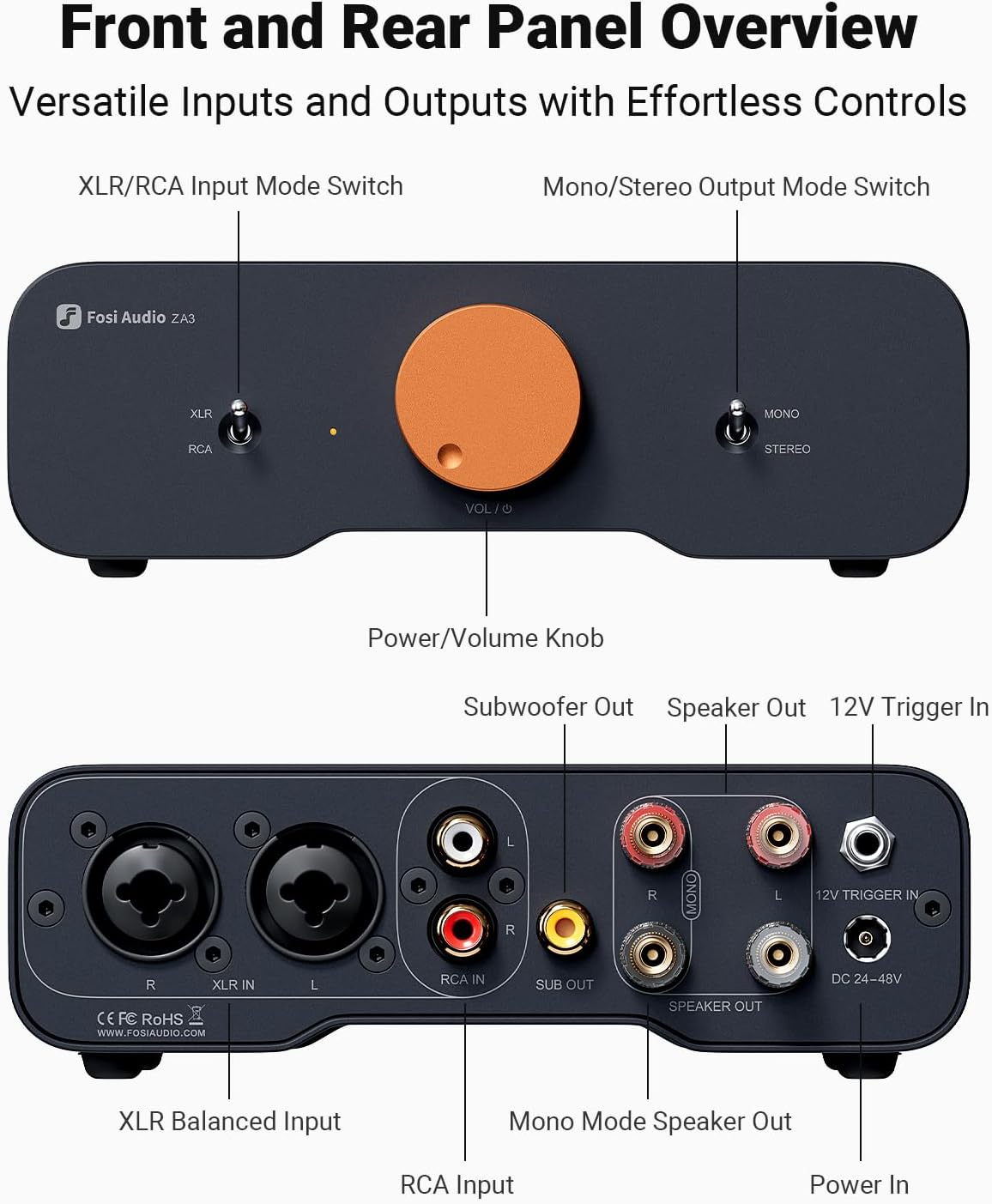
1Home Audio System2XLR Input3Monoblock4Stereo Mode5Mono Mode1TPA3255 Chip2High-End Components3Front Panel4Rear Panel5Vents1Power Rating2Op-Amps3Heat Dissipation4Circuit Board5Taper A Pot1. Addressing Functional Issues 1.1 Left Channel and Mono Setup Problems: Mode Selection: Ensure you've selected the correct mode using the switch on the right side of the ZA3. For stereo sound, the switch should be in the downward position; for mono, it should be upward.
Cable Connections: Double-check all input and output cables for secure connections. Faulty or improperly connected cables can cause sound issues.
Power Supply: Make sure you're using the appropriate power supply for your device.
1.2 Power On/Off Issues: Power Switch Operation: To turn your ZA3 on or off, press and hold the volume knob for 2 seconds. This feature might be different from other devices you've used, so it's important to familiarize yourself with this operation.
2. Enhancing Audio Sound Quality 2.1 Insufficient Power and Sound Output: Volume Adjustment: If the sound is too low, try turning the volume knob clockwise to increase the volume to an appropriate level.
Power Supply and Mode: Understand that the power output varies with different power supplies, speaker impedances, and operating modes. Adjust accordingly to achieve the best sound quality. 2.2 Not Meeting Expectations: Audio Source Quality: For better sound, use high-quality audio files and avoid compressed formats like MP3, which can sound worse when amplified.
Speaker Placement: Position your speakers at least 30cm away from walls or corners to avoid muddy bass sounds.
Subjective Perception: Remember that audio quality can be subjective. Experiment with different audio sources and settings to find what sounds best to you.
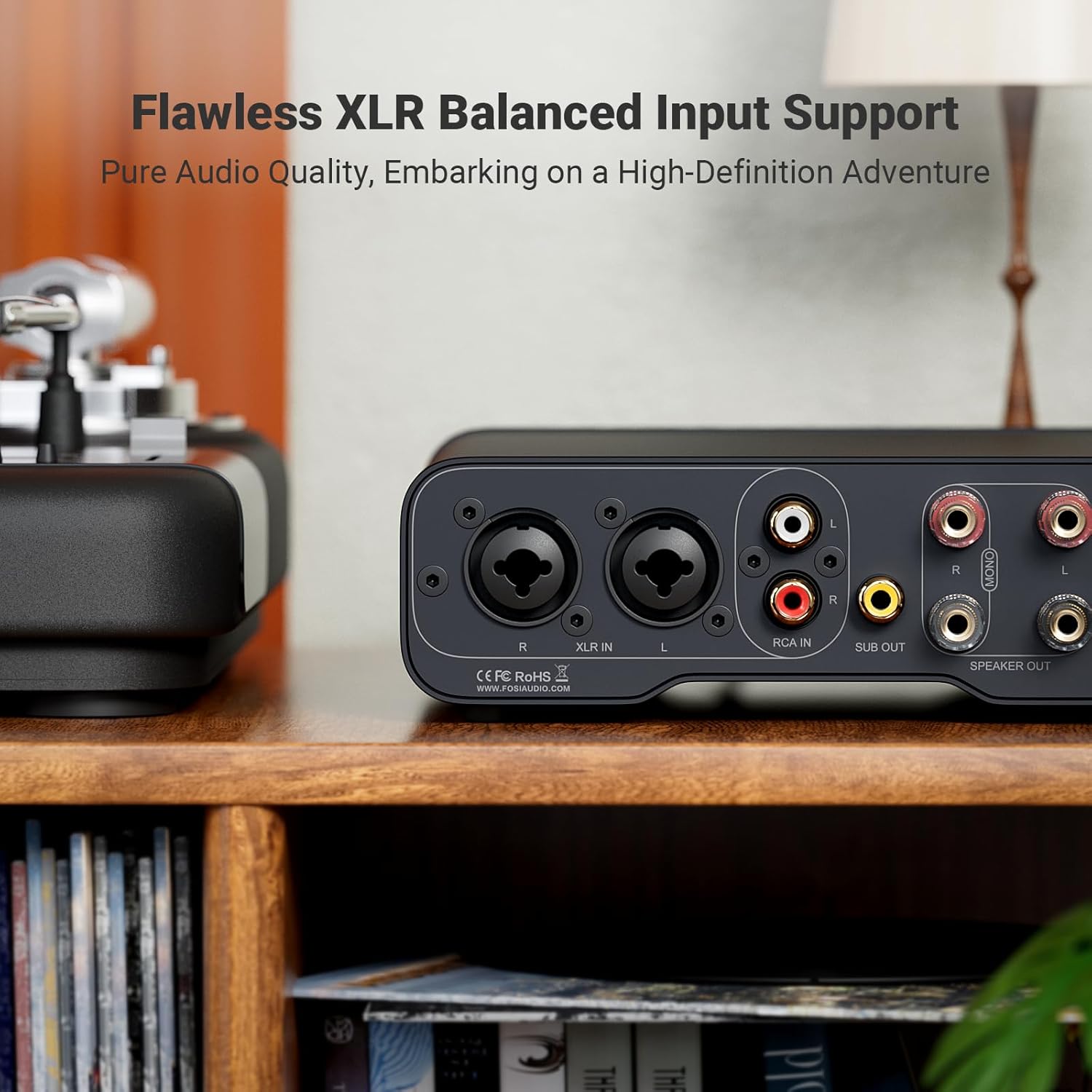
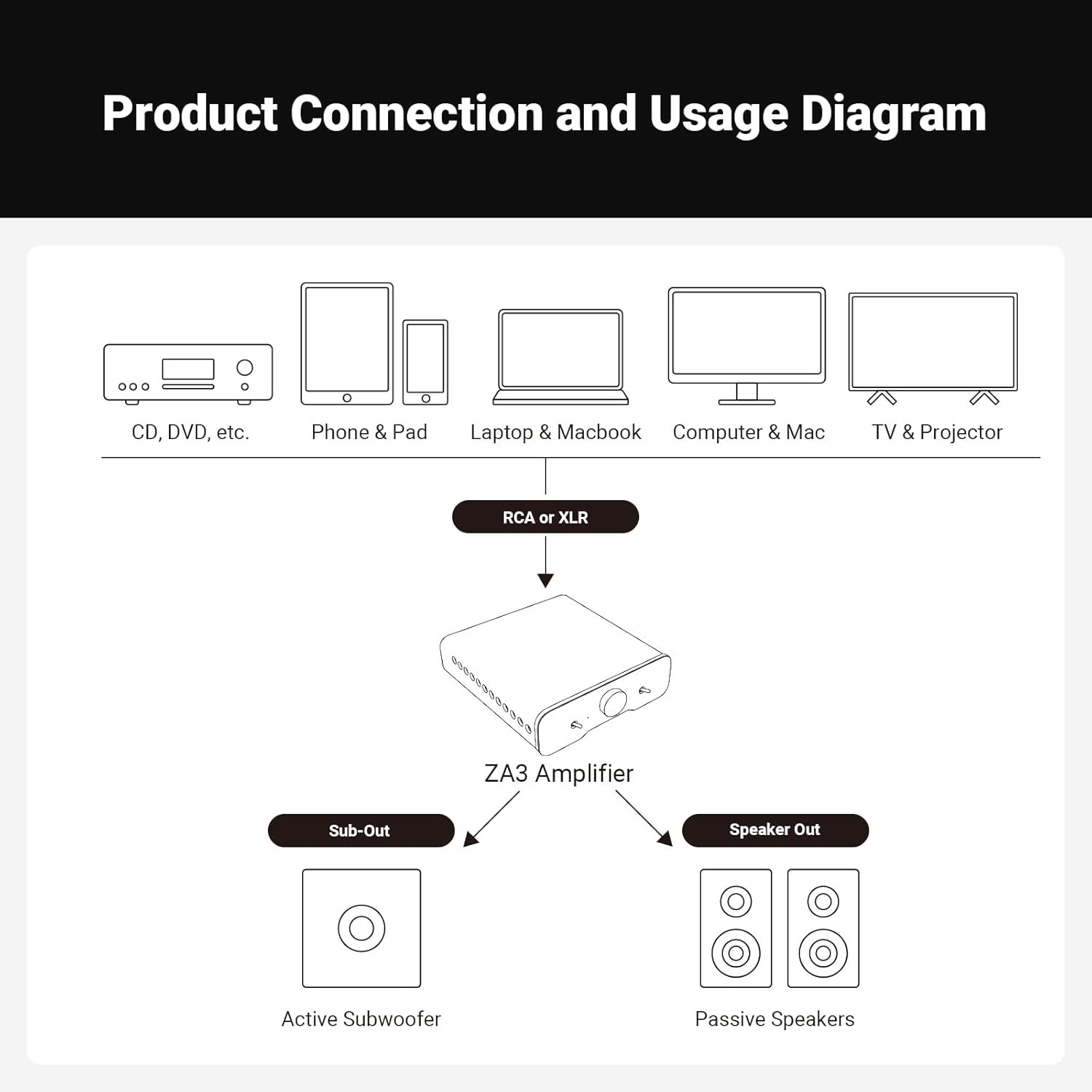
3. Overcoming Compatibility Limitations 3.1 Incompatibility with Speakers or System: Check Impedance: Ensure your speakers' impedance is within the 2 to 8 ohm range supported by the ZA3 for optimal performance. 3.2 Lack of Additional Inputs and No Signal Output: Input Options: The ZA3 supports RCA and XLR inputs. It does not have a DAC function, so it won't provide a signal output. Make sure your audio source is compatible with these inputs. 3.3 Power Adapter Size: Adapter Purpose: The 48V/5A power adapter is designed to meet the higher power requirements of the amplifier, ensuring it delivers its full potential. Its larger size is necessary for this purpose.
Note: The product doesn't support Bluetooth.
2 Channel Amp
Amplifying Your Voice, Shaping Our Innovation
Flawless XLR Balanced Input Support
PBTL Mono Mode Support
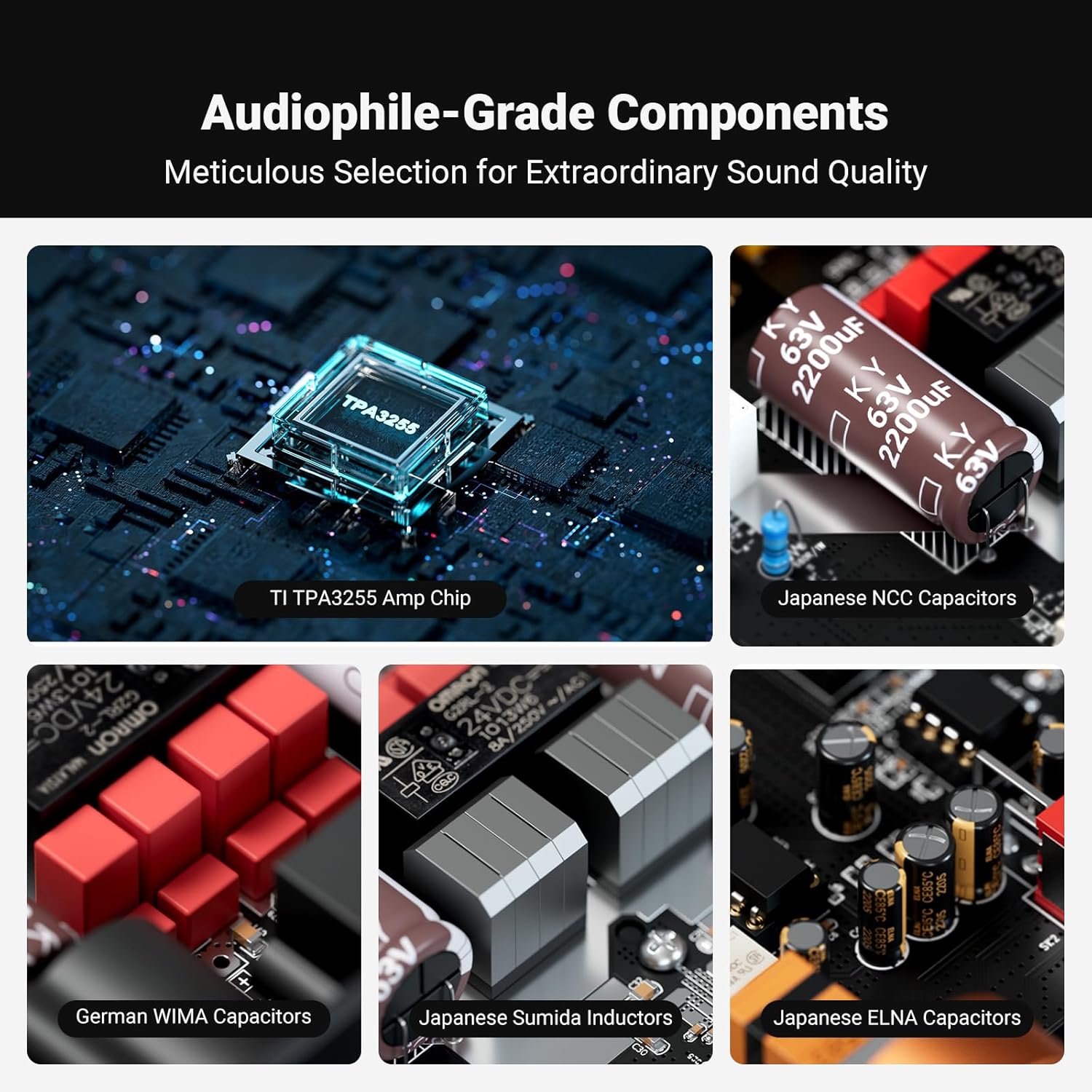
TI TPA3255 Amp Chip Integrated
12V Trigger Sync Interface (3.5mm)
Swappable Op-Amps
Advanced Heat Dissipation Design
Separated Digital & Analog Modules
Logarithmic Potentiometer
Fosi Audio ZA3 Friendly Solution Guide
-
Customer ReviewsNo comments