

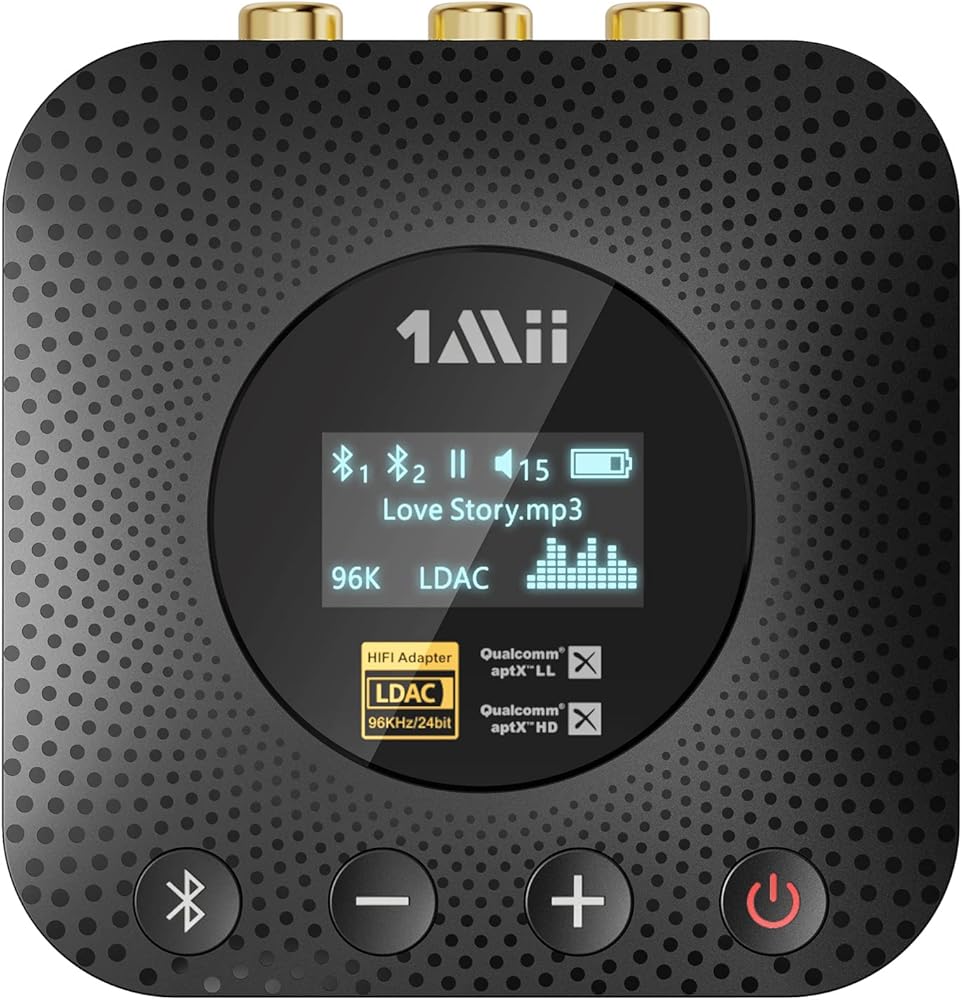
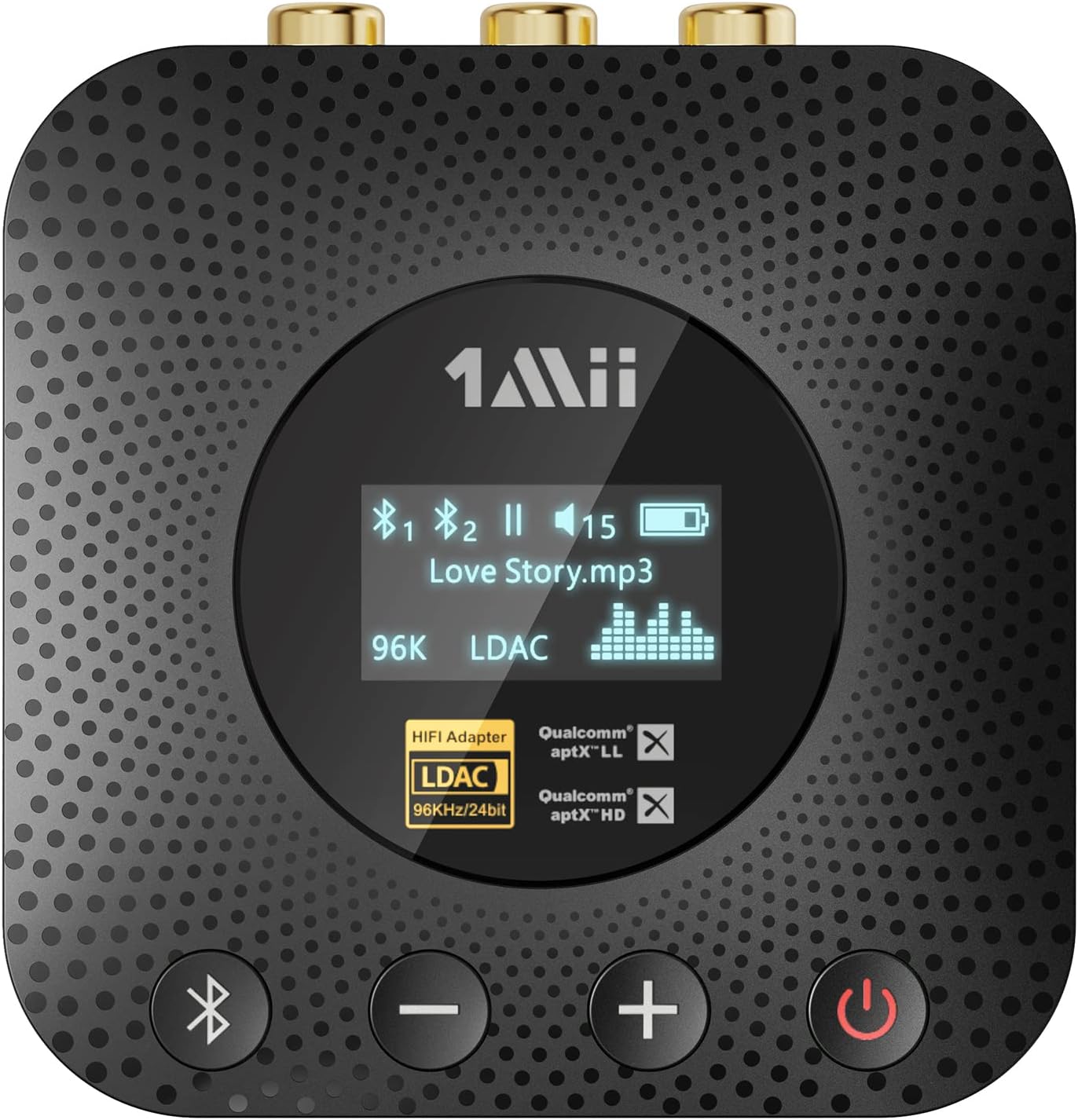
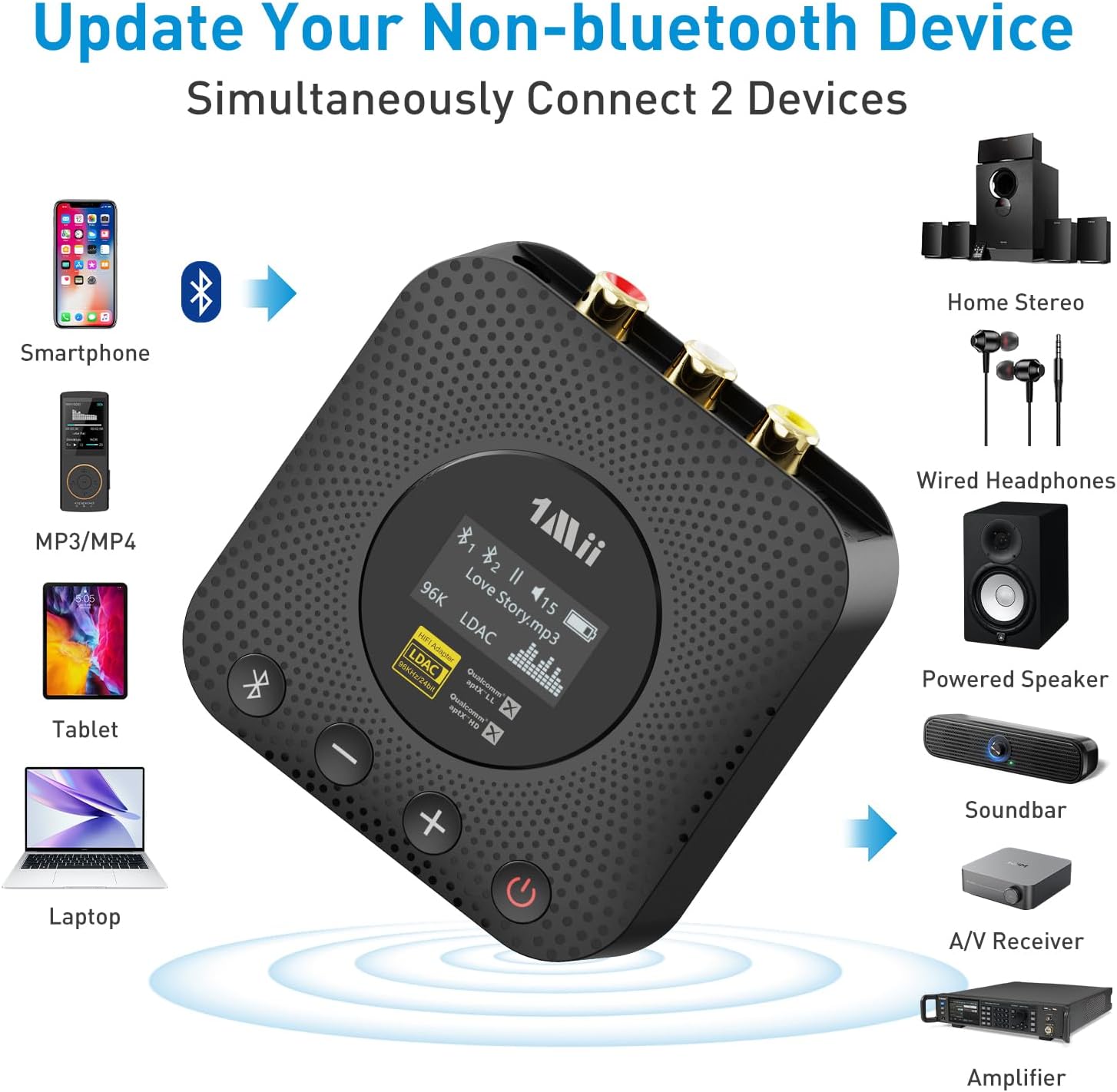
1Mii B06HD+ Hi-Res Bluetooth 5.1 Music Receiver for Home Stereo w/LDAC, Hi-Fi Bluetooth Adapter w/Audiophile DAC aptX HD Volume Control OLED Display, Wireless Audio Adapter for AV Receiver/Amplifier
-
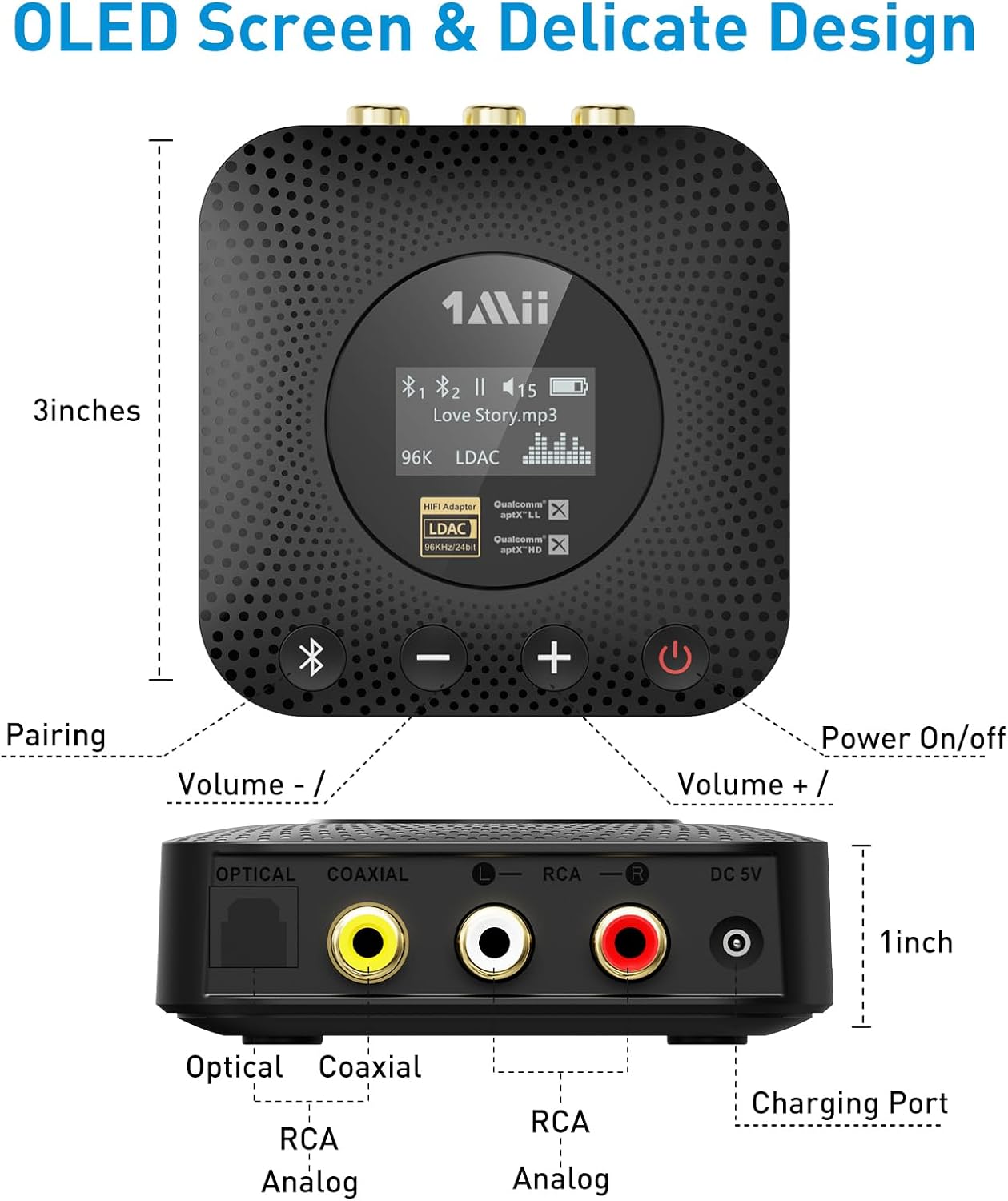
Detail1Bluetooth 5.12aptX HD & Low Latency3LDAC Hi-Res Audio4ESS DAC for Audiophiles5OLED Display1Long Operating Range2Extended Playtime3Volume Control4Multipoint Connection
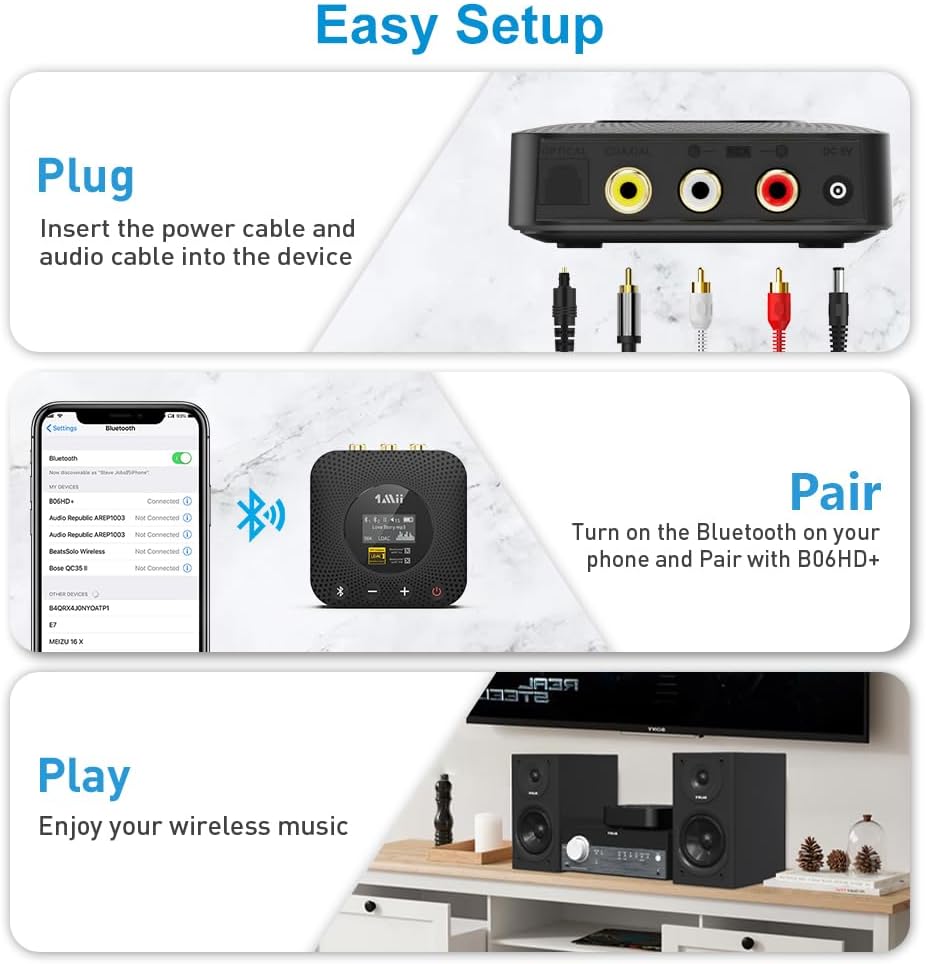
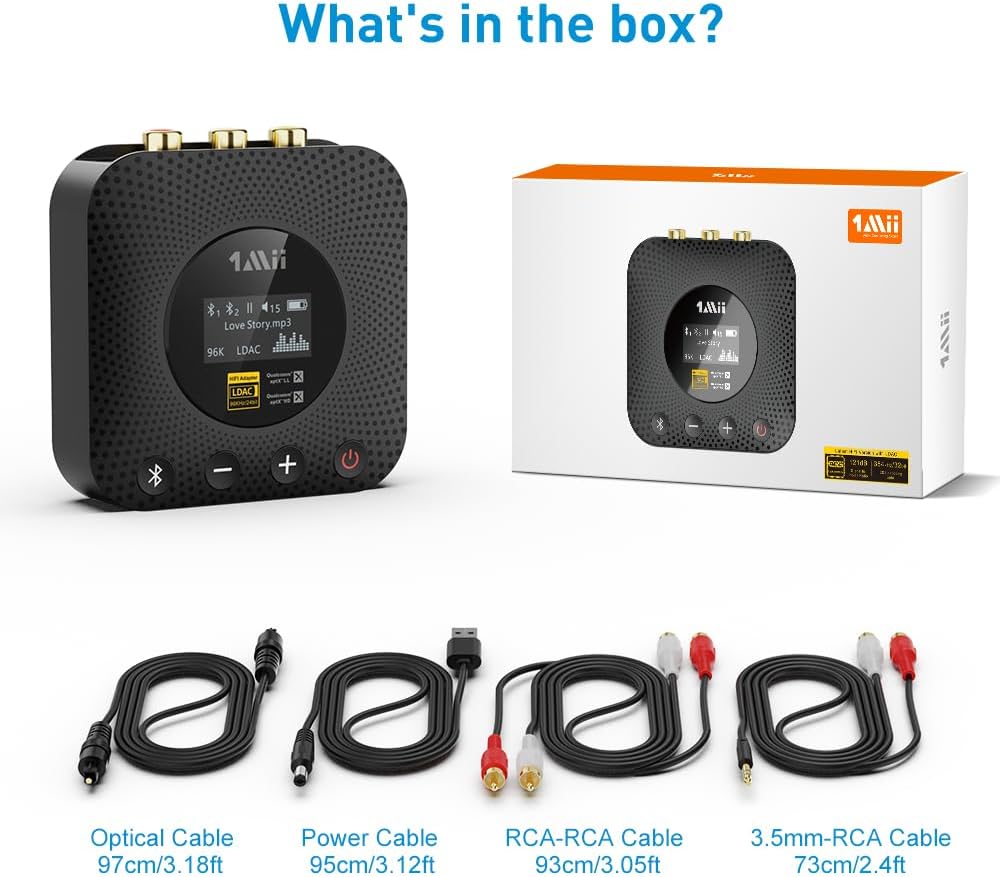
Plug B06HD+ to your speaker or home stereo system via the optical, coaxial or RCA cable. Make sure that 1Mii Bluetooth Hi-Fi Bluetooth receiver is fully charged for 3.5 hours before getting started.
Q: Will it connect with more than one device at a time, and how to pair with the second one?
A: Yes, you can connect this 1Mii B06HD+ Bluetooth recevier with two devices at a time. To pair the second Bluetooth device, press and hold the Bluetooth pairing button until the Bluetooth icon on the OLED screen turns to a slow blue pulse to set the B06HD+ in pairng mode.
Q: Once two devices are paired, is there a way to overwrite one or both of them with a new device or delete the old pairings?
A: You can press the pairing button to reset the device to pairing mode and pair with a new device, the first connected device will be disconnected automatically.
Q: Does this item make an audible sound when it connects to a device? Why I can't see the song title info on the display?
A: No, it doen't make any sound when connected to a device. You can see it on the display screen when the device is successfully connected. If it is played from a computer, you can not see the song information. B06HD+ supports song information display on Android and most of music player on iOS platform. However, it does not support on music player that comes with iphone due to iOS limitations.
Q: I want to send a signal to my wireless headphones, can I use this item?
A: No, this device is a Receiver ONLY, you may want a Bluetooth transmitter to send signals to your BT headphones.
Q: How to connect with Alexa Devices(Echo)?
A: 1. Connect this 1Mii B06HD+ Bluetooth receiver to your speaker or stereo via an audio cable provided in the box. Please make sure to use the audio cable to connect the Bluetooth receiver with your speaker, NOT with the echo. 2. Press the pairing button to enter the pairing mode(the Bluetooth icon fastly flashes). 3. Enter the Alexa on line app, Settings-->Devices/Echo-->Bluetooth-->Pair a New Device-->B06HD+. And please note this: Go to settings, then "device settings", select your echo, then “Bluetooth devices" and then pair to the B06HD+ Bluetooth receiver. Do not try to connect via the "add a device". On the Device page, select your echo and pair it via Bluetooth when the next menu comes up.
1Mii Hi-Res Bluetooth Receiver for Home Stereo
B06HD+ - Make Your Old Non-Bluetooth Stereo System Modern
Stream HD Music Wirelessly Using Bluetooth
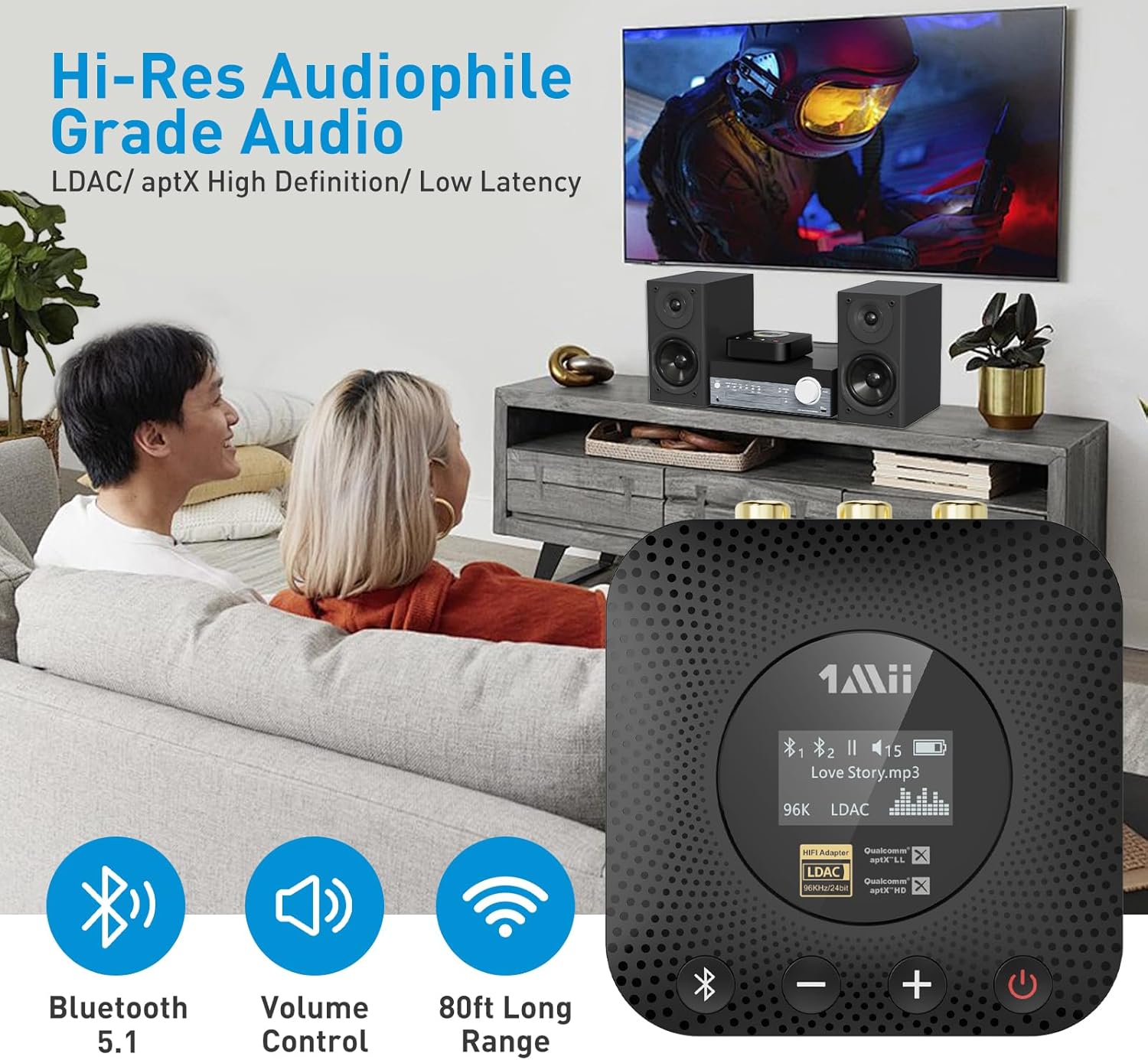
aptX HD & aptX Low Latency for High-Fidelity Audio
LDAC Hi-Res Audio Listening Experience
Audiophile-grade Performance Level
All You Want to Know on the OLED Display
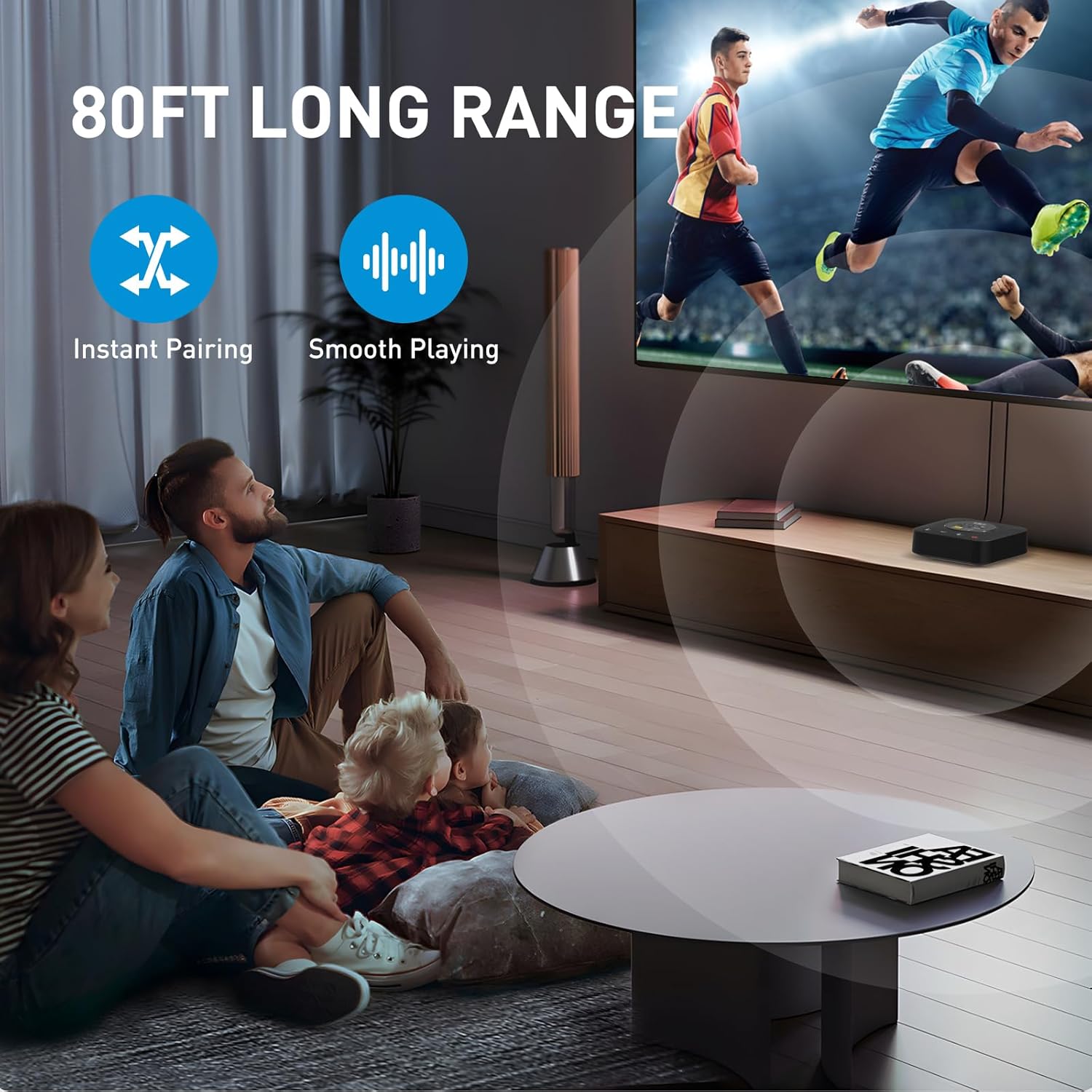
80FT Long Range for Bluetooth Music Streaming
Up to 13 Hours of Continuous Playback
Easy Volume & Playlist Control
Connect to Two Bluetooth Devices Simultaneously
Plug n Play. Super Easy Setup - Make Old-Fashioned Stereos Wireless in Seconds
PLUG - Connect B06HD+ to Your Stereo via the Cable
Frequently Asked Questions
-
Customer ReviewsNo comments