

Home
/
MOOER CAB X2 Dual Footswitch Cab Sim IR Loading Stereo Cabinet Simulation Pedal with 14 Presets Slots Supporting Software Editing
MOOER CAB X2 Dual Footswitch Cab Sim IR Loading Stereo Cabinet Simulation Pedal with 14 Presets Slots Supporting Software Editing
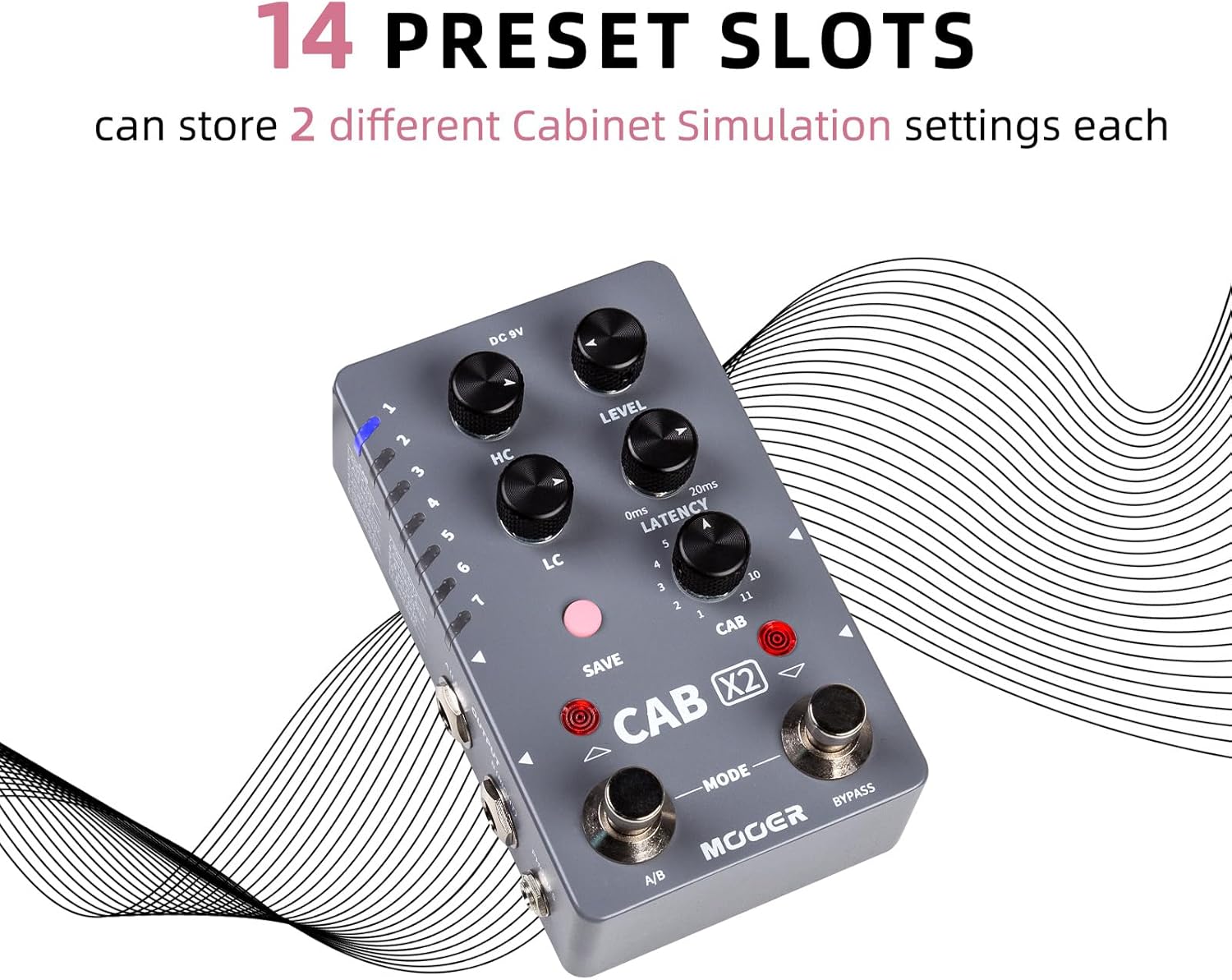
Cab X2 High-quality, IR-loading stereo cabinet simulation pedal, Includes 14 user preset slots that can store two different cabinet simulation settings each
The Cab X2 supports flexible stereo setups, allowing the option to bypass the cab sim pedal itself and connect to an external amplifier, sou
The Cab X2 supports flexible stereo setups, allowing the option to bypass the cab sim pedal itself and connect to an external amplifier, sou
Quantity
-
Detail
The Cab X2 is the latest digital cabinet simulation and impulse response pedal from MOOER Audio, featuring stereo input and output, build-in factory simulation models, and support for third-party impulse response files.
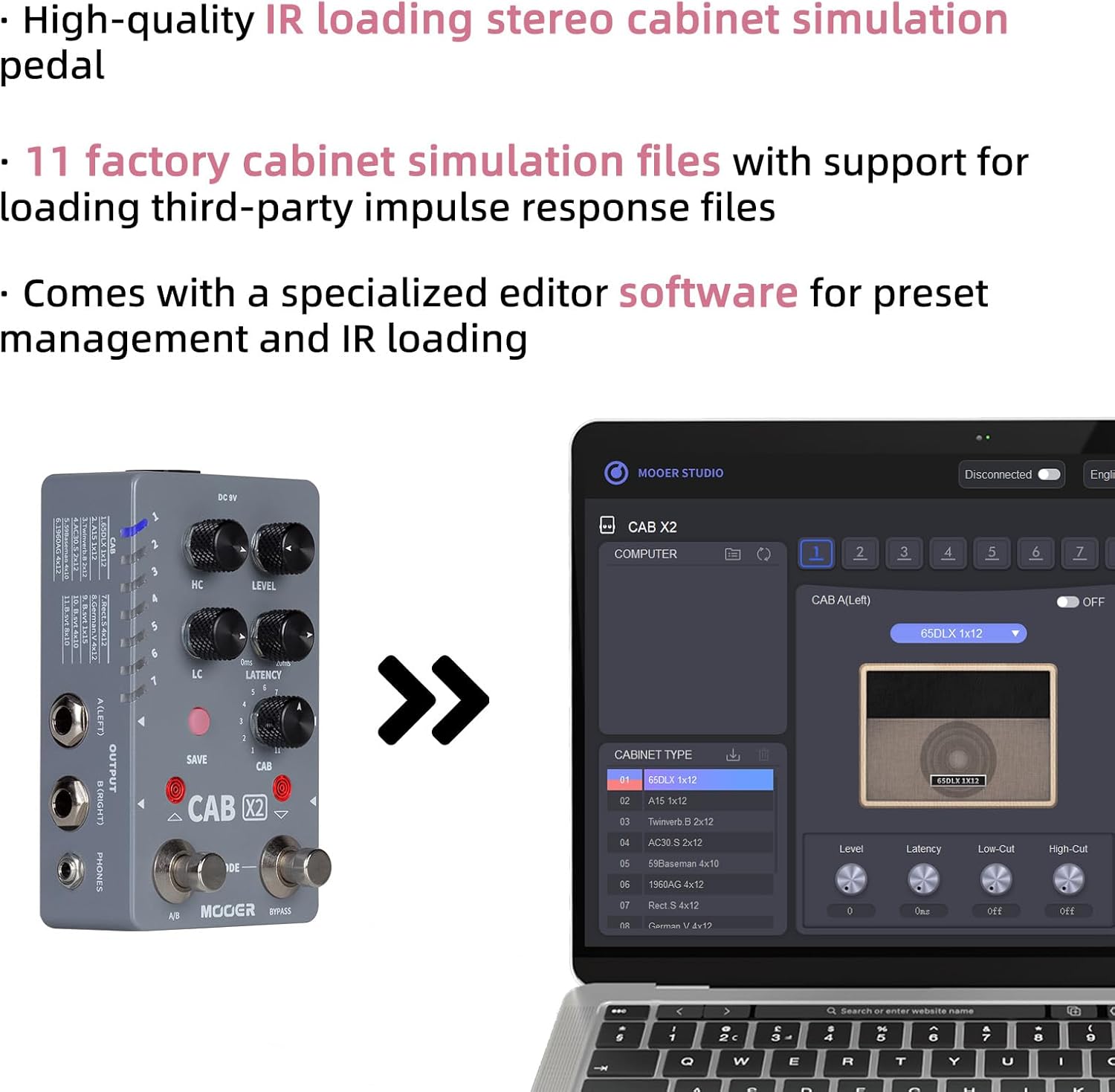
- High-quality, IR-loading stereo cabinet simulation pedal
- Includes 14 user preset slots that can store two different cabinet simulation settings each
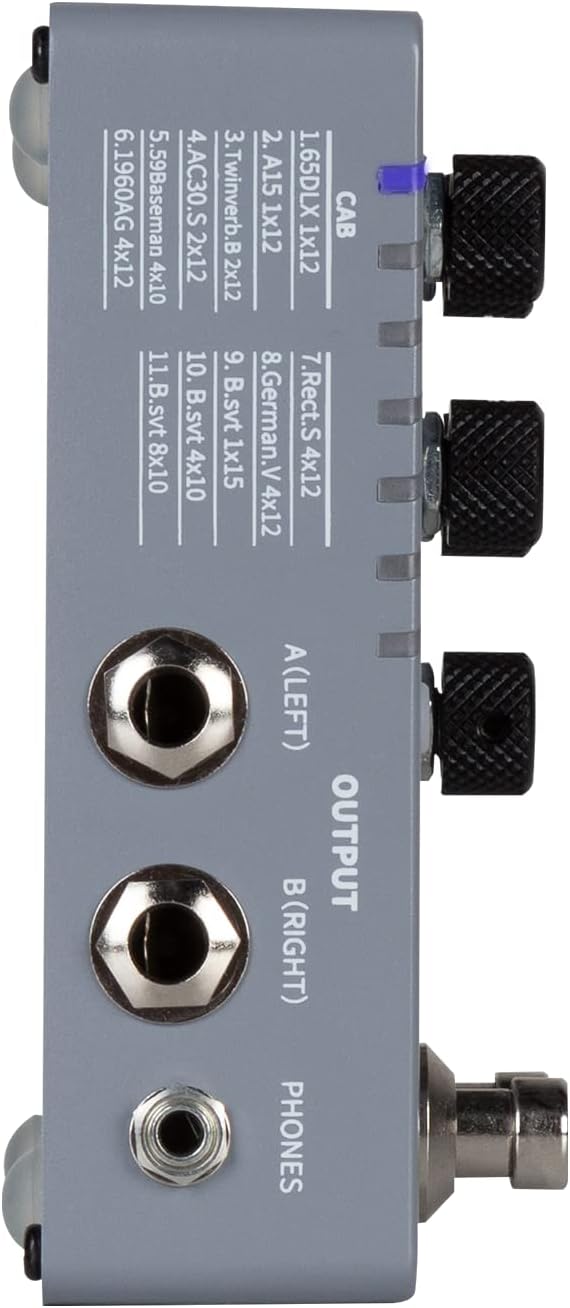
- 11 factory cabinet simulation files with support for loading third-party impulse response files
- Choose between mono or stereo setups with the ability to bypass the cab sim for each channel
- Footswitch can be assigned as a traditional on/off switch or to switch between presets
- Comes with specialized editor software for preset management and IR loading
- Designed to make management of all your presets and IR files simple, the Cab X2 editor software is free to download for MacOS/Windows and makes setting up your X2 fast and easy.
- The Cab X2 provides robust stereo support for users that need to take their favorite digital cab sims and IR files from their laptop to the stage.
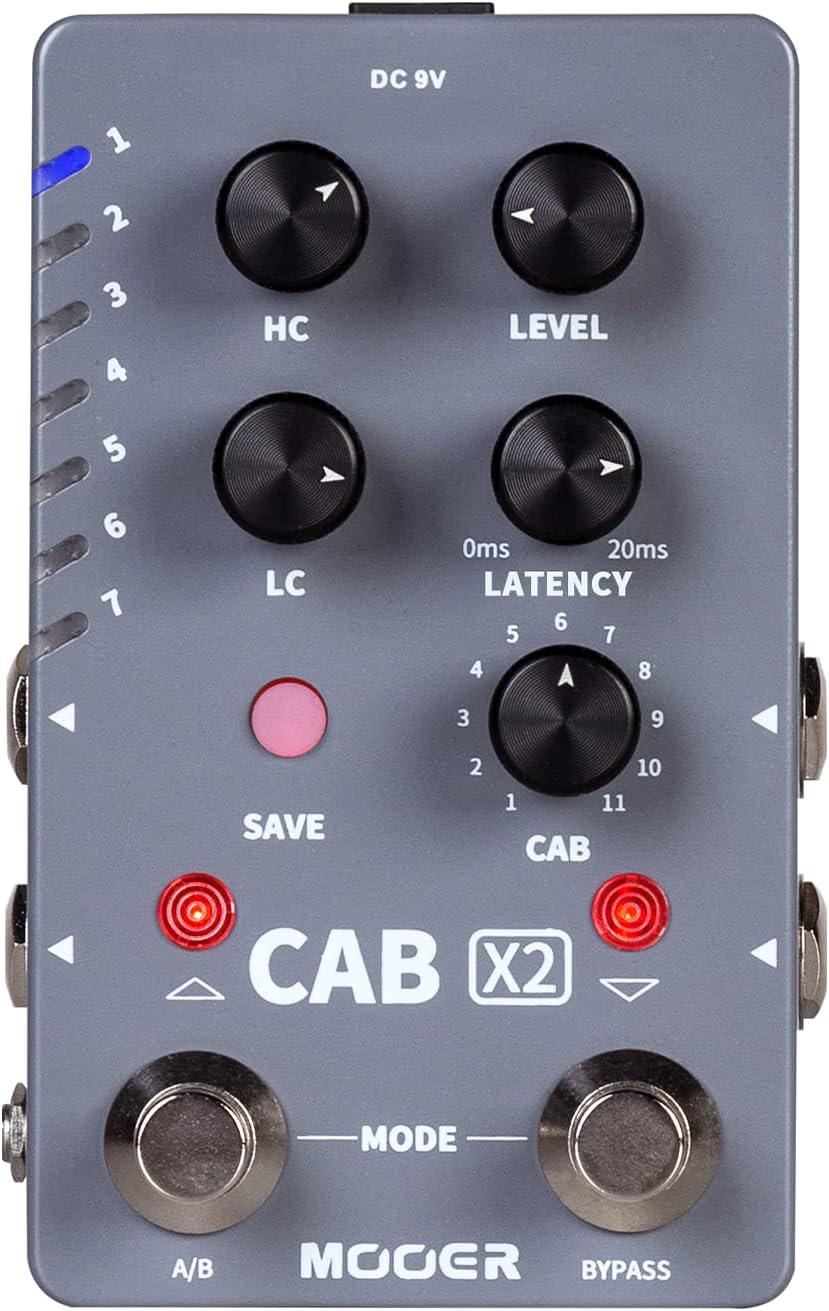
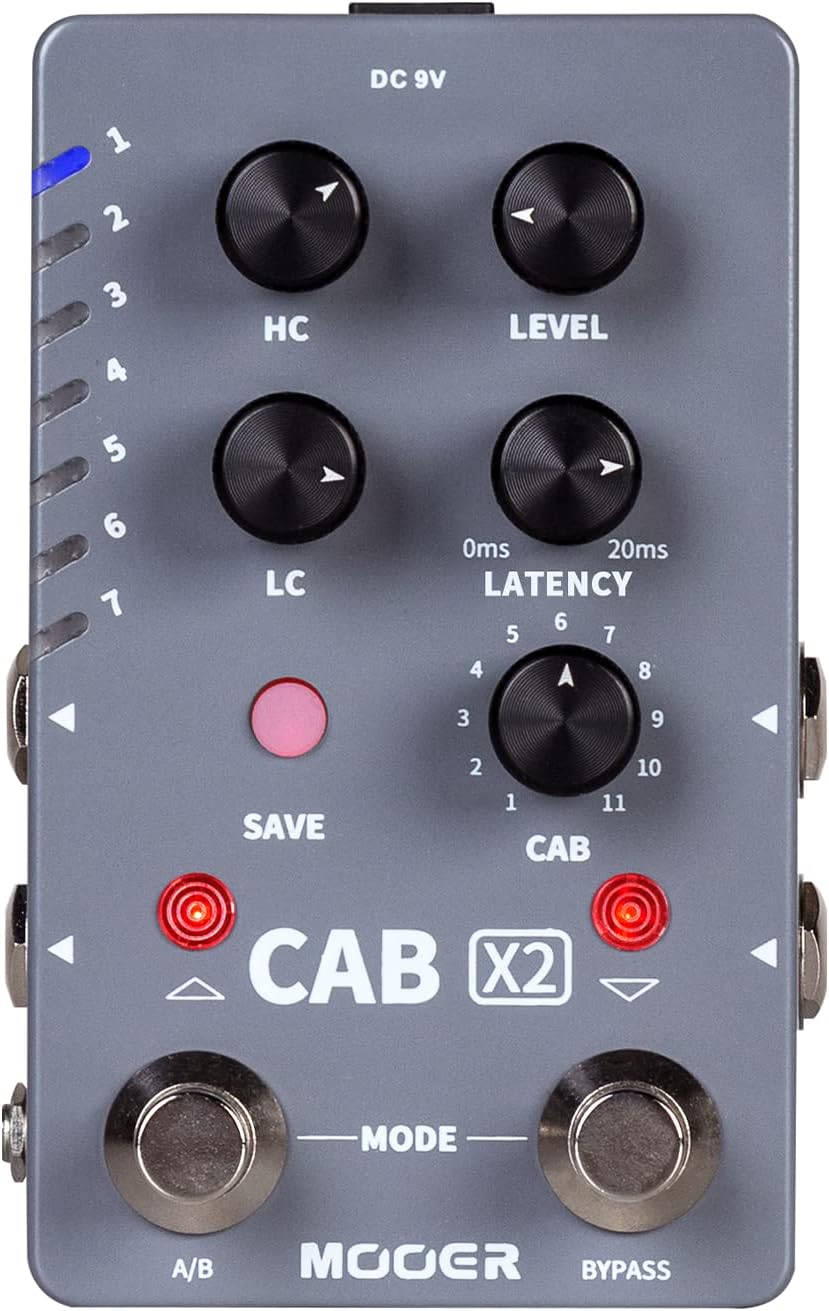
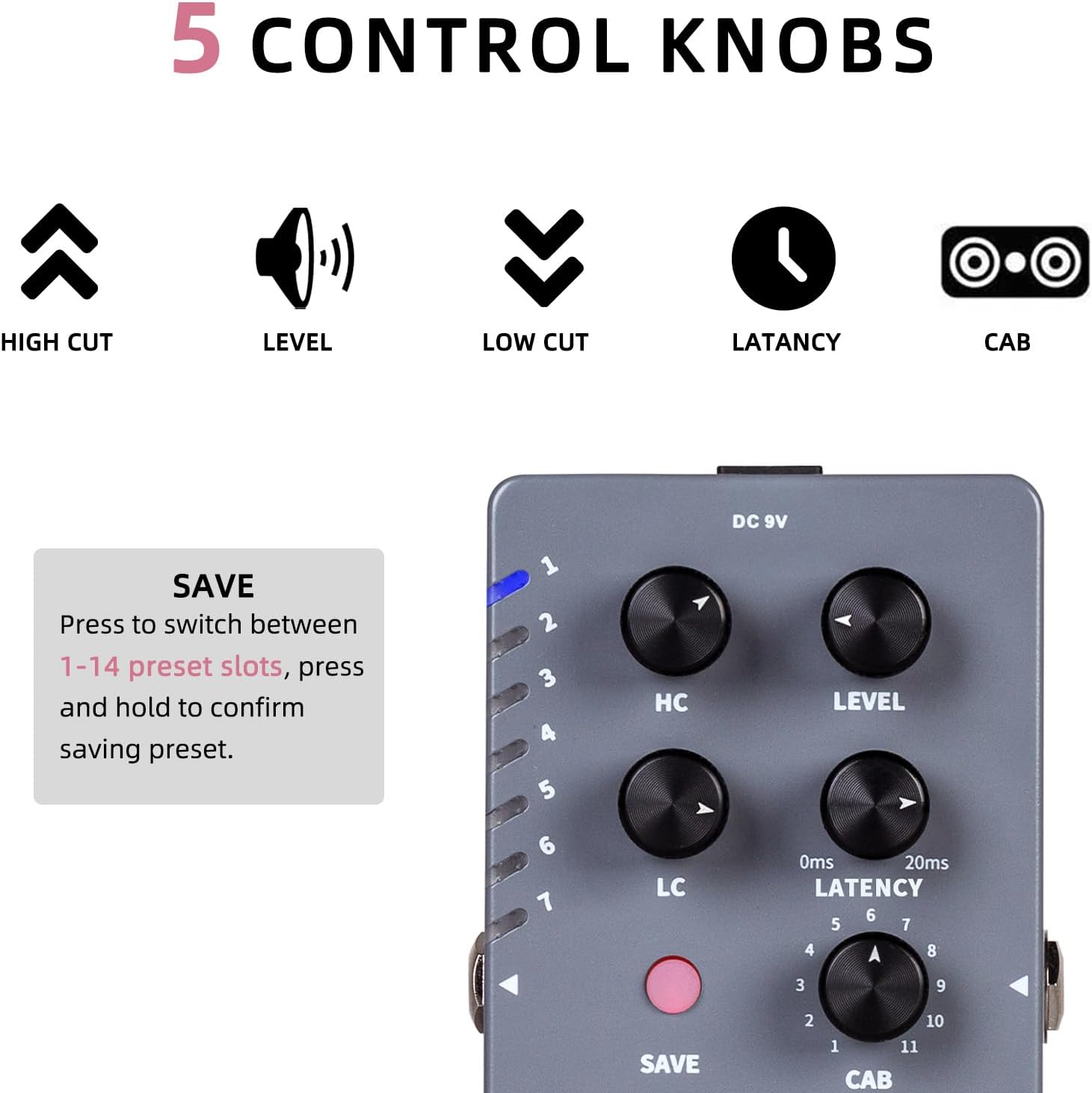
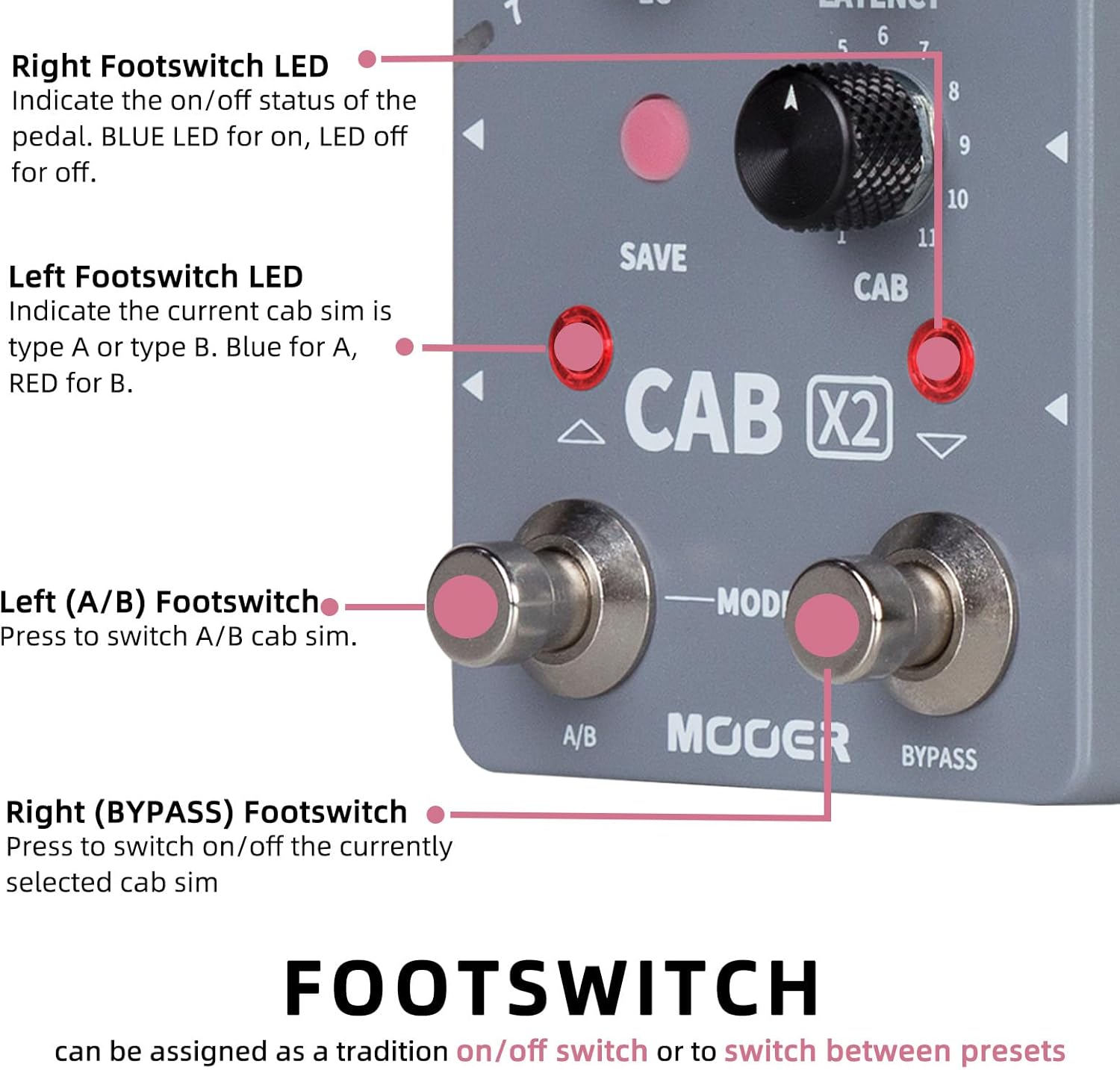
- Save Button: Press and hold SAVE button for 2 seconds to save the currently edited parameters. The Button LED will Blink to confirm saving is complete.
- Left Footswitch LED: Indicate the current cab sim is Type A or Type C, Blue for A Left output, Red for B Right output. Tone Adjustment for Left/right output as you can distinguish from the Left Footswitch. Blue means the left output is selected while red means the right output is selected.
- Right Footswitch LED: Indicate the on/off status of the pedal, BLUE LED for on, LED off for off.
The Cab X2 supports flexible stereo setups, allowing the option to bypass the cab sim pedal itself and connect to an external amplifier, sound board, PC, or pedal board. While away from your PC, the Cab X2 includes a headphone jack to keep everything nice and quiet while you manage presets on-the-go or for practice.
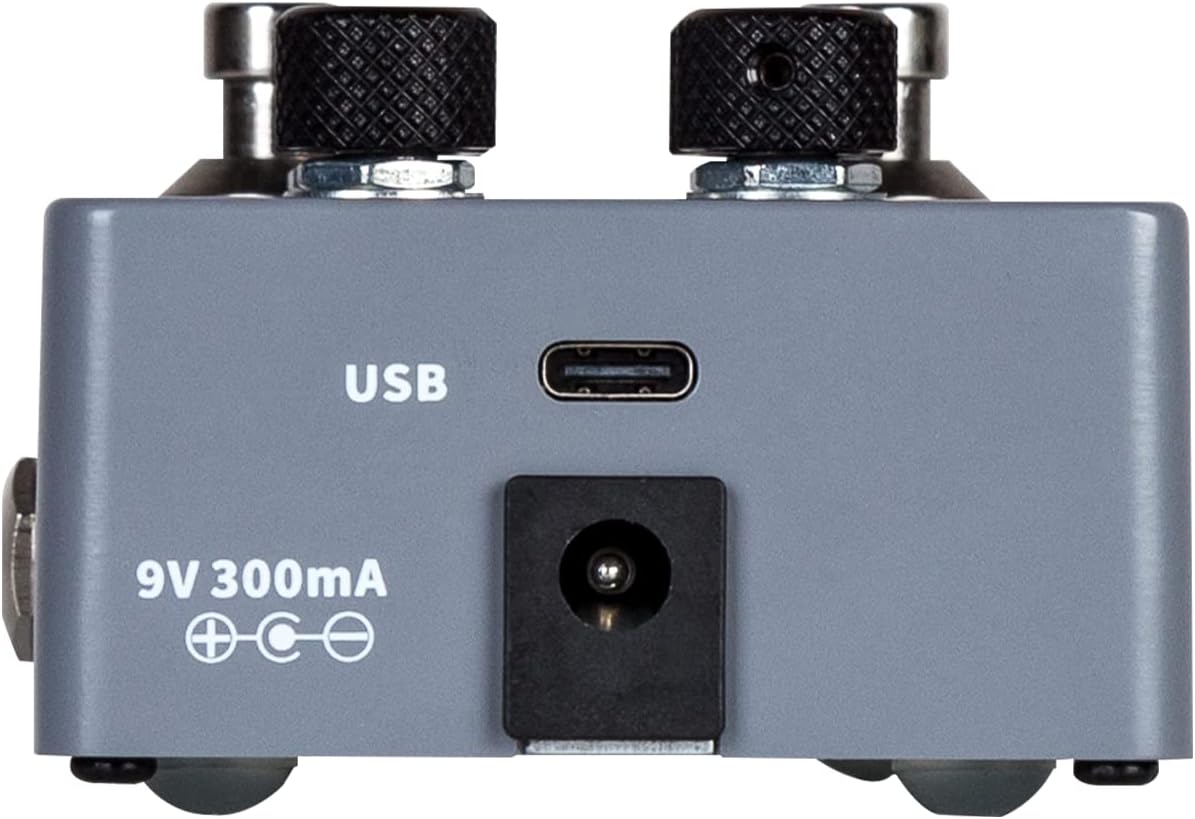
- Input:2*1/4"mono aural jack(Impedance value: 1Mohms)
- Output: 2*1/4"mono aural jack(Impedance value: 510ohms),
- Headphone Input: 1*1/8"stereo audio output jack(Impedance<1Ohms)
Editor Software
Save Button, Footswich LED
Multi Ways to get right for your application
-
Customer ReviewsNo comments