

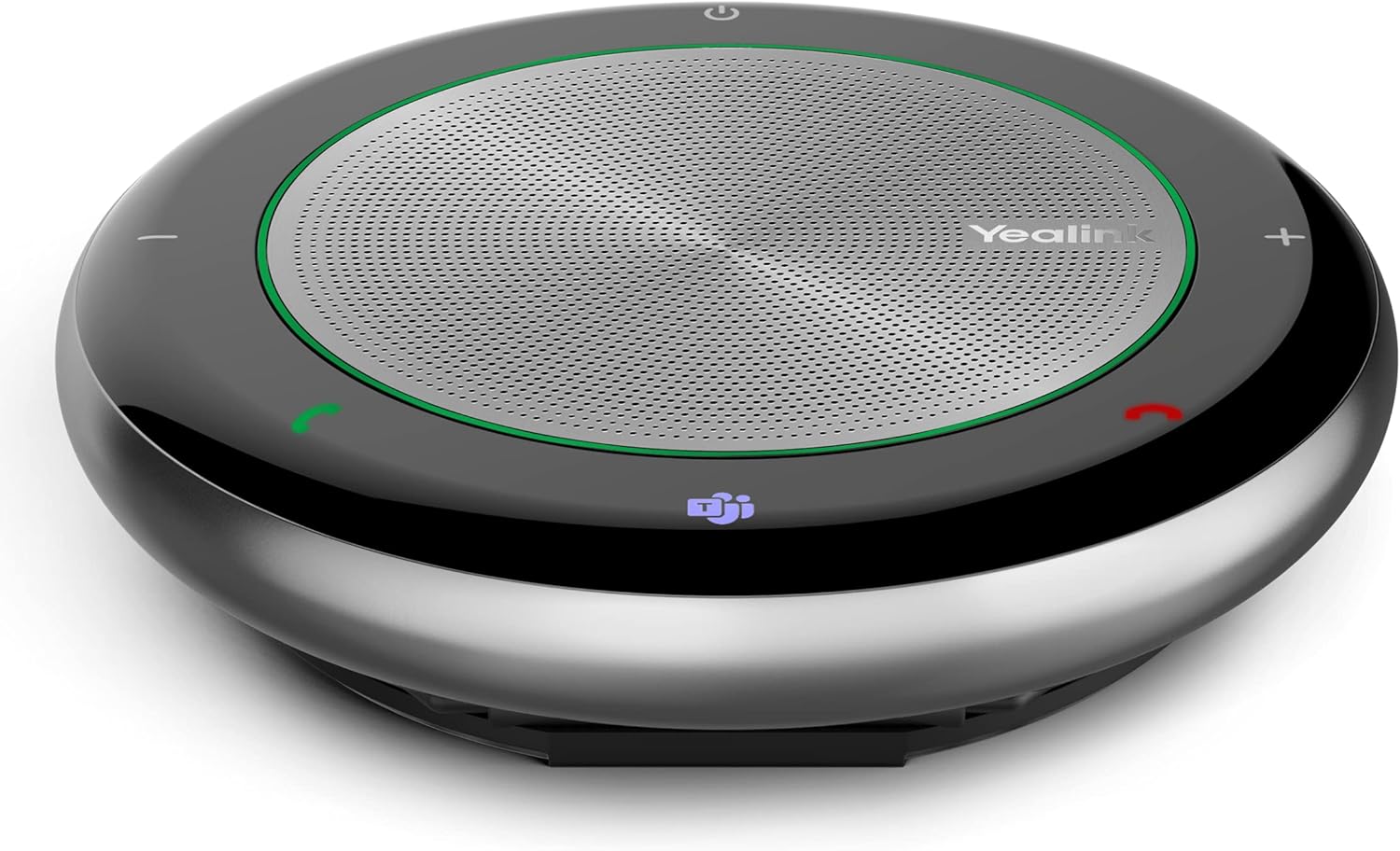
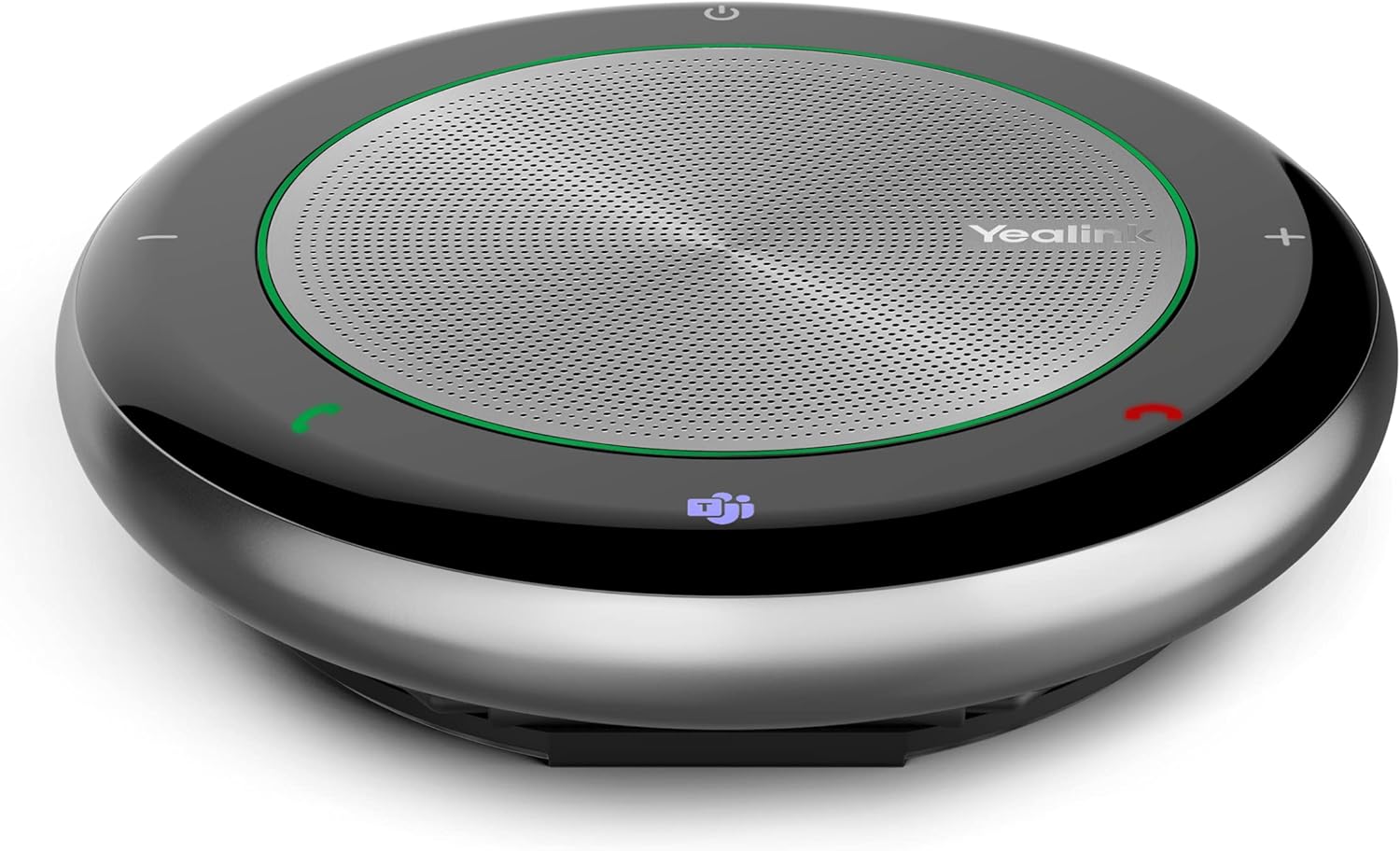
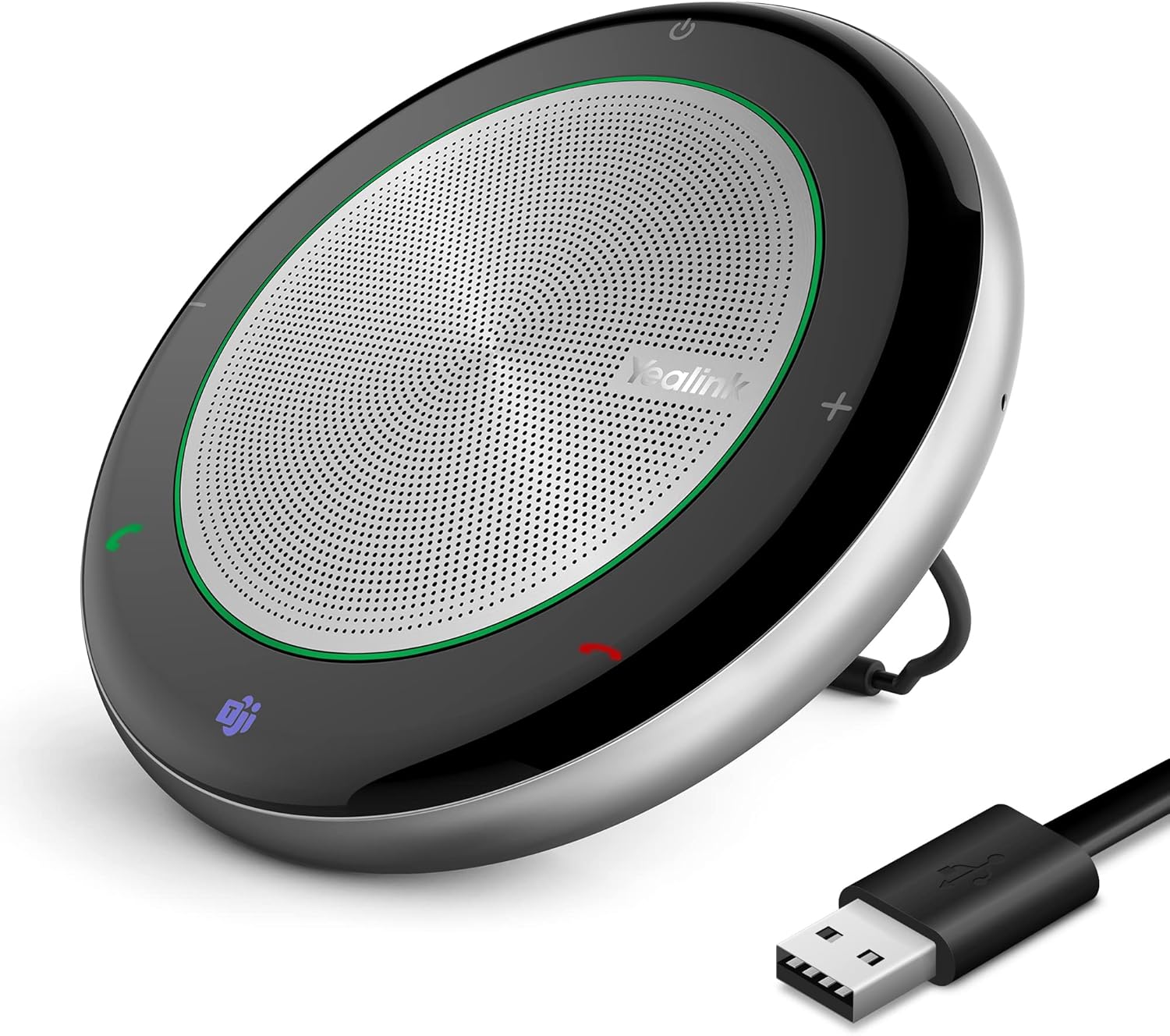
Yealink Bluetooth Speakerphone Conference Microphone Teams Certified CP700 USB Full Duplex Noise Reduction Algorithm Home Office 360° Voice Pickup (Package Without dongle)
-
Detail
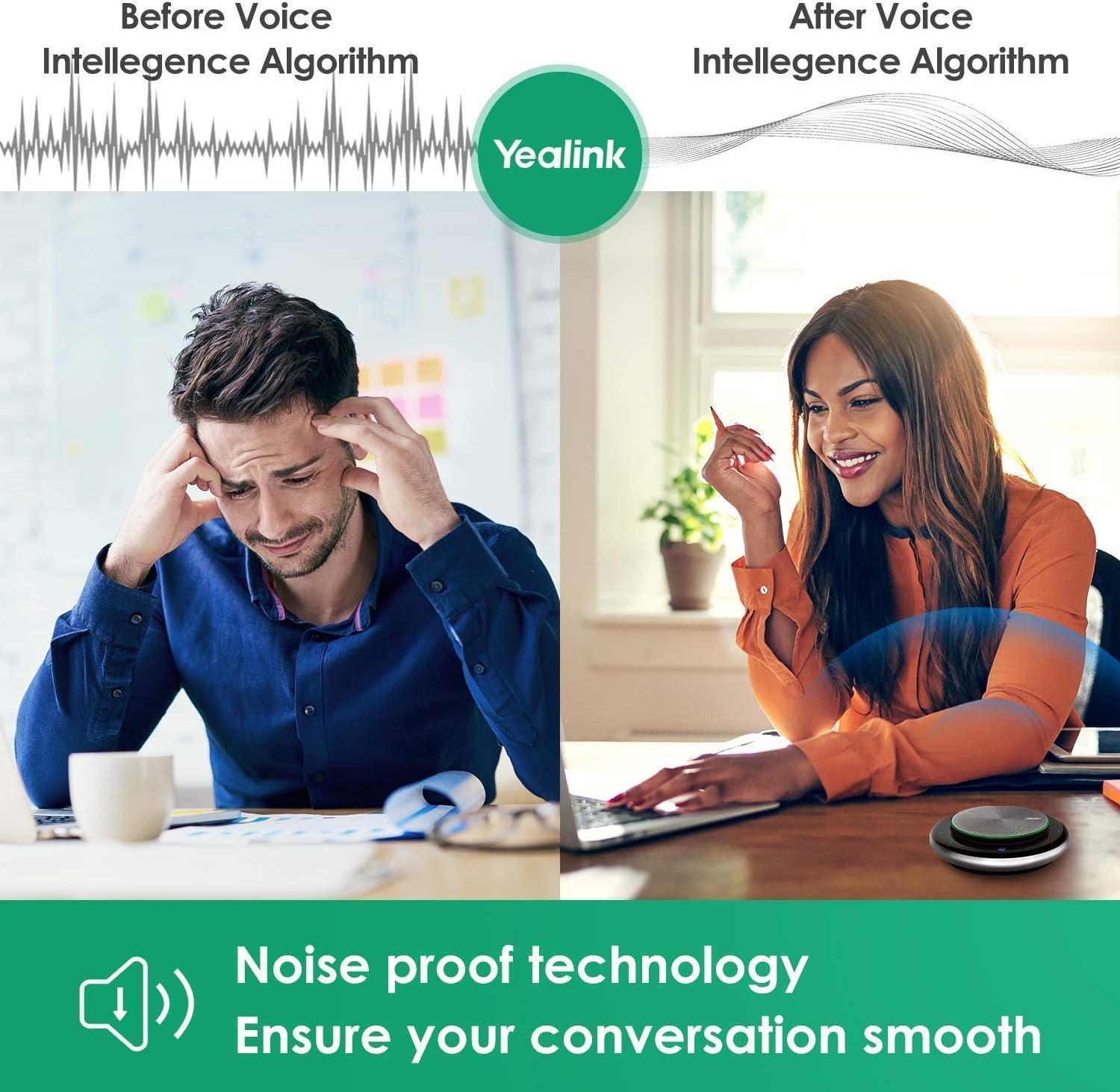
- Intelligent noise cancellation and Bluetooth-USB dual connection of CP700 for intuitive comfortable audio experience
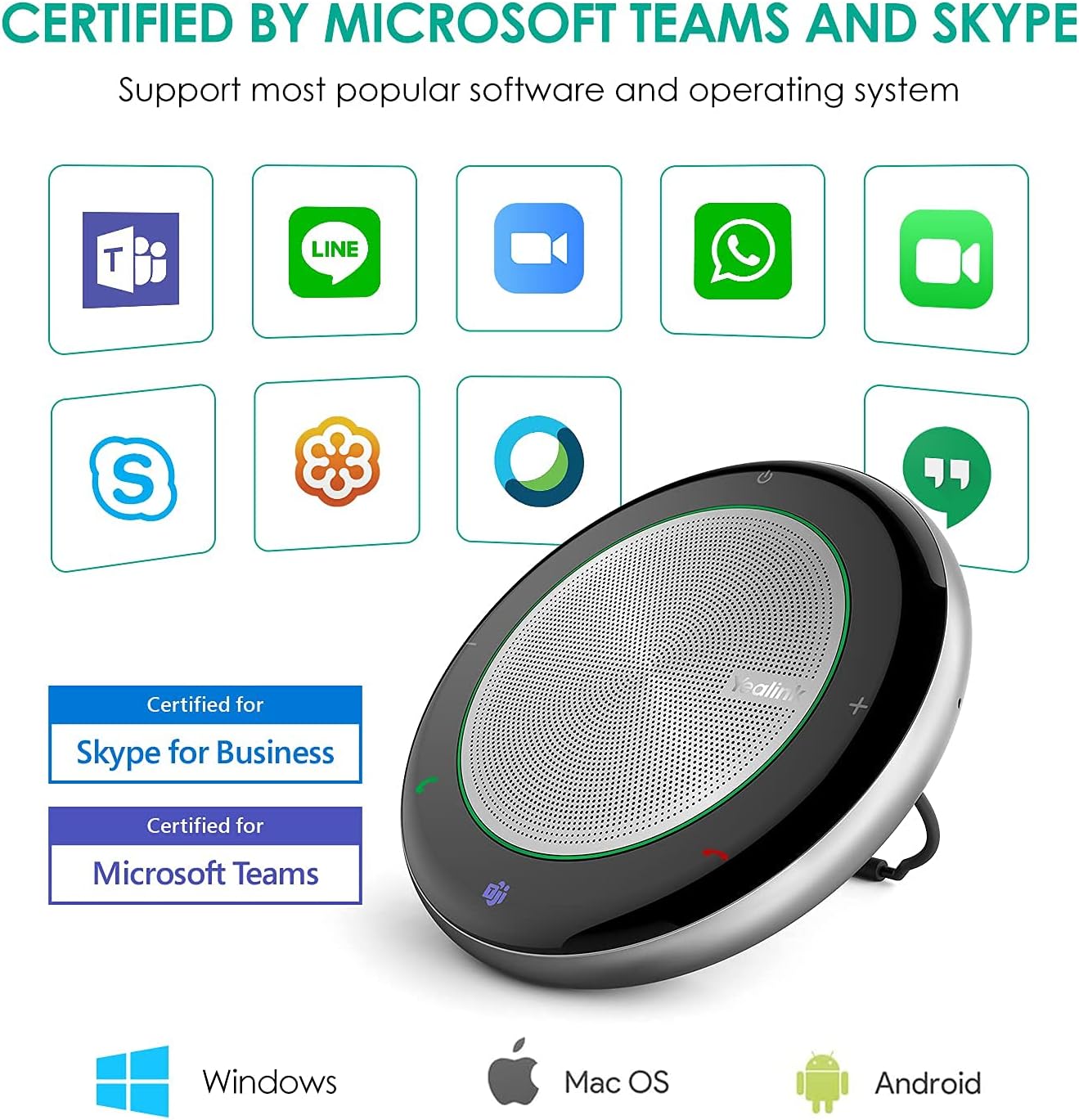
Thanks to the broad compatibility of Yealink speakerphones, users can enjoy consistent call experience across UC platforms, which promises better communication quality, higher productivity and lower IT costs.
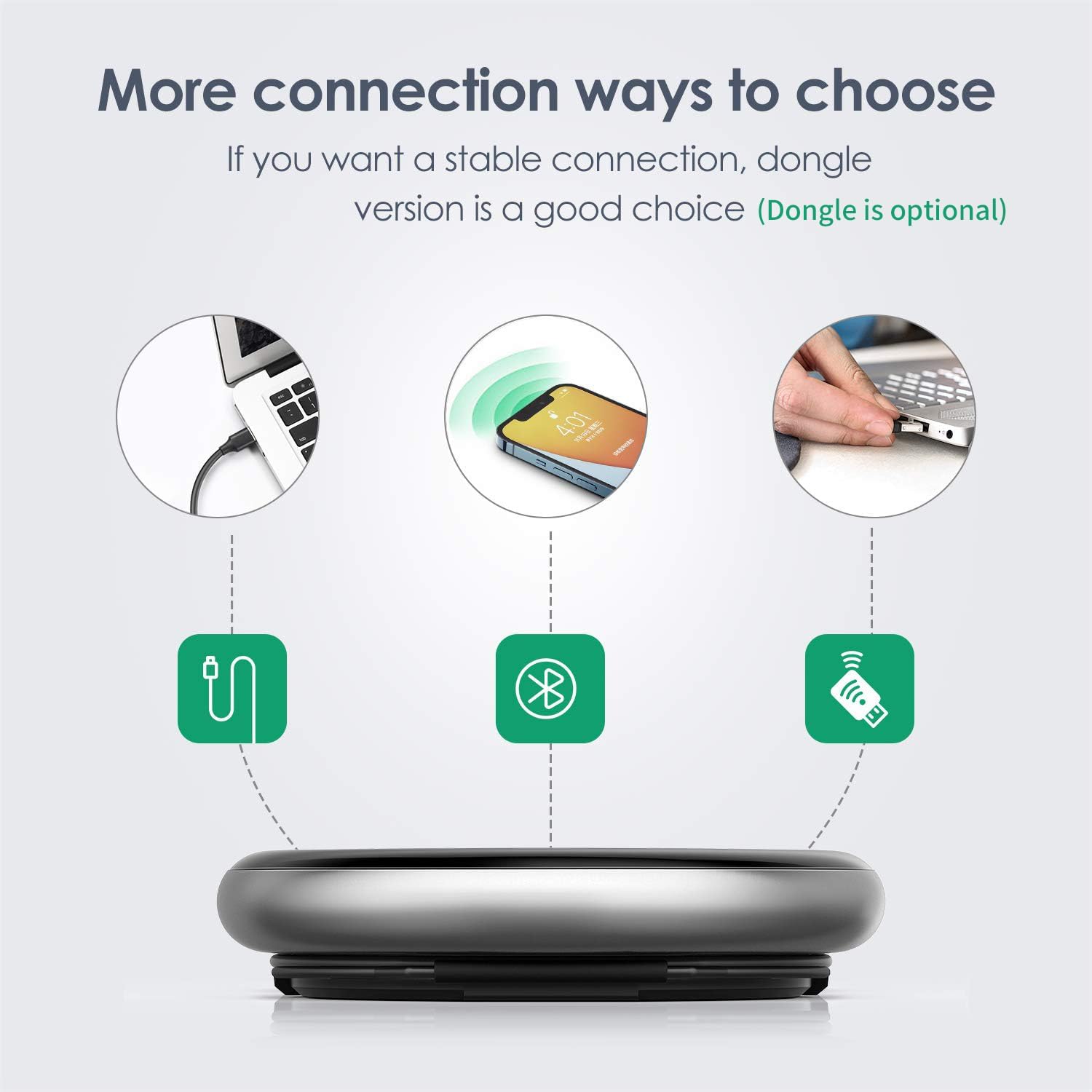
Connecting Your PC or MAC by USB or Dongle(option) , No Driver Required for Stable Meeting Communication Experience.
Certified for Microsoft Teams, the devices designed with a dedicated Teams button for activating Microsoft Teams with one touch.
Why can't I turn on the phone, the answer key and hang up key flash slowly
Low battery. Speakerphone will reboot automatically once it is connected to PC or charger cradle
Why do you fail to connect speakerphone via Bluetooth?
Do the following:
1. Check whether speakerphone is in Bluetooth pairing mode.
2. Check whether speakerphone has been connected to two devices via Bluetooth
Why is the other party unable to hear the voice during a call?
Do the following:
1. Check whether you remove the protective film from the speakerphone,other wise,the microphone might be blocked.
2. Check whether you set speakerphoneas the default microphone device for the mobile phone/PC and softphone.
Why there are no voice prompts or touch tones?
Check whether speakerphone is at the minimum volume.
Why cannot the computer recognize the connected BT50?
Check if the BT50 is inserted in the correct direction.
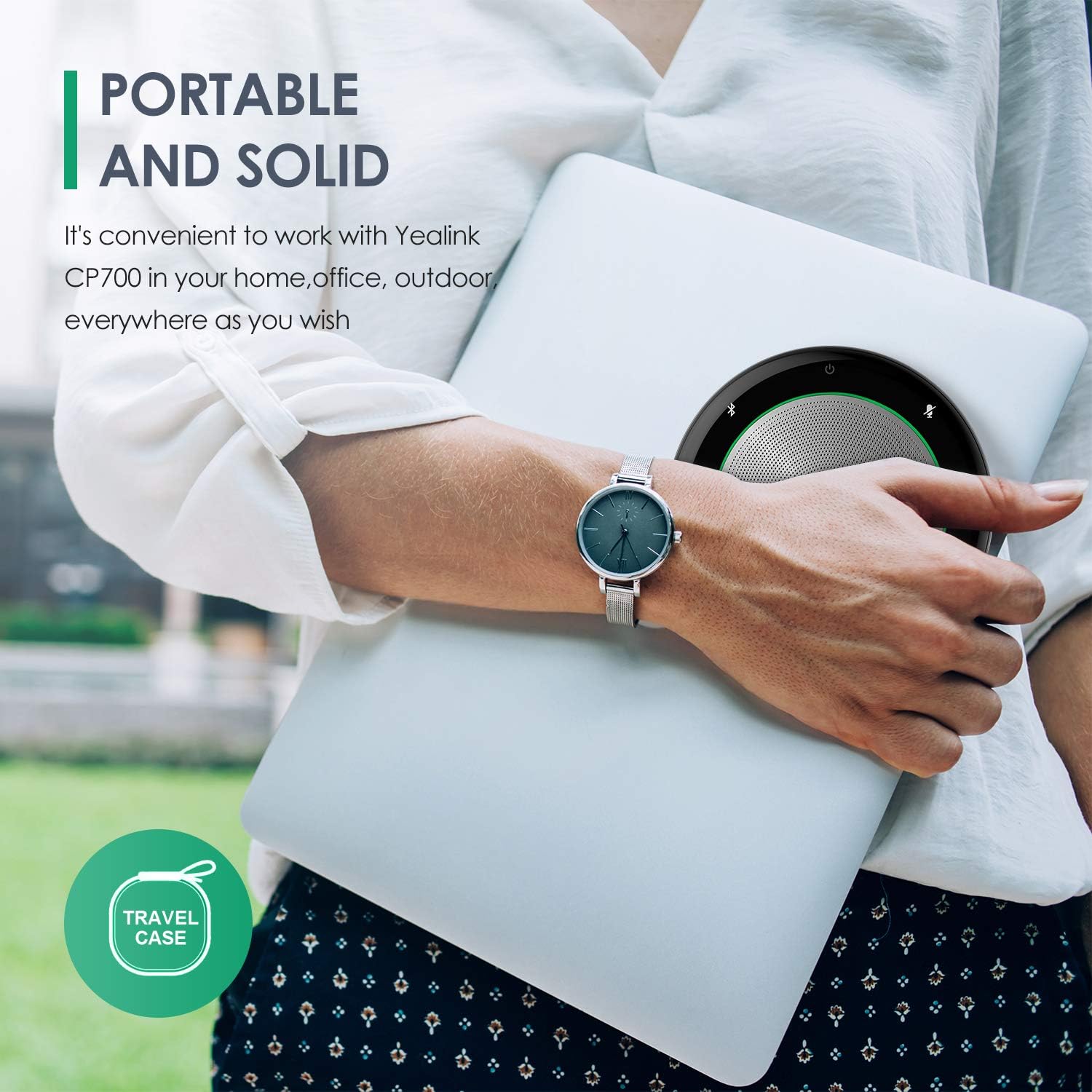
Ideal for personal use, private space and on-the-go
Why Yealink Teams Certified Speakerphone ?
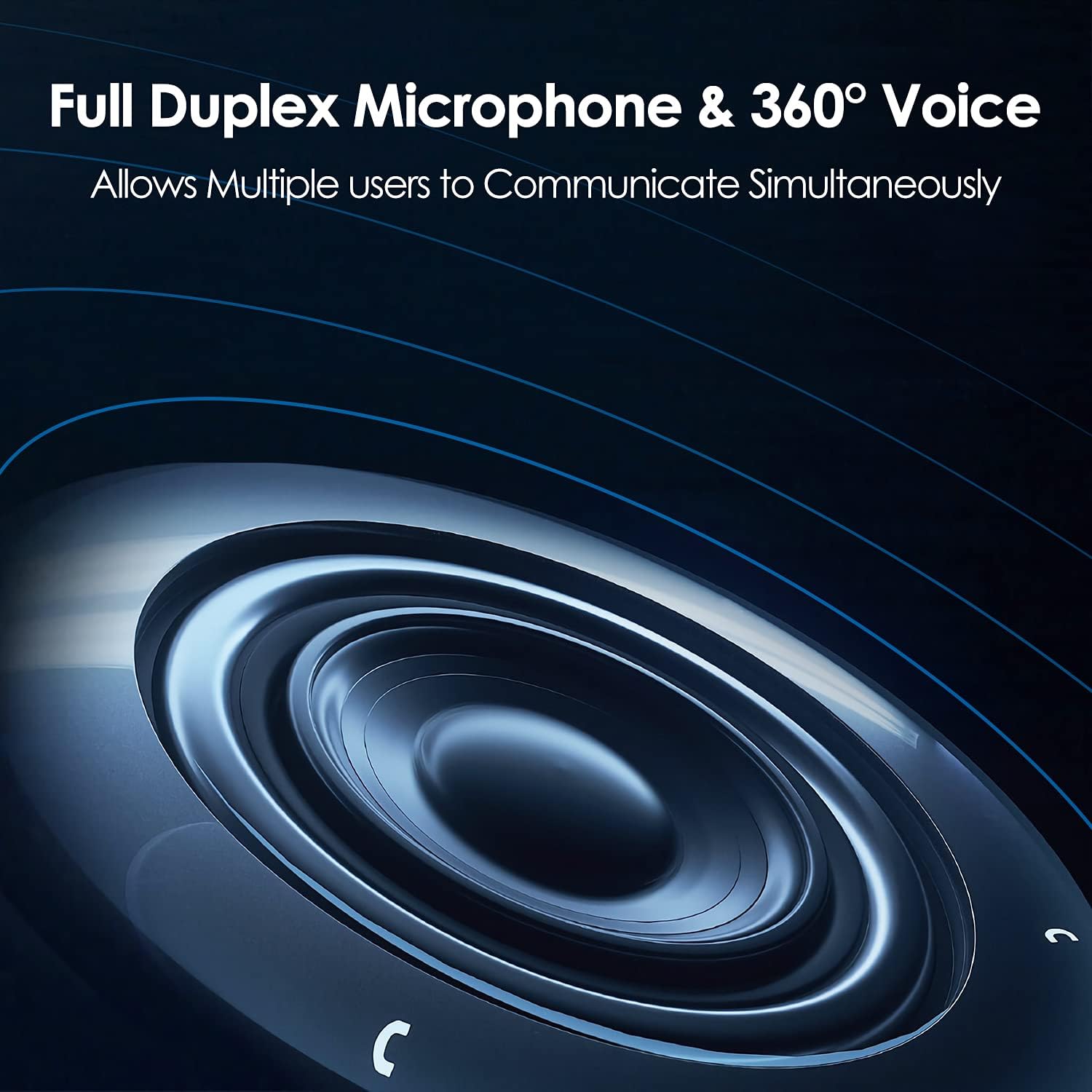
Full-Duplex Audio Technology by Yealink Speakerphone
Half Duplex and full duplex
360° Voice Pick-Up Speakerphone
HD audio offers a clear and natural sound
Comes in an elegant and lightweight design (220g)
Able to pair CP700 with 3 devices at the same time
Multiple buttons with LED indicators
Build up an effective collaboration
video
YOU MAY FACE or HOW THE YEALINK SPEAKERPHONE SERVE YOU
Universal Compatibility
Plug & Play
Why can't I turn on the phone, the answer key and hang up key flash slowly
Why do you fail to connect speakerphone via Bluetooth?
Why is the other party unable to hear the voice during a call?
Why there are no voice prompts or touch tones?
Why cannot the computer recognize the connected BT50?
-
Customer ReviewsNo comments